
Earth Zoom Generator
Explore a different kind of imaginative AI video prompt.


Loading history…
HeyPix’s AI High-Altitude Trampoline Video guide pairs one adult photo with an imaginary floating garden. Rounded trees, pink clouds and a mint trampoline set the mood; a clear body outline keeps the action readable. Use the prepared eight-second scene direction and add visual notes when you want to refine the framing.
Use the single photo picker for one permitted adult, preferably shown full-body with hands and feet visible. There is no second image slot, video upload, or motion-reference input. Choose a photo where the person is easy to distinguish; the fantasy background can be requested separately.
The prepared scene direction supplies the main fantasy sequence. Add optional visual notes if you want to refine details such as cloud color, tree shapes, or framing; notes are not required. Keep the request focused on an imaginative portrait rather than real-world stunts.
The current model is Seedance 2.0, and the duration is 8 seconds. Aspect-ratio and resolution choices, audio options, eligibility, and credit requirements follow the live generator quote. Check that quote before submitting; do not assume a free model or fixed credit cost. Queue times can vary.
When generation is ready, open the clip in History and watch it all before downloading. Check for one continuous body outline, visible hands and feet, clear trampoline contact, no duplicated people, and a stable camera. Download only after reviewing. Add captions or audio separately if desired.
Soft cloud gardens can become visually crowded. Ask for a clear gap between the adult’s arms and the nearest tree shapes, and leave headroom above the suspended pose. A mint trampoline gives the lower part of the frame a simple, recognizable form. Review the figure at phone size: if the limbs disappear into foliage or clouds, simplify the requested scenery before adding more detail.
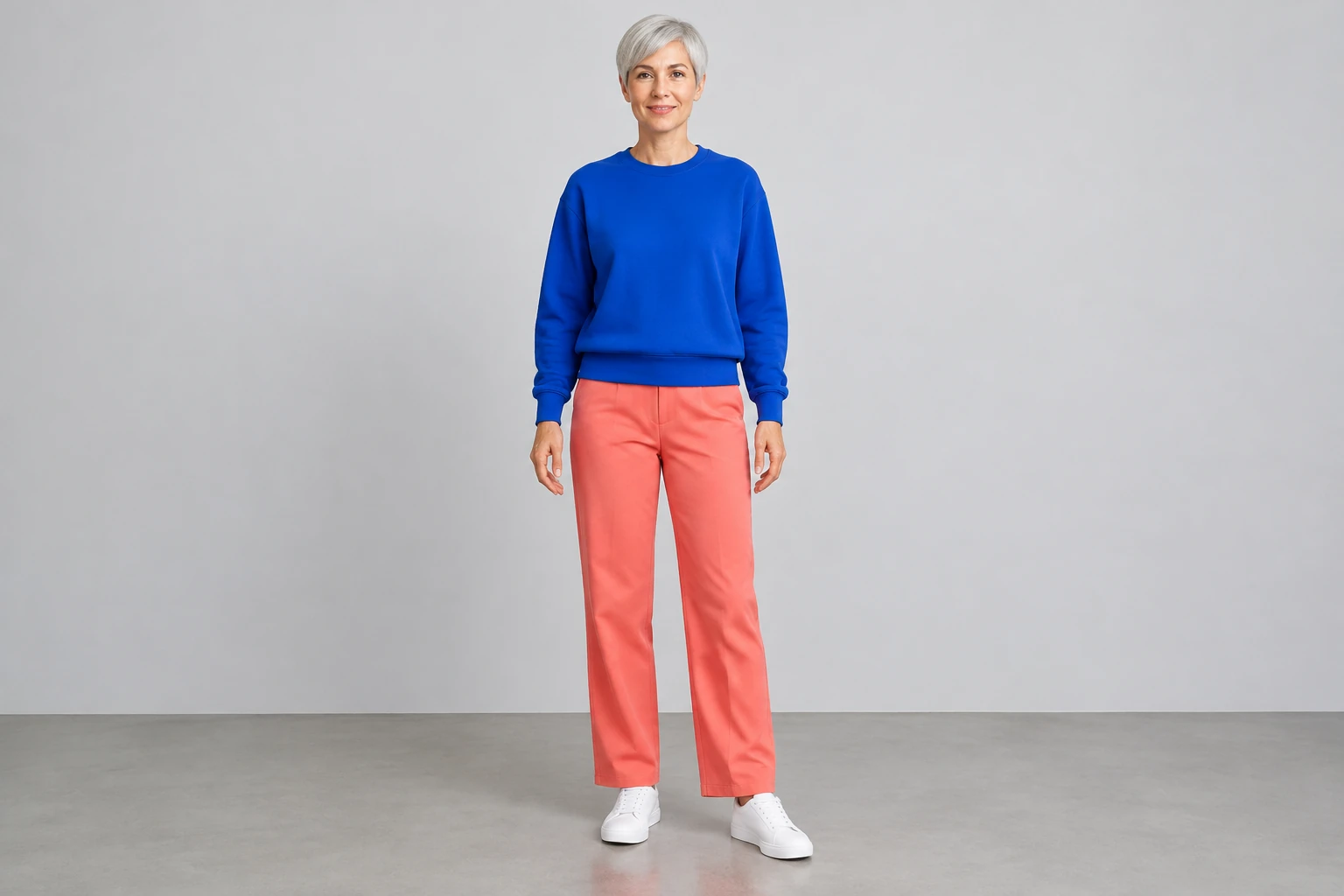
Choose a single adult photo with the whole body visible. The silver-haired character in the examples demonstrates a color pairing; it does not determine who appears in your clip. The direction asks to retain your subject’s actual appearance and clothing while replacing the setting. Compare distinctive outfit shapes and the face across the opening, contact and final pose when you review the result.

A suspended start, descent, soft contact and gentle rebound are enough for this short scene. Use optional notes for one useful preference, such as a steady full-body view or fewer foreground trees. Avoid stacking several locations into the same clip. Check whether the garden stays coherent while the person moves, especially where cloud edges overlap the trampoline and feet.
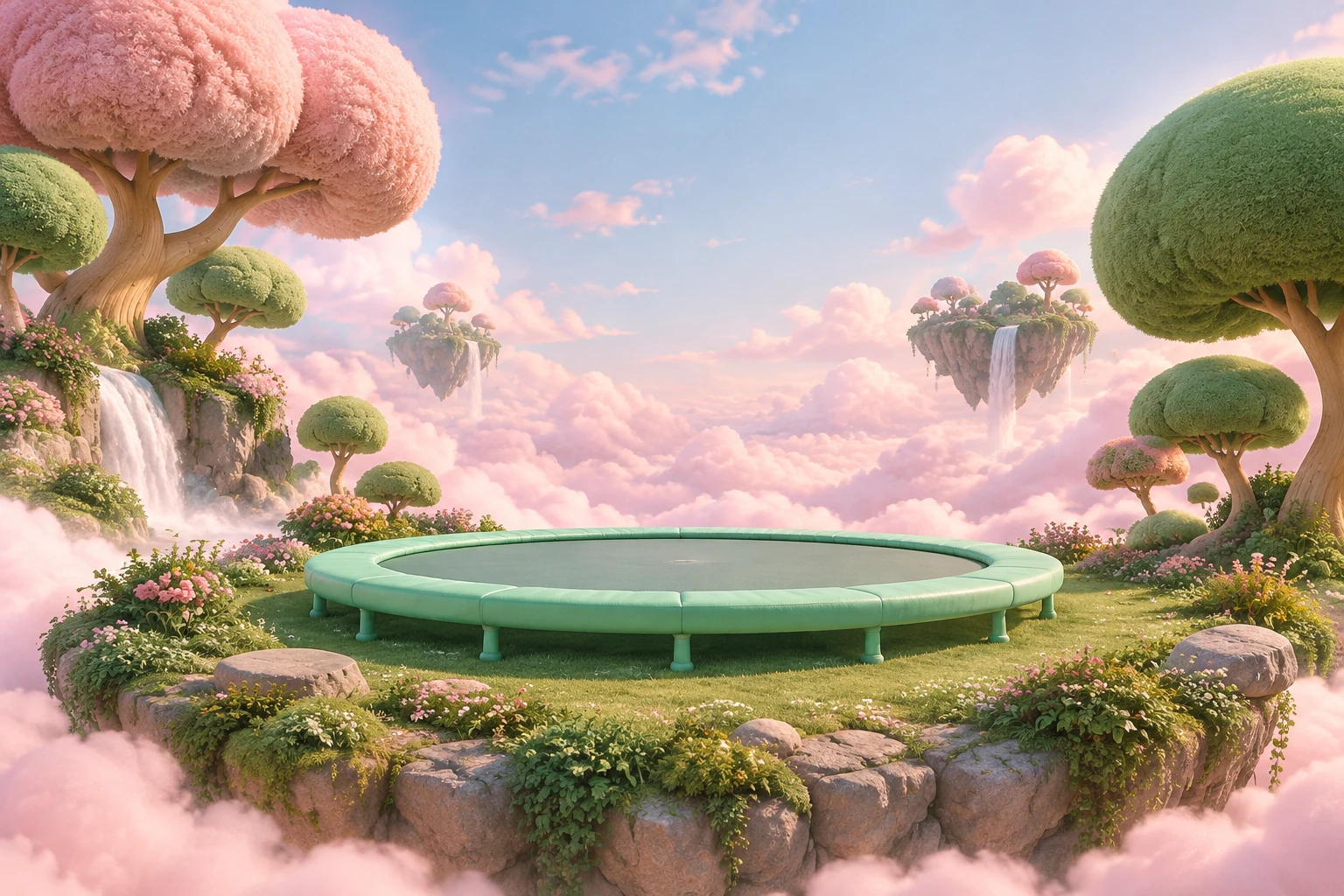
Watch the complete clip in History rather than judging it from its first frame. Look for one figure, readable hands and shoes, clear contact and a calm finish with room for any captions you plan to add separately. Check paid eligibility and the live quote before submitting or revising. The floating-garden scene is fictional and should not be imitated.
Upload one photo showing one permitted adult. A clear full-body image can make it easier to request a readable silhouette. The workflow does not accept a second image, a video, or a motion reference.
No. The prepared scene direction provides the main request. Optional visual notes can add preferences, but they are not required.
The prompt asks HeyPix to preserve the uploaded adult’s actual appearance and clothing while changing the setting to a fantasy environment. Generated results can vary, so review the complete clip.
Use optional notes to request fewer foreground trees, open space around the adult and a steady full-body view. Check the outline at phone size before deciding whether to download.
The current model is Seedance 2.0 with an 8-second duration. Check the live quote for available aspect ratio, resolution, audio options, eligibility, and required credits; these details should not be assumed in advance.
Open the completed generation in History and watch the whole clip before downloading. Queue times can vary. Add captions or audio separately if you want them.
heypix.io · Updated