AI Video Generator
Explore AI video creation options.


Loading history…
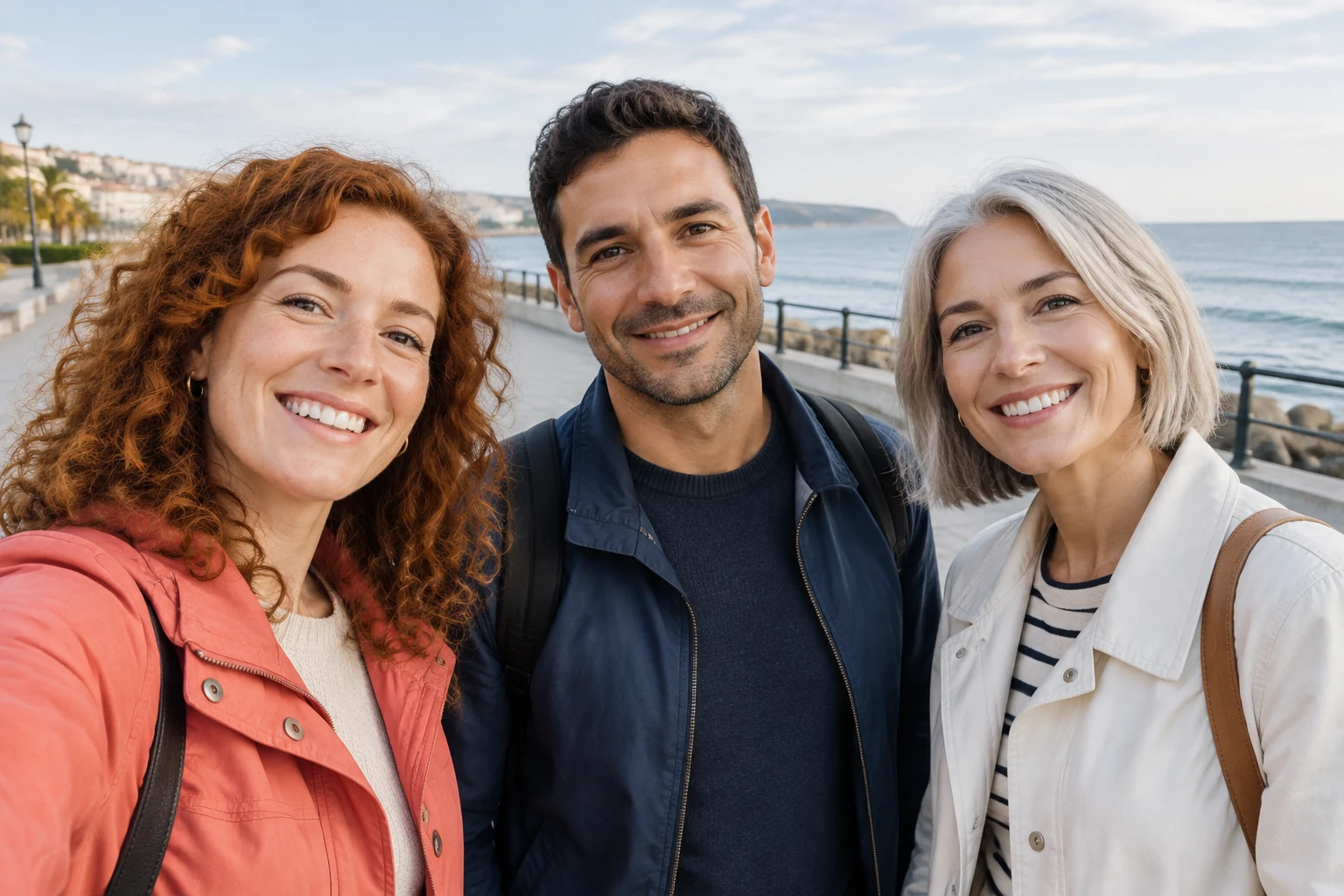
Use the Gangnam Style AI Video Generator to plan a playful street-selfie clip for three friends. Choose Text to Video to describe a fictional group, or Image to Video to animate one group photo. Decide on the setting and left-center-right arrangement first, then ask for a small expressive movement, a brief emphasis on one friend, and a shared ending. Keep the action simple so the group remains easy to follow.
Choose Text to Video to describe a fictional trio, or Image to Video to animate one starting photo. For Image to Video, prepare a single picture containing all three people. Before writing the prompt, note their left-center-right positions and the scene you want to keep.
Describe a recognizable setting, such as a pedestrian street, and say where the three friends stand in the frame. Keep the opening group-focused, with everyone visible and looking toward the camera. For an uploaded photo, ask to retain its existing background and the people’s actual appearance.
Give the group one easy action, such as a gentle sway or a wave. You can briefly emphasize one friend by asking for a closer composition or a moment of attention, while keeping the other two in view. Finish with all three together so the clip has a clear shared ending.
Select Seedance 2.5, then choose a short duration and an aspect ratio suited to your intended use. The live credit quote appears beside Generate. After generation, check task progress in History, then review the full clip, including all three faces; camera timing and likeness can vary.
Start with the group’s arrangement: who is on the left, in the center, and on the right. In Text to Video, describe a fictional cast and their outfits. In Image to Video, use one group photo and refer to the actual people and clothing shown. A clear opening with all three together helps establish the scene before the movement begins.

Choose one setting and one small group movement. A relaxed sway, a few natural gestures, or a wave can give the clip expression without making the action hard to follow. If you want a brief emphasis on one friend, keep the other two visible and return to the full group for the ending.
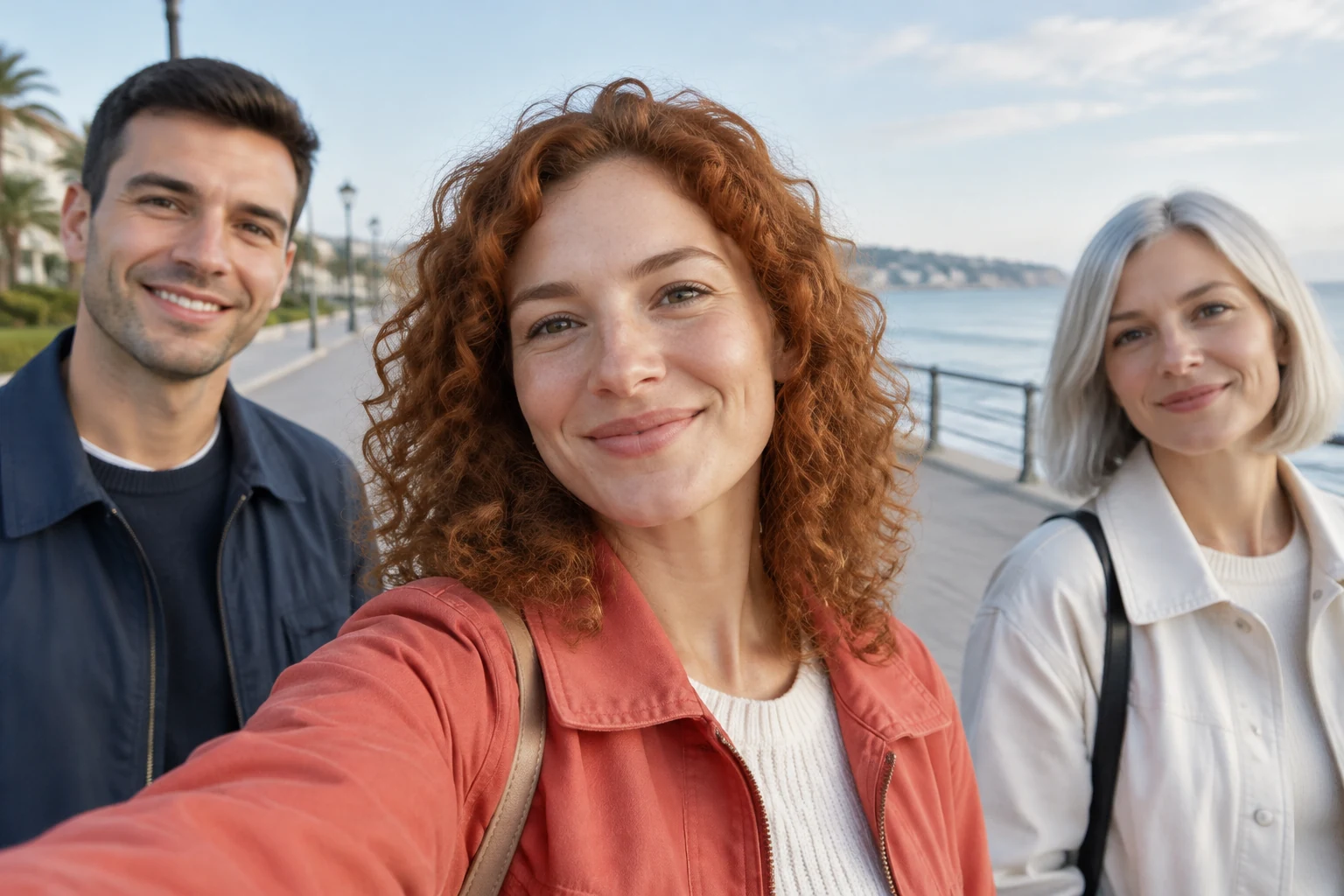
The storyboard preview offers planning frames for the opening, closer composition, and shared wave. Use them to consider whether the group is framed clearly and whether the ending brings everyone back together. Treat the frames as a guide to composition rather than a finished video.

Camera timing and likeness can vary, so review all three faces in the finished clip. The original song is not bundled; audio options follow the selected parameters. Choose settings and audio options to suit the result you want, then check that the shared ending reads clearly.
For Image to Video, prepare one group photo containing all three people. This gives the clip a shared starting frame.
Yes. Choose Text to Video and describe a fictional trio, their arrangement, the scene, and the simple action you want.
Yes. Adjust the setting, composition, movement, or ending to suit your idea. For an uploaded photo, keep the prompt focused on preserving the actual people, clothing, positions, and background.
Yes. Request a brief closer composition or moment of attention while keeping both companions visible, then bring all three back together for the ending.
Camera timing and likeness can vary. Review all three faces in the finished clip and check that the group composition and shared ending work for you.
The live credit quote appears beside Generate, and task progress is available in History.
heypix.io · Updated