Upload the actual dish
Choose Image to Image and provide a clear dish photograph. Describe the portion and ingredients that must remain recognizable. Use Text to Image only when exploring a visual direction from scratch.


Your photo, your announcement
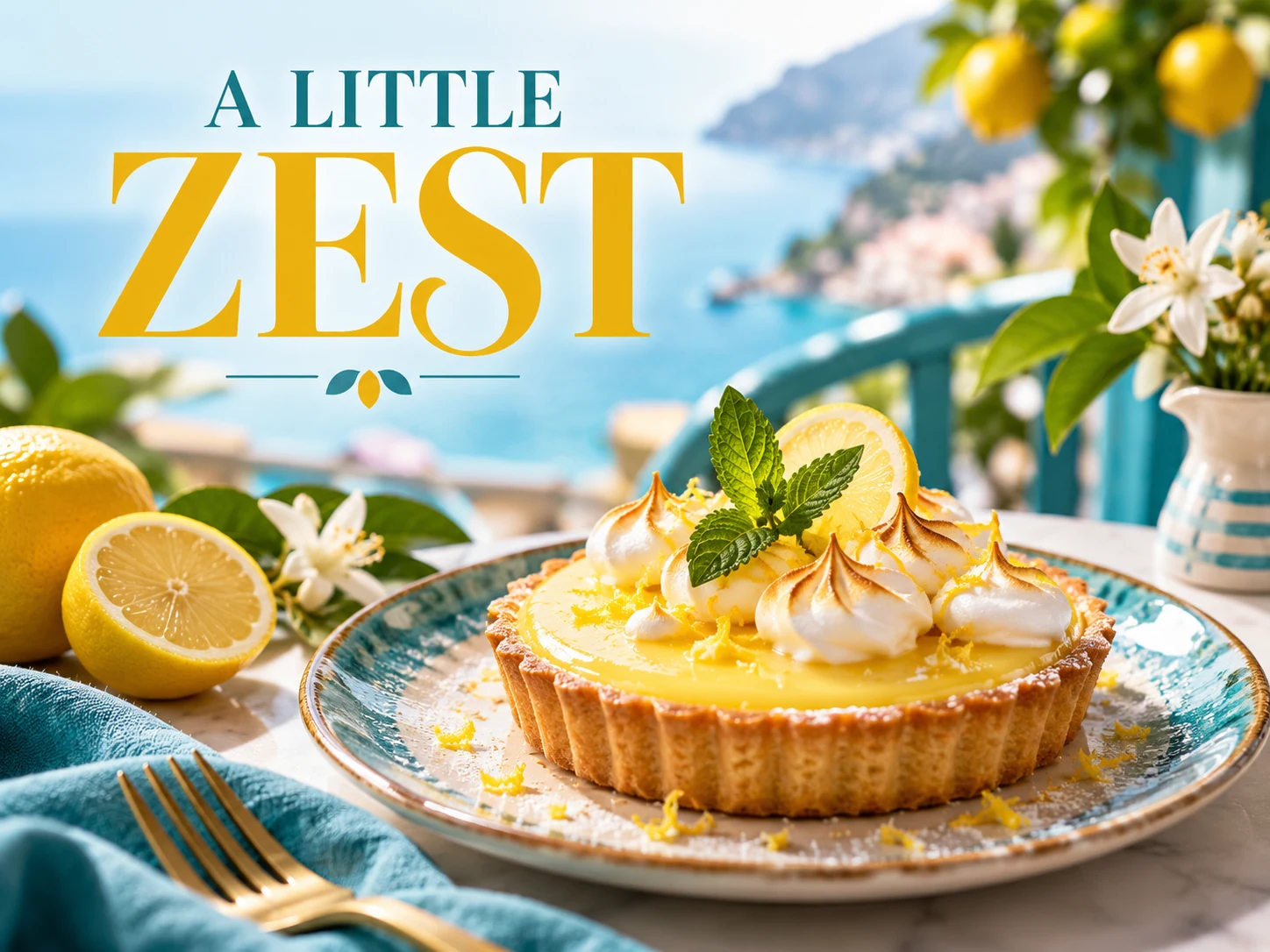
Turn a dish photograph into a food flyer for a café, bakery or takeaway offer. Upload the food in Image to Image and describe the headline, price and ordering details. Use Text to Image for early visual concepts when you do not yet have a dish photo.
Make a photo flyer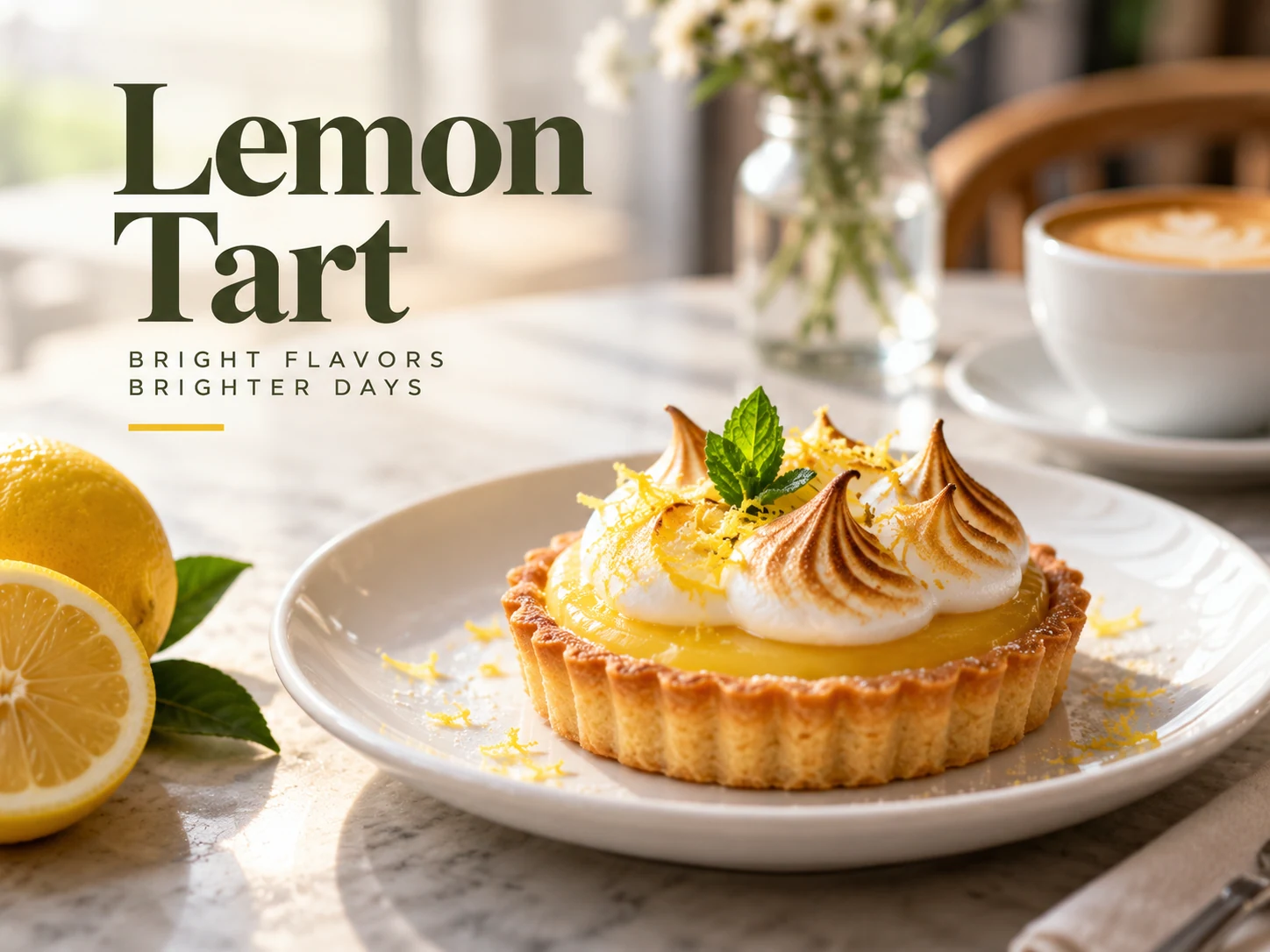
Use a sharp photo of the dish you actually sell, with its usual serving size and visible ingredients. Keep the plate fully in view and remove distracting packaging or unrelated dishes from the frame.
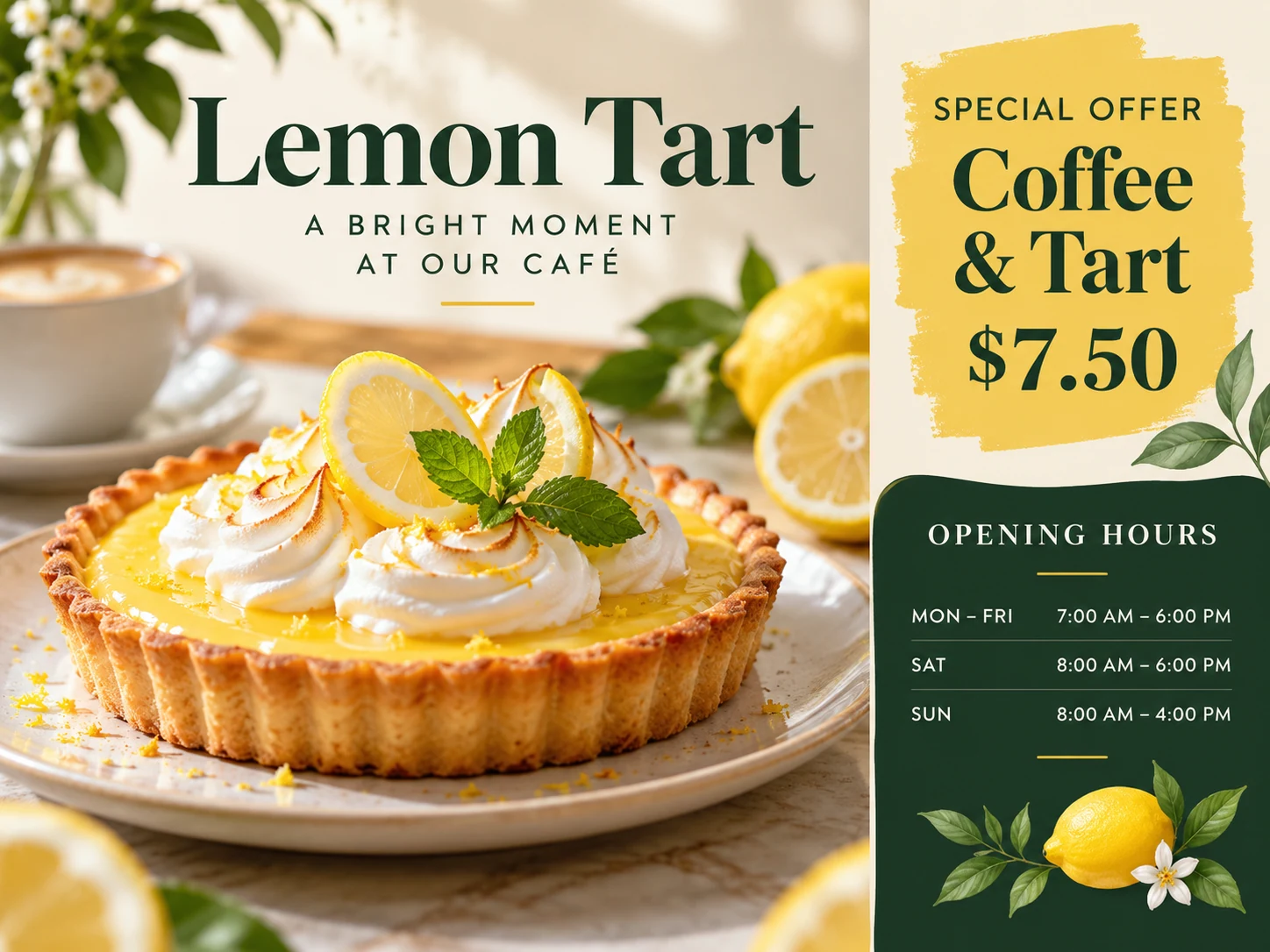
Choose Image to Image and provide a clear dish photograph. Describe the portion and ingredients that must remain recognizable. Use Text to Image only when exploring a visual direction from scratch.
Replace the sample dish name, price, dates and ordering instructions. Ask for one headline and a short offer. Do not ask the image to invent dietary claims, discounts or business information.
Review the model quote, generate and compare the image with your real serving. Inspect the price, opening dates and ordering instructions before downloading. Revise the prompt if the food or wording changes.
Compare ingredients, portion size, toppings and packaging with the dish you sell. Check every price digit and the offer dates. A visually appealing result still needs this review before it represents your menu to customers.
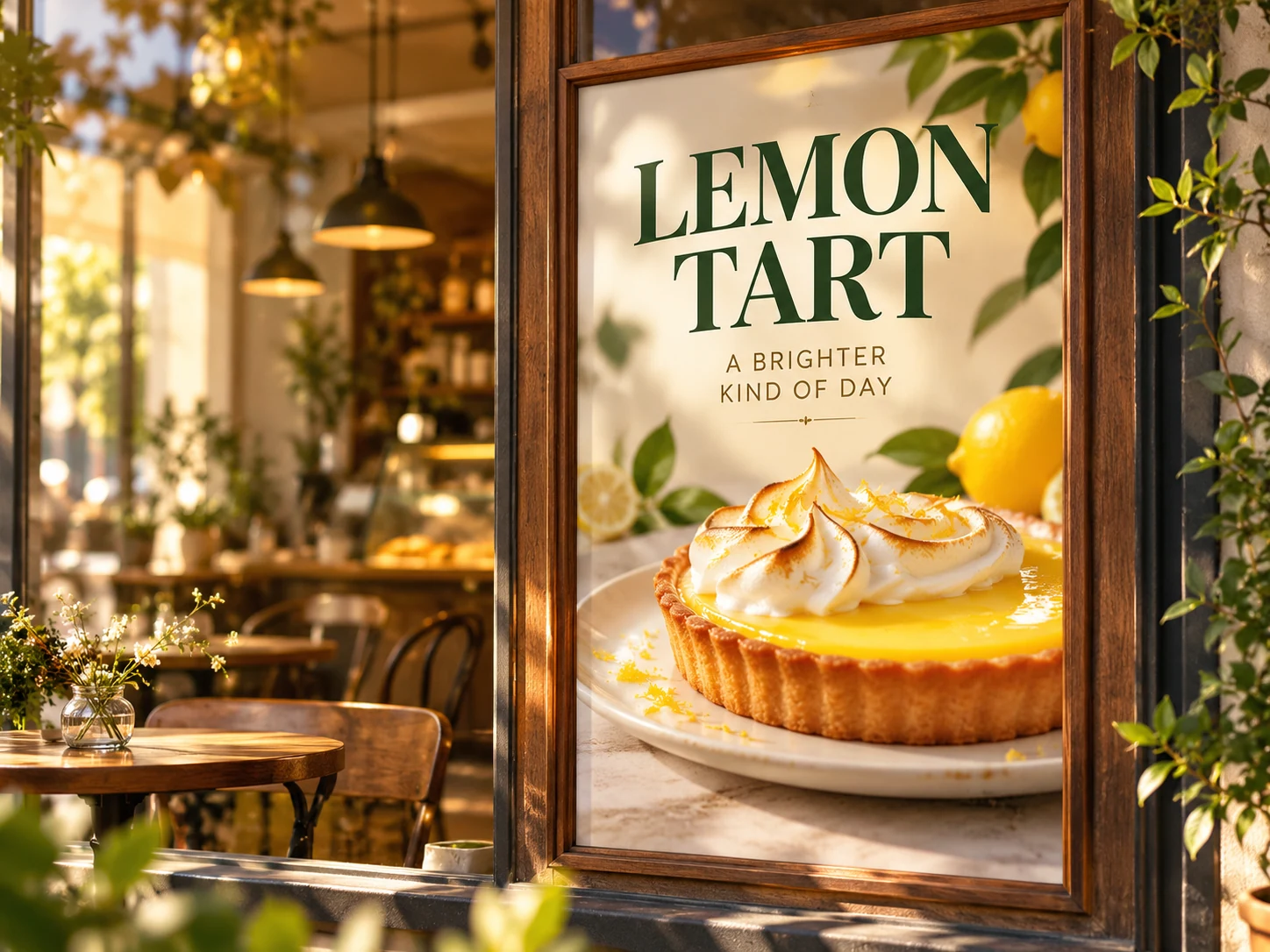
Feature a single pastry and the dates when customers can buy it.
Keep the drink or dish prominent with a short description and actual price.
Put the order method near the offer so customers know what to do next.
A reference helps guide the result, but the model can change ingredients, texture or portion size. Compare it with the original before using the image in a real promotion.
This page is best suited to one dish or a short offer. For a long menu with exact prices and many text lines, use a layout editor that keeps every item independently editable.
Any available free credits or promotions appear in your account. Generation uses the live credit quote for the selected model and settings; check that quote before submitting.
Completion depends on the selected model, output settings and queue. Follow the existing task in History rather than submitting the same request repeatedly.
Choose from the ratios offered by your selected model. Keep the headline and essential details away from the edges, then check the downloaded dimensions for the place you plan to share it.
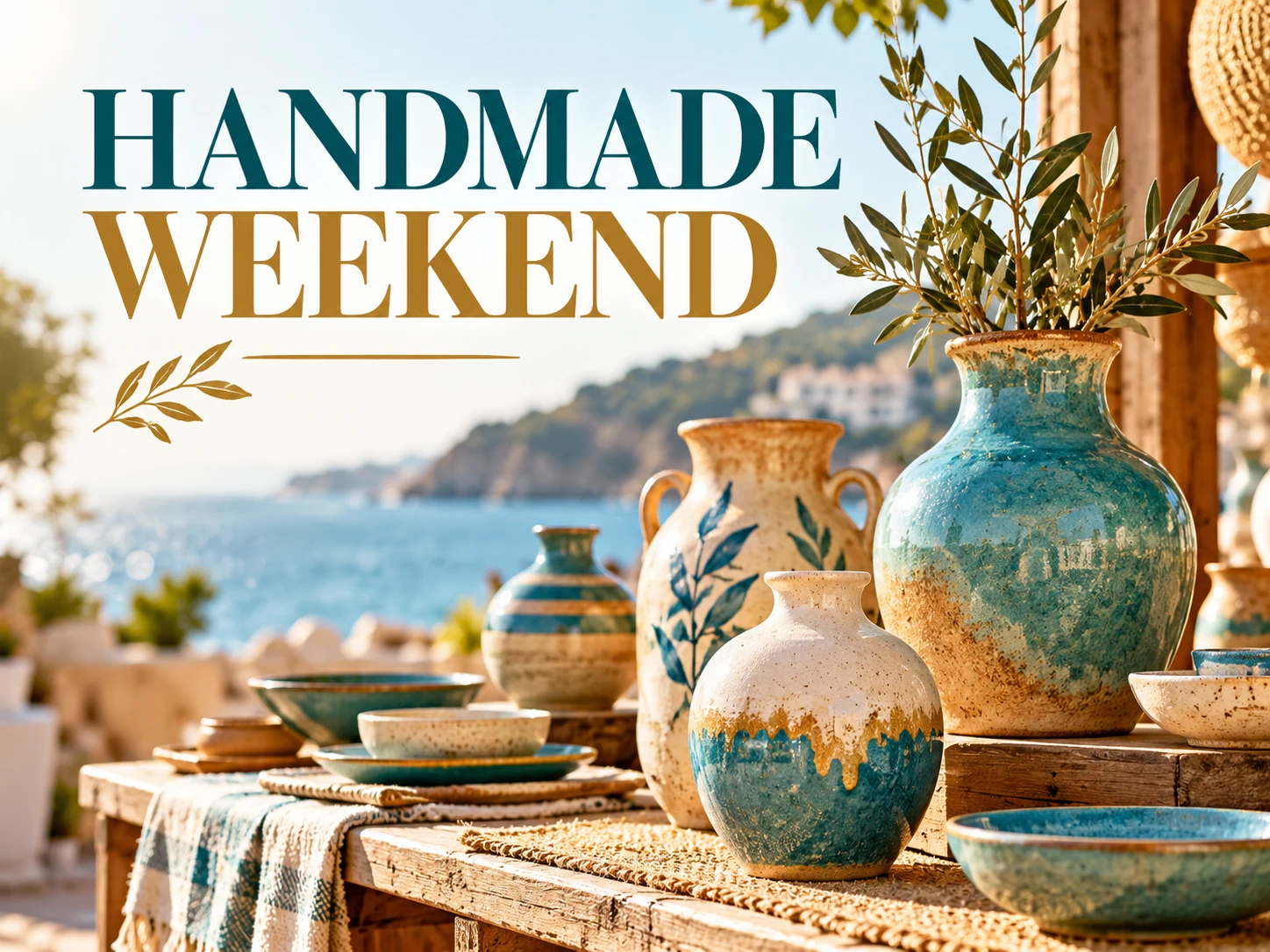
Make a photo flyer from your own product, portrait or venue image. Set the headline, offer and visual style, then generate and review your flyer with HeyPix.
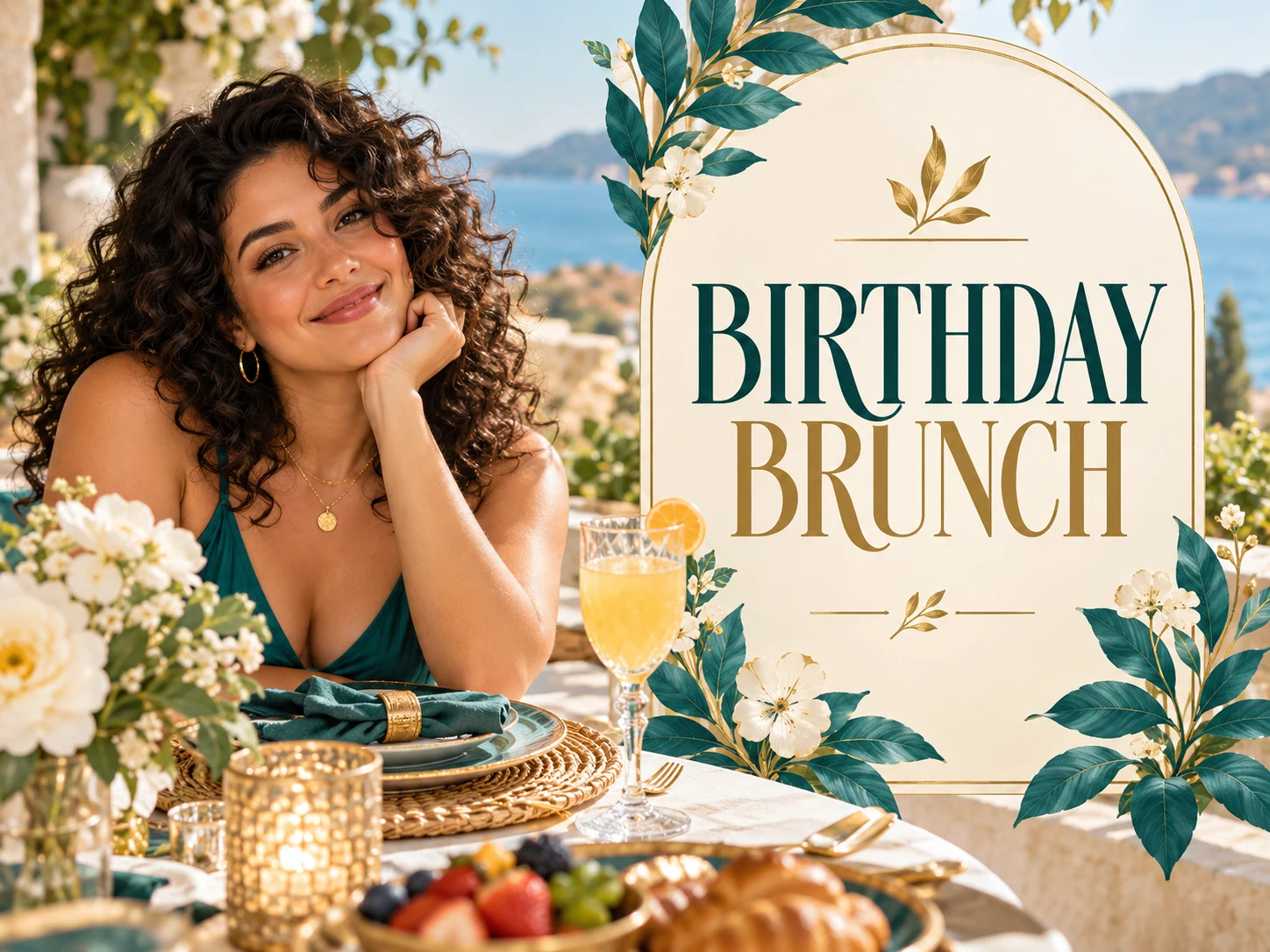
Create a birthday photo flyer around a favorite portrait. Add the name, age, party details and RSVP wording, then review the generated invitation in HeyPix.
Explore a different photo or visual direction with the general image generator.
heypix.io · Updated