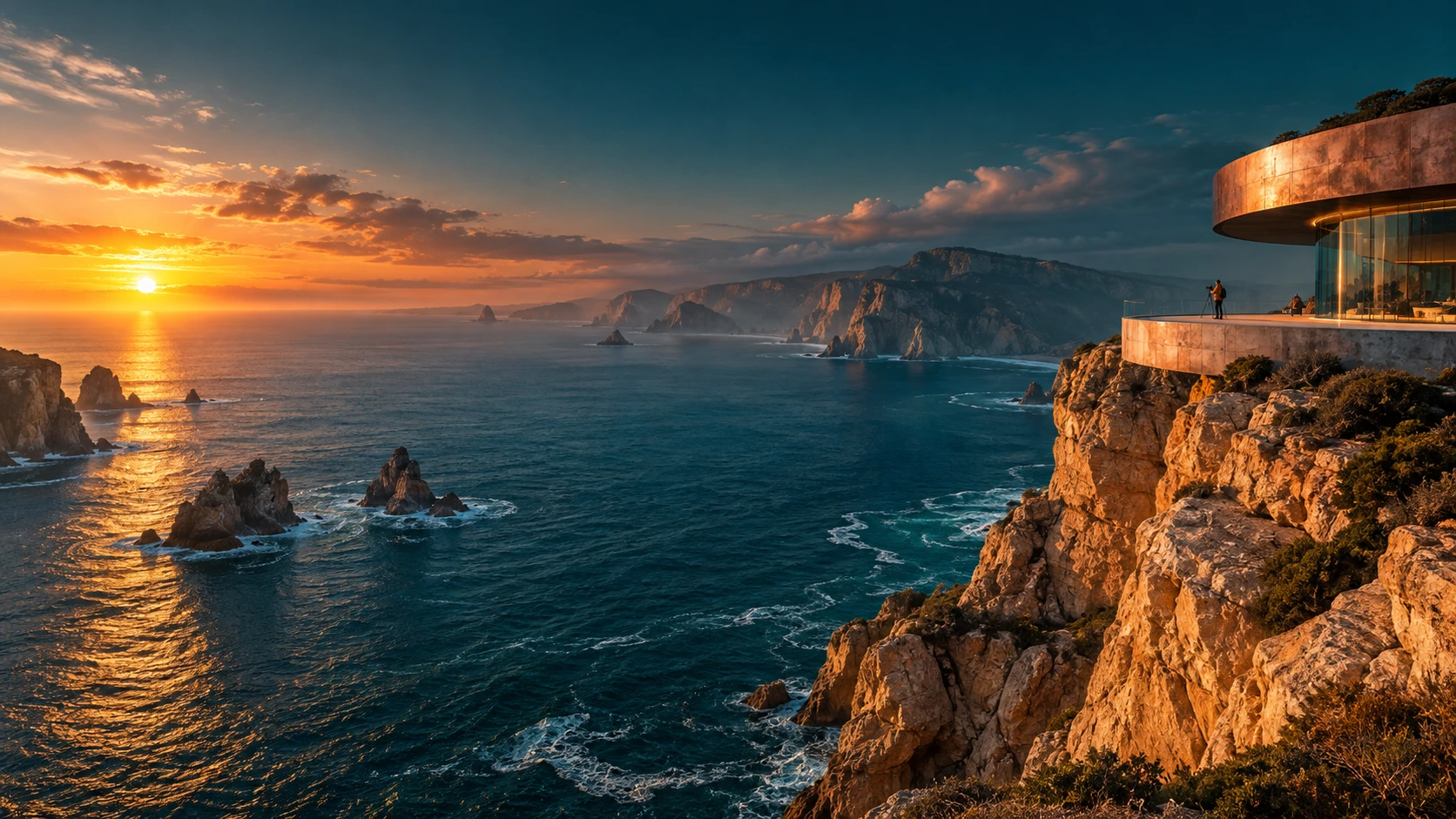
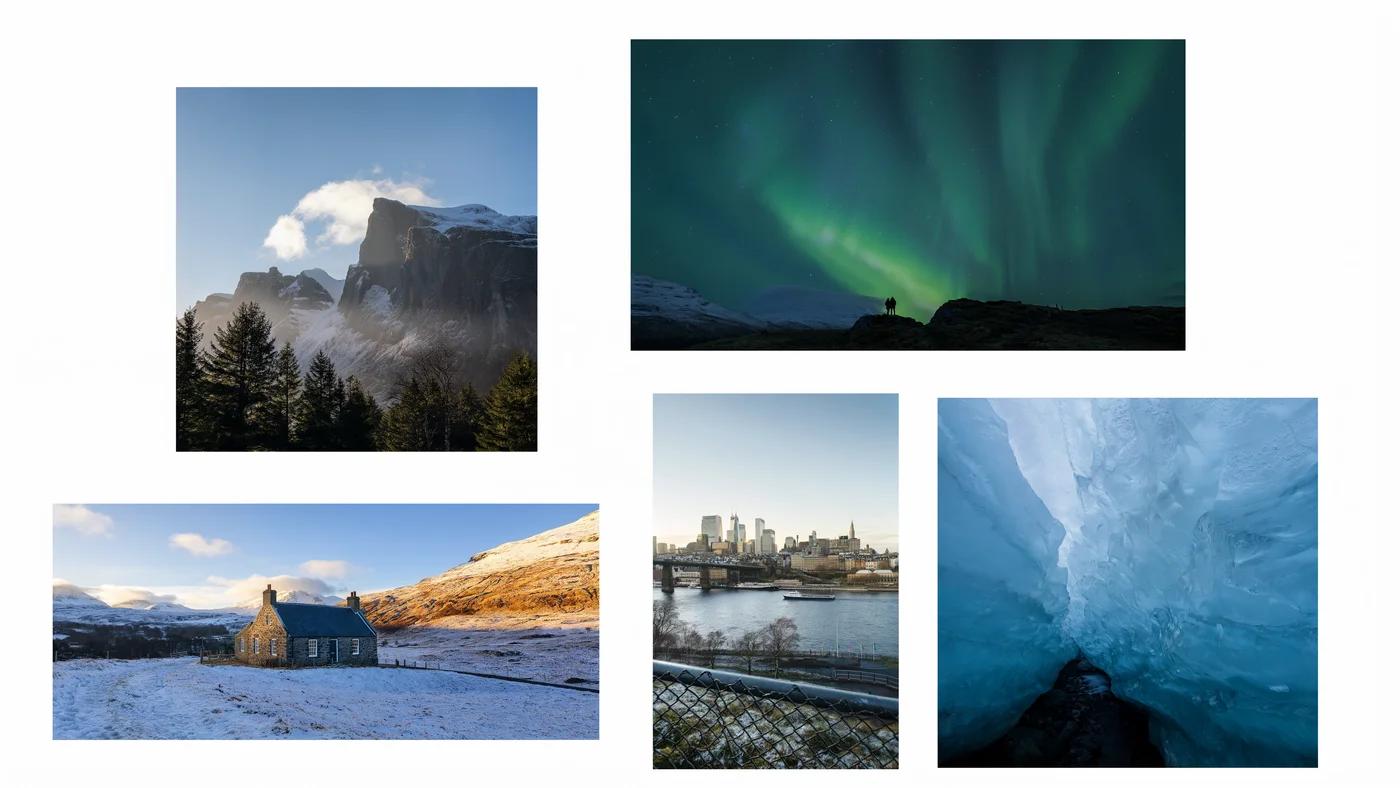
collage
Verified prompt
350:197


Use HeyPix’s AI photo creator to explore photo concepts with Nano Banana models. Describe the camera angle, light, background, and visual mood.
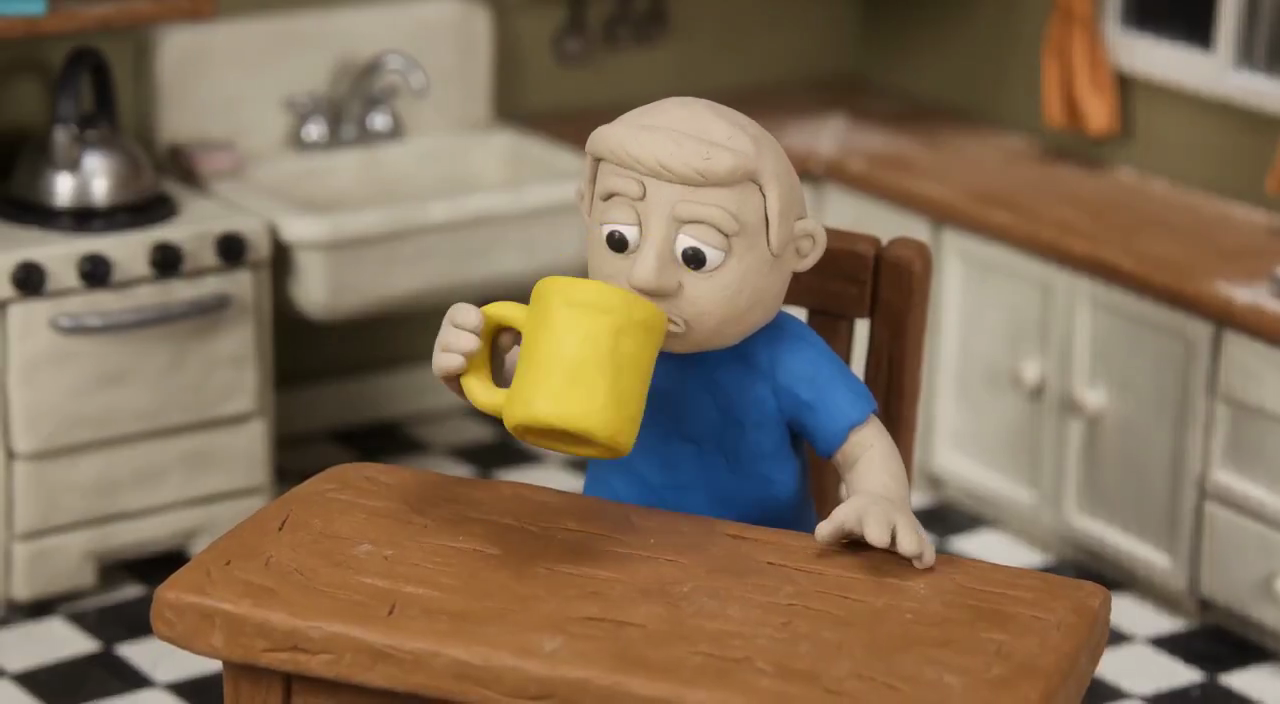
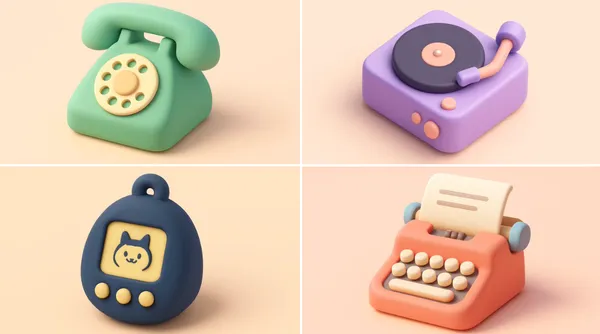
cute isometric [smiling - optional] [OBJECT] emoji, shape, soft lighting, soft pastel colors, [COLOR], 3d icon clay render, blender 3d, pastel background
cute isometric [smiling - optional] [OBJECT] emoji, shape, soft lighting, soft pastel colors, [COLOR], 3d icon clay render, blender 3d, pastel background
Use HeyPix’s AI photo creator to explore photo concepts with Nano Banana models. Describe the camera angle, light, background, and visual mood. For a reference-led task, check editing support and inspect faces or product details in the result. Review the available model, supported settings, and current credit quote before submitting a task.
ToolsUse the published image gallery to study an actual result alongside its model label and available prompt. Look at subject placement, light, and which details survived the instruction. The six prompt ideas on this page are suggested briefs you can adapt, rather than claims that those exact scenes were generated. Compare a reference with your intended task, and inspect your own result before repeating or refining its direction.
Prompt idea: A person in a plain linen shirt stands beside a window in soft morning light, photographed at eye level against a quiet background. Review the face, hands, and the direction of shadows before selecting the image.
Prompt idea: An unbranded glass bottle sits on travertine with a folded cloth, lit from the left. Use a low camera angle and restrained reflections. Inspect the bottle outline and transparency; reflections should support the composition.
Prompt idea: A bowl of noodles sits on a small café table beside a spoon, photographed from slightly above with warm, diffuse light. Check utensils, ingredients, and table geometry before using the concept.
Prompt idea: An open notebook and a pencil sit at the lower right of a pale desk, leaving generous empty space at the upper left. Reserve space deliberately and add final lettering in your design workflow when needed.
Prompt idea: Use a supported product photo and request a simple outdoor setting, preserving the product shape and matching the source lighting. Compare the edited object with the reference rather than accepting a pleasing background alone.
Prompt idea: Describe three separate scenes around the same warm palette and side lighting: a reading corner, a desk, and a café table. Keep a reusable brief and review consistency across independently generated results.
Start with photo concepts with Nano Banana models. Name the subject, setting, and purpose, then describe the camera angle, light source, material, and intended editorial mood. Decide which feature makes the result useful for your project.
Select an available image model and read the controls offered for the task. Use a reference only when that input is supported. Choose framing for the place where the result will appear, and leave room for any crop or text you will add later. Keep important details away from the edges.
Check the current credit quote after choosing the model and output settings. Save your brief and selected controls so you can compare later attempts. Submit the task when the inputs match your plan, then wait for its status rather than repeatedly submitting the same request. Settings and costs can differ between available models.
Open the completed result in History or Assets and inspect facial details, product surfaces, perspective, and believable lighting. Review small details at the available image size. Change one instruction for your next attempt, keeping a useful version for comparison. Download the result when it fits the brief and your intended use.
Use the actual model label and controls shown in the generator. The focus here is Photo concepts with Nano Banana models; input support, output options, and credit costs still depend on your selection. Compare models using the same brief where their inputs allow it.
Start with included credits, compare plans, and add more credits whenever you need them.
Approximate, fixed reference rates (2026-10-26); not live. Final amount and currency are determined at checkout.
Loading prices…
Secure checkout is available. For inquiries or assistance, contact us at support@heypix.io.
Yes. No sign-up is required. Generation uses credits; review the quote and your balance before submitting. Guest credits and history are linked to this browser, so keep cookies enabled. You can buy eligible one-time credit packs when checkout is available. Subscriptions require sign-in.
Use HeyPix to explore photo concepts with Nano Banana models. Select a model that supports your intended task and check its current input options before generating. Start with photo concepts with Nano Banana models.
Begin with a specific subject, setting, and visual direction. Prompt idea: A person in a plain linen shirt stands beside a window in soft morning light, photographed at eye level against a quiet background. Review the face, hands, and the direction of shadows before selecting the image. Adjust the composition to the size and purpose of your final design. Treat this as a starting brief: adapt the details for your own project, then change one instruction after inspecting the result.
Choose a model with editing support, upload a supported reference, and describe the change. Inspect details you intended to preserve before using the result.
The generator displays a quote for the selected model and settings. Review that quote before submitting; changing the selection can change the cost.
Each example’s actual model label identifies the model used. Examples can use different models from the one you select for a new task.
Use the models currently listed for the task, or contact support about availability. A page heading or a published example does not guarantee that a model can be selected now.
Subscriptions renew according to the billing interval shown at checkout. A one-time credit pack is a single purchase, not a subscription. To cancel a subscription, open Settings > Billing, choose your subscription and confirm cancellation. Check the updated status and end date. If cancellation fails, contact support@heypix.io before your next renewal.
Cancellation stops future subscription renewals once confirmed. Check Settings > Billing for your paid access end date. Existing credits keep their original expiration dates; cancellation does not extend them or automatically issue a cash refund.
You can request a refund within 10 days of purchase if you have unused credits from that purchase and provide a clear reason, subject to our Refund Policy. If eligible, an unused purchase can be fully refunded; a partly used purchase is refunded in proportion to its remaining unused credits. Fully used purchases and free or promotional credits are not refundable.
Email support@heypix.io with the subject Refund Request. Include your account email, order or transaction ID, purchase date and reason. Our Refund Policy provides for a response within 5 business days. Approved refunds return to the original payment method and may take 5–10 business days to appear, depending on the payment provider. The corresponding credits are removed. See /refund-policy for the full conditions.
Credit validity depends on the pack, subscription or promotion that issued them. Review the purchase terms and expiration dates in Settings > Credits. A renewal or new purchase does not extend older credits. Use credits before their stated expiration; do not assume unused subscription credits roll over indefinitely.
Credits charged for a task that is confirmed as failed due to a system error are returned automatically. A task that is still processing has not yet been confirmed as failed. Check its status and your credit history before submitting again. If a confirmed failure still shows an unresolved charge, email support@heypix.io with the task ID.
AI results can vary, so a completed result that differs from your expectations is not automatically treated as a technical failure. Eligible completed image tasks can be submitted for credit refund review using the refund option where available; approval is required. For a video or another issue, contact support@heypix.io with the task ID and details. A credit refund returns credits, not money to your payment method.
Check that you are using the same account or guest browser used for checkout, then review your order status and credit history. Avoid paying again while the first payment is being checked. Email support@heypix.io with your order ID, purchase time and payment receipt so we can investigate. Never send your password or full card details.
Email support@heypix.io. For billing, include your account email and order ID; for generation, include the task ID, issue description and relevant screenshots. If you purchased as a guest, keep the original browser data and payment receipt so we can help locate the purchase.
Start with one of the suggested briefs for photo concepts with Nano Banana models, adapt it to your subject, and choose a supported task. Review the quote before generating, then inspect the result against your original plan.
heypix.io · Updated