Choose a portrait
Pick a sharp photo with a visible neck and enough room around the head. A simple background makes the subject easier to read.


Image generator guide

A portrait-led Halloween edit for profile photos and seasonal posts. Turn one clear portrait into a Halloween photoshoot concept with a carved pumpkin head. Upload a photo, keep your outfit and pose as references, and direct the autumn light or spooky atmosphere in the prompt. HeyPix is built for portraits and social visuals, so begin with the photograph you want to keep recognisable beneath the costume idea.
Start creating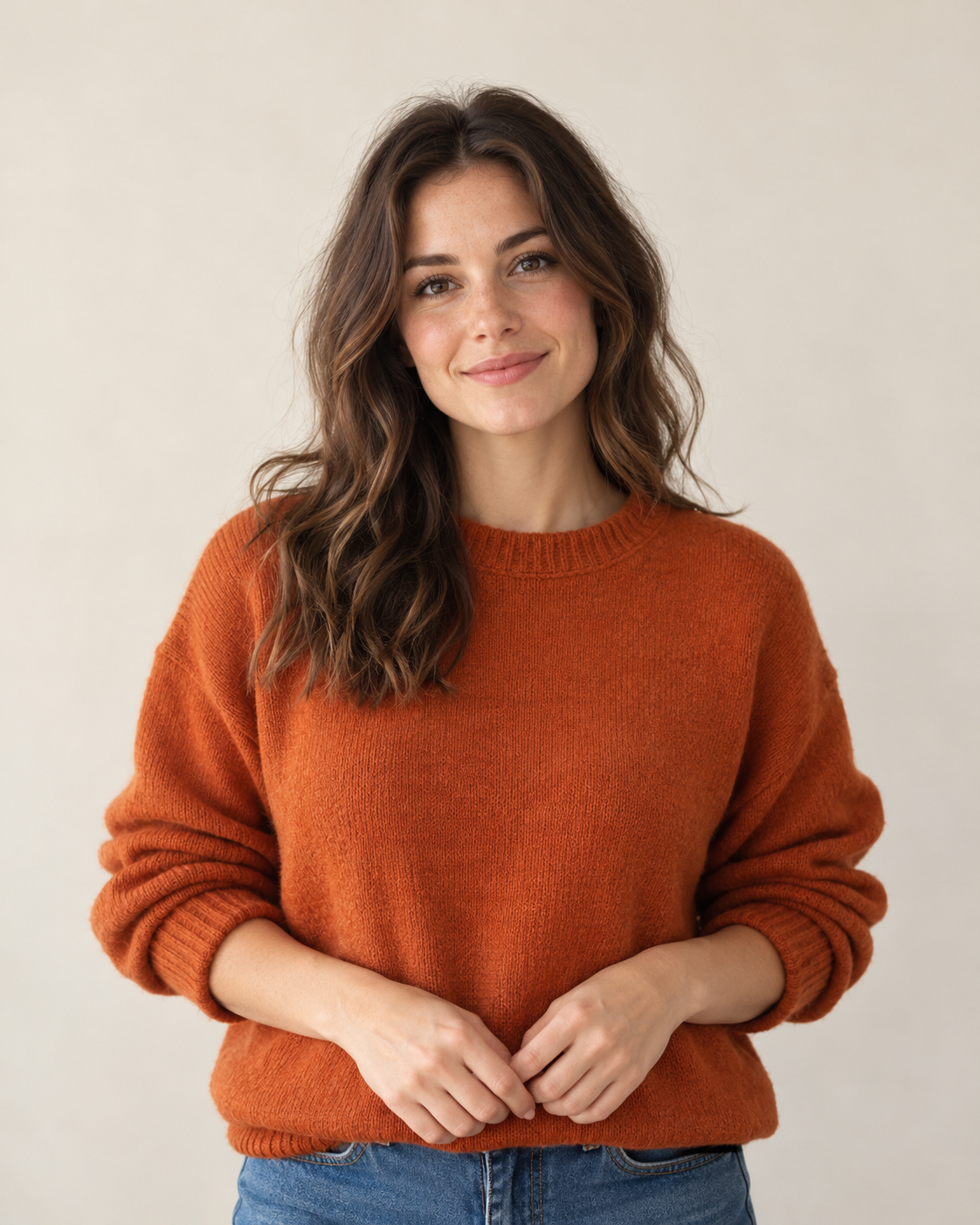
Pick a sharp photo with a visible neck and enough room around the head. A simple background makes the subject easier to read.
Choose a warm orchard, studio set or moonlit street. Describe the lighting and pumpkin expression in a short direction.
Check the live credit quote, start the image task, then compare the face replacement, neck edge and preserved outfit in History.
Use a close portrait and simple background so the carved expression survives a small avatar crop.
Plan a vertical composition with room for a caption added later in an editor.
Try several pumpkin carvings against the same outfit before planning a real shoot.

Keep the main subject and change one visible instruction at a time.
Use the uploaded portrait as the identity and pose reference. Replace only the visible head with a sculpted carved pumpkin head that follows the original neck angle and lighting. Keep the outfit, body proportions, pose and framing recognizable. Add a warm autumn photoshoot setting, natural contact shadows, realistic photography, no text or watermark.
Try a warm harvest portrait or a darker Halloween frame, then compare them in History.


Use one clear portrait with a visible head, neck and outfit. Avoid a collage or heavily covered face.
The prompt asks to preserve them, but review the generated result. If one changes, name that detail more explicitly in a second attempt.
Add exact lettering afterward in an editor; image generation can misspell text.
The current model and output settings determine the live credit quote. After submission, follow the task in History; queue time can vary.
Open a related tool that fits the next part of your picture.
heypix.io · Updated