A friendly character reveal
Introduce a person through a small everyday moment rather than an elaborate scene.


HEYPIX MOTION GUIDE
Loading history…
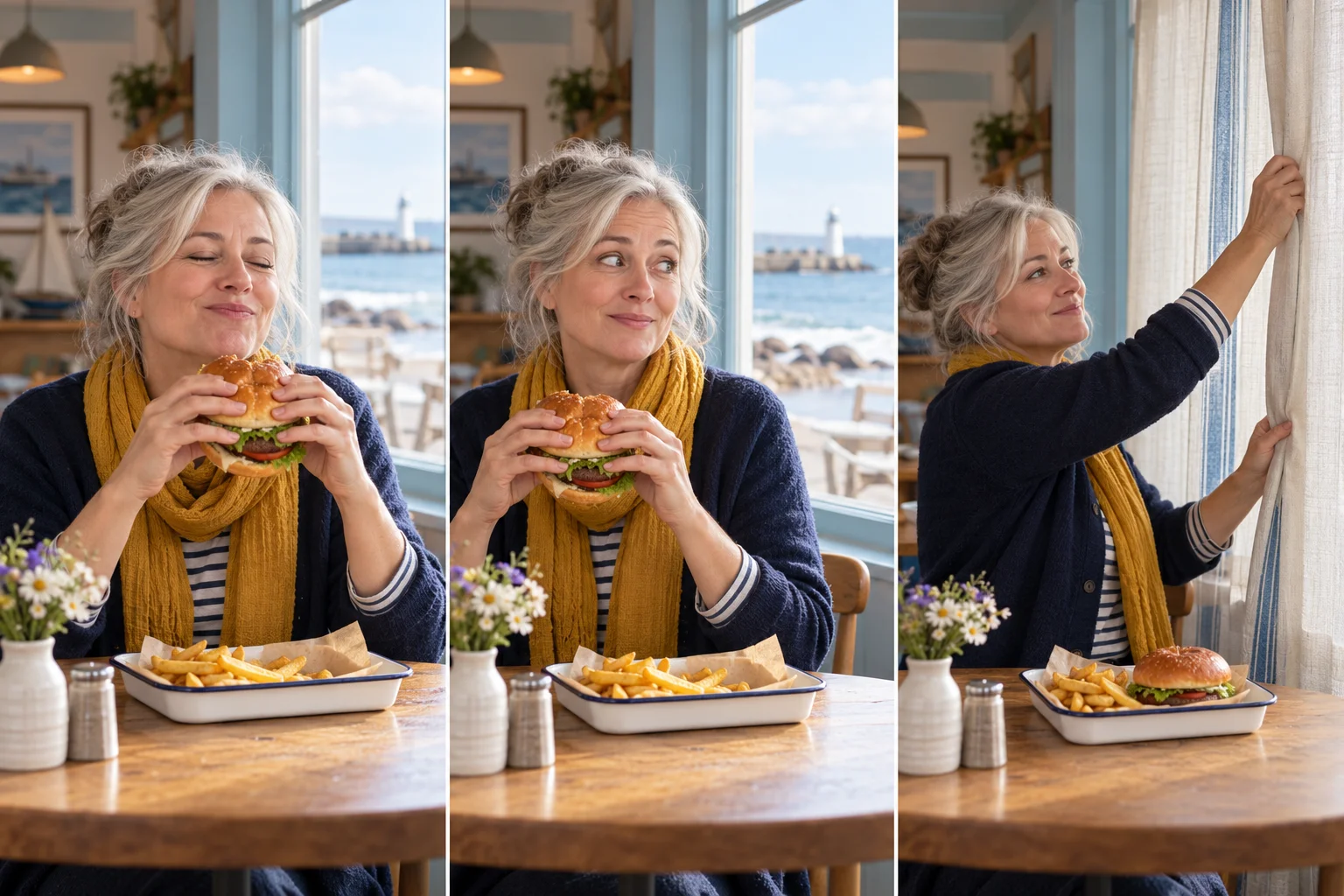
Give an ordinary lunch a small comic interruption. Choose one person for the café scene, watch the supplied window-side action and add a brief atmosphere note. The reference supplies the eating, glance and curtain movement; your photo supplies the character’s appearance.

The humor comes from the change in attention. At first the diner is occupied with a burger; then the look toward the window makes the outside viewer part of the scene. The final reach toward the curtain supplies a visual response without needing a written punchline.
For HeyPix, the seaside café concept keeps that change gentle and readable. A pale window frame, warm scarf and uncluttered table establish the setting while leaving the face in charge. Use these as creative choices in your direction, not as additional uploads the form requires.

A front-facing or mild three-quarter photo with even light gives the model a useful identity reference. Keep the eyes, mouth and hair visible. Avoid selecting a photograph where another person overlaps the face or where a large object hides the lower half of it.
A neutral expression is a practical starting point. You do not need a picture of someone eating, and you do not need to stage the window action yourself. The page accepts one person photo; it does not offer separate uploads for a café, burger or curtain.
Try a note such as: “Soft coastal daylight, a pale blue café window and a relaxed, understated reaction.” Choose one mood and let the reference retain its sequence. Asking for several locations or a burger flying through glass would describe a different action.
If a scarf or cardigan matters, mention it once. Keep window frames away from the face in your concept and avoid demanding readable packaging. Small labels distract from the expression and may be difficult to reproduce cleanly.
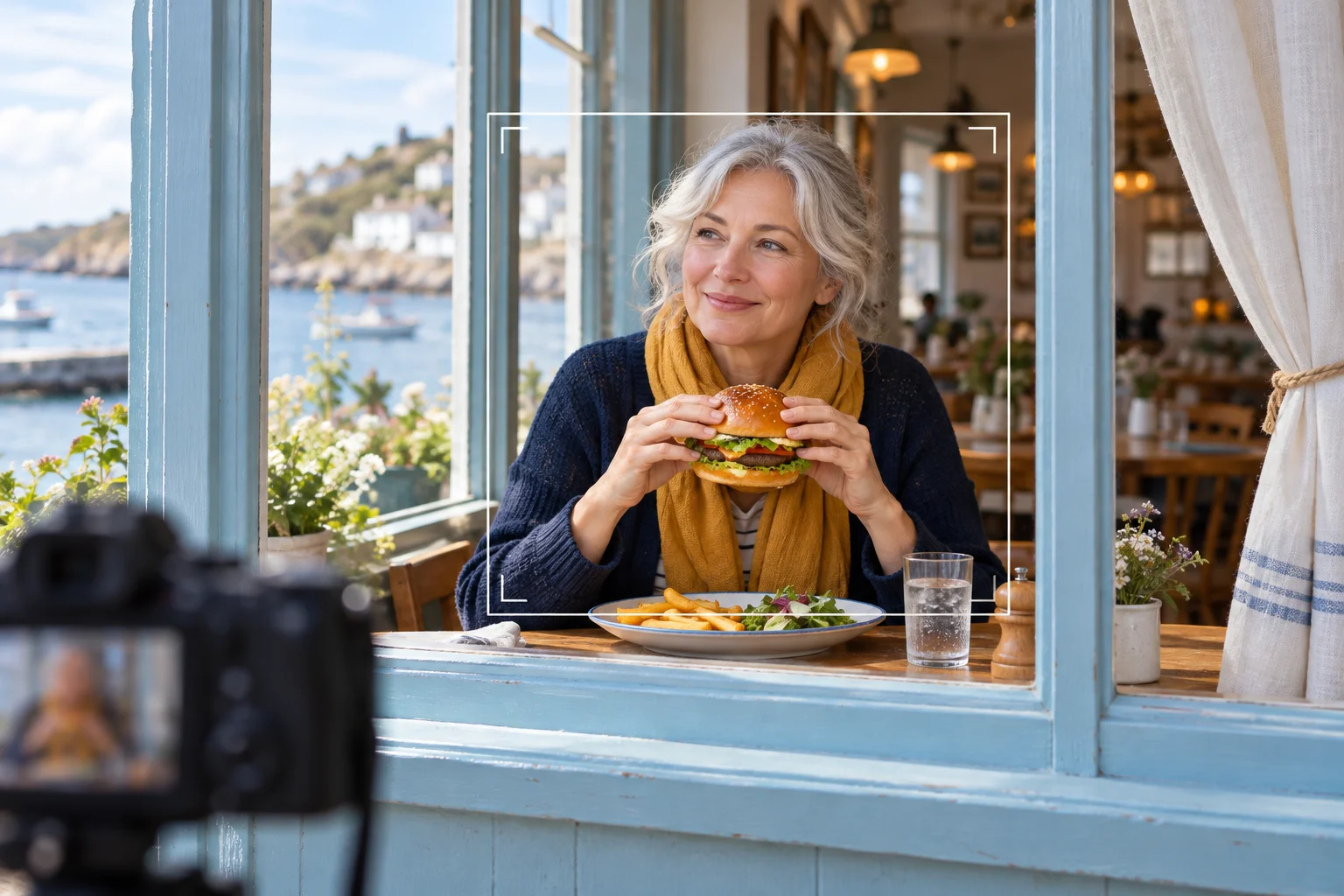
Watch the complete result before choosing a thumbnail. Check whether the burger stays associated with the hands, whether the person remains recognizable and whether the table and curtain make sense as the motion develops.
The reference is guidance, so your generated take may differ. A strong café portrait is only part of the result: the glance and final gesture must also read. Keep the take that tells the clearest little story rather than picking only the prettiest opening frame.
Introduce a person through a small everyday moment rather than an elaborate scene.
Let the glance carry the joke; add any caption later in your own editor.
Compare light and color choices while retaining the same action and person.
It is a one-person reaction sequence seen through a window: a diner holds a burger, notices the viewer and reaches toward a curtain. It is not a flying-burger effect.
Upload one person photo. The fixed motion video is already provided. This page has no second-character or custom-video slot.
The current model requires purchase access and enough credits. Read the quote in the form before submitting; this page does not promise a free trial or unlimited use.
The configured output is 14 seconds. Rendering time is separate and varies with the model and queue. History shows the task’s progress.
No caption editor is included in this effect. Generate the visual reaction first, then add your own text in a separate editing step.
No exact match is guaranteed. The preview is the fixed motion reference, while your generated result depends on the photo and request. Inspect identity, hands and scene continuity.
heypix.io · Updated