

A photo, a person, a personal message
Create Christmas Cards from Your Family Photo
Describe your photo card and short greeting

History
Turn one family photo into a Christmas card with a setting and greeting that suit your household. Choose Image to Image, upload a group photo and describe the festive details. The result is a standalone card-front image for you to check and download. Text to Image also lets you create a seasonal illustration without uploading a photo.
From your photo to a card
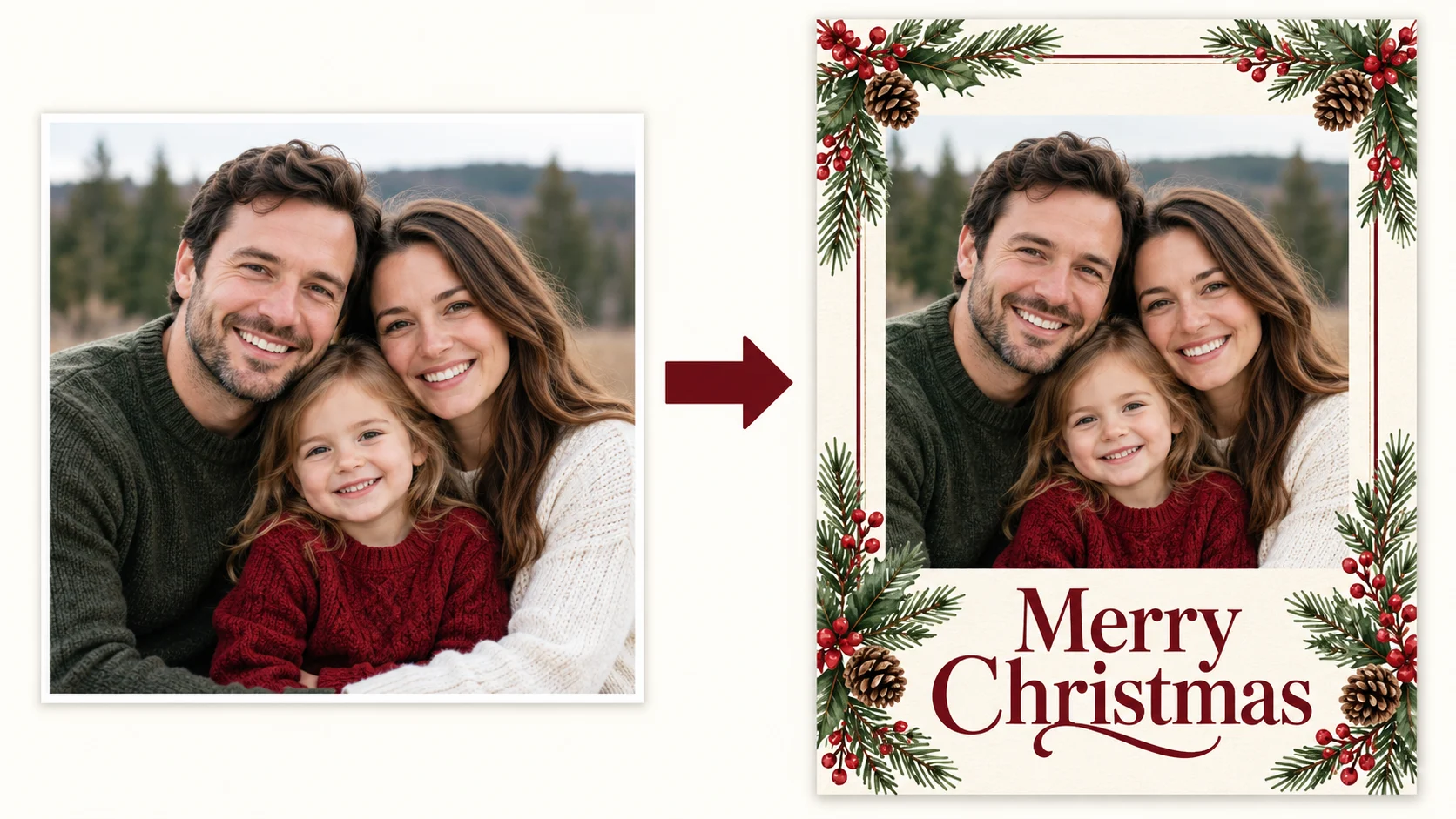
Pick one complete group photo
Choose a photo with everyone you want on the card. Keep the original saved separately. A natural group arrangement gives you a clearer starting point than trying to assemble people from unrelated pictures.
Choose a seasonal setting
Describe a cozy room, an evergreen frame or a simple winter backdrop. Ask to keep the people recognizable and specify whether the holiday details belong around them or in the background.
Keep the greeting short
Use a brief line such as Merry Christmas or Warm wishes. If you include a family name or year, write it exactly as you want it and leave room for it in the composition.
Review every face and word
Check each person, the group count and the greeting before downloading. Request a specific correction if a face or letter looks wrong. Review the current credit quote before any new generation.
Choose a useful reference photo

Start with one group photo where everyone is already present and their faces are clear. Avoid a photo in which people overlap heavily or someone is cut off at the edge. This workflow does not require combining several separate portraits.
Make the card fit the person
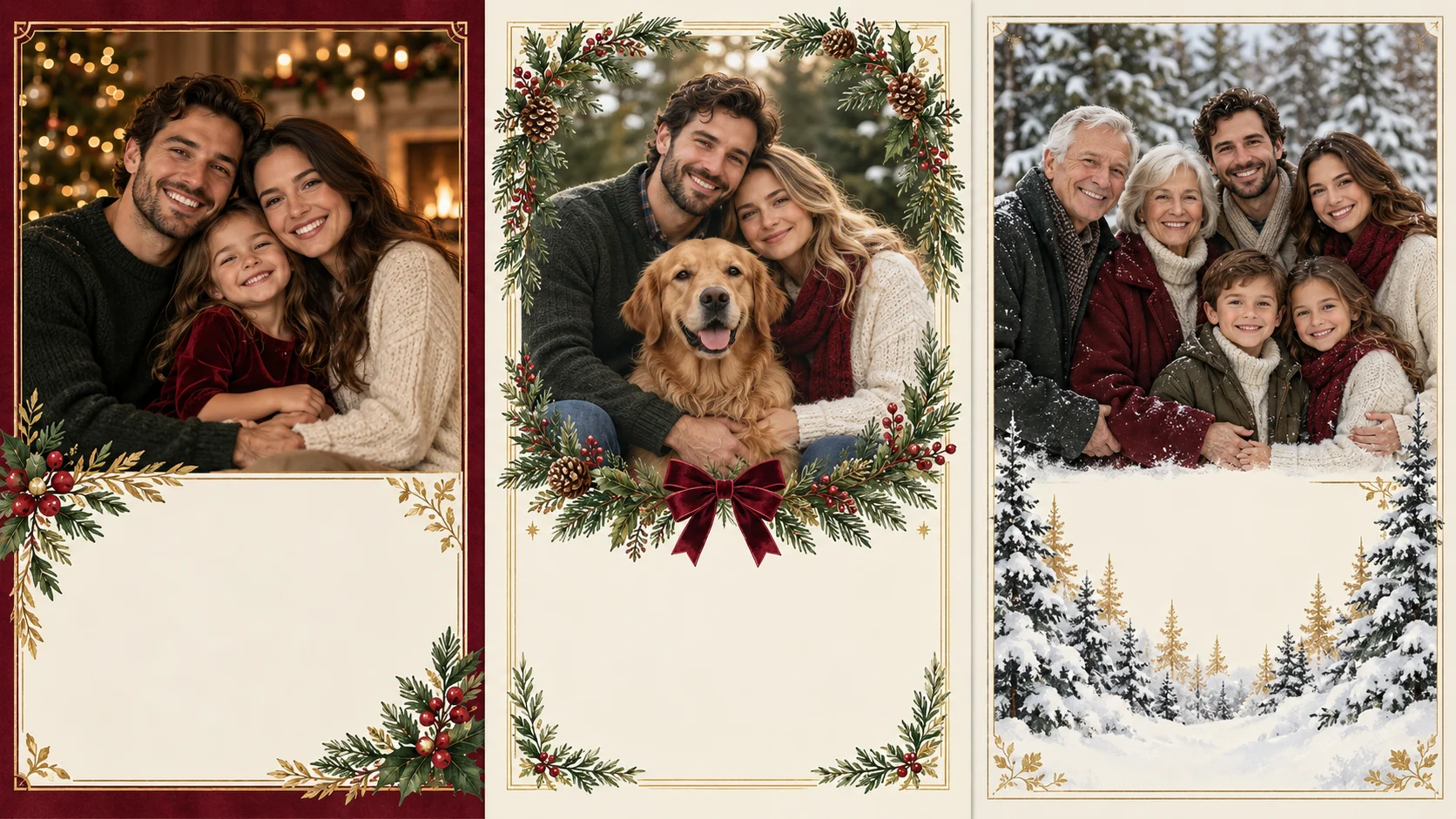
A cozy family greeting
Pair your group photo with warm lights and a restrained evergreen border. Keep decorations away from faces and the main greeting.
A pet-inclusive photo
Start with a photo that already includes your pet. Ask for room around the animal and inspect its features along with the people in the result.
A quiet winter card
Choose a simpler background and generous empty space if you want the photograph to carry the message. A small seasonal detail can be enough.
A starting prompt you can adapt
Replace the sample greeting and describe the details that matter to you. Paste your version into the prompt field above.
Use the uploaded family group photo as the reference. Create a flat Christmas card front with the same people arranged naturally, warm window light, an evergreen border and restrained burgundy and cream colors. Keep every face clearly visible and preserve the original group composition. Include only "Merry Christmas" in an open area above the people. No envelope, folded mockup or extra people.
For a cleaner family Christmas card, ask for one border style and one lighting mood. Too many ornaments can compete with faces. Check the downloaded image at its actual size before sending it; a small preview can hide misspelled names.
Questions before you create
Can I combine separate family portraits here?
This guide uses one existing group photo. It does not promise to assemble a family from several individual uploads. Choose a photo with everyone already present, then check the people and composition in the generated card.
Is it free to make a card?
Check your current account balance and the credit quote shown for the selected model and settings. Free eligibility, if available, follows your account’s current offer. Review Pricing before buying credits.
How long will my card take?
Timing varies with the selected model and current queue. After submission, follow the task status in History. This page does not promise a fixed completion time.
Can I edit the wording after generation?
The result is a flattened image, not an editable text-layer template. Revise the prompt and generate another version, or add or correct text in an image editor. Check the quote before generating again.
Can I download or print the card?
Download the completed image using the result controls. The page creates a card-front image, not a print-ready PDF or folded-card layout. Check its actual pixel dimensions and your printer’s requirements before printing.
More ways to make a personal card

Birthday Cards
Create a personalized birthday card from a portrait with HeyPix. Describe the recipient, mood and short greeting, review the image, and download your card.

Mother’s Day Cards
Create a personal Mother’s Day card from a photo with Mom or Grandma. Add a short message, choose a gentle style, review the result, and download your image.
Create another image
Explore the general image workspace when your idea is not a greeting card.
heypix.io · Updated
What's new on this page
- — Added an image generator, visual examples and guidance for this creative task.