Pick a strong reference
Choose a building, landscape, object or character with a clear outline.


Image generator guide
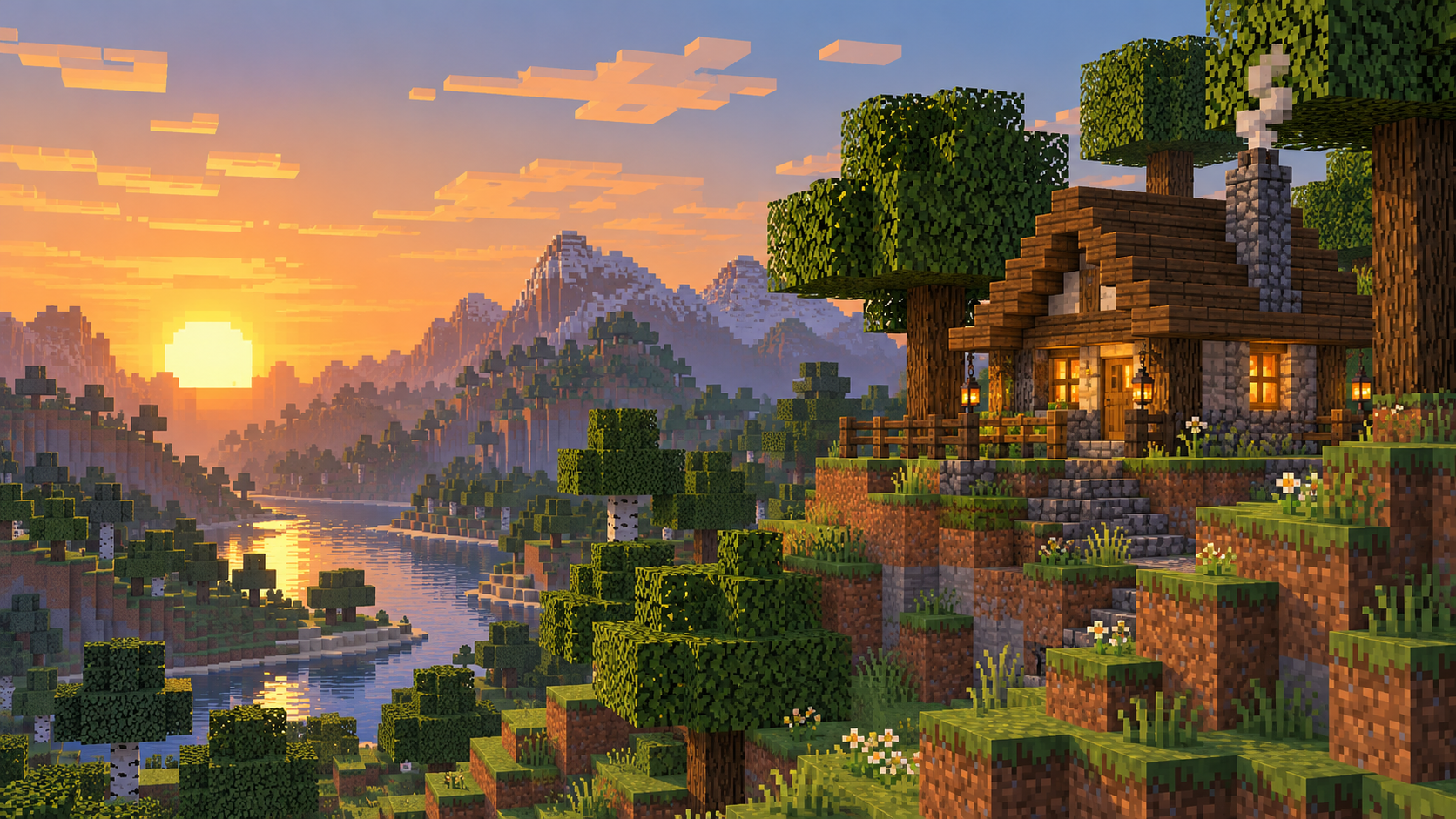
Create blocky scene art for a post, cover or character setting. Turn a reference image into a square-edged pixel art scene. Upload a landscape, building, object or character image, then direct the palette and level of detail in the editable prompt. Start with one scene or object rather than a collage. A clear subject gives HeyPix a stronger visual direction.
Start creating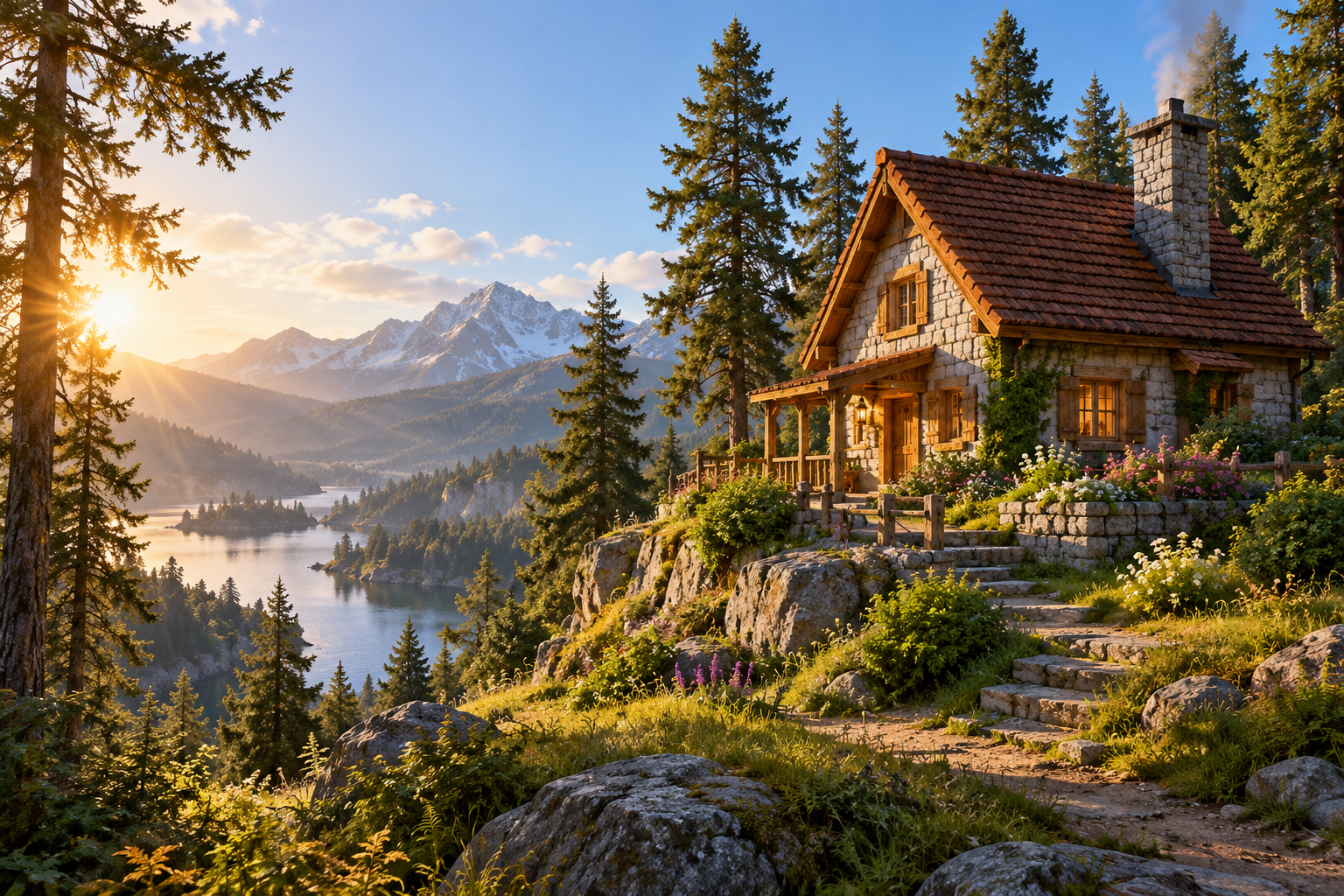
Choose a building, landscape, object or character with a clear outline.
Describe the focal point, palette and how much detail to simplify. Keep the important subject readable.
Review the live credit quote, generate, and check the subject, square shapes and palette in History.
Turn a location photo into a blocky backdrop for a character concept.
Create a clean landscape image with room for typography added later.
Pair this scene with the linked Image to Minecraft Skin page for a coordinated character and environment.
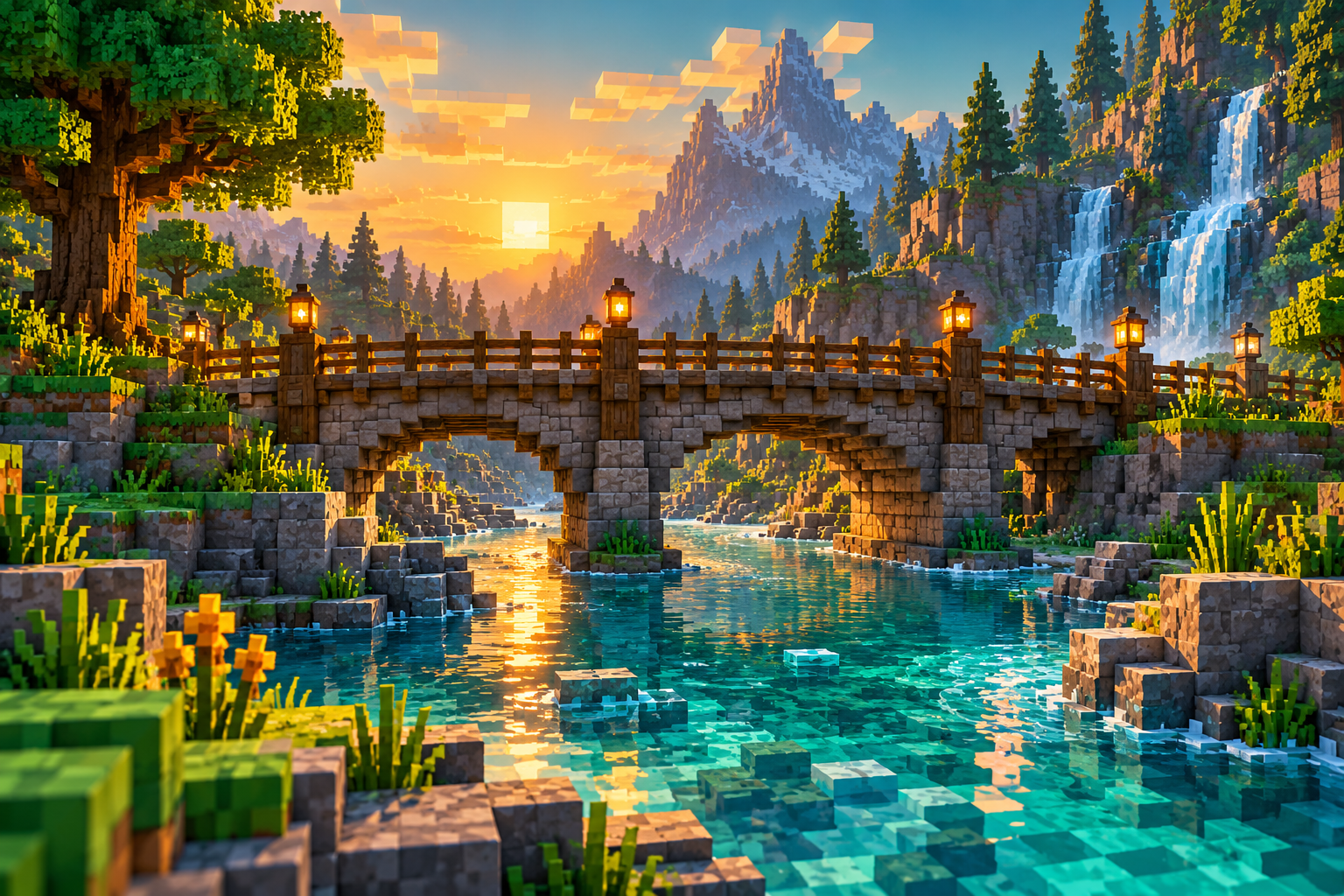
Keep the main subject and change one visible instruction at a time.
Transform the uploaded reference into a Minecraft-inspired pixel-art scene with clean square shapes, deliberate limited color palette and readable large forms. Preserve the main subject and composition while simplifying fine detail. Render as a finished image, not a block placement guide, schematic or game file. No text or watermark.
Use the scene as a visual companion to a blocky character concept.
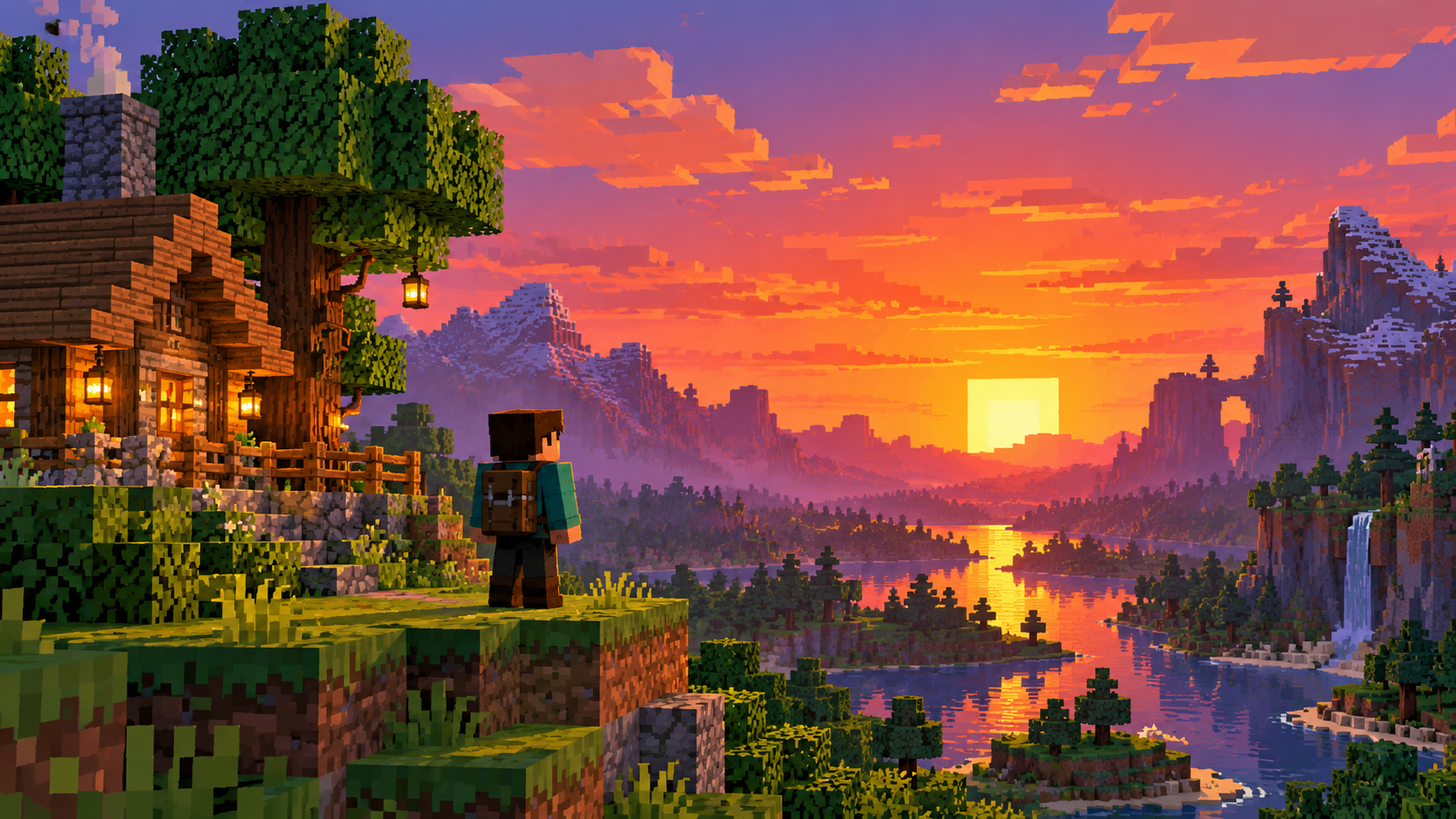
References with a clear subject, strong silhouette and limited competing details are easier to simplify.
If the selected model offers Text to Image, use that mode and describe the scene; the reference-image mode requires an upload.
No. The output is a pixel-art image, not a block list or game file.
The selected model shows its current credit quote before submission. Follow generation status in History.
Open a related tool that fits the next part of your picture.
heypix.io · Updated