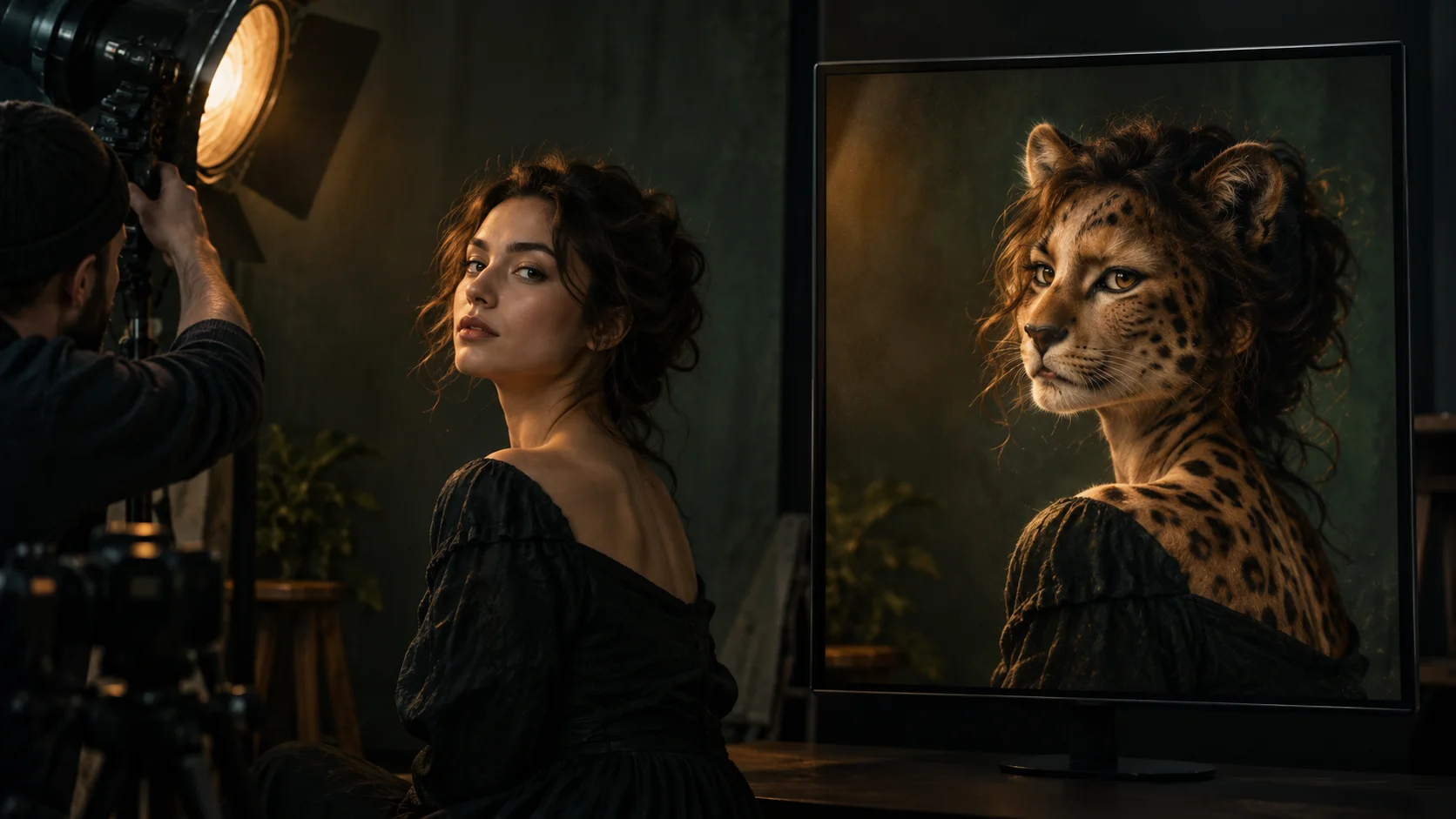
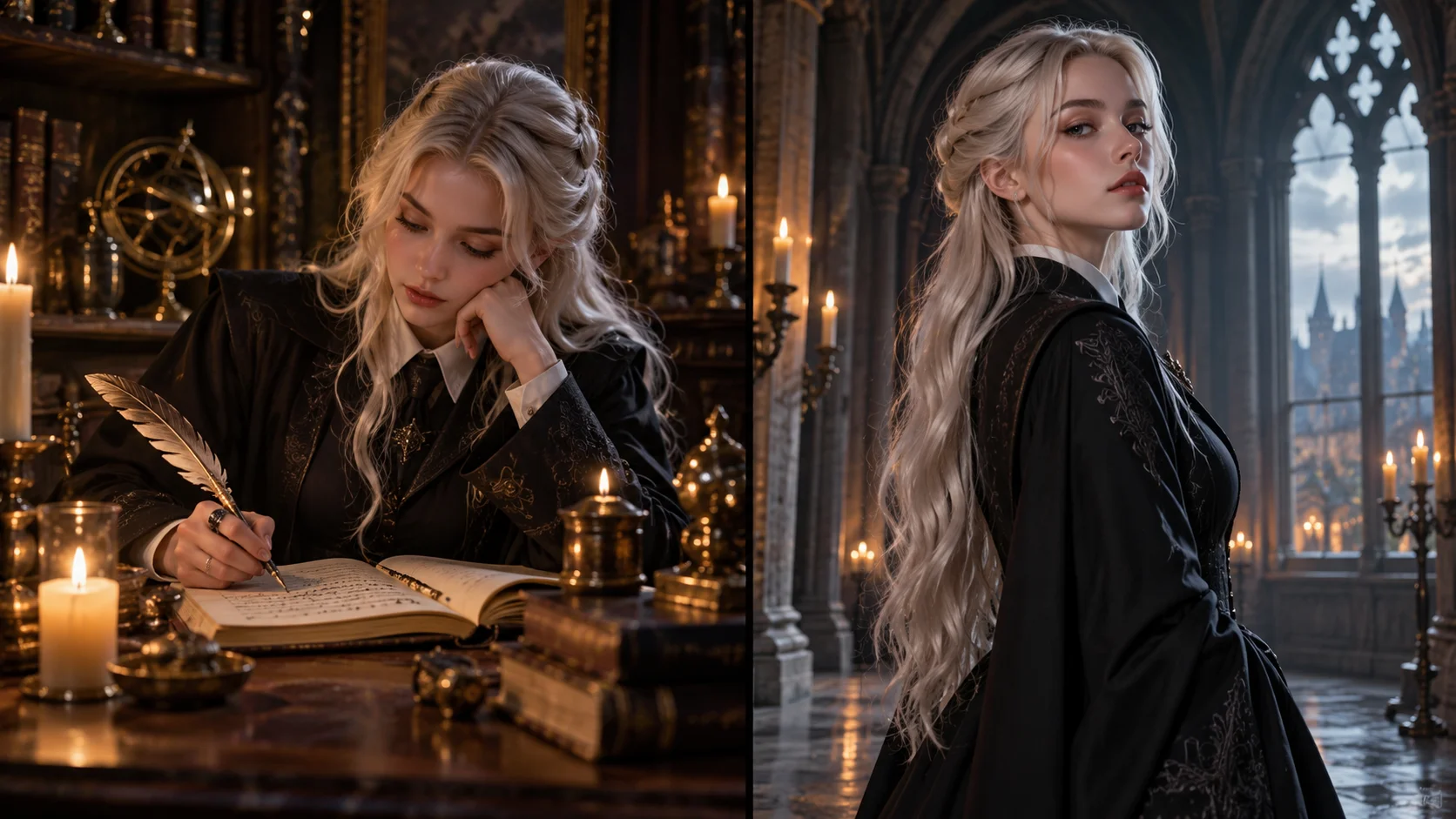
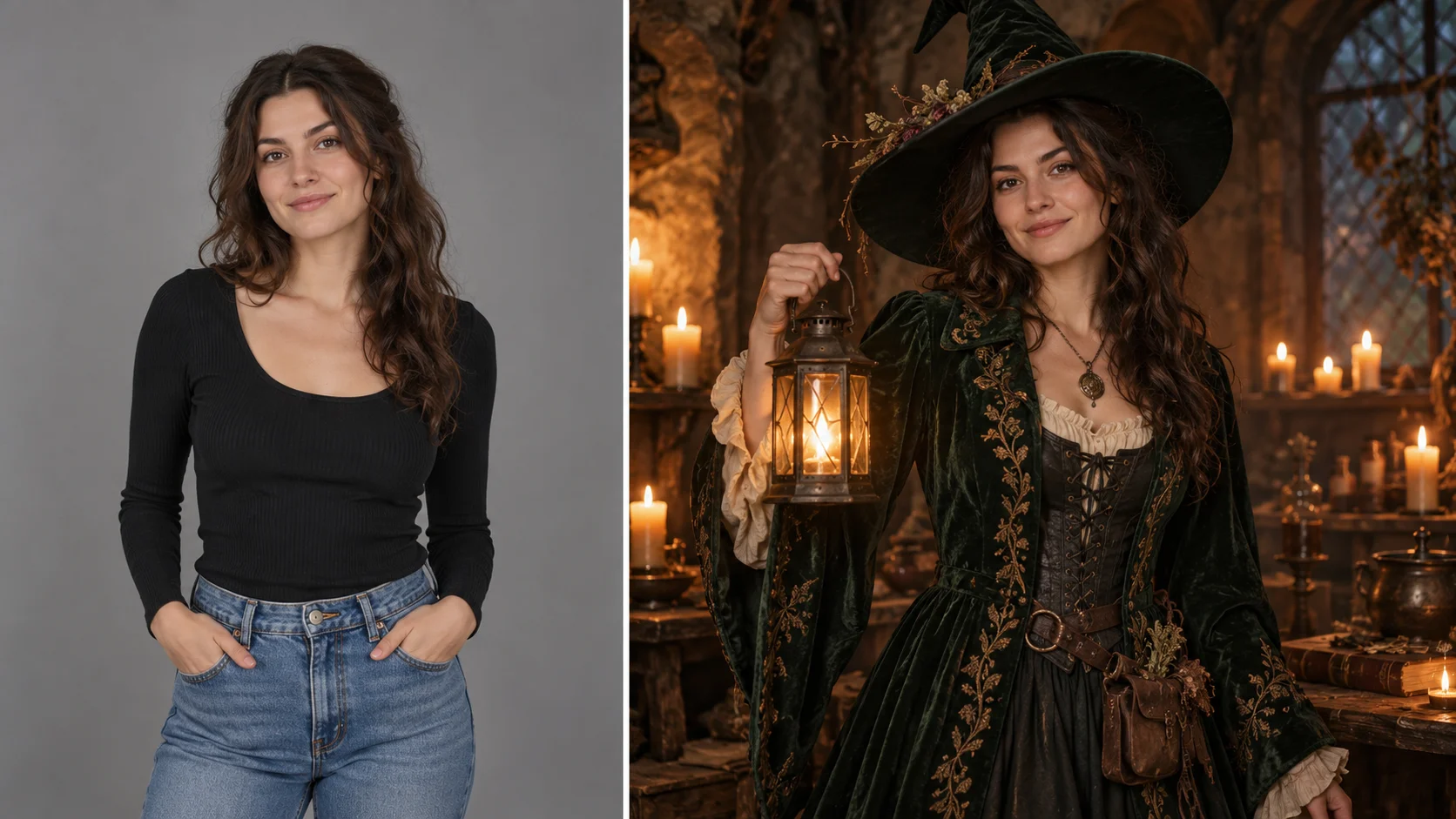
A portrait’s pose and expression connect to a clearly named animal direction.
History
Your first questions, answered
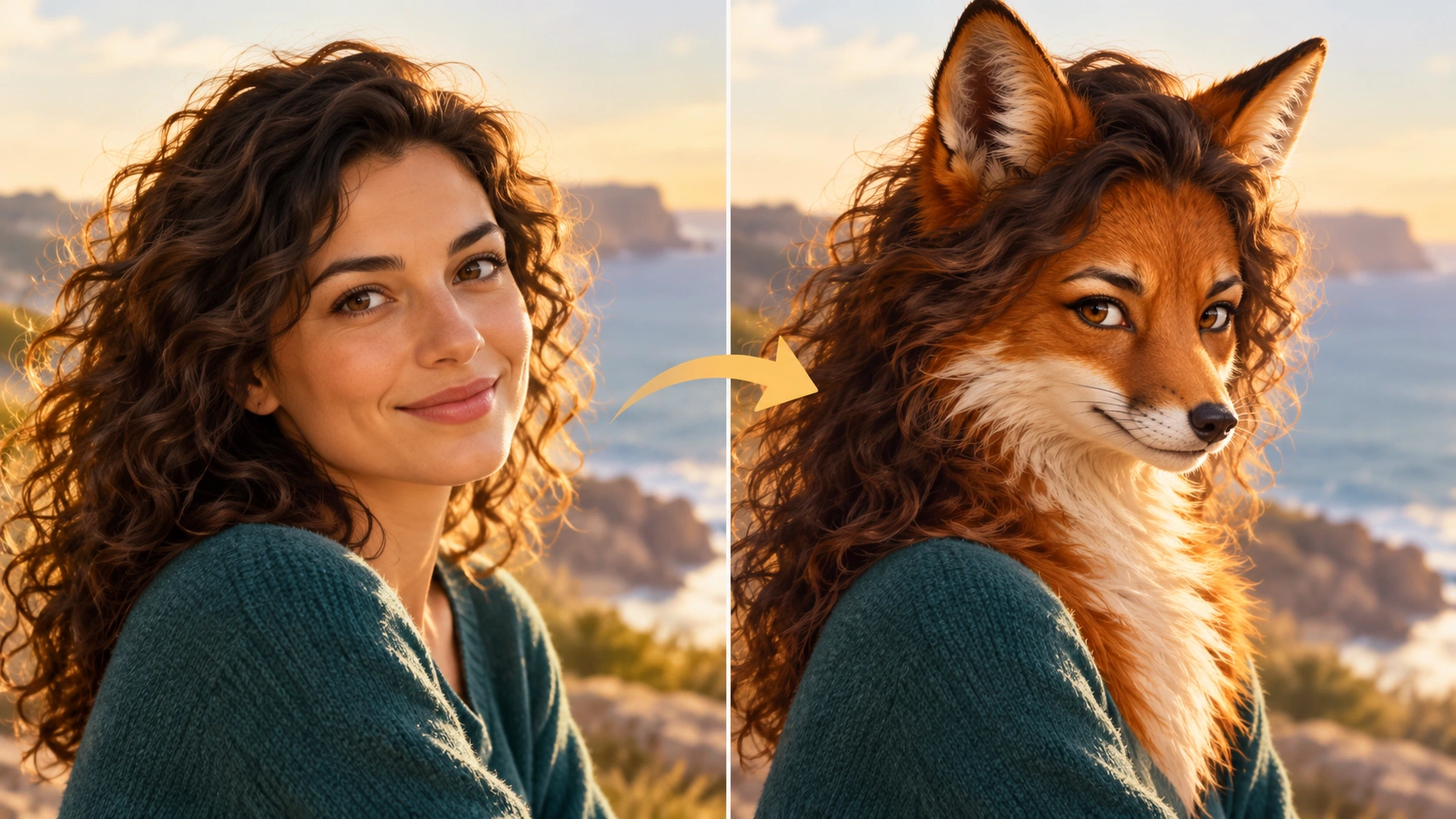
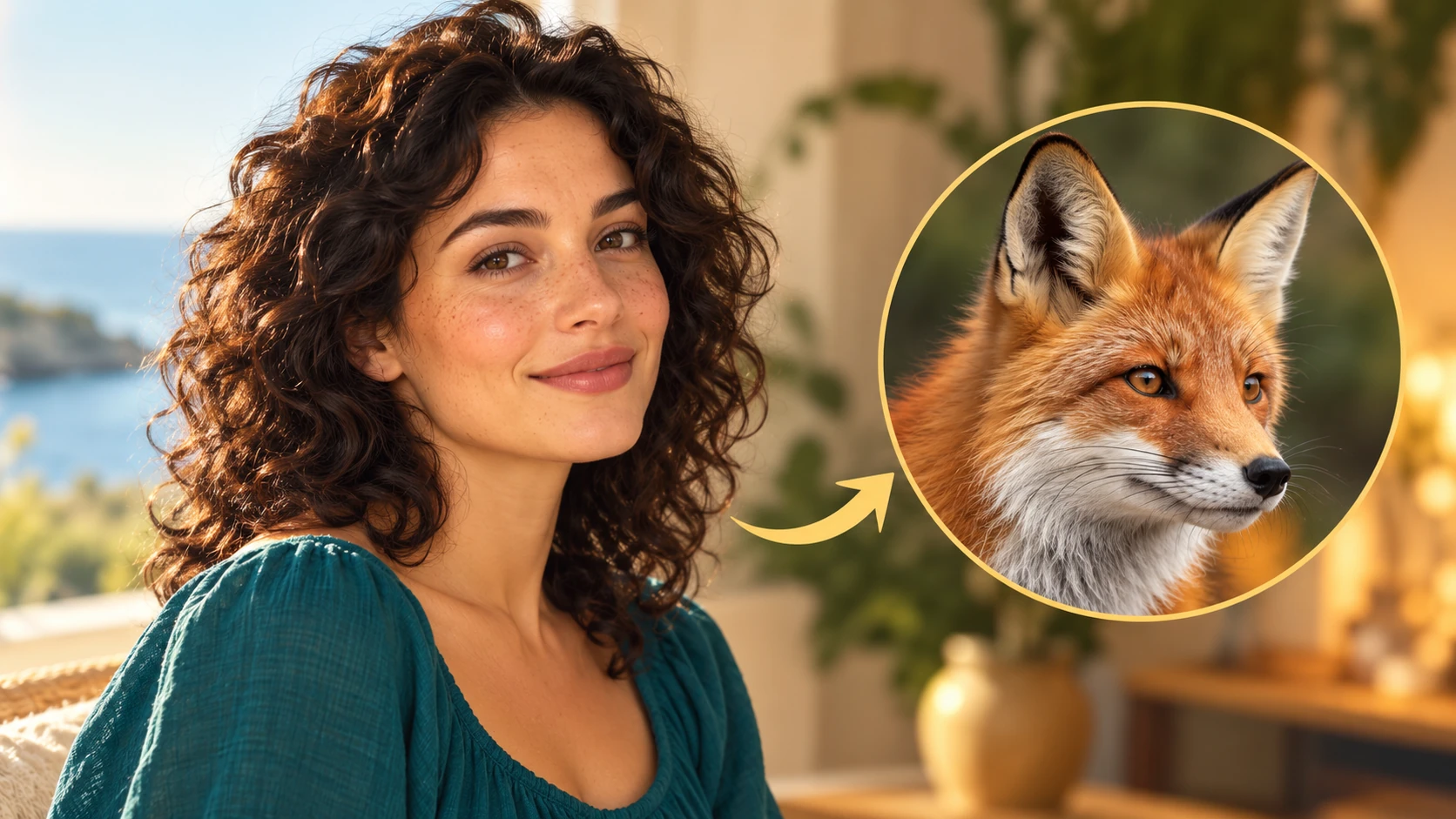
What will I create? Turn the mood of a familiar photograph into an animal-inspired character portrait. The source gives HeyPix a pose and expression, while a written species choice supplies the ears, muzzle, fur and overall silhouette.
What is the first step? Use Image to Image when your own photograph should guide the result. If you begin in Text to Image, describe the subject from scratch and leave reference uploads out of that request.
What makes a useful input? Pick a clean portrait with visible eyes and a complete head outline. Keep the framing simple and describe the species in words. A separate animal reference slot is not part of this single-image workflow.
Is there a free way to begin? Start by preparing the image and brief. Generation follows the credit quote shown for your selected model and settings; any free-credit eligibility or current promotion is shown by the account or checkout flow.
Where is the price shown? The generator calculates the current credit requirement from the selected model and settings. Review that value before submitting; the page heading is not a separate fixed-price offer.
How do I follow the wait? History shows the task’s current status after you submit. Completion depends on the active model, chosen output and queue; return to the existing task instead of repeatedly submitting the same idea.
Turn the mood of a familiar photograph into an animal-inspired character portrait. The source gives HeyPix a pose and expression, while a written species choice supplies the ears, muzzle, fur and overall silhouette. The generator keeps the image, description and available model settings together so you can build a focused first version.
A portrait’s pose and expression connect to a clearly named animal direction.
1
Choose one clear subject
Start with a single person, clearly lit and not crowded by other faces. A three-quarter turn, direct gaze or distinct gesture gives the model something to hold. Note the camera height in the original: eye level reads as a portrait, low angle adds weight, high angle softens. Crop tight enough that pose and expression stay legible.
2
Set the cinematic direction
Decide lens feel and light before writing the prompt. A longer lens compresses features; a wider one exaggerates near edges. Choose one key light direction and one background treatment, then name the species and the traits to keep, such as posture, head tilt or expression. Use the available model controls to match the planned look.
3
Quote, generate, review
Check the displayed credit quote before you run a job, since each generation consumes credits from your account. Log in, submit the upload with your edited prompt, then open History to compare results. Review pose retention and framing first, then refine one variable at a time rather than rewriting everything.
What to look for in the image
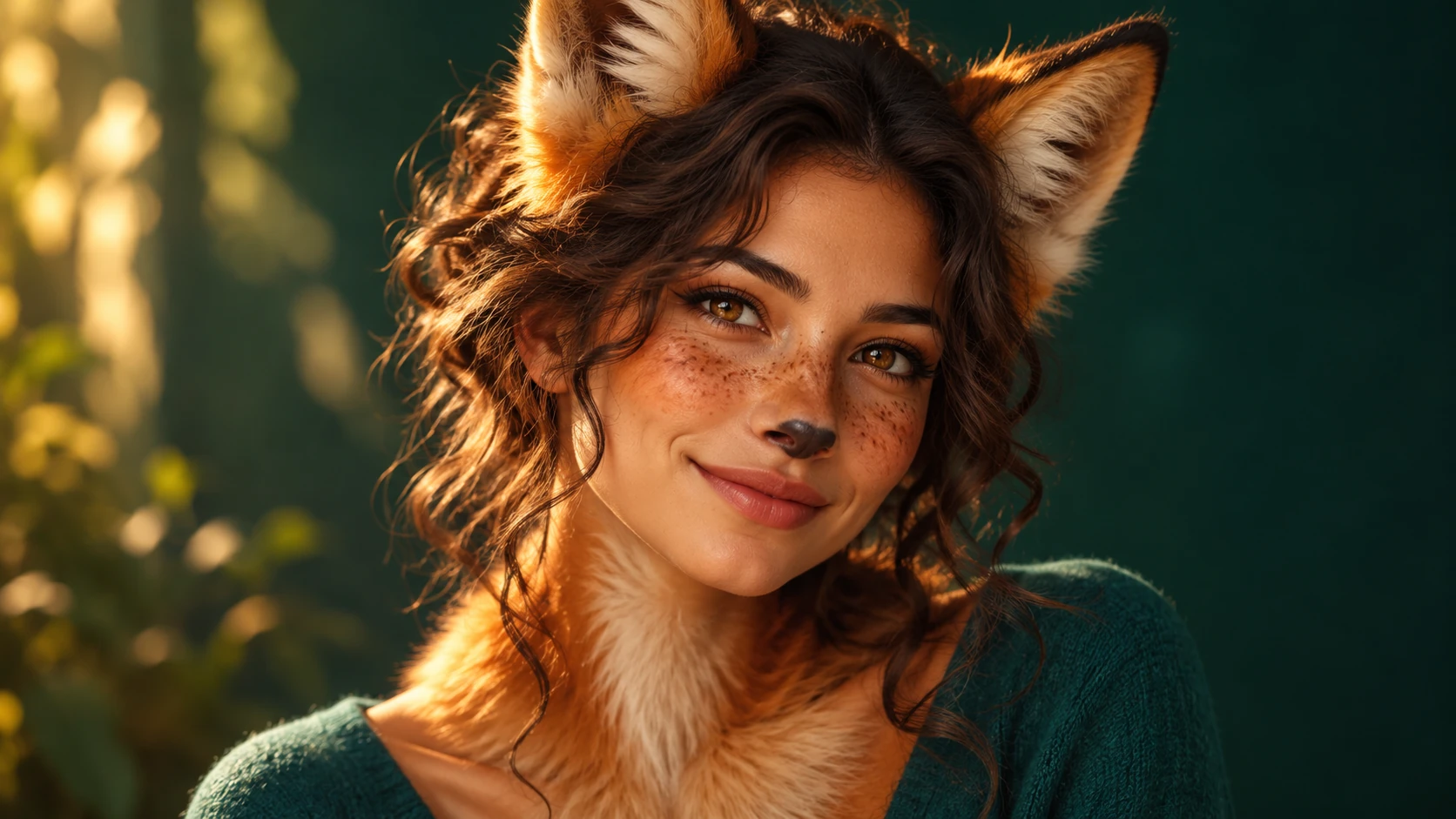
Look for coherent ears and muzzle, a natural neck transition and a readable expression. A convincing animal portrait needs consistent anatomy as well as an attractive coat. Keep head angle, gaze direction, expression cues and the intended crop in view while judging the change.
Where this fits
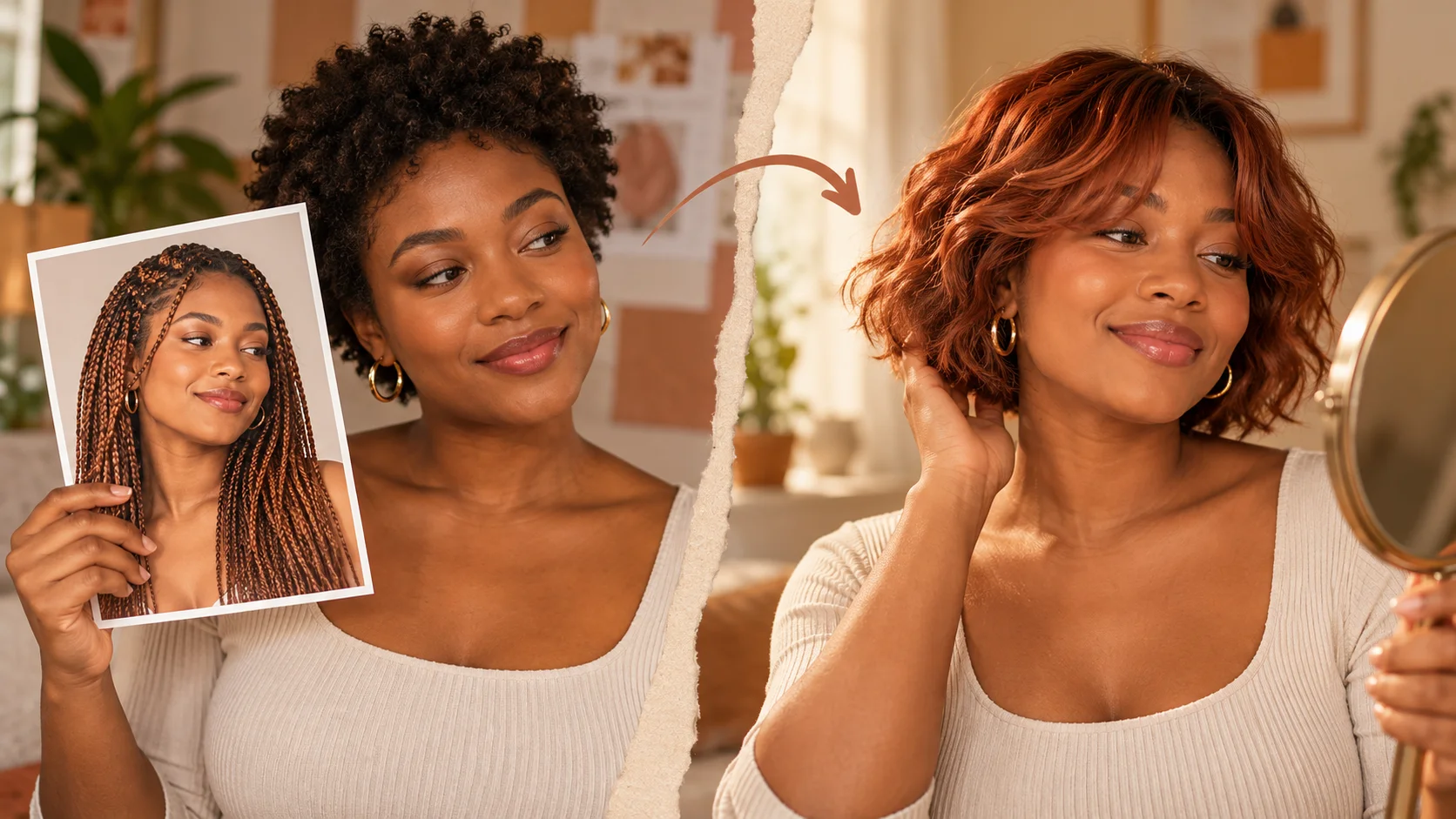
Species-specific ears, muzzle and coat create the animal-inspired silhouette.
Author portrait for a book jacket
Use a single author photo with a neutral background, low warm key light and a three-quarter turn. Ask for a fox-inspired portrait that keeps the seated posture and calm expression. Good for a stylized author page.
Band press image treatment
Take one musician framed from the waist up, backlit with a hard rim. Direct a raven-inspired likeness that retains the tilt of the head and the instrument silhouette. Keep the crop identical across the series for a consistent editorial set.
Character pitch deck
Start with a costumed performer against a plain wall and a mid-shot crop. Request a stag-inspired portrait that preserves the stance and the specific gesture of one raised hand. The result reads as concept art rather than a claim about the person.
Before you generate
Choose a clear head outline and describe the animal species in the prompt.
Pick a clean portrait with visible eyes and a complete head outline. Keep the framing simple and describe the species in words. A separate animal reference slot is not part of this single-image workflow.
Use a single-subject photo with even light and no heavy motion blur.
Write the species and the traits to preserve in one short, specific prompt.
Check the displayed credit quote and compare new results against History before rerunning.
Turn the idea into a clear brief
Before generating, choose one visible change to judge. For photo to animal, explicitly retain head angle, gaze direction, expression cues and the intended crop. Keep the first brief focused so a second attempt can adjust the one detail that needs attention.
Use this portrait’s gaze and gentle head turn. Create a red-fox character with realistic fur, a narrow muzzle and a full neck ruff. Keep an eye-level portrait composition, soft warm light and a simple teal-green backdrop.
Look for coherent ears and muzzle, a natural neck transition and a readable expression. A convincing animal portrait needs consistent anatomy as well as an attractive coat. Keep a useful version in History, then change one part of the brief rather than replacing the photo, style and settings at the same time.
Before you run another image
Treat the displayed quote as part of choosing your image, alongside the model and output settings. If you change a setting, read the updated credit requirement before submitting. Use the site’s Pricing page for available purchase options and check any free-credit offer in the account or checkout flow.
A task can spend time waiting and processing before its result appears in History. The model, output choices and current demand influence that wait. Open the existing task to check progress instead of assuming that a slow response requires a duplicate request. Review the result, keep the original reference, and make the next brief more specific if another version is useful.
Photo to animal questions
Which framing works best for a photo to animal portrait?
A single subject, mid-shot or three-quarter crop, at eye level with clean separation from the background. Tight crops hide the pose the prompt needs to preserve, and wide scenes with many people give the model too many competing cues.
Which photos are poor inputs?
Group shots, faces in deep shadow, heavy motion blur and images where the subject is small in frame. Occluded hands and unusual angles also reduce pose retention. Pick a photo where the silhouette and expression are readable at a glance.
How specific should the species prompt be?
Name one species and add two or three traits, such as a narrow muzzle, thick ruff or long ears. Avoid stacking several animals in one prompt. Keep the language about appearance and mood, and let the model controls handle the stylistic finish.
Will the output predict anything about the person?
No. The result is an animal-inspired illustration that borrows visual cues like posture, head angle and expression. It is not a biological, behavioral or character prediction, and it should not be described as one.
How do the credit quote and account work?
You log in, upload a photo, edit the prompt and the page shows a live credit quote before the job runs. Credits are drawn from your account. There is no separate billing page here and no free allowance is stated.
What should I change for the next attempt?
Start from the same photo and pick one visible detail to improve. Look for coherent ears and muzzle, a natural neck transition and a readable expression. A convincing animal portrait needs consistent anatomy as well as an attractive coat. Adjust that detail in the brief, keeping the remaining settings steady so the comparison stays useful.
Frame the shot, then generate
Upload one clear photo, write a species prompt that protects the pose, confirm the quote and generate.