Choose the photo worth keeping
Upload one reference in Image to Image. Describe the object, person or location that should remain recognizable. In Text to Image, describe the subject instead; no reference photo is needed.


Your photo, your announcement

Make a photo flyer around an image you already have. Upload a product, portrait or venue photo in Image to Image, describe the announcement and generate a new composition. Start without a photo in Text to Image when you want to explore a fresh visual idea.
Make a photo flyer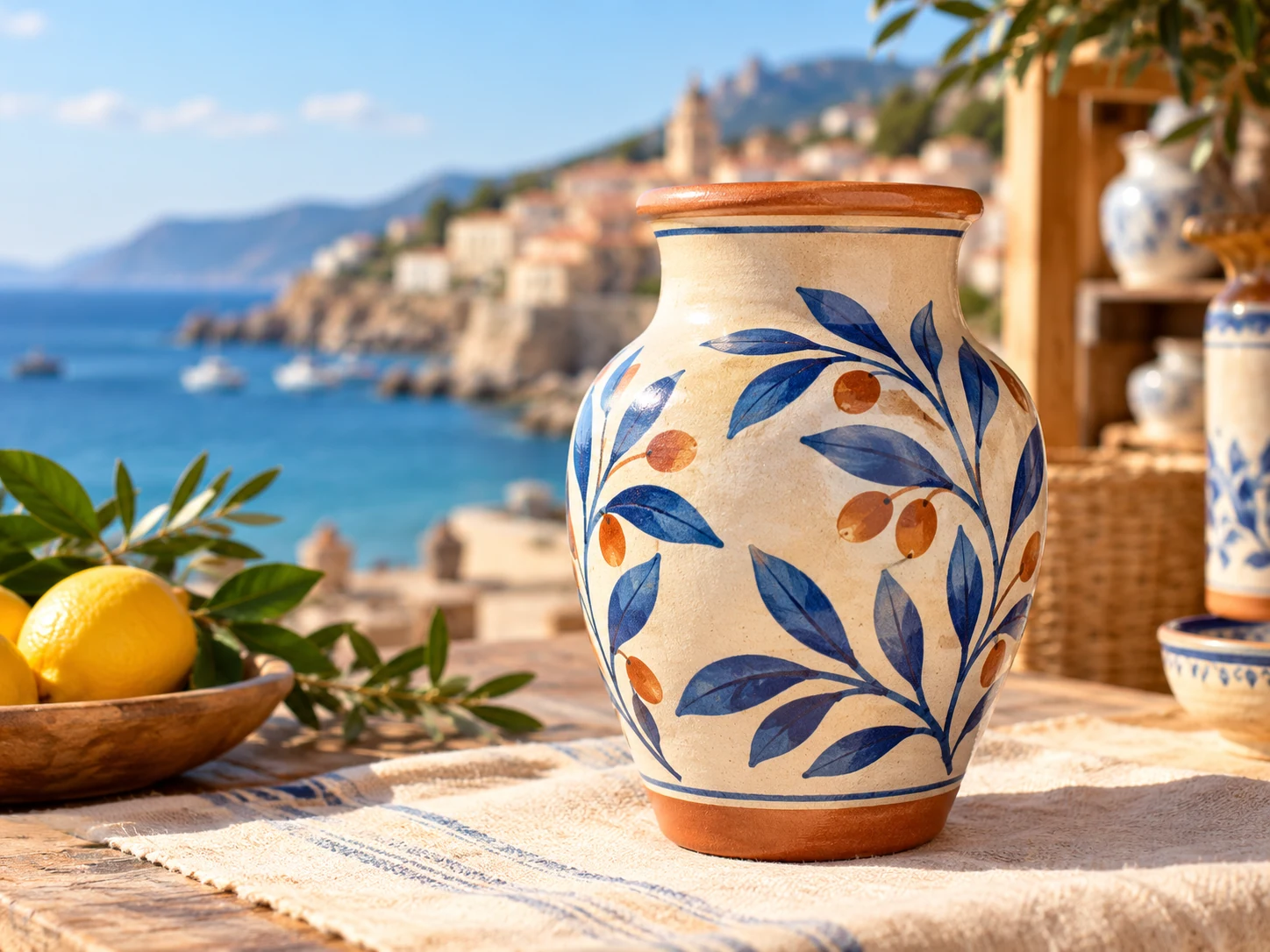
Choose a sharp photograph with one obvious subject and enough room around its edges. A clean product view, a naturally lit portrait or a recognizable venue gives the composition a useful anchor.
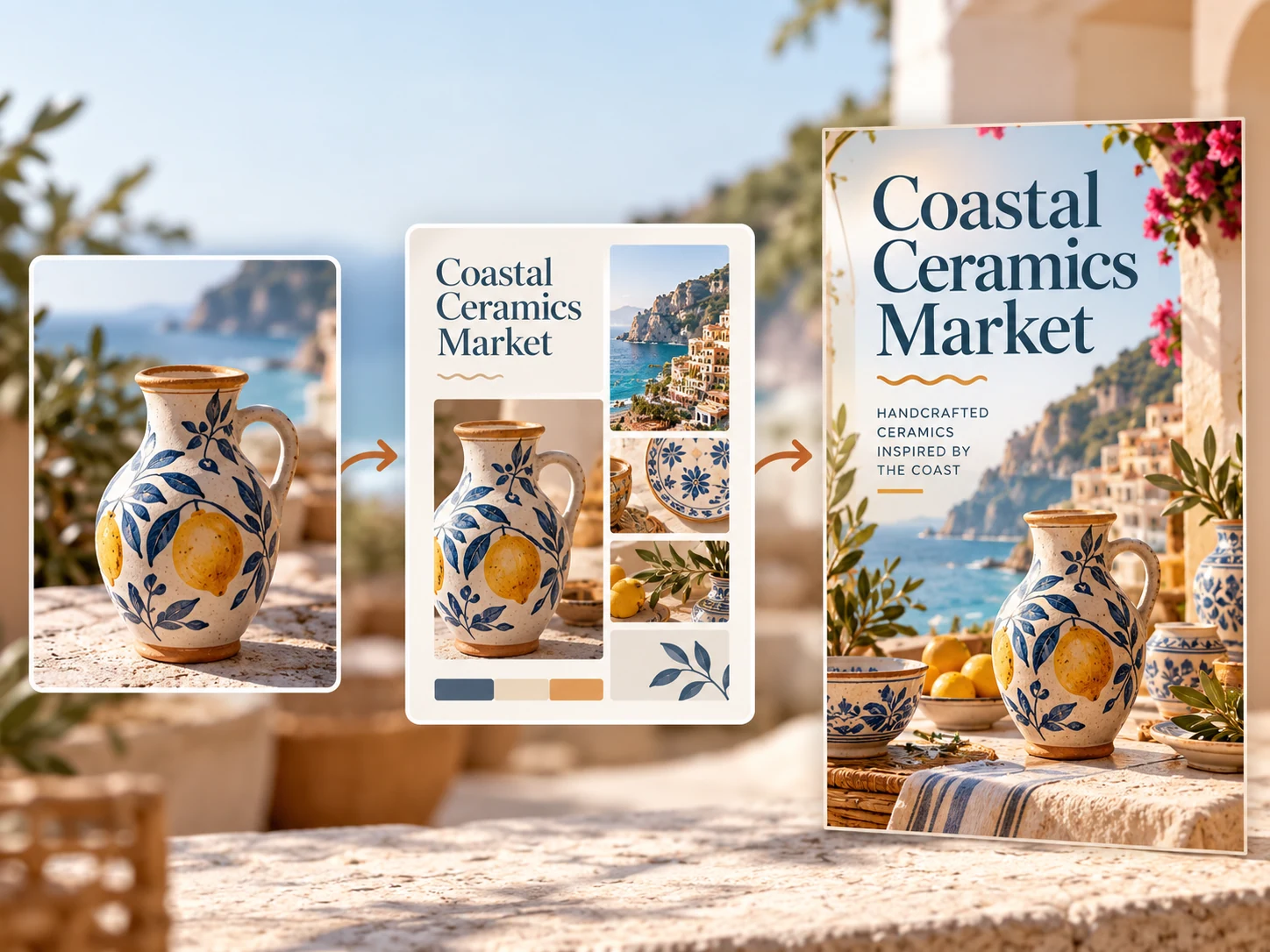
Upload one reference in Image to Image. Describe the object, person or location that should remain recognizable. In Text to Image, describe the subject instead; no reference photo is needed.
Replace the sample event, time and place in the prompt. Put your exact headline in quotation marks. Ask for one main image and a short supporting message rather than a page full of small text.
Select an available model and ratio, check its live credit quote, then generate. Compare the result with your original photo and read every line before downloading.
Check that the main subject remains recognizable, the headline is readable and the smallest text survives a phone-sized preview. AI may redraw details in the photo or misspell words, so keep the original and review the result before sharing.
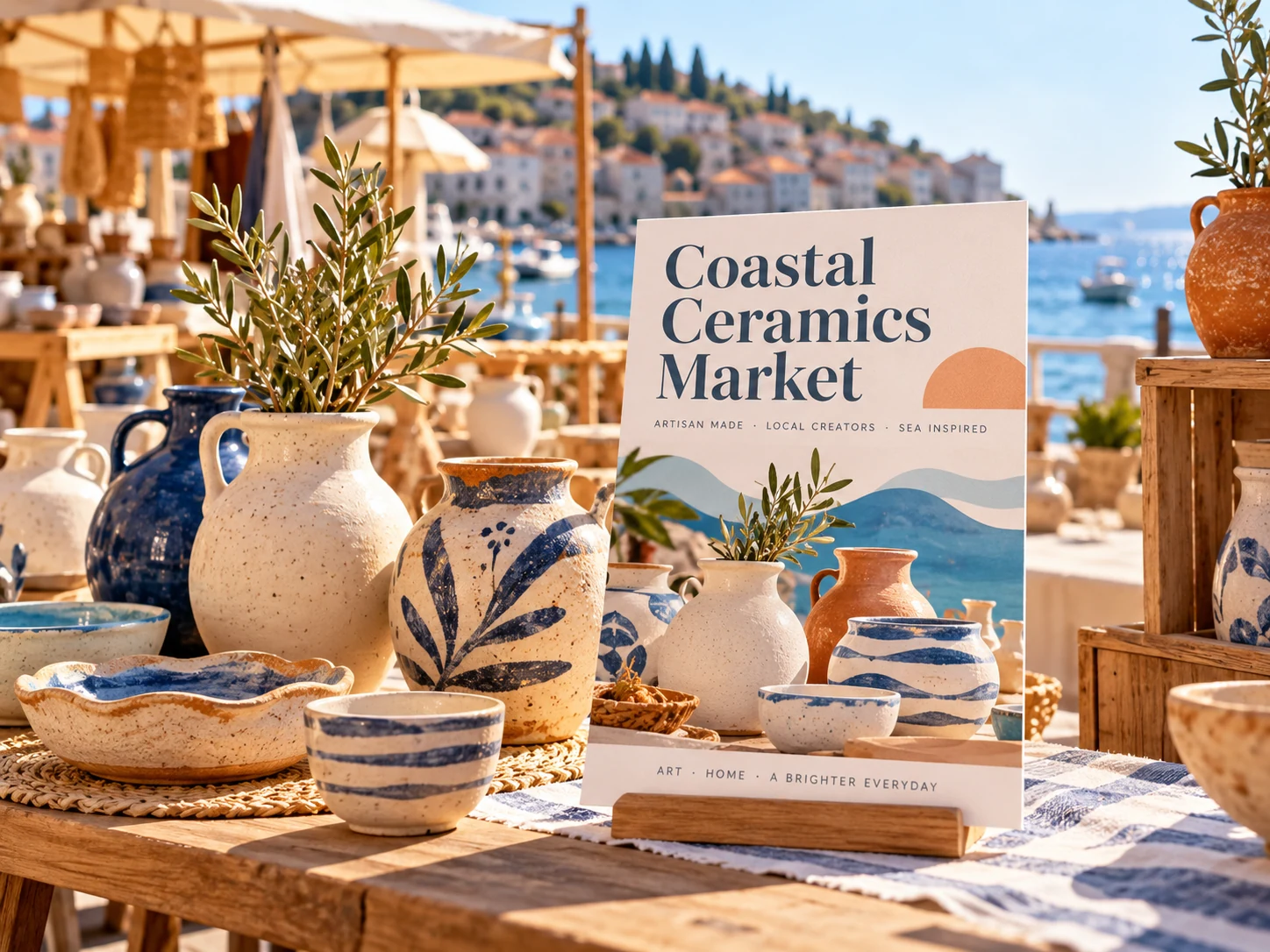
Give a handmade item a simple visual setting and one purchase or event message.
Use a recognizable shopfront or room to help visitors understand where to go.
Build a concise introduction around a portrait and the service you actually offer.
Yes. Choose Image to Image and a model that supports reference images, then upload your photograph. The result is a new generated composition; compare important details with the original.
This tool produces an image rather than a layered design file. Revise the prompt for another version, or use a separate design editor when you need exact text placement.
Any available free credits or promotions appear in your account. Generation uses the live credit quote for the selected model and settings; check that quote before submitting.
Completion depends on the selected model, output settings and queue. Follow the existing task in History rather than submitting the same request repeatedly.
Choose from the ratios offered by your selected model. Keep the headline and essential details away from the edges, then check the downloaded dimensions for the place you plan to share it.

Create a birthday photo flyer around a favorite portrait. Add the name, age, party details and RSVP wording, then review the generated invitation in HeyPix.

Turn a dish photograph into a food promotion flyer. Describe your offer, price and ordering details, then check the generated image before sharing with customers.
Explore a different photo or visual direction with the general image generator.
heypix.io · Updated