Select the birthday portrait
Use Image to Image and upload a portrait you are allowed to use. Tell the prompt which person is the guest of honor. Start in Text to Image for a cake or balloon design without a reference.


Your photo, your announcement
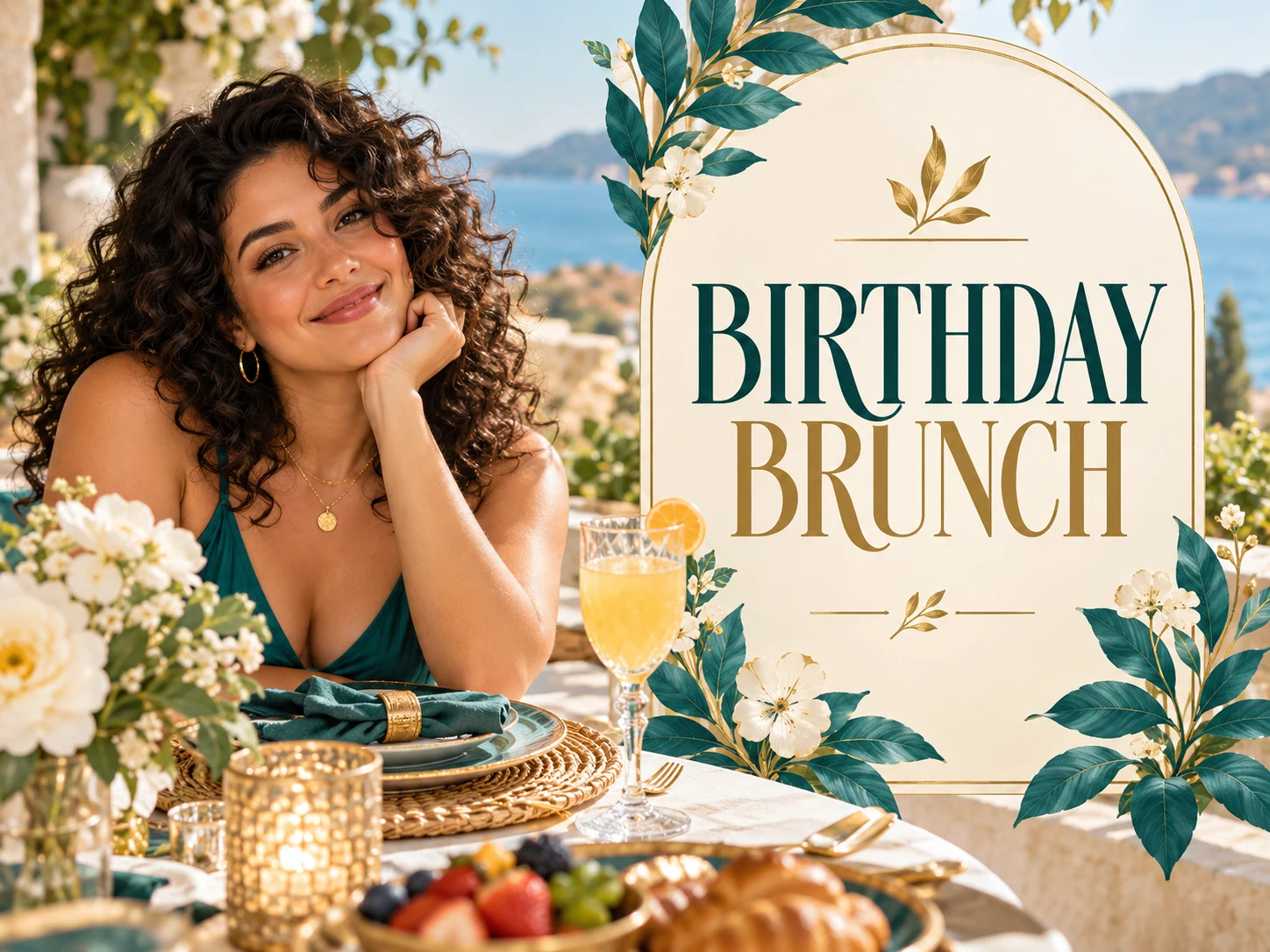
Create a birthday photo flyer with a familiar face at the center. Use a portrait in Image to Image, replace the sample name and party details, and describe a look that fits the celebration. Text to Image also lets you explore a birthday design without uploading a photograph.
Make a photo flyer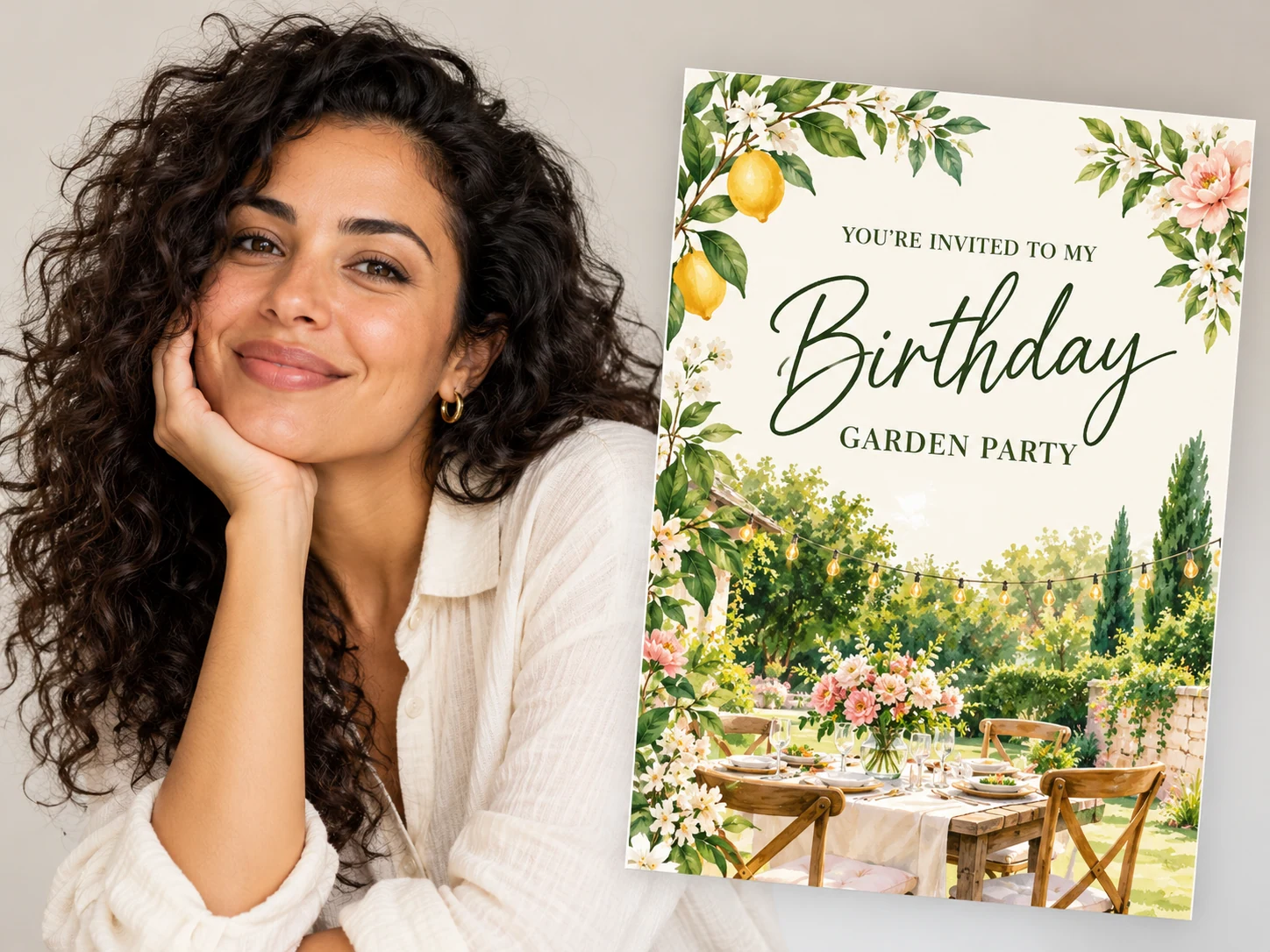
Pick a portrait with a visible face, natural expression and even lighting. Avoid an image already covered in filters or lettering. Decide whether the age belongs on the invitation before adding it to the prompt.
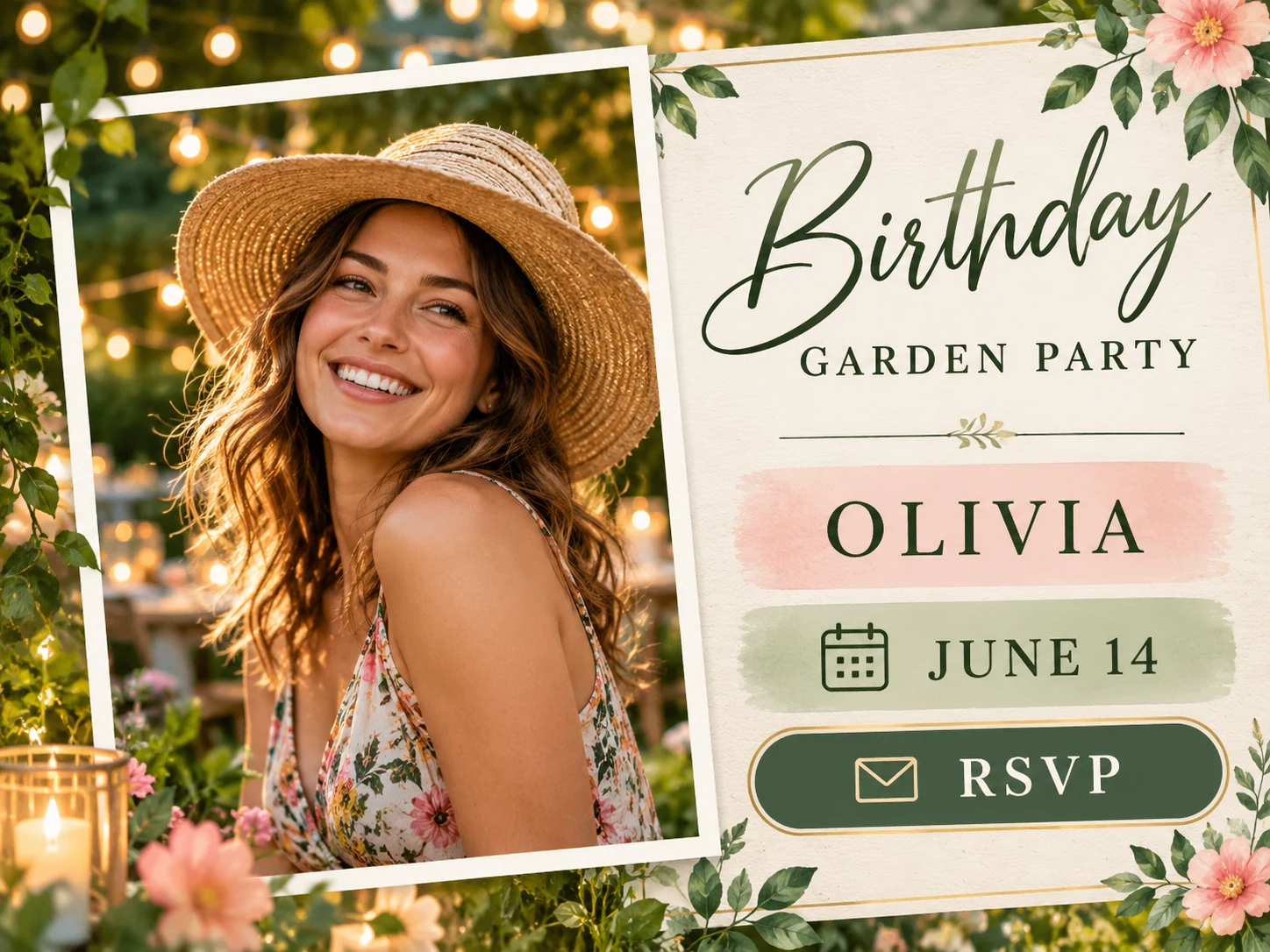
Use Image to Image and upload a portrait you are allowed to use. Tell the prompt which person is the guest of honor. Start in Text to Image for a cake or balloon design without a reference.
Replace the sample name, age, date, time and RSVP wording. Choose a mood such as a relaxed garden gathering or a dressed-up evening party. Keep private address details out of publicly shared versions.
Check the credit quote and generate. Inspect the face, spelling, age and date. Download the result only after the details are correct; use History to compare attempts.
Read the name and date aloud, compare the face with the portrait and check that RSVP wording explains the next step. Preview the invitation at the size guests will see in their group chat. Request another version if any key detail is wrong.
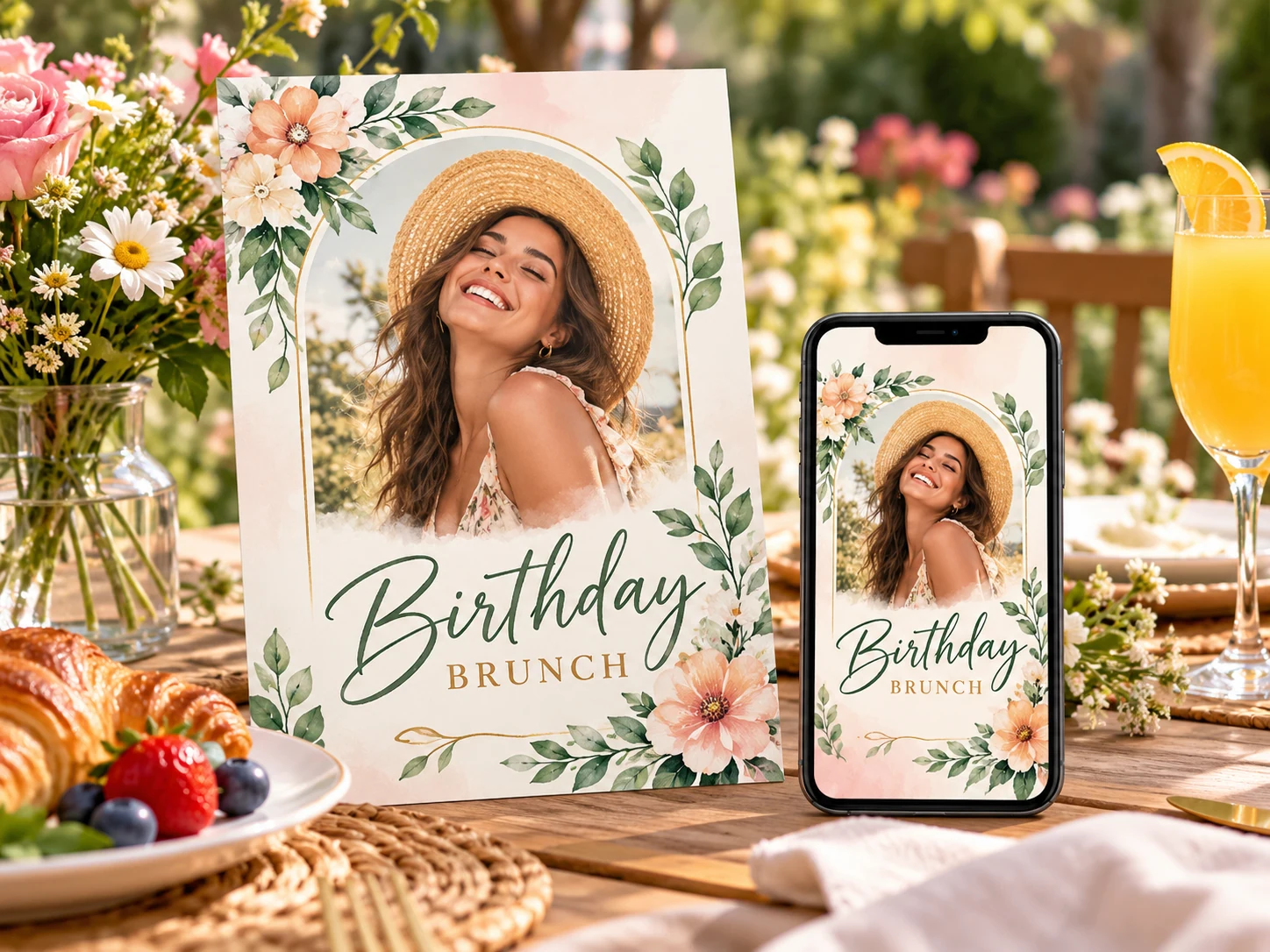
Give the name and age more space than decorative elements.
Choose a calm composition with a portrait, time and a short RSVP line.
Reuse the same direction with revised wording for a reminder closer to the day.
Yes. Switch to Text to Image and describe a cake, balloons or another party theme. That mode does not require or submit a reference photograph.
Check the downloaded image dimensions against your intended print size. This tool does not provide a print-ready PDF, bleed settings or a guarantee of sharp text at every print size.
Any available free credits or promotions appear in your account. Generation uses the live credit quote for the selected model and settings; check that quote before submitting.
Completion depends on the selected model, output settings and queue. Follow the existing task in History rather than submitting the same request repeatedly.
Choose from the ratios offered by your selected model. Keep the headline and essential details away from the edges, then check the downloaded dimensions for the place you plan to share it.
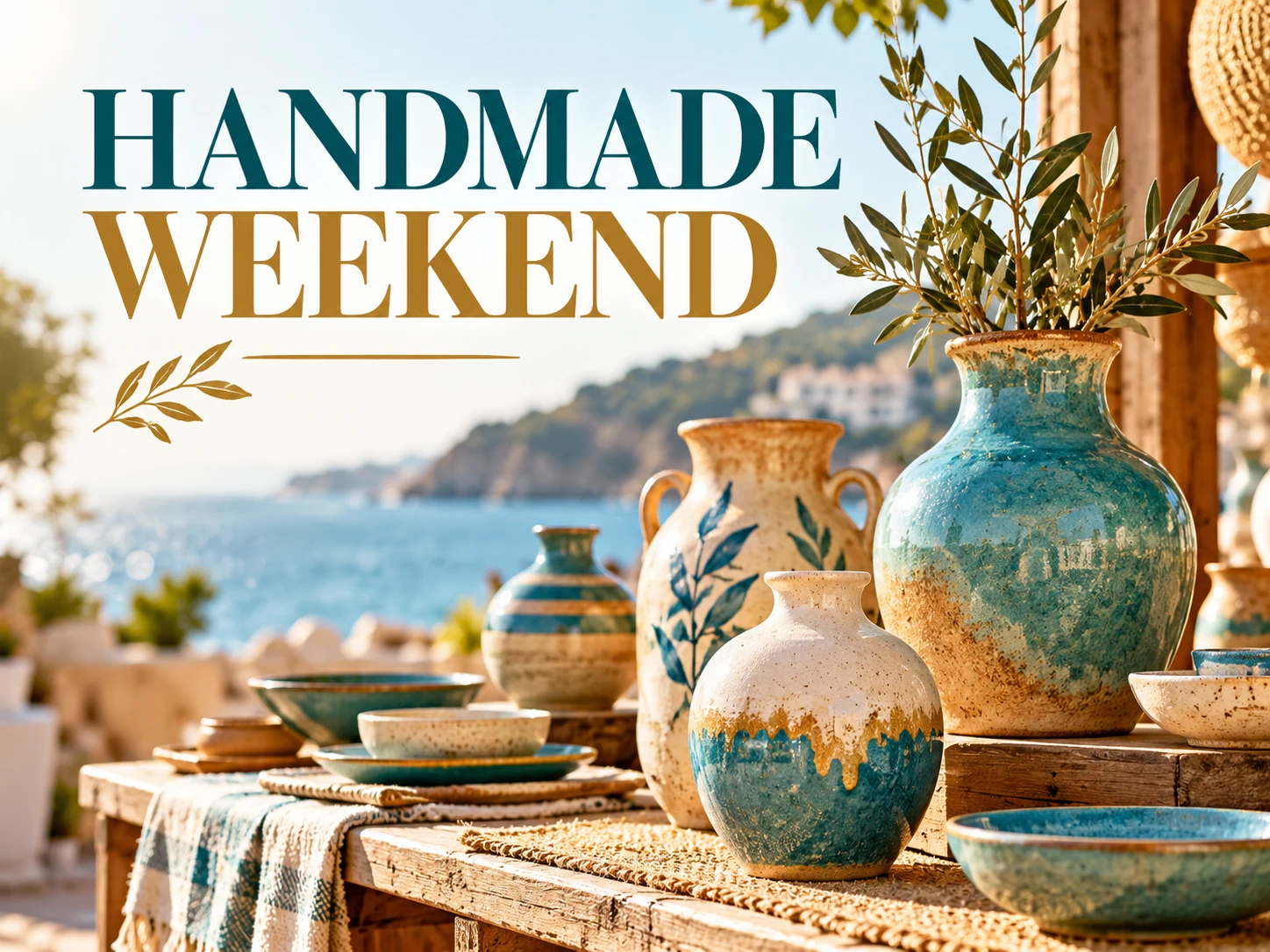
Make a photo flyer from your own product, portrait or venue image. Set the headline, offer and visual style, then generate and review your flyer with HeyPix.
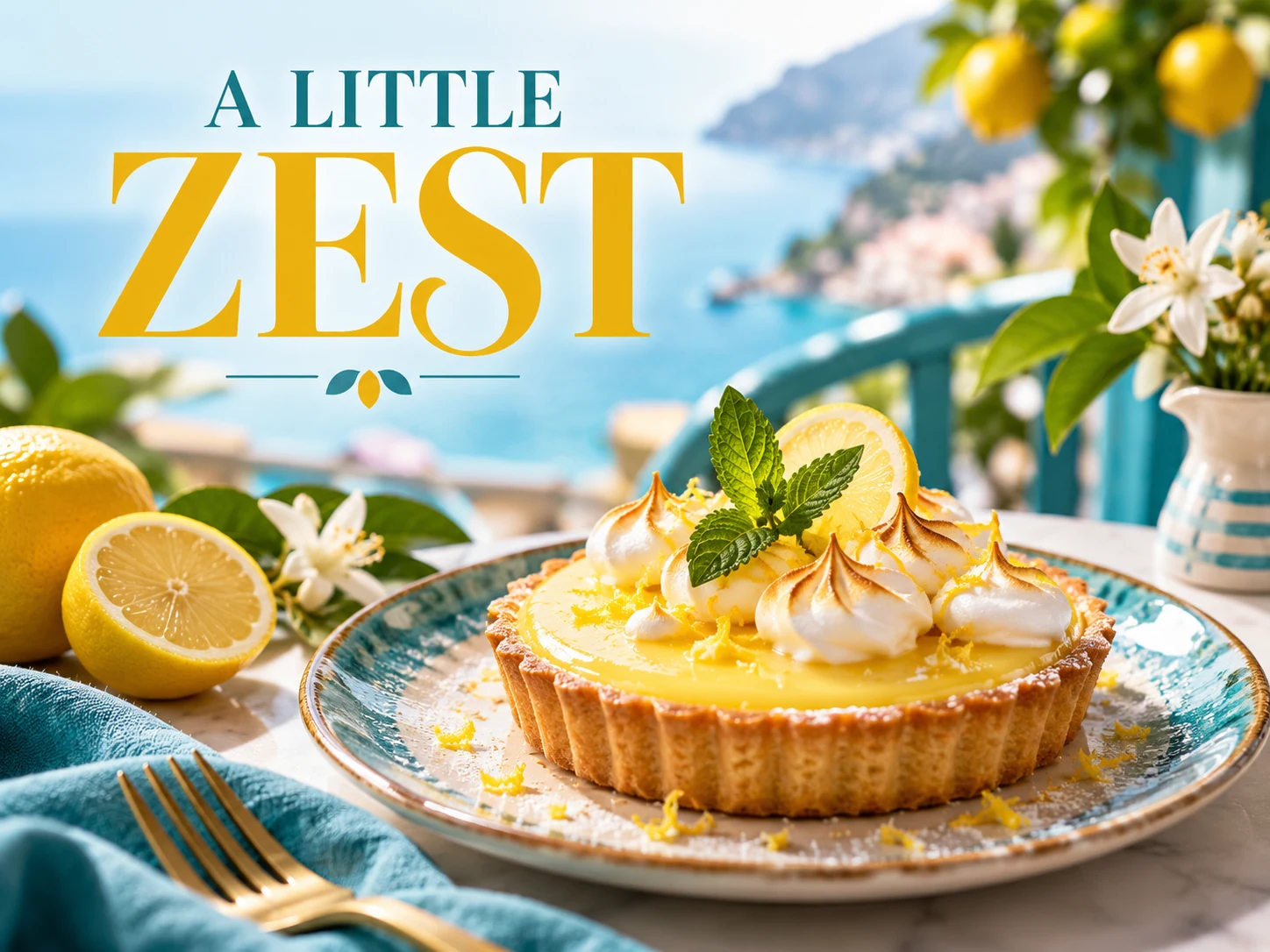
Turn a dish photograph into a food promotion flyer. Describe your offer, price and ordering details, then check the generated image before sharing with customers.
Explore a different photo or visual direction with the general image generator.
heypix.io · Updated