Choose one subject
Use a sharp reference with a readable outfit or distinctive colors. Crop away competing people and busy labels.


Image generator guide
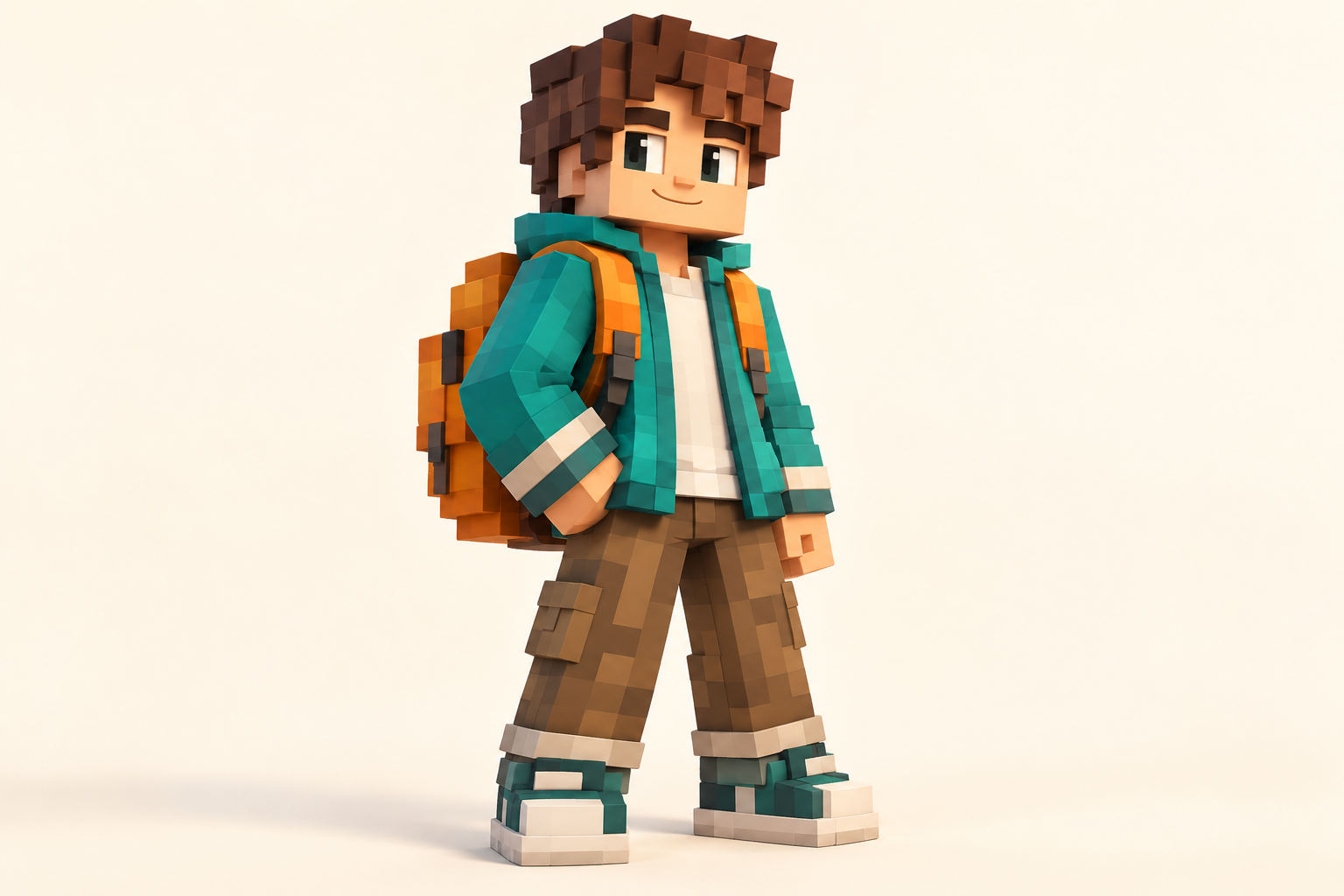
Shape a familiar portrait into a playful blocky character idea. Turn a clear person, pet or mascot picture into a blocky character concept. Upload one reference image and use the generator to explore a Minecraft-inspired look that keeps recognizable colors and clothing cues. HeyPix can turn a portrait or mascot into a visual character study. Keep the color cues that make your subject recognisable.
Start creating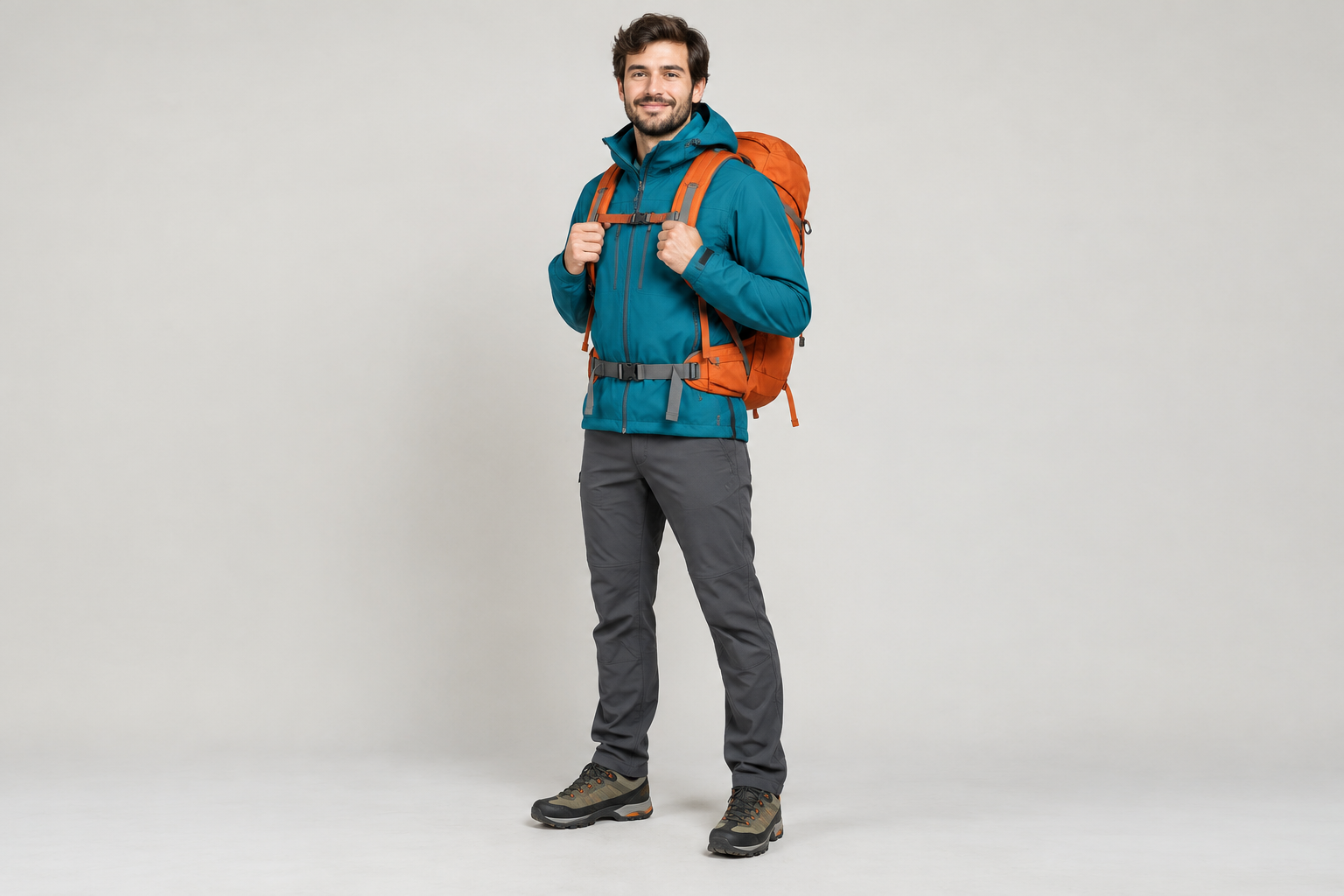
Use a sharp reference with a readable outfit or distinctive colors. Crop away competing people and busy labels.
Mention the jacket, hair, accessory or palette that should remain recognizable after simplification.
Read the live credit quote, generate, then inspect the full silhouette and clothing in History. This output is a concept image.
Explore a blocky character silhouette before making a final profile graphic.
Translate a mascot or costume reference into a pixel-like cast member for a visual story.
Take the palette and mood into the linked Minecraft Pixel Art generator to design a setting.
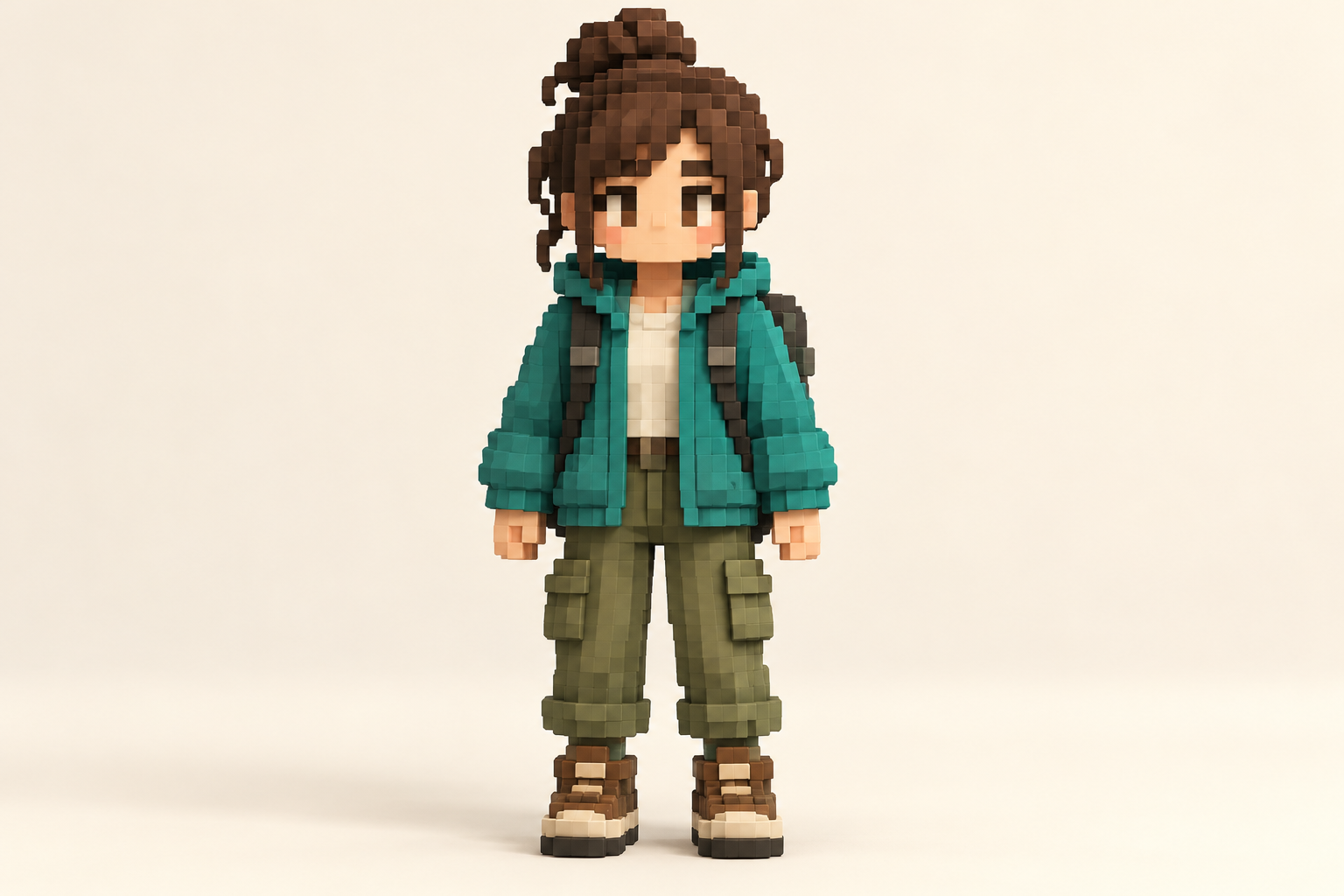
Keep the main subject and change one visible instruction at a time.
Use the uploaded single-subject reference to design a Minecraft-inspired blocky full-body character concept image. Preserve the most recognizable clothing colors, hairstyle cues and accessories while simplifying them into readable pixel-like shapes. Show the character clearly against a simple background. This is a visual character concept, not an importable game texture or UV map. No text or watermark.
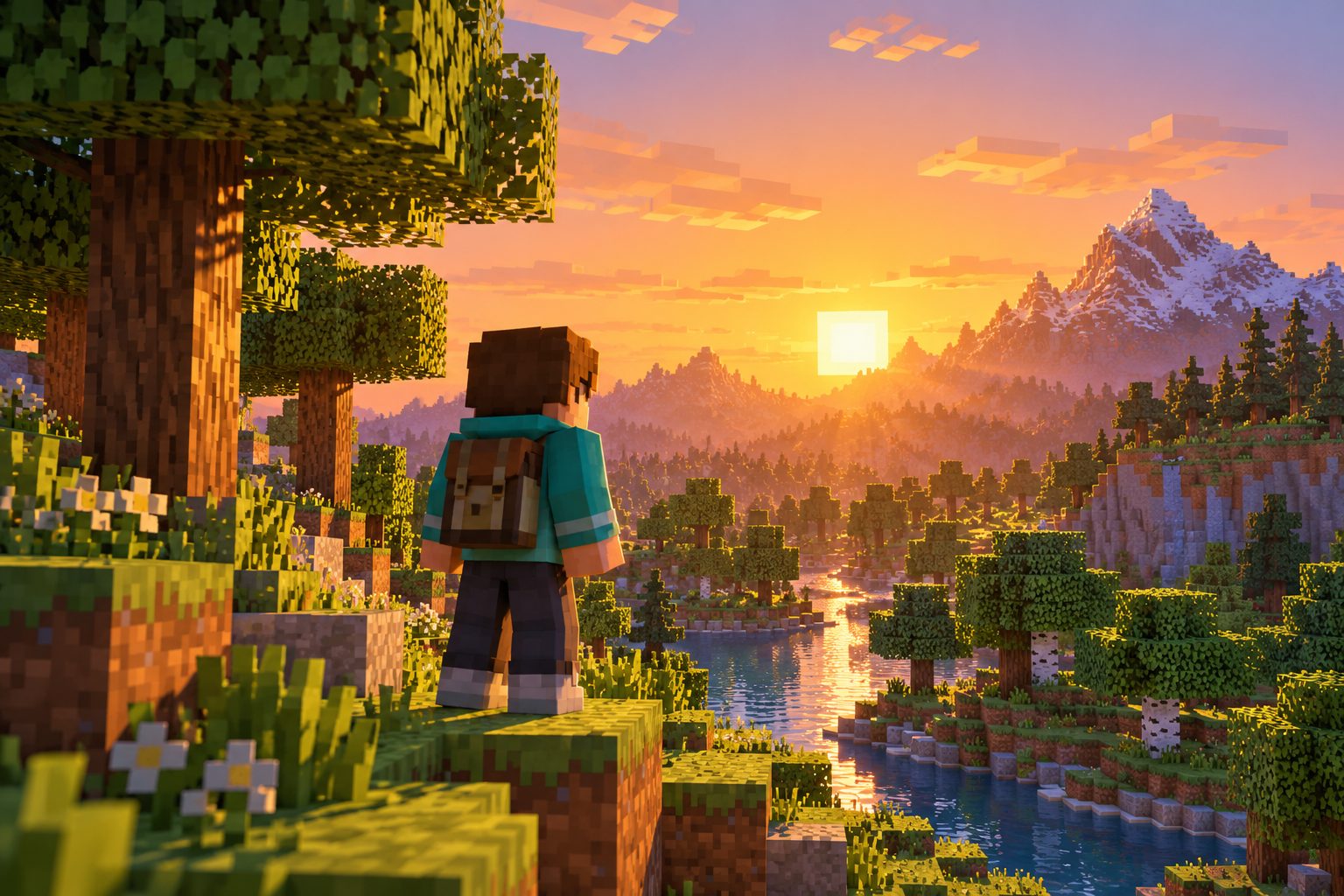
Start with a clear character reference, then explore a matching pixel landscape.
Yes, use one clear reference with a single main subject. Strong colors and visible clothing help.
No. This generator makes a character concept image; it does not export a validated game skin texture.
It can use the reference as direction, but blocky simplification changes fine details. Check the result and refine one feature at a time.
Check the live quote for the selected model before generation. History shows the task as it progresses.
Open a related tool that fits the next part of your picture.
heypix.io · Updated