

A focused media workflow
AI Body Editor — Controlled Full-Body Photo Edits
Body Editor
History
The AI body editor uses one full-body photo and a written direction. Choose a subtle or more visible edit, or supply only your own instruction. These presets describe a creative change; they are not measured percentages, fitness results or health outcomes.
Prepare your sourceHow to start
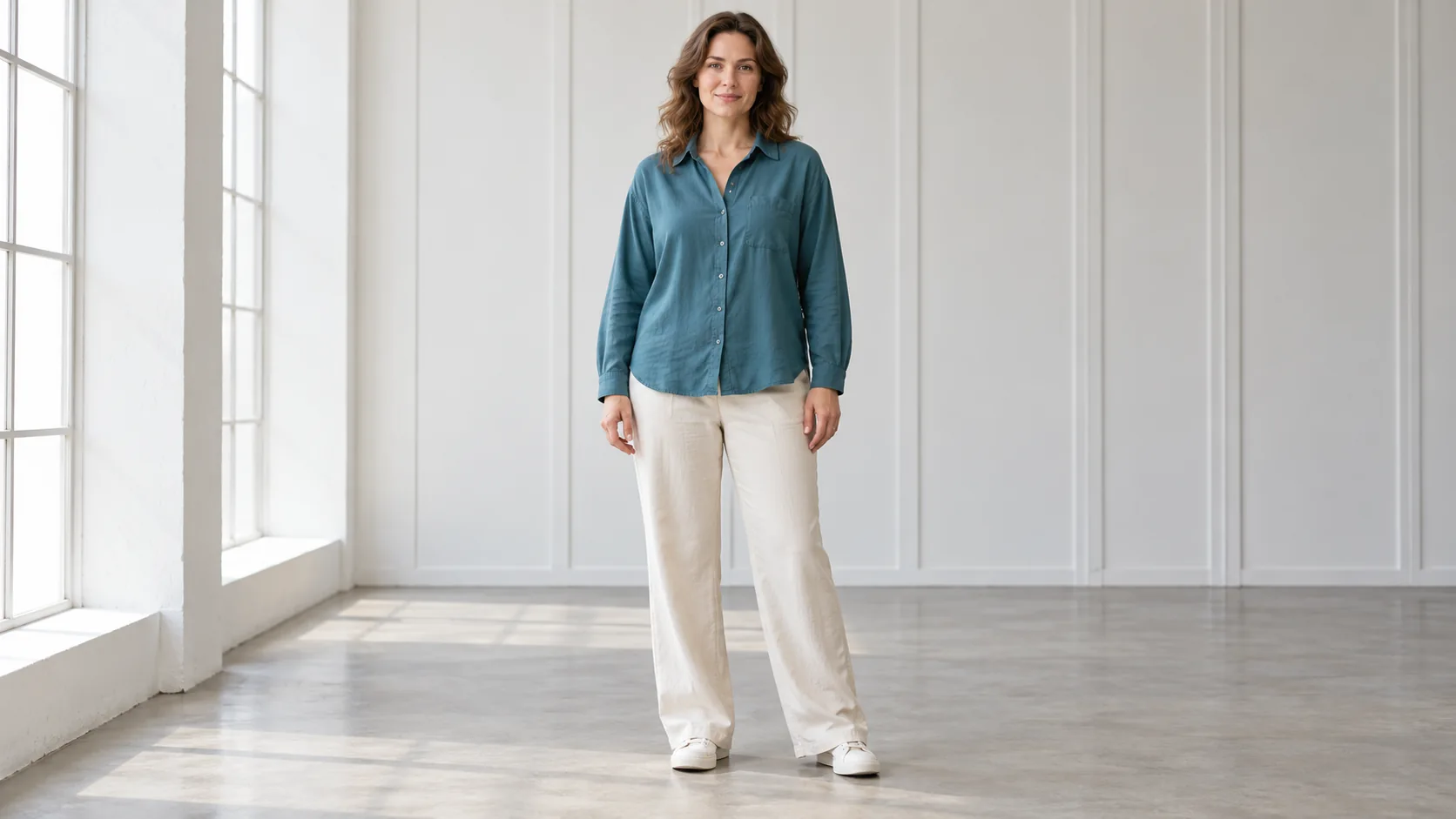
- Upload a fully visible portrait with clear hands, feet and clothing edges. Prefer even light and an uncluttered background.
- Choose an edit direction and describe the intended visual change. State what should remain consistent, especially the face, pose and clothing.
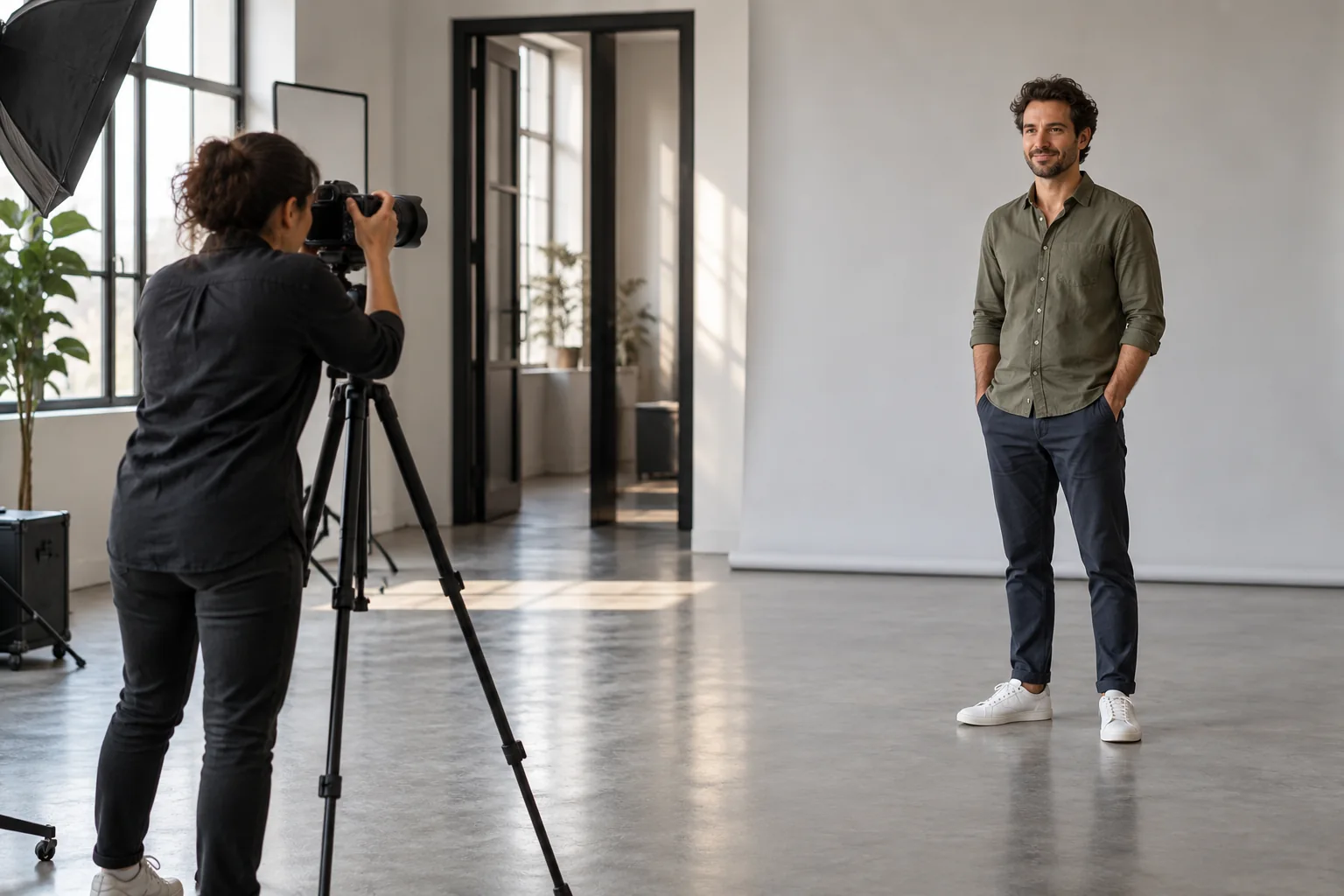
- Select an available model, review its quote and submit. Inspect the entire image and full-size details in History.
Prepare the source
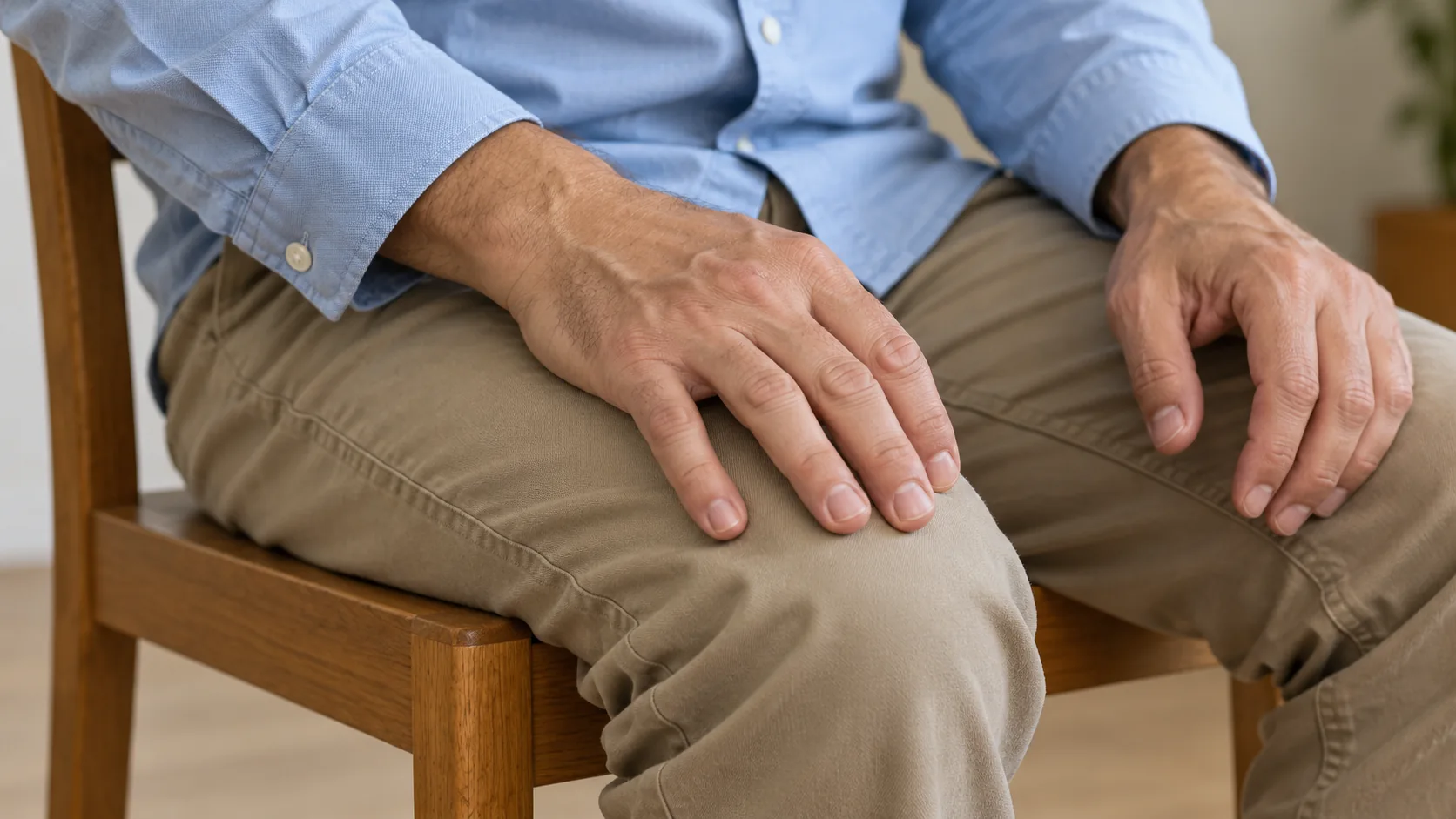
A straight-on or gentle three-quarter view is easier to assess than a strongly twisted pose. Keep the original image for comparison. If hands overlap the waist or furniture hides a limb, use another source rather than expecting missing anatomy to be recovered accurately.
Choose a useful direction
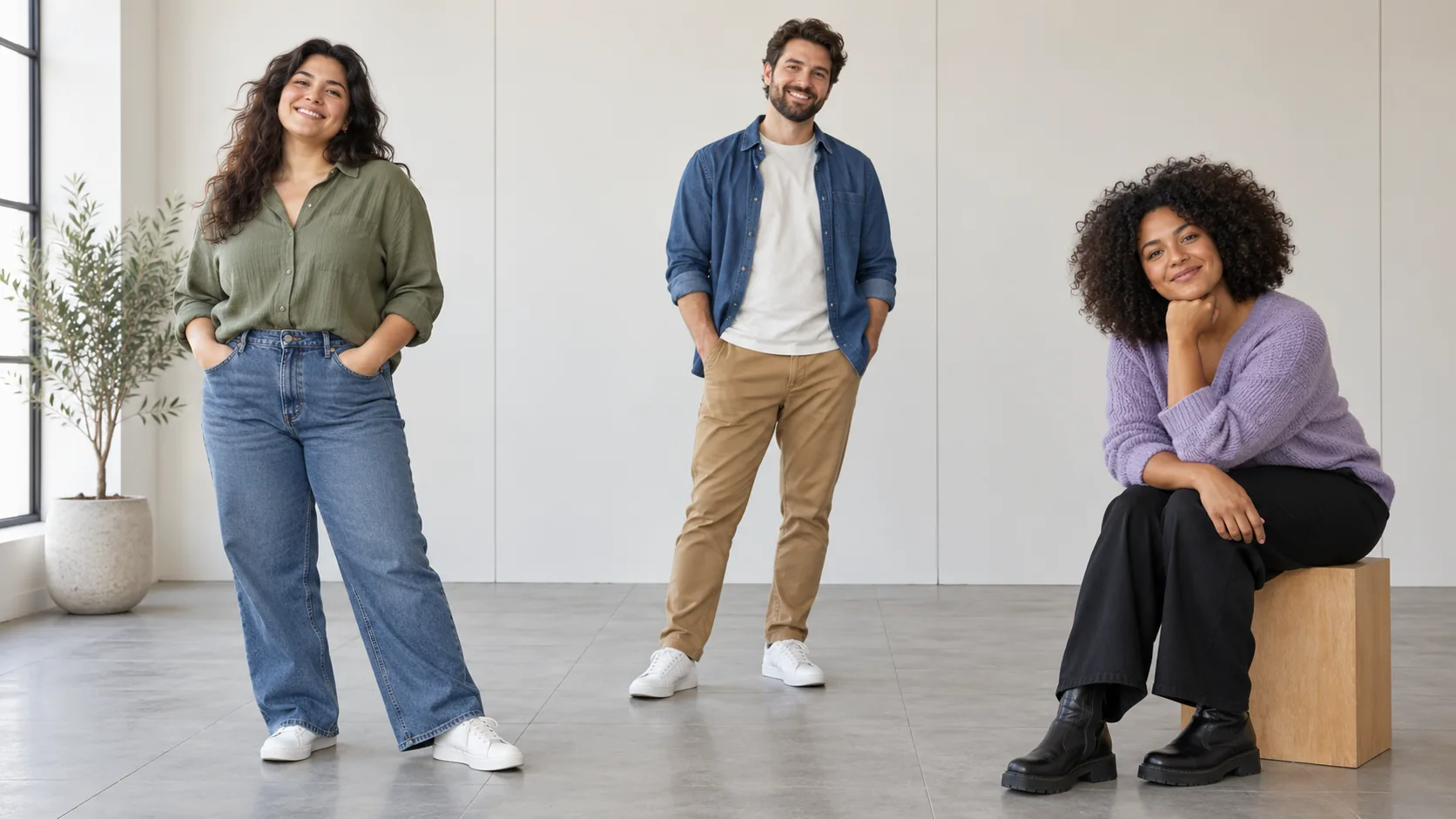
Explore creative character styling, adjust the visual balance of a portrait, or compare a restrained edit with a more expressive direction. Change one instruction at a time. Nano Banana Pro, GPT Image and Seedream are candidates, subject to the site’s existing model and contract approvals.
Inspect the result
Compare face shape, finger count, limb joints, clothing texture, shadows and straight background lines. Reject warped details rather than judging only the silhouette. This workflow edits the image as a whole; it does not provide a mask brush or a medical or weight-loss result.
Availability and credits
Only enabled models with approved contracts and prices can generate. The current workflow shows its availability and credit quote before submission. Changing settings requires a new quote. No fixed free allowance or processing time is promised.
The guide illustrations explain preparation and review. They are not results from a paid quality test. Your own submitted jobs remain available in History.
Questions before you start
What does Subtle mean?
It adds a qualitative instruction to the prompt. It is not a numerical body measurement and cannot guarantee a fixed amount of change.
Can I paint a local selection?
No. This workflow uses a photo and instructions. A local mask or brush is not part of the implemented contract.
Is Nano Banana Pro always available?
No. It is included as a candidate, but contract review and this site’s activation rules still apply. Other available candidates allow comparison without claiming a winner.
heypix.io · Updated
What's new on this page
- — Added a dedicated workflow with input controls, visual examples and usage guidance.