AI Image Generator
Open the generator to choose Text to Image or Image to Image and work with an editable prompt.


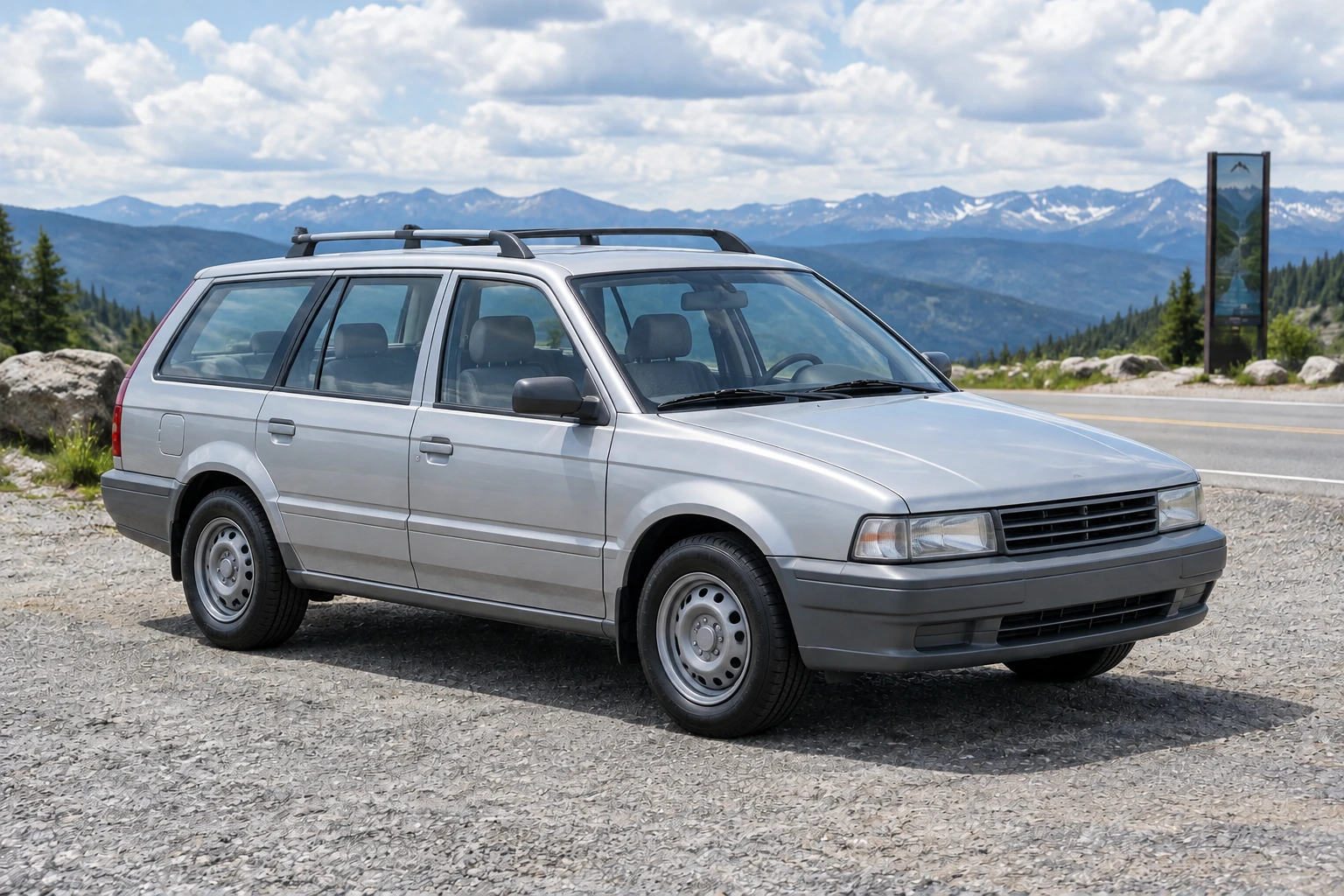
Toy Car To Real Car is a practical way to rethink a miniature vehicle as a full-size scene. This heypix.io guide follows an original satin-silver angular station wagon with a dark roof rack, tall windows, slim rectangular headlights, and modest dark-grey wheels, parked at a mountain-road pull-off beneath bright high cloud. Choose Image to Image to work from one clear photo of your own toy, or use Text to Image for a fresh concept without an upload. In either mode, make the toy’s identity cues explicit and review the resulting still for believable materials, scale, and coherent daylight reflections.
For your own miniature, open Image to Image and supply one clear photo showing the whole toy. A three-quarter view is useful because it reveals the front, side, roofline, and wheel placement together. Keep the toy’s paint, body style, window arrangement, and distinctive stripes visible; avoid crops that hide the roof or cut off the wheels. To make a new wagon concept without a source image, choose Text to Image instead.
Edit the prompt to name the features that make your actual toy recognizable. Ask for a plausible full-size interpretation: molded or plastic-looking parts should read as metal, glass, and rubber, rather than enlarged plastic texture. Carry a boxy wagon shape and simple roof-rack identity into a travel scene, but do not ask the generator to replace your vehicle with the example wagon. For a fresh concept, use the separate generate prompt, which describes the original satin-silver wagon and mountain-road pull-off.
With your prompt ready, select from the size and aspect options currently offered by Seedream 5.5. Options can change, so choose from what the interface shows rather than relying on a fixed setting. Review the live credit quote beside Generate before starting, and distinguish that quote from your account’s available balance. Generate produces a still image. The job’s status appears in History, where you can check progress and return to the result.
Assess whether the output reads as a full-size vehicle in a believable outdoor space. Check every visible wheel, the window shape, body reflections, paint, and the perspective between the vehicle, ground, and distant sign. Look for grounded shadows and coherent daylight rather than miniature-scale tabletop cues. If something needs work, revise one variable at a time—for example, request clearer glass while leaving the scene and vehicle description unchanged. Repeat the review on the next still.
A useful reference is a single, uncluttered photograph of the complete toy at a clear three-quarter angle. Keep its roofline, paint, body style, window arrangement, and any distinctive stripes visible. These details give the prompt concrete identity cues to preserve. A photo that hides the roof rack or crops the front makes those features harder to carry into the still. In Image to Image, upload one toy-vehicle photo and edit the prompt; the Text to Image mode has an editable prompt but no upload.
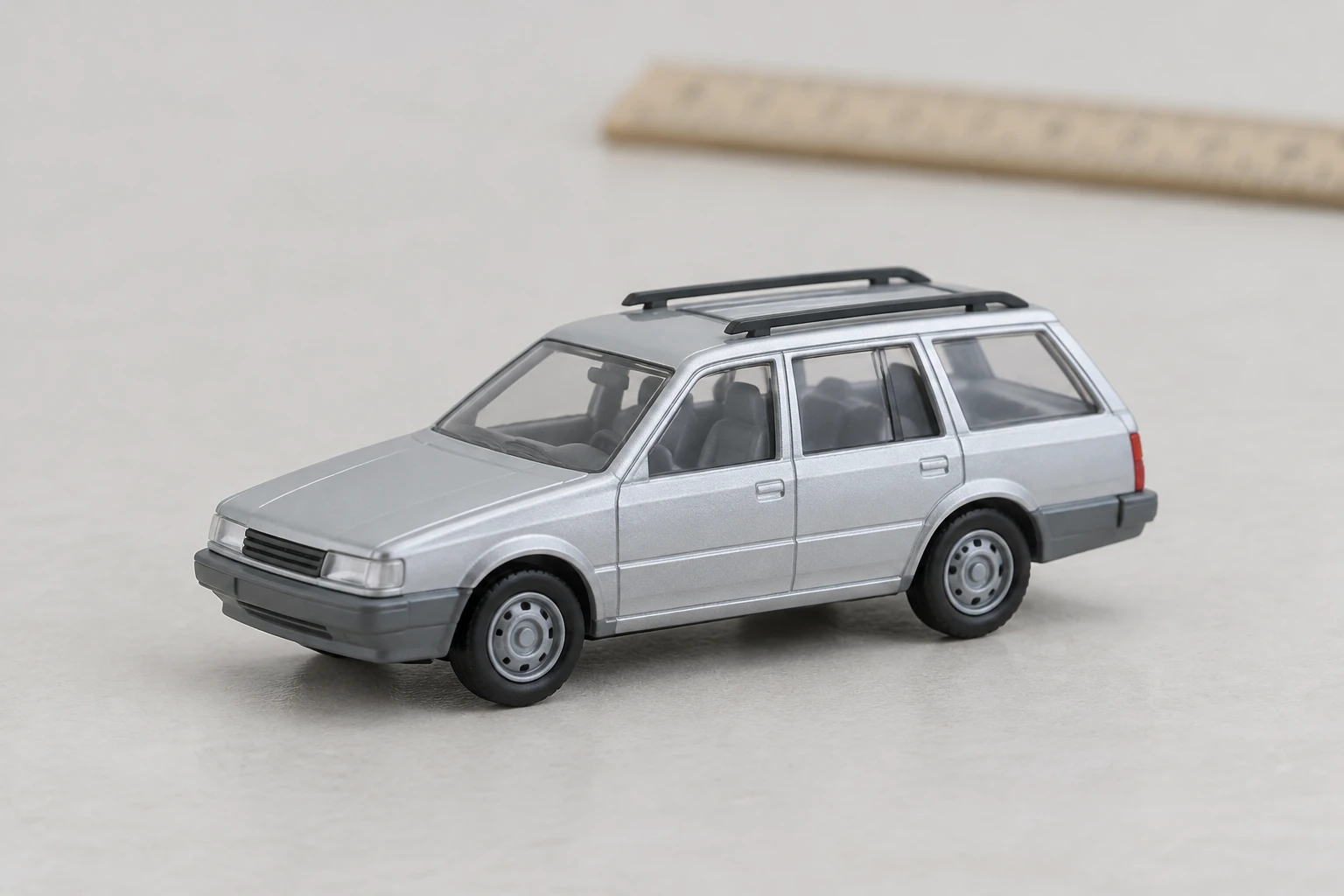
The example’s boxy four-door shape and simple dark rack suggest a travel-oriented wagon without relying on a brand. Its tall side windows, slim rectangular headlights, and modest dark-grey wheels help define the design. In a full-size interpretation, molded plastic should become plausible body material, windows should read as glass, and wheels should have a rubber appearance. The goal is to translate visible identity cues into a convincing vehicle scene, not to claim an exact copy or preserve toy-like proportions literally.
The mountain-road pull-off under bright high cloud gives the wagon an outdoor context, while a full-height roadside sign far behind it helps establish distance. Check that the vehicle sits on the road with believable contact shadows and that its reflections agree with the daylight. The setting should not overpower the vehicle: keep the roof rack, windows, wheels, and body shape readable. If you try another setting, change the scene description while keeping the vehicle’s defining features steady.
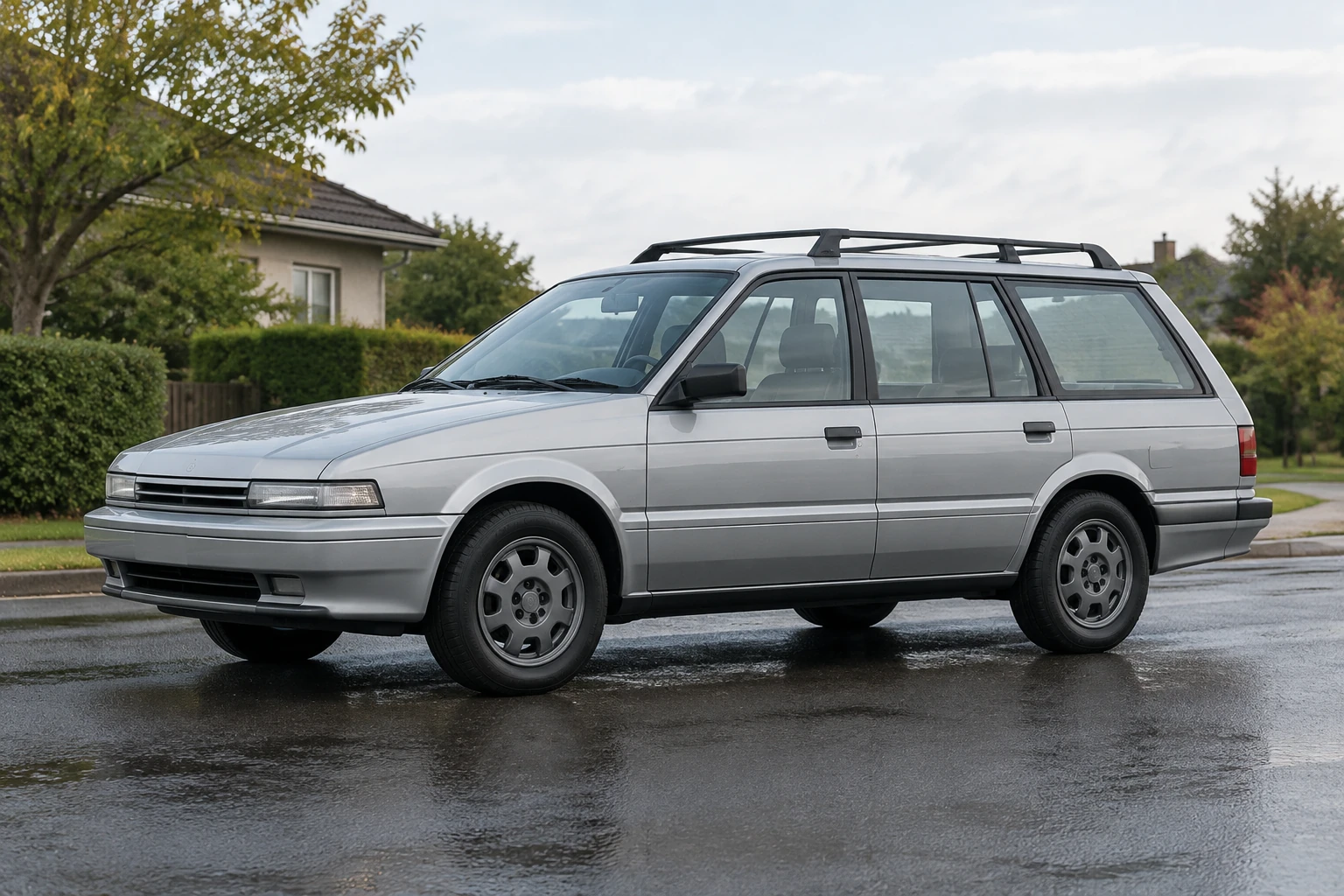
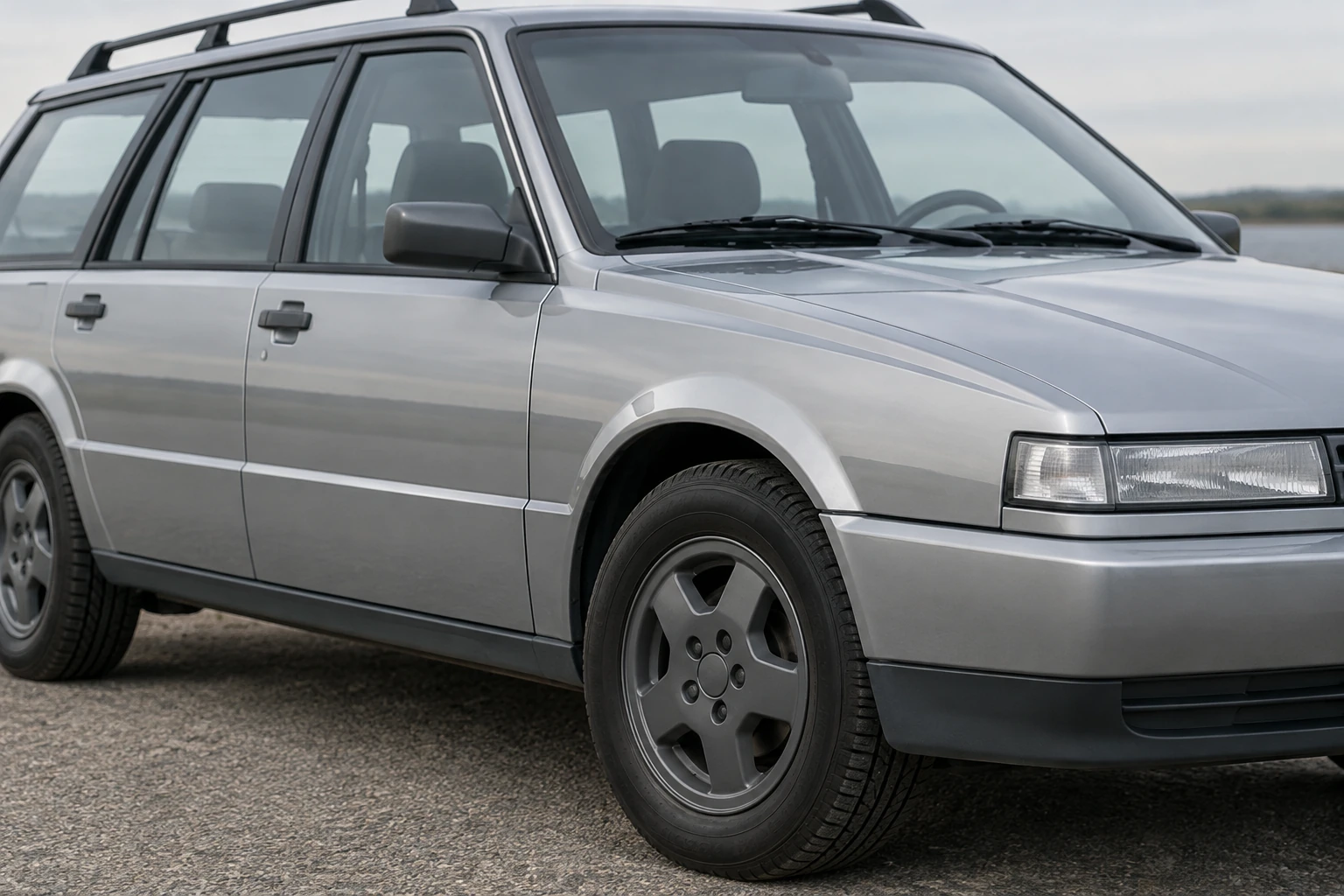
Inspect all visible wheels rather than judging the car from its front alone. Check the window shape, glass reflections, paint consistency, and whether the body and surroundings share a coherent perspective. If the result feels miniature, describe outdoor scale and grounded shadows more clearly. If a particular feature is weak, adjust that part of the prompt without changing everything at once. Generate another still and compare the relevant details.
Eligibility for any free use depends on the current account conditions and what the site displays for your account. Check the live interface before generating; this guide does not promise a free allowance or a particular eligibility outcome.
No. The quote beside Generate shows the credits indicated for the selected generation, while your account balance is a separate amount. Review both in the interface before you start; this guide does not state a fixed credit price.
Wait time can vary, so there is no fixed completion time promised here. Check History for the job’s current status and return to the still when it is available.
Image to Image uses one uploaded toy-vehicle photo and an editable prompt. Text to Image has an editable prompt but zero uploads, so use it for a new concept such as the example satin-silver wagon.
Use a clear whole-toy three-quarter photo and describe visible features such as paint, body type, roofline, window layout, and distinctive stripes. Review the still for those cues along with wheels, reflections, materials, and perspective; results are interpretations, not guaranteed exact copies.
Pair the source miniature photo with the reviewed full-size concept in your usual editor. Label the two still images, and keep the roof rack, side windows and angular body visible so viewers can compare the wagon’s identifying features.
Open the generator to choose Text to Image or Image to Image and work with an editable prompt.
Explore another themed image guide using the image-generation workflow.
See a themed photo-editing guide built around an uploaded image.
Explore a separate video-generation workflow for another creative project.
heypix.io · Updated