AI Age Checker: A First Walkthrough From Portrait to Result
Create an appearance-age impression card
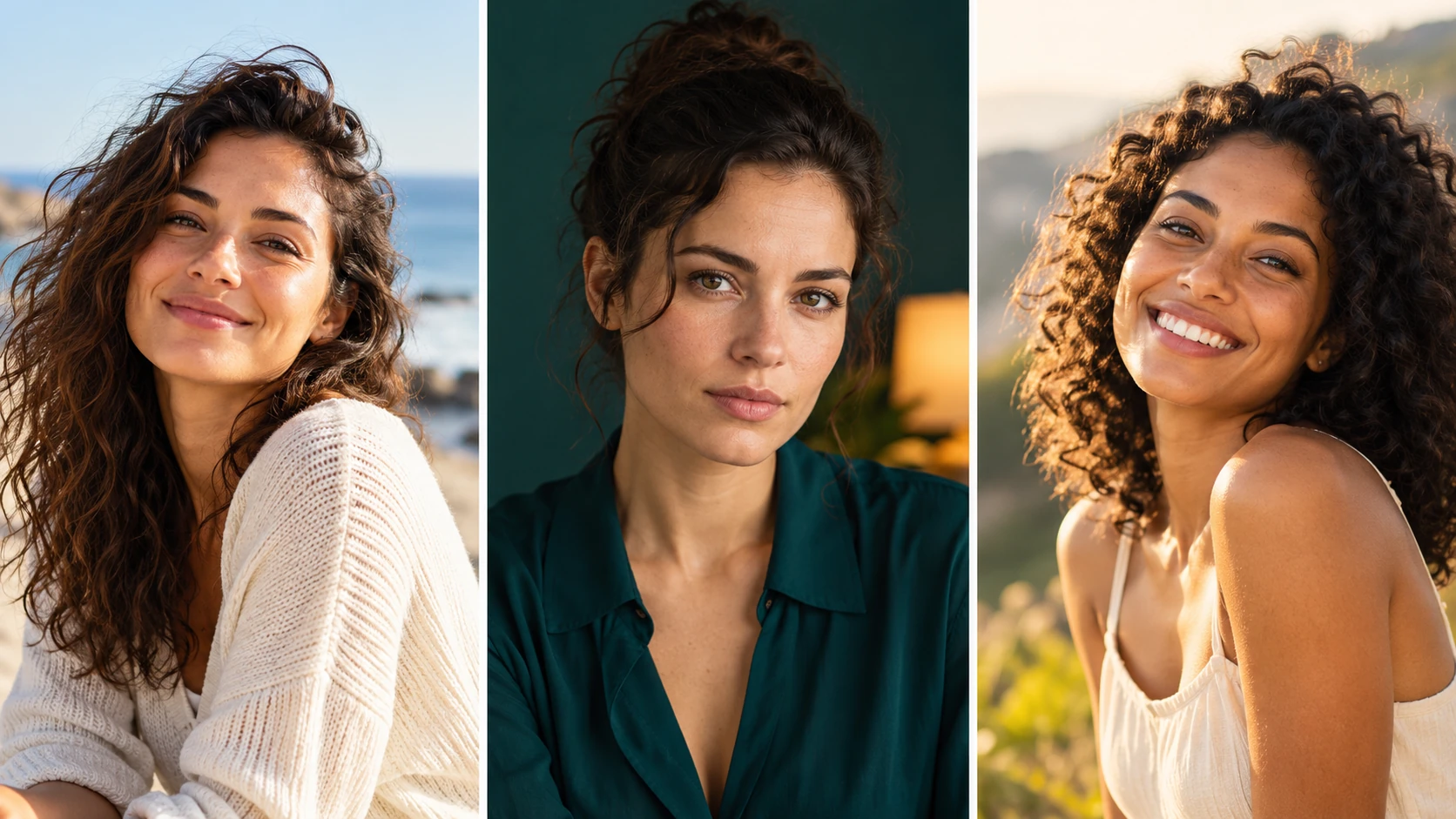
A clear adult portrait supports a careful review of visible facial cues.
History
Your first questions, answered
What will I create? Curious how old you look in a particular picture? This guide helps you prepare a portrait for an appearance-based age impression and compare it with another photograph. Lighting, expression and styling are part of what the image communicates.
What is the first step? Use Image to Image when your own photograph should guide the result. If you begin in Text to Image, describe the subject from scratch and leave reference uploads out of that request.
What makes a useful input? Upload a recent adult portrait with visible eyes, forehead and jaw. Use the original photograph when possible instead of a heavily retouched screenshot. Review only one face at a time so the intended subject stays clear.
Is there a free way to begin? Start by preparing the image and brief. Generation follows the credit quote shown for your selected model and settings; any free-credit eligibility or current promotion is shown by the account or checkout flow.
Where is the price shown? The generator calculates the current credit requirement from the selected model and settings. Review that value before submitting; the page heading is not a separate fixed-price offer.
How do I follow the wait? History shows the task’s current status after you submit. Completion depends on the active model, chosen output and queue; return to the existing task instead of repeatedly submitting the same idea.
Curious how old you look in a particular picture? This guide helps you prepare a portrait for an appearance-based age impression and compare it with another photograph. Lighting, expression and styling are part of what the image communicates. The generator keeps the image, description and available model settings together so you can build a focused first version.
A clear adult portrait supports a careful review of visible facial cues.
1
Upload an adult portrait
Start with a clear, well-lit photo of an adult face. A straight-on angle and neutral expression usually read better than heavy shadows or partial profiles. Crop out other people and distracting background details so the model focuses on the face. Confirm the subject is an adult before you continue.
2
Set your creative direction
Write a short prompt describing the look you want, such as tone, styling or card feel. Then adjust the available model controls to match that direction. Keep the wording simple and specific. The prompt guides a stylized impression, not a factual age estimate, so describe appearance rather than asking for a number.
3
Review the quote and generate
Before generating, read the displayed live credit quote so you know the cost. Sign in to your account, start the job, and wait for it to finish. Open History to find the result, compare directions and decide whether to try a different prompt or setting.
What to look for in the image
Compare the assessment across ordinary light and styling changes. An appearance estimate is not a verified age or a reliable way to establish someone’s identity. Keep the adult subject, natural skin texture, expression and camera angle in view while judging the change.
Where this fits
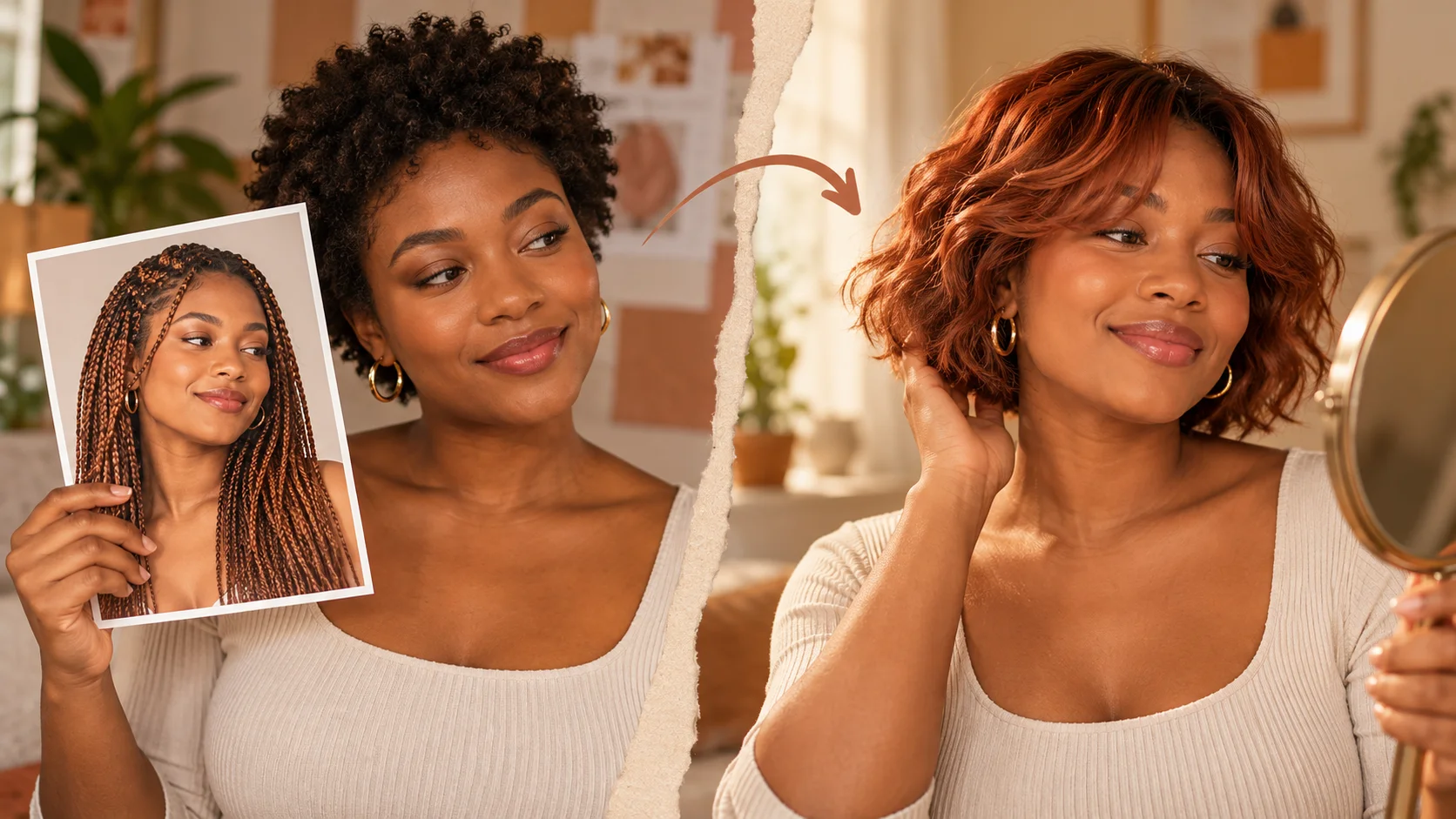
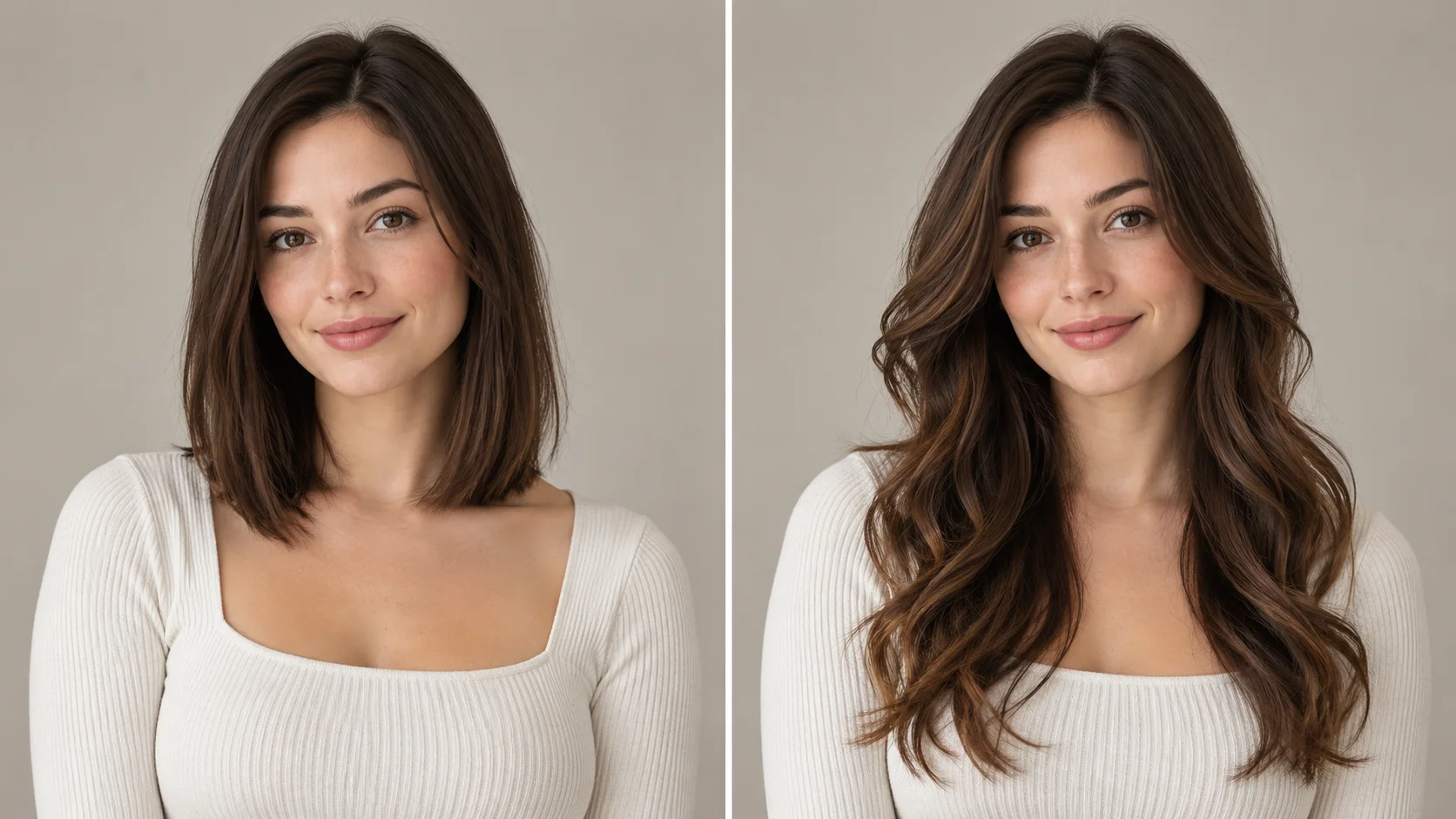
Expression, illumination and styling can change the age impression of a photograph.
A party icebreaker card
Make a lighthearted appearance-age card from a consenting adult friend's portrait for a birthday gathering. Keep it clearly labeled as entertainment so nobody mistakes the card for a real age estimate.
Character backstory visuals
Writers can generate an approximate age impression for a fictional adult character and use the card as a mood reference. Treat it as styling inspiration rather than a canon fact about the character.
A styling comparison
Run the same adult portrait with two prompt directions, one warm and one stark, and compare the cards in History. This shows how wording changes the impression without claiming measured accuracy.
Before you generate
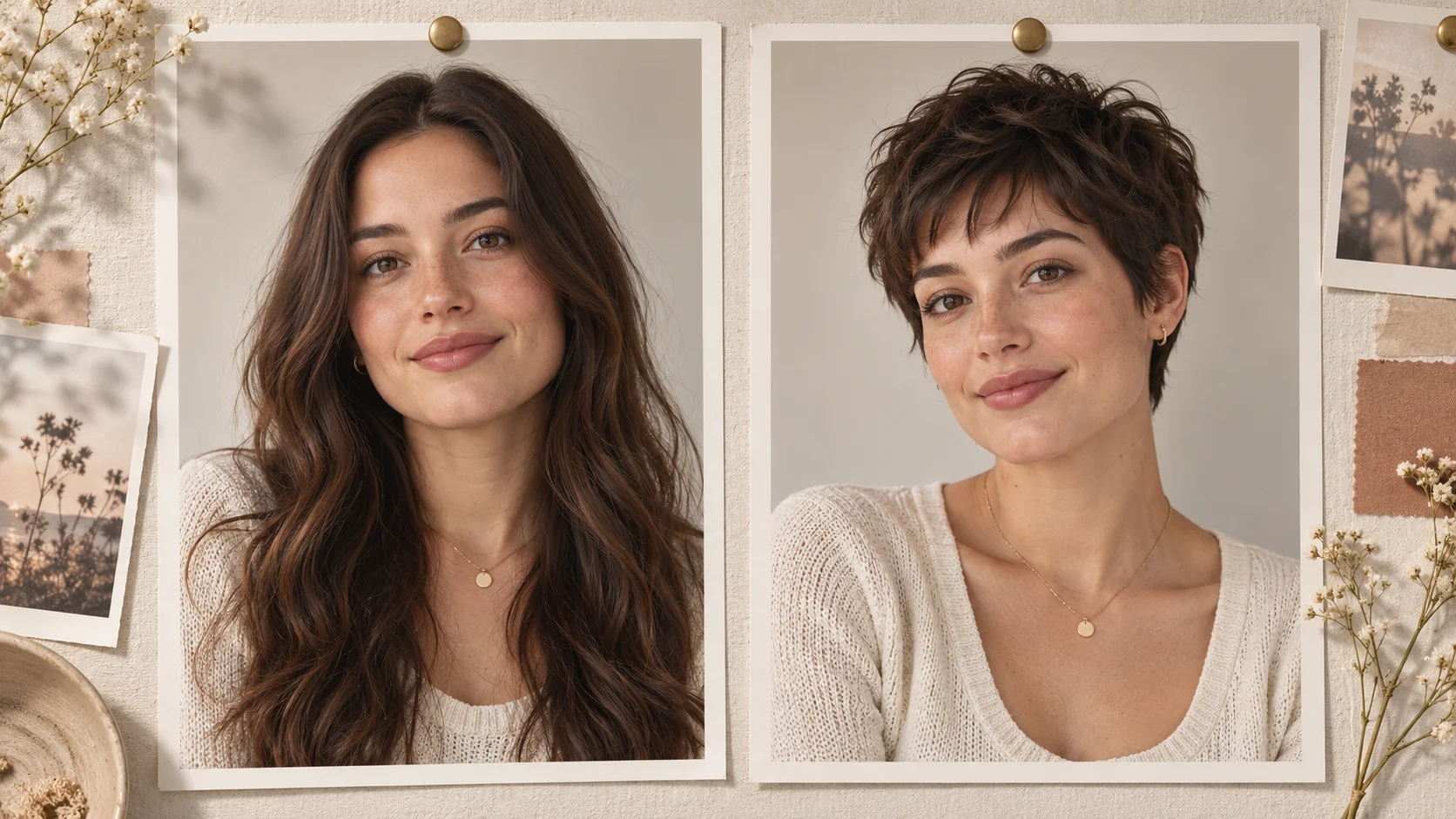
Even light and an unobstructed face provide more readable reference information.
Upload a recent adult portrait with visible eyes, forehead and jaw. Use the original photograph when possible instead of a heavily retouched screenshot. Review only one face at a time so the intended subject stays clear.
Use a current, sharp portrait of an adult and avoid group photos where faces compete.
Describe appearance and styling in the prompt instead of asking for a specific age number.
Read the live credit quote before each job and check History before repeating a similar attempt.
Turn the idea into a clear brief
Before generating, choose one visible change to judge. For ai age checker, explicitly retain the adult subject, natural skin texture, expression and camera angle. Keep the first brief focused so a second attempt can adjust the one detail that needs attention.
Use this single adult face as the reference. Keep facial identity and skin texture. Give a simple visual age-range impression in a clean portrait composition, without inventing a verified age, birthday or personal history.
Compare the assessment across ordinary light and styling changes. An appearance estimate is not a verified age or a reliable way to establish someone’s identity. Keep a useful version in History, then change one part of the brief rather than replacing the photo, style and settings at the same time.
Before you run another image
Treat the displayed quote as part of choosing your image, alongside the model and output settings. If you change a setting, read the updated credit requirement before submitting. Use the site’s Pricing page for available purchase options and check any free-credit offer in the account or checkout flow.
A task can spend time waiting and processing before its result appears in History. The model, output choices and current demand influence that wait. Open the existing task to check progress instead of assuming that a slow response requires a duplicate request. Review the result, keep the original reference, and make the next brief more specific if another version is useful.
Age impression questions
Is this AI Age Checker a real age verification tool?
No. It is entertainment-only appearance-age visualization. It does not verify identity, confirm a legal age or provide a factual or medical age assessment. Treat the card as a stylized impression, not a check.
What kind of photo should I upload?
Use a clear, well-lit portrait of an adult with the face visible and unobstructed. Avoid group shots, heavy shadows and partial profiles. Cropping to one person helps the model focus on the face and produce a more coherent card.
Can I control the card's style?
Yes. You write the prompt and adjust the available model controls. Wording shapes tone, styling and card feel, so small changes can shift the impression. Iterate in History to compare directions before settling on one.
Will the result show a precise age?
No. The model produces an approximate age impression, not a measured number. There are no accuracy percentages or scoring guarantees. Any age-like quality in the card is stylistic, not factual.
How do credits and accounts work?
You generate without signing up, and a live credit quote appears before each job. No free allowance is implied here. Check the quote, then confirm. Finished jobs appear in History for review.
What should I change for the next attempt?
Start from the same photo and pick one visible detail to improve. Compare the assessment across ordinary light and styling changes. An appearance estimate is not a verified age or a reliable way to establish someone’s identity. Adjust that detail in the brief, keeping the remaining settings steady so the comparison stays useful.
Create your first impression card
Upload one adult portrait, write a short prompt, check the live quote and generate.