

A photo, a person, a personal message
Turn a Favorite Photo into a Birthday Card
Describe your photo card and short greeting
History
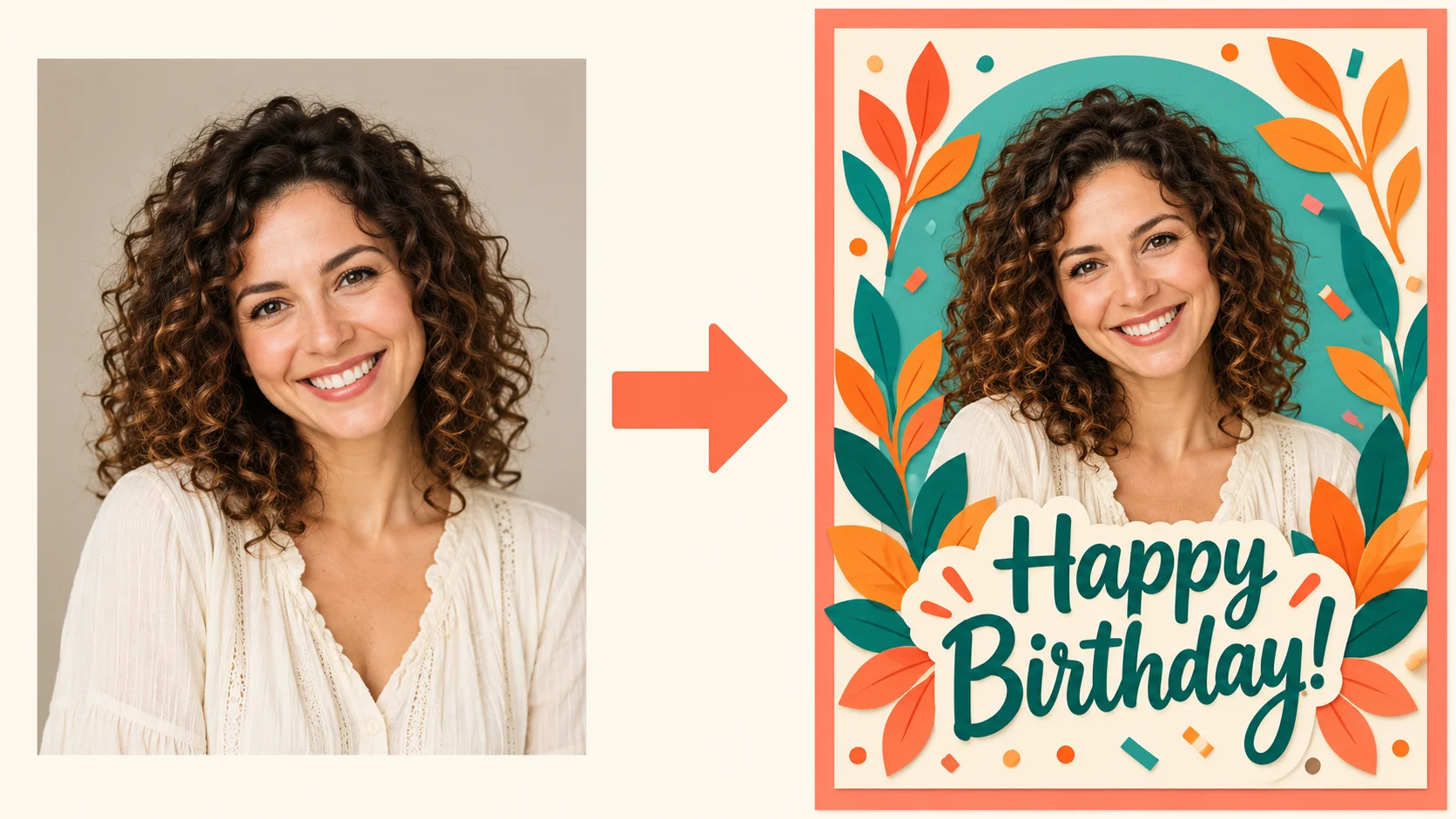
Make a birthday card that begins with a person you know. Upload one clear portrait in Image to Image, describe their interests and add a short greeting. HeyPix generates a card-front image you can review and download. Prefer an illustrated idea without a photograph? Switch to Text to Image and describe it from scratch.
From your photo to a card
Choose the person and photo
Start with one portrait of the recipient, or a photo of the two of you together. Use a picture you have permission to upload. Decide whether the face or a shared memory should be the focus.
Describe a personal detail
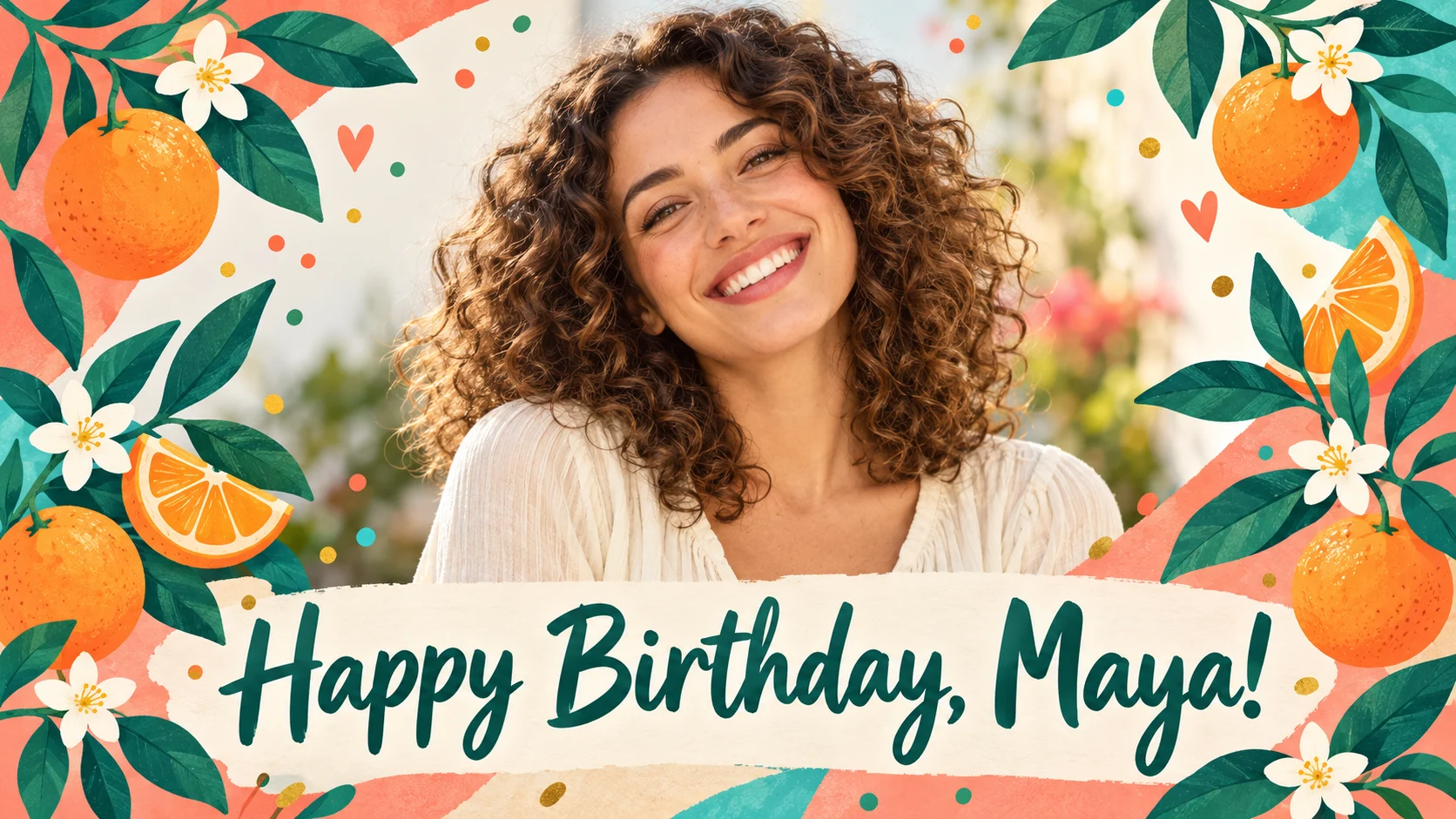
Write the name, one interest and a mood. For example: Maya, citrus gardening, cheerful coral and teal. Add a short greeting in quotation marks and ask for an uncluttered space around it.
Check the model and quote
Use Image to Image for your portrait, or switch to Text to Image for an illustration. Review the available model, supported settings and current credit quote before submitting.
Inspect and download
Check the name letter by letter, then inspect the face, hands and card edges. If one detail needs work, adjust that instruction and generate again. Download the result when it feels right.
Choose a useful reference photo

Choose a well-lit portrait with a relaxed expression. Leave a little space around the head and shoulders so the card border will not crowd the face. A simple background makes it easier to describe a new setting.
Make the card fit the person
A friend with a favorite hobby
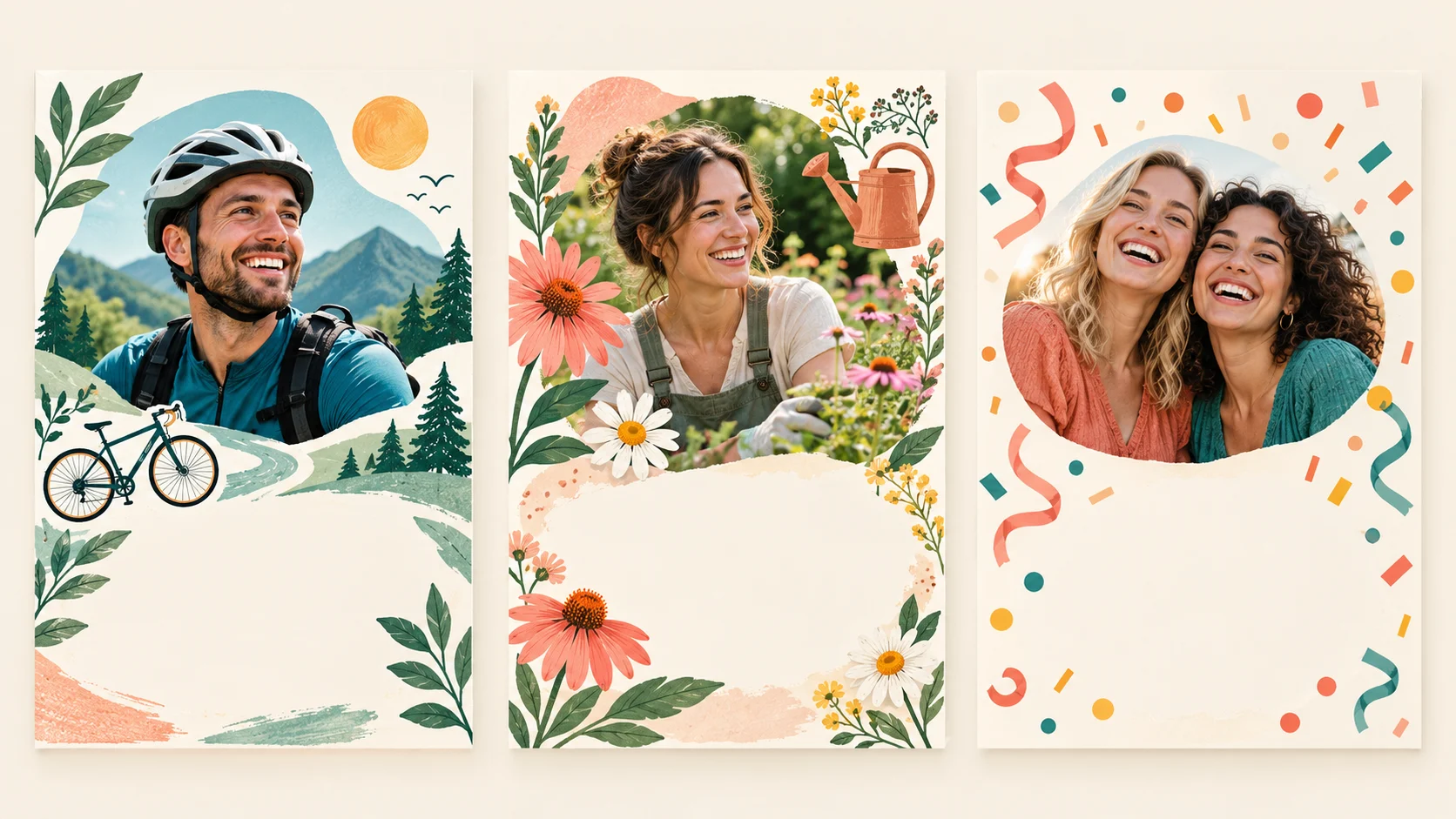
Frame a portrait with a few meaningful objects: books, flowers, a bicycle or baking tools. Two or three clear details work better than a crowded list.
A milestone birthday
Ask for one readable age and a short name. Check every numeral before sharing; a decorative image is not proof that the written age is correct.
A shared-memory card
Use a photo you already have together. Describe the memory in the prompt while keeping the people and the main greeting easy to see.
A starting prompt you can adapt
Replace the sample greeting and describe the details that matter to you. Paste your version into the prompt field above.
Use the uploaded portrait as a reference for the person. Create a flat birthday card front with their face clearly visible, a warm coral and teal palette, small citrus illustrations and subtle confetti. Include only the short greeting "Happy Birthday, Maya!" in a clear open area. Keep facial features natural. No envelope, hands holding the card, folded mockup or extra text.
For a funny birthday card, describe the visual joke rather than asking the model to invent a long punchline. Keep important wording short. If exact text remains difficult, request a card with a blank greeting area and add the message in an editor you already use.
Questions before you create
Can I make a birthday card without uploading a photo?
Yes. Switch to Text to Image and describe the person’s interests, colors and greeting. This mode creates a new illustration and does not use your portrait. Return to Image to Image when a reference photo should guide the card.
Is it free to make a card?
Check your current account balance and the credit quote shown for the selected model and settings. Free eligibility, if available, follows your account’s current offer. Review Pricing before buying credits.
How long will my card take?
Timing varies with the selected model and current queue. After submission, follow the task status in History. This page does not promise a fixed completion time.
Can I edit the wording after generation?
The result is a flattened image, not an editable text-layer template. Revise the prompt and generate another version, or add or correct text in an image editor. Check the quote before generating again.
Can I download or print the card?
Download the completed image using the result controls. The page creates a card-front image, not a print-ready PDF or folded-card layout. Check its actual pixel dimensions and your printer’s requirements before printing.
More ways to make a personal card

Christmas Cards
Make personalized Christmas cards from one family photo. Explore festive settings, write a short greeting, review faces and text, and download a card image.

Mother’s Day Cards
Create a personal Mother’s Day card from a photo with Mom or Grandma. Add a short message, choose a gentle style, review the result, and download your image.
Create another image
Explore the general image workspace when your idea is not a greeting card.
heypix.io · Updated
What's new on this page
- — Added an image generator, visual examples and guidance for this creative task.