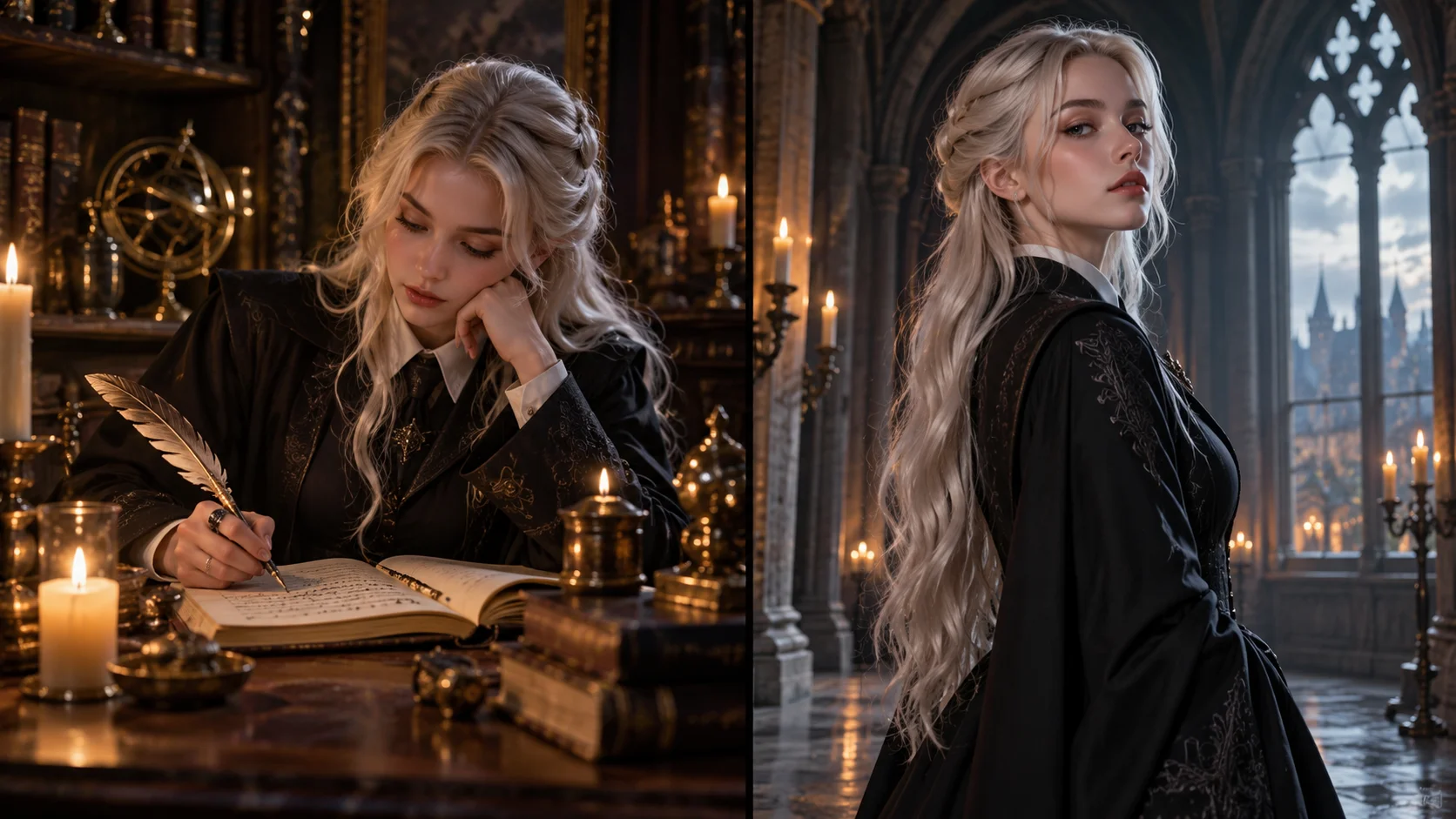
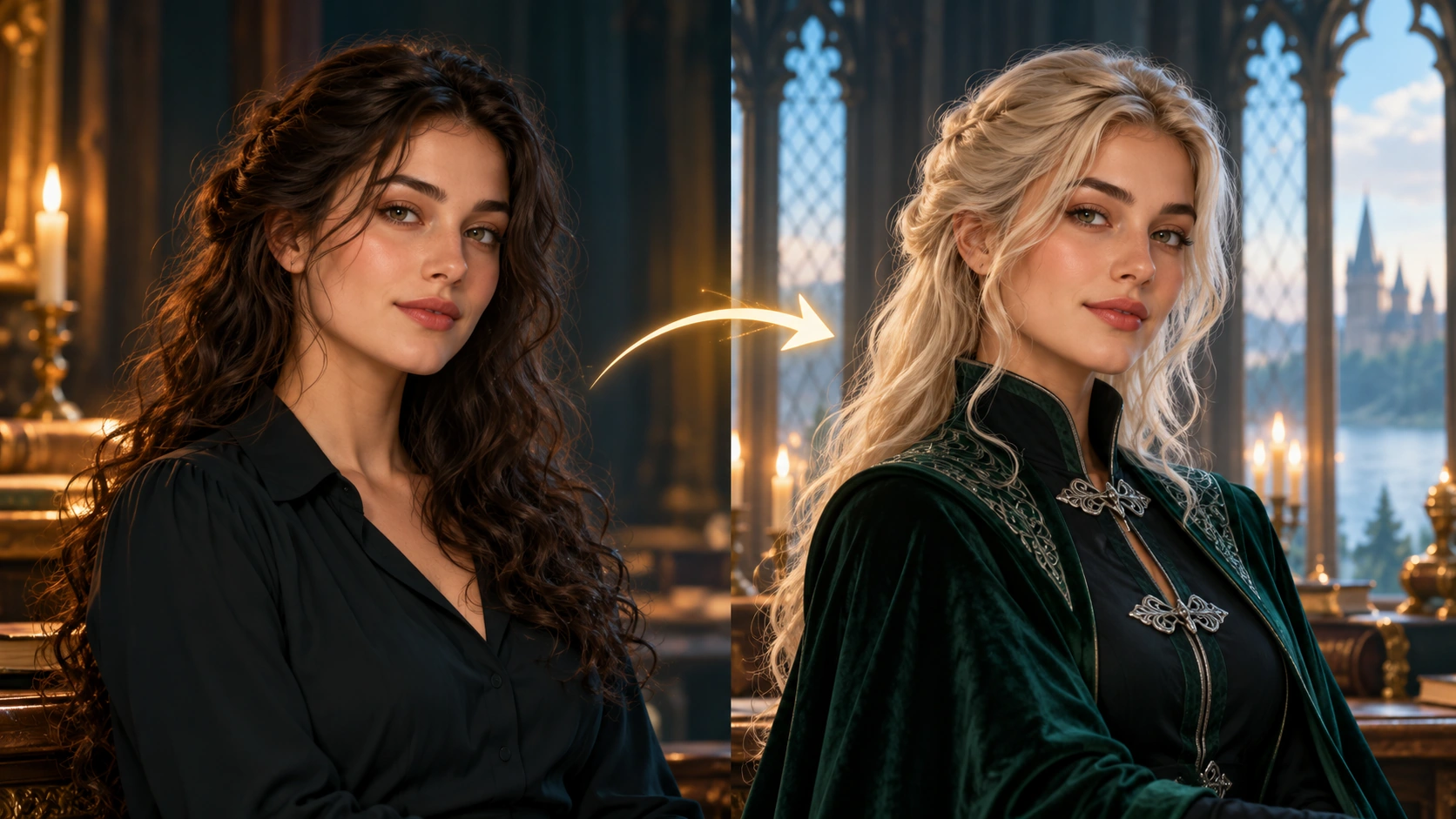
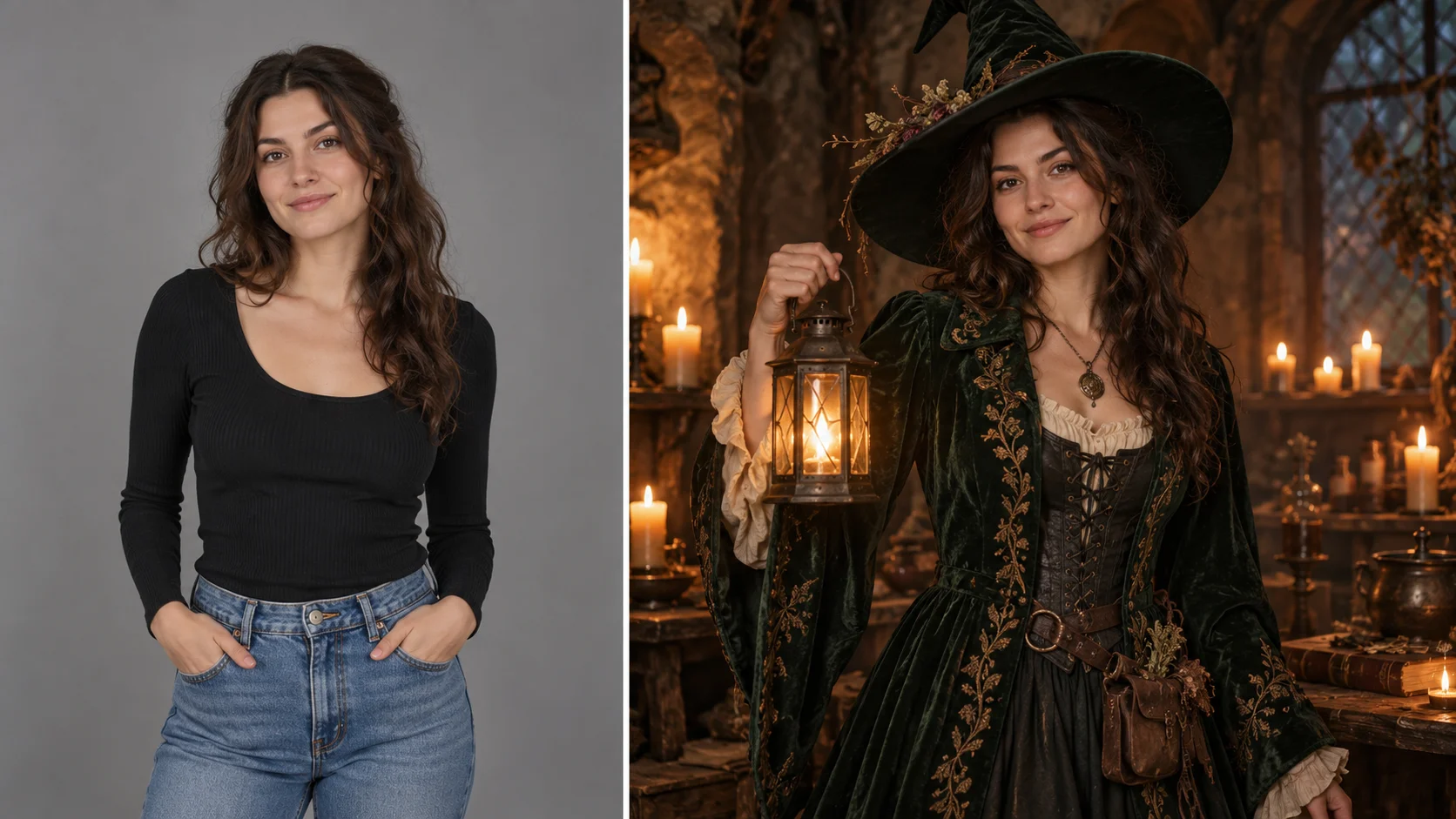
A portrait reference or written character brief leads to an original adult fantasy concept.
History
Your first questions, answered
What will I create? Build an original adult fantasy-academy character with a cool palette and carefully chosen details. Platinum hair and restrained dark robes establish the mood; your prompt sets expression, lighting and setting.
What is the first step? Use Image to Image when your own photograph should guide the result. If you begin in Text to Image, describe the subject from scratch and leave reference uploads out of that request.
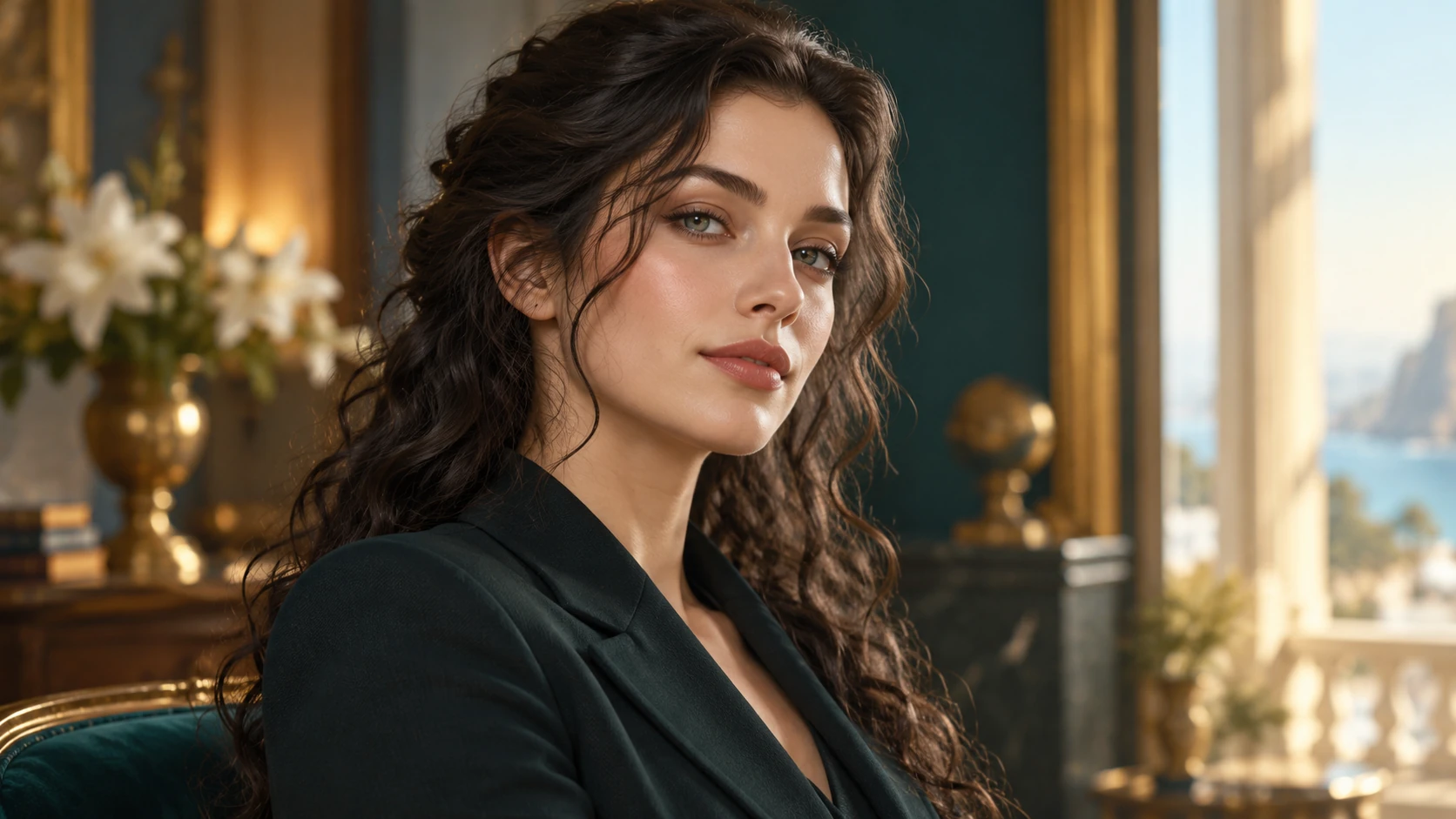
What makes a useful input? Use an adult portrait if you want a personal face or pose reference. A clean view of the eyes and hairline makes the direction easier to follow. Text to Image can instead begin from a written character brief with no upload.
Is there a free way to begin? Start by preparing the image and brief. Generation follows the credit quote shown for your selected model and settings; any free-credit eligibility or current promotion is shown by the account or checkout flow.
Where is the price shown? The generator calculates the current credit requirement from the selected model and settings. Review that value before submitting; the page heading is not a separate fixed-price offer.
How do I follow the wait? History shows the task’s current status after you submit. Completion depends on the active model, chosen output and queue; return to the existing task instead of repeatedly submitting the same idea.
Build an original adult fantasy-academy character with a cool palette and carefully chosen details. Platinum hair and restrained dark robes establish the mood; your prompt sets expression, lighting and setting. The generator keeps the image, description and available model settings together so you can build a focused first version.
A portrait reference or written character brief leads to an original adult fantasy concept.
1
Prepare the input
Start with a clear idea of the adult character you want: platinum hair, cool aristocratic styling, a dark tailored robe, gothic interiors. Write a prompt that names pose, expression, and framing. Photo reference is optional and lives in edit mode, so you can work from text alone or attach a reference to guide the look.
2
Choose the direction
Edit the prompt until the scene reads the way you want, then set the available model controls. Keep the styling original: fantasy-academy portraiture with cool aristocratic detail, not a copy of any existing character. Check the live credit quote before you commit, since the displayed price reflects the current settings.
3
Generate and review
Log in, start the generation job, and let it run. Open History to compare outputs side by side. Review hair, robe tailoring, interior mood, and framing against your prompt. Keep the versions that work, adjust the wording or controls, and run another pass when something drifts from the brief.
What to look for in the image
Inspect the hairline, eyes, robe closures and lighting on the face. A few consistent features usually create a stronger character than adding many unrelated fantasy objects. Keep the adult character’s identity, readable expression and coherent wardrobe details in view while judging the change.
Where this portrait style fits
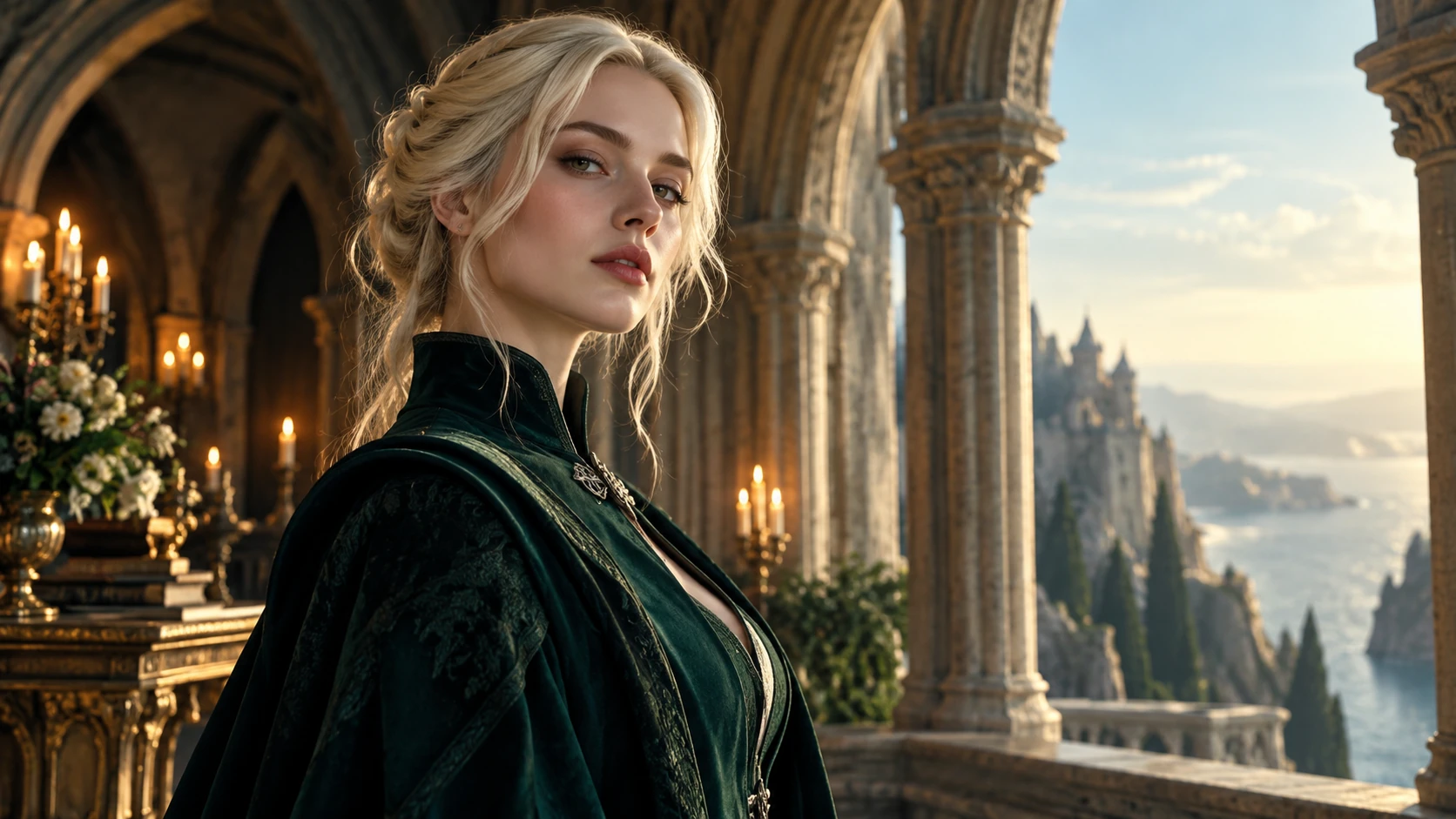
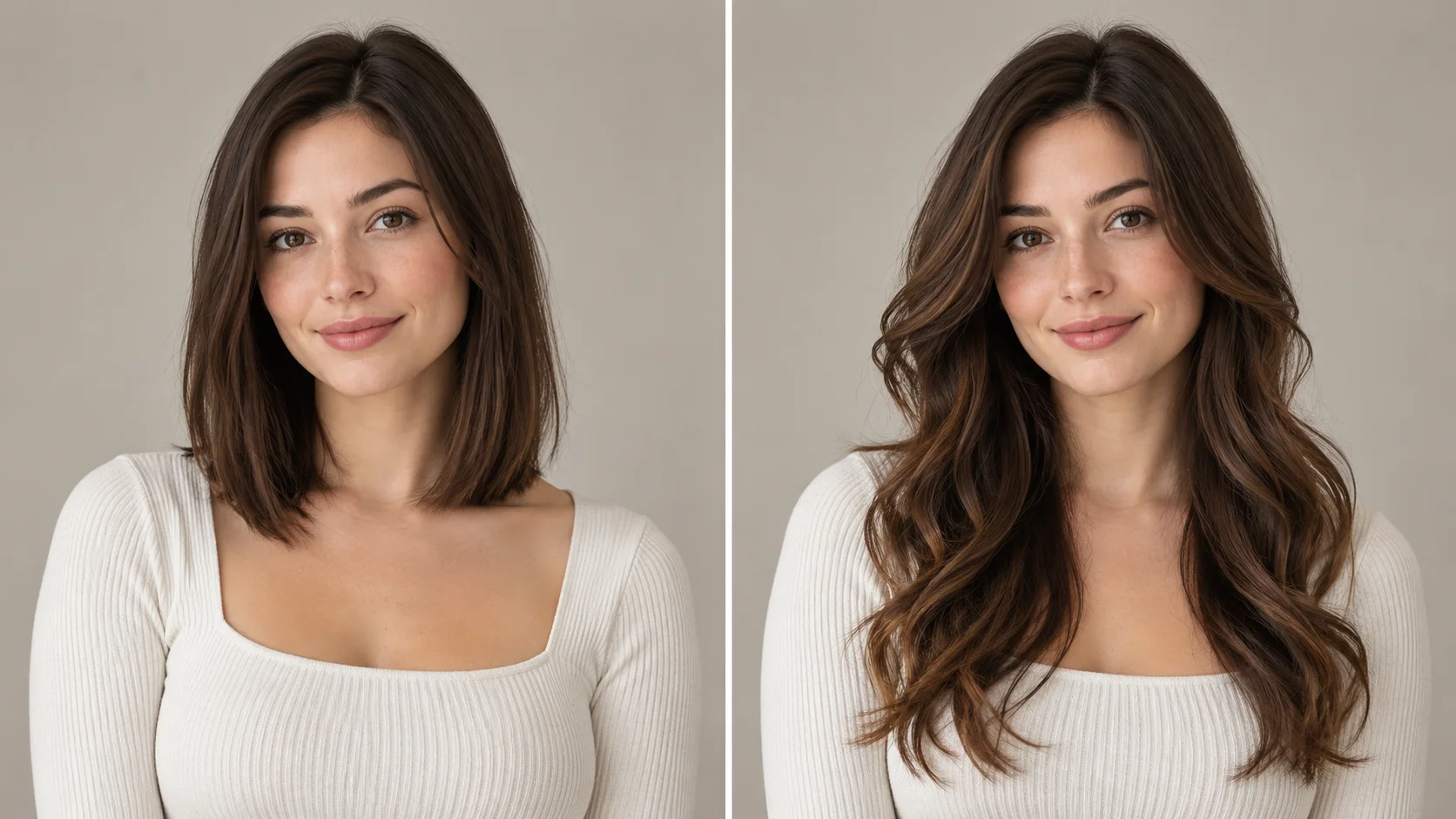
A cool portrait palette and restrained tailoring establish the fantasy-academy mood.
Character concept sheet
Build a visual reference for a tabletop roleplaying character: an aristocratic academy student with platinum hair and a dark robe. Generate a few framings, then pick the one that matches your written backstory.
Story mood board
Collect portrait variations for a gothic fantasy short story. Use the interiors and formal styling to keep the visual tone consistent while you explore different expressions and poses for the same adult character.
Costume study
Explore how a dark tailored robe reads under different lighting and interior backdrops. Compare formal and relaxed poses, then note which prompt phrases produced the most convincing aristocratic styling.
Before you generate
Use an unobstructed adult face when a personal portrait should guide the character.
Use an adult portrait if you want a personal face or pose reference. A clean view of the eyes and hairline makes the direction easier to follow. Text to Image can instead begin from a written character brief with no upload.
Describe the adult character in plain detail: hair, expression, pose, robe cut, and the gothic interior behind them.
Use photo reference only when you want guidance on pose or lighting, and keep the prompt specific about what should change.
Check the live credit quote after adjusting model controls, then review each job in History before running more.
Turn the idea into a clear brief
Before generating, choose one visible change to judge. For female malfoy ai generator, explicitly retain the adult character’s identity, readable expression and coherent wardrobe details. Keep the first brief focused so a second attempt can adjust the one detail that needs attention.
Imagine an original adult aristocratic academy character with pale platinum hair, a dark tailored jacket and subtle silver clasps. Place her beside vaulted stone arches in cool daylight, with a steady gaze and finely textured fabric.
Inspect the hairline, eyes, robe closures and lighting on the face. A few consistent features usually create a stronger character than adding many unrelated fantasy objects. Keep a useful version in History, then change one part of the brief rather than replacing the photo, style and settings at the same time.
Before you run another image
Treat the displayed quote as part of choosing your image, alongside the model and output settings. If you change a setting, read the updated credit requirement before submitting. Use the site’s Pricing page for available purchase options and check any free-credit offer in the account or checkout flow.
A task can spend time waiting and processing before its result appears in History. The model, output choices and current demand influence that wait. Open the existing task to check progress instead of assuming that a slow response requires a duplicate request. Review the result, keep the original reference, and make the next brief more specific if another version is useful.
Female Malfoy AI Generator questions
What does this generator create?
It creates original adult fantasy-academy portraits from your prompt, with platinum hair, cool aristocratic styling, dark tailored robes, and gothic interiors as creative direction. The output is an original illustration, not an official franchise image or a likeness of a specific actor.
Can I upload a photo reference?
Yes. Photo reference is optional and available through edit mode. It can guide pose, lighting, or general appearance, but it does not guarantee an exact resemblance. You remain responsible for having the right to use any image you upload.
Which controls can I adjust?
You can edit the prompt and set the model controls the generator provides. The live credit quote updates as settings change. There are no invented sliders or presets beyond what the interface actually shows, so work within the controls you see.
Will the result look exactly like a known character?
No. The generator produces original imagery and makes no claim of official franchise affiliation, exact actor likeness, or guaranteed resemblance. Treat the styling as a creative direction you describe in your own words, and expect variation between runs.
How do credits and accounts work?
You log in to generate, and the interface displays a live credit quote before a job runs. This page makes no promise of a free allowance. Review the quote with your current settings, then decide whether to proceed with the generation.
What should I change for the next attempt?
Start from the same photo and pick one visible detail to improve. Inspect the hairline, eyes, robe closures and lighting on the face. A few consistent features usually create a stronger character than adding many unrelated fantasy objects. Adjust that detail in the brief, keeping the remaining settings steady so the comparison stays useful.
Create your first portrait
Log in, write your adult fantasy-academy prompt, check the live credit quote, and review the result in History.