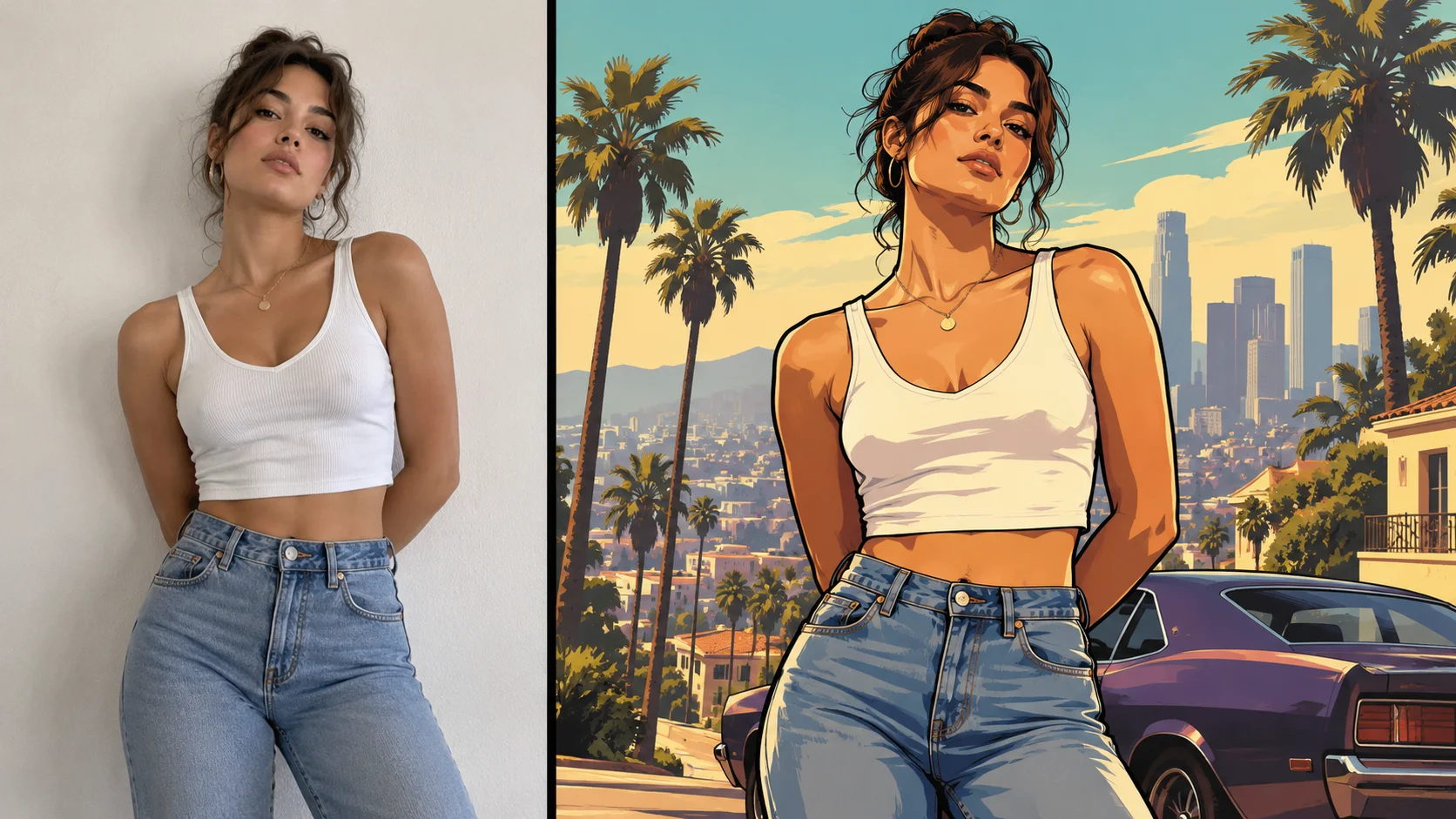
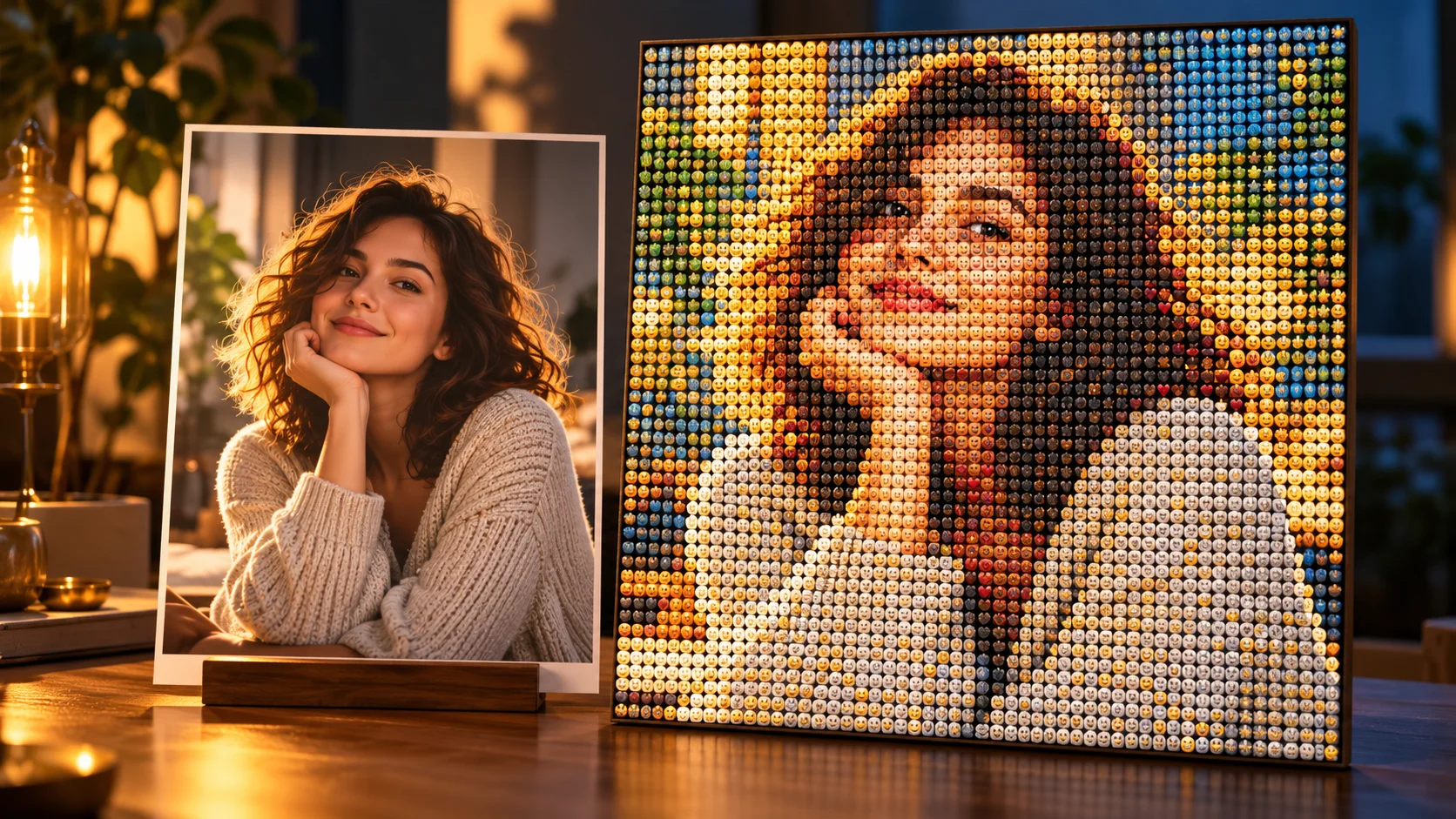
A readable photograph supplies the subject for a bold illustrated poster direction.
History
Your first questions, answered
What will I create? A GTA Style AI Photo Generator develops a bold illustrated urban-poster look from a photo. Ask for thick outlines, sunlit color blocks and strong shadow shapes, while keeping the person and composition easy to recognize.
What is the first step? Use Image to Image when your own photograph should guide the result. If you begin in Text to Image, describe the subject from scratch and leave reference uploads out of that request.
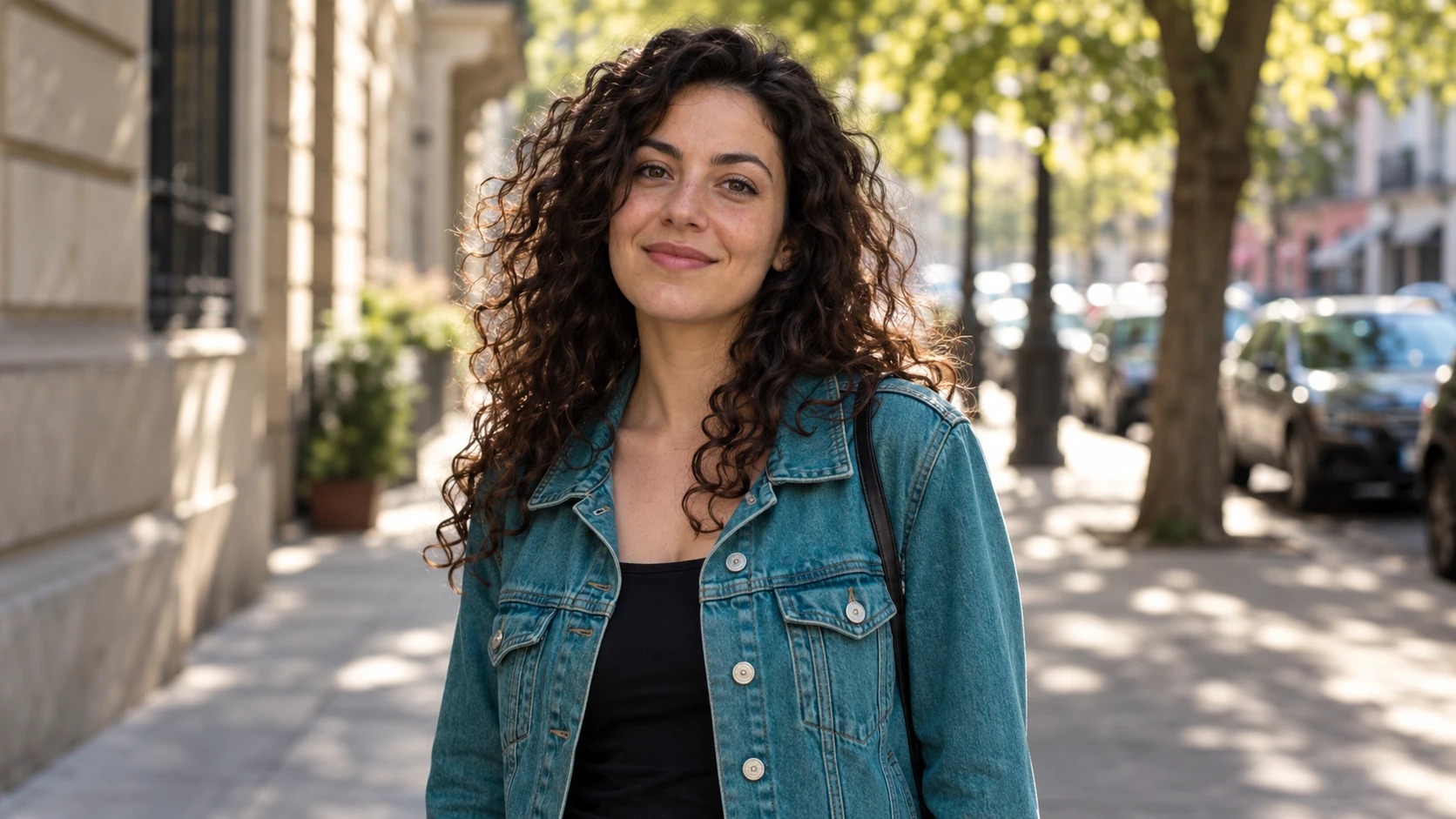
What makes a useful input? Use a clear adult portrait with a distinct silhouette and simple surroundings. A photograph with readable light and a complete upper body gives the illustrated composition room to work. Avoid tiny faces in crowded scenes.
Is there a free way to begin? Start by preparing the image and brief. Generation follows the credit quote shown for your selected model and settings; any free-credit eligibility or current promotion is shown by the account or checkout flow.
Where is the price shown? The generator calculates the current credit requirement from the selected model and settings. Review that value before submitting; the page heading is not a separate fixed-price offer.
How do I follow the wait? History shows the task’s current status after you submit. Completion depends on the active model, chosen output and queue; return to the existing task instead of repeatedly submitting the same idea.
A GTA Style AI Photo Generator develops a bold illustrated urban-poster look from a photo. Ask for thick outlines, sunlit color blocks and strong shadow shapes, while keeping the person and composition easy to recognize. The generator keeps the image, description and available model settings together so you can build a focused first version.
A readable photograph supplies the subject for a bold illustrated poster direction.
1
Upload the photo you want to restyle
Start with one clear photo of a single person. A plain or simple background gives the style room to rebuild the scene. Face the camera, keep lighting even and avoid heavy filters. Crop out distracting objects before uploading so the portrait reads cleanly once thick outlines and color blocks are applied.
2
Set the prompt and model controls
Describe the look you want in the editable prompt: bold poster composition, thick outlines, sunlit urban color blocks, a game-loading-screen feel. Then adjust the available model controls to change how closely the result follows your photo and prompt. Keep your own background in mind and avoid asking for logos or copied artwork.
3
Check the quote, then generate
Before running the job, review the live credit quote shown on screen. Log in to your account to generate and to keep results organized. When the job finishes, open History to compare outcomes, download the image you prefer and reuse a prompt that worked well for the next photo.
What to look for in the image
Check that outlines follow the face cleanly, shadow blocks describe the body and the background remains simpler than the subject. Zoom out to judge the overall poster at sharing size. Keep the subject’s identity, pose, clothing silhouette and focal point in view while judging the change.
Where this portrait style fits
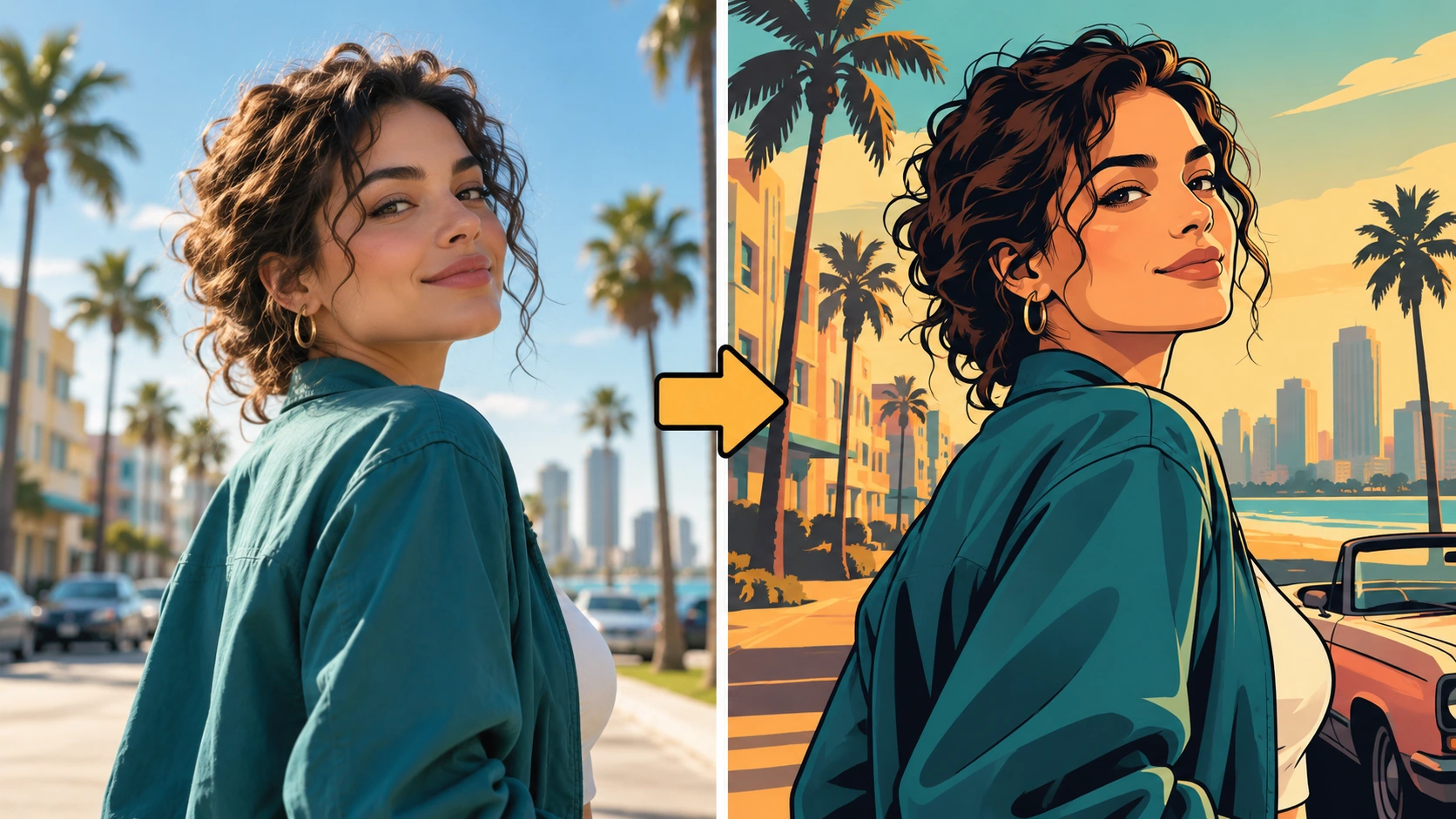
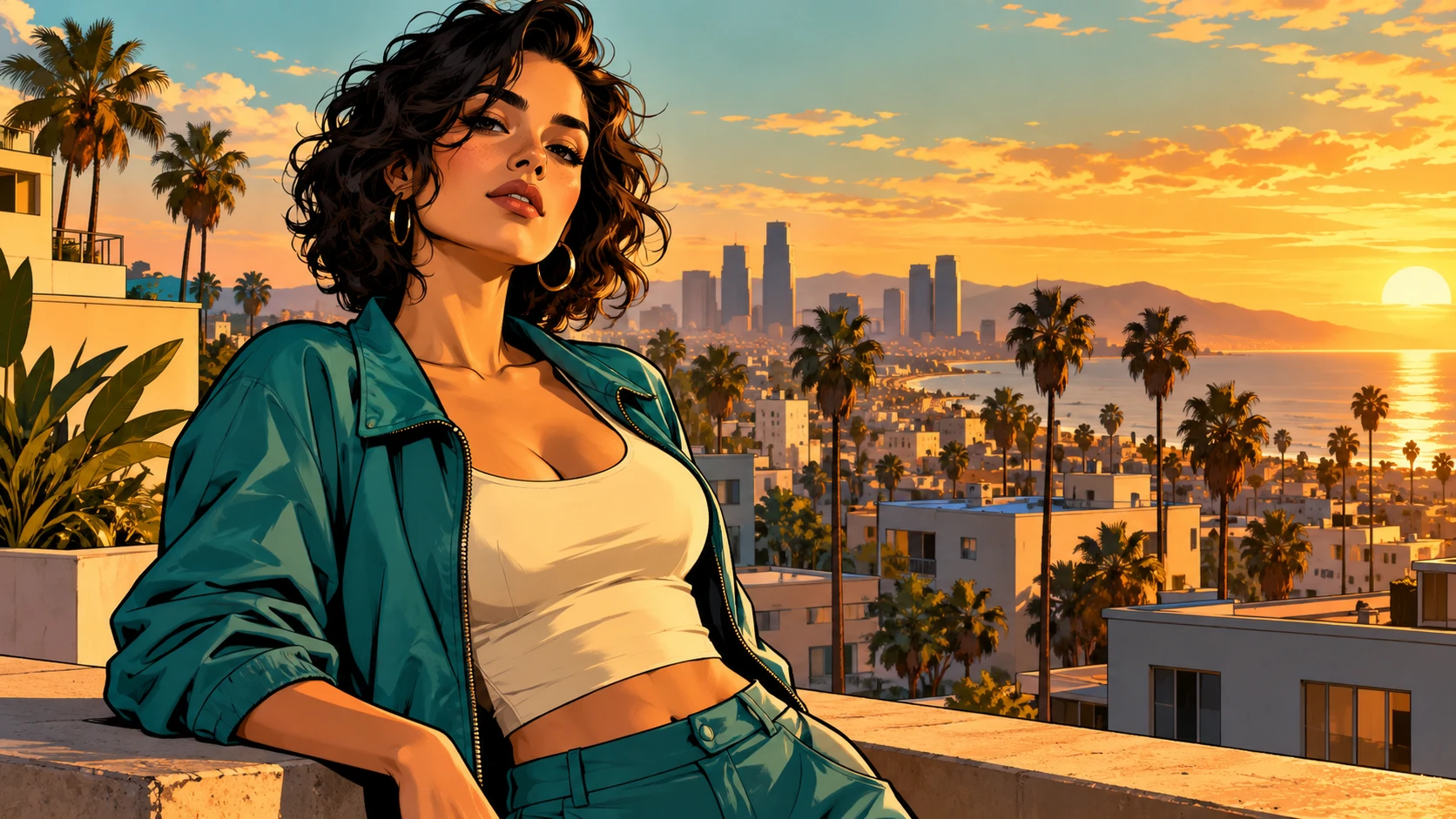
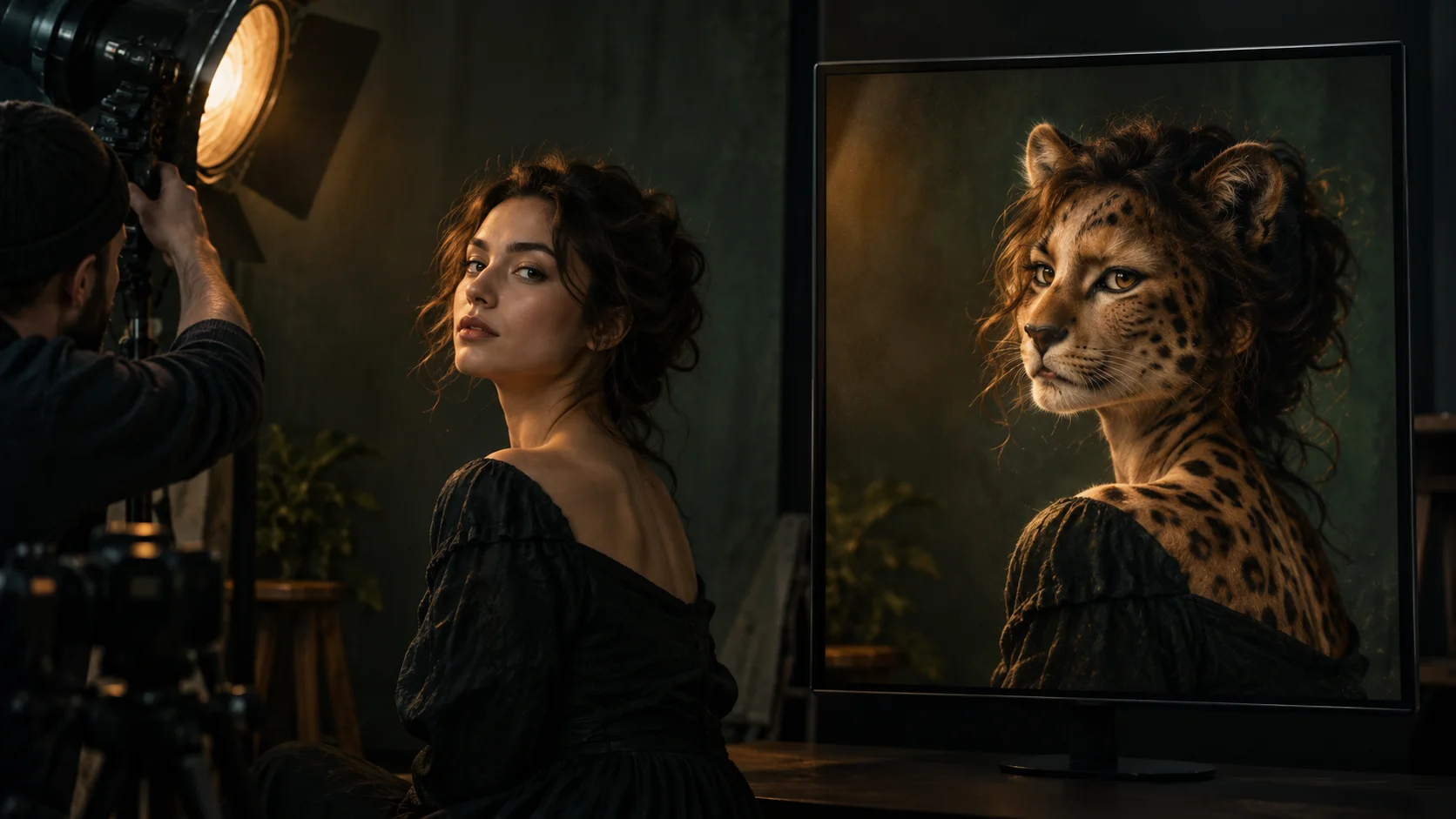
Ink outlines, warm city light and broad shadow blocks form the illustrated urban mood.
A profile image with presence
Turn a plain headshot into an illustrated portrait for a gaming profile, stream page or community account. The thick outlines hold up at small sizes where a detailed photo would turn to mush.
A poster for a local event
Use a portrait of the host or guest as the centerpiece of a bold poster. The poster composition leaves space for event details added later in a design tool.
A character-style gift
Restyle a friend's photo as a game-loading-screen portrait and print it as a small framed gift. The illustrated look makes an ordinary snapshot feel like a keepsake.
Before you generate
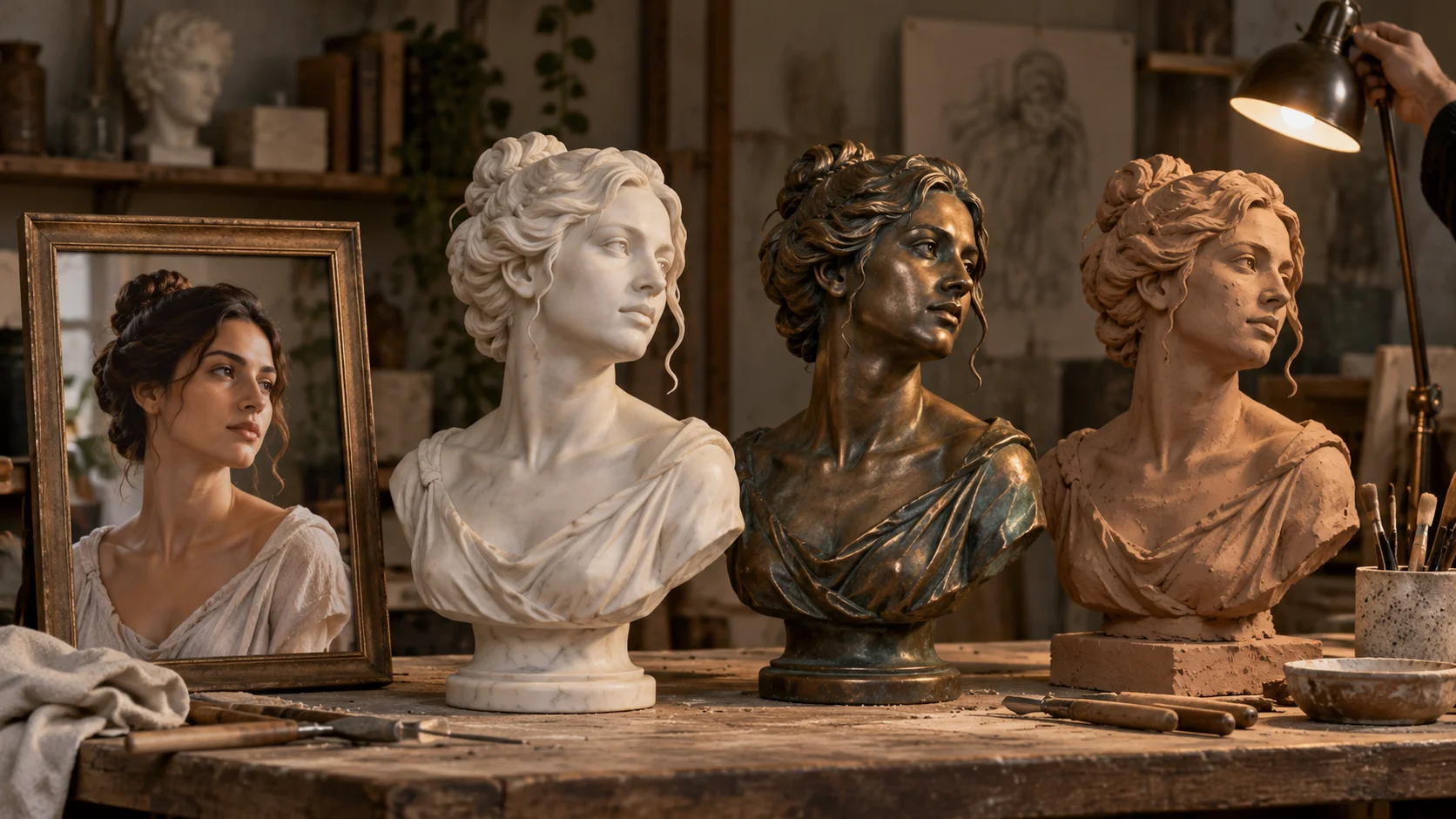
Strong silhouettes and simple backgrounds translate clearly into graphic color shapes.
Use a clear adult portrait with a distinct silhouette and simple surroundings. A photograph with readable light and a complete upper body gives the illustrated composition room to work. Avoid tiny faces in crowded scenes.
Use a sharp, front-facing photo; motion blur and low light weaken the outline work.
Write the prompt around composition and palette, not around named games or logos.
Open History after a few runs and compare before committing to a final image.
Turn the idea into a clear brief
Before generating, choose one visible change to judge. For gta style ai photo generator, explicitly retain the subject’s identity, pose, clothing silhouette and focal point. Keep the first brief focused so a second attempt can adjust the one detail that needs attention.
Keep this adult’s face, hair and jacket recognizable. Restyle the photo as an original illustrated urban poster with thick ink outlines, warm amber light, teal shadows and large flat color shapes. Add no writing or official game logos.
Check that outlines follow the face cleanly, shadow blocks describe the body and the background remains simpler than the subject. Zoom out to judge the overall poster at sharing size. Keep a useful version in History, then change one part of the brief rather than replacing the photo, style and settings at the same time.
Before you run another image
Treat the displayed quote as part of choosing your image, alongside the model and output settings. If you change a setting, read the updated credit requirement before submitting. Use the site’s Pricing page for available purchase options and check any free-credit offer in the account or checkout flow.
A task can spend time waiting and processing before its result appears in History. The model, output choices and current demand influence that wait. Open the existing task to check progress instead of assuming that a slow response requires a duplicate request. Review the result, keep the original reference, and make the next brief more specific if another version is useful.
GTA Style AI Photo Generator questions
What kind of photo works best for this style?
A single person, clearly lit, facing the camera, with a simple background. Group photos and busy scenes make it harder for the style to place one strong subject inside the poster composition.
Does the original background stay in the result?
Usually not as a photo. The style rebuilds the scene with sunlit urban color blocks, so expect a simplified illustrated backdrop. Mention any setting you want in the prompt, but the output is an illustration, not a preserved photo.
Can I switch to text-to-image instead?
Yes. A normal mode switch moves you from photo upload to text-to-image. In that mode your prompt alone drives the result, which suits scenes and characters you have not photographed.
Will the result copy official game artwork or logos?
No. The page and prompt guide toward an original illustrated portrait inspired by loading-screen composition and color. Do not request logos, trademarks or copied artwork, and keep your prompt focused on your own subject.
What does the credit quote show, and do I need an account?
The live quote displays the credits a job will use before you run it. You log in to generate and to keep results in History.
What should I change for the next attempt?
Start from the same photo and pick one visible detail to improve. Check that outlines follow the face cleanly, shadow blocks describe the body and the background remains simpler than the subject. Zoom out to judge the overall poster at sharing size. Adjust that detail in the brief, keeping the remaining settings steady so the comparison stays useful.
Upload a photo and set your prompt
Pick one clear portrait, write a short prompt about bold outlines and sunlit color, then review the live quote before you generate.