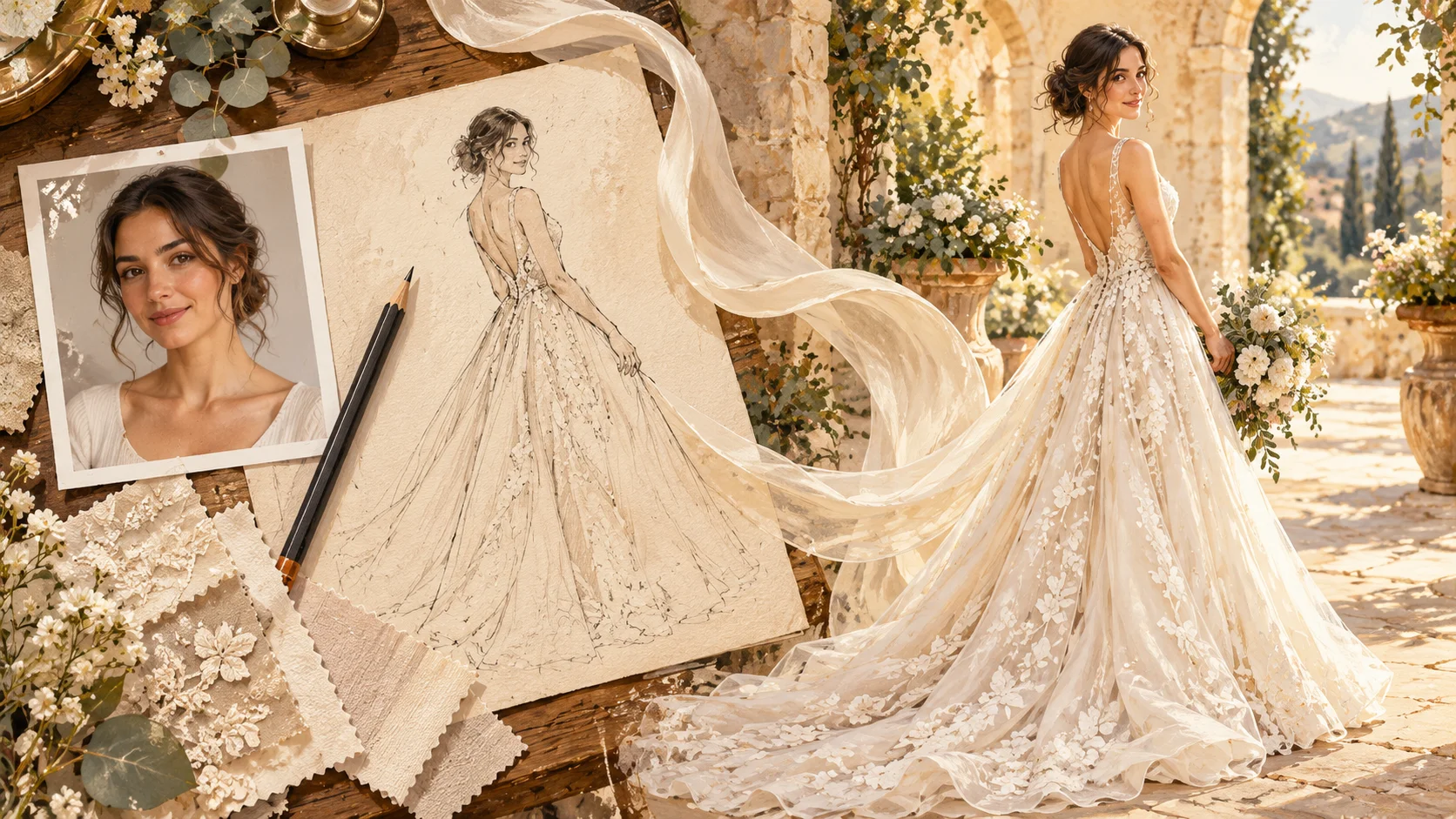
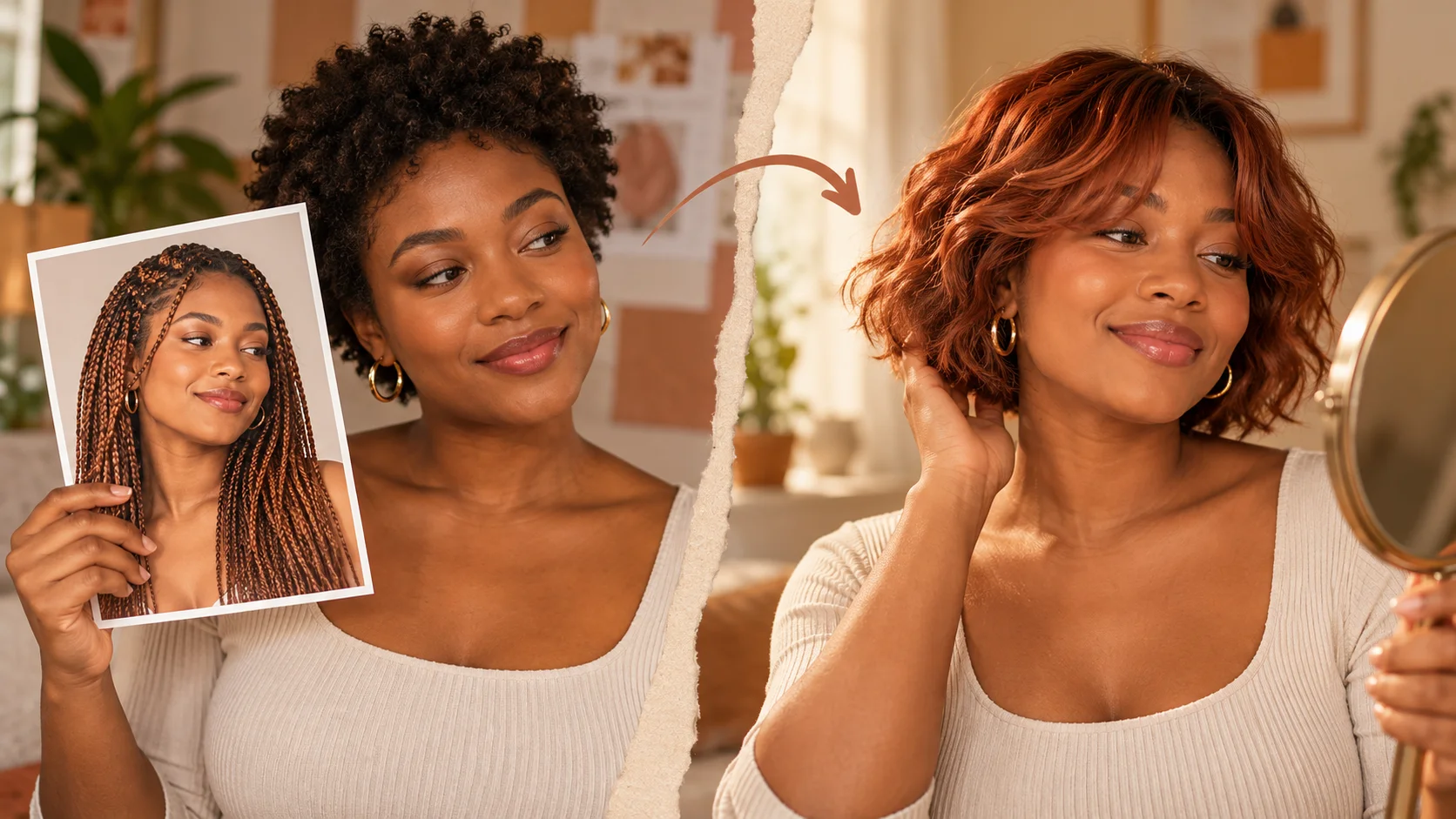
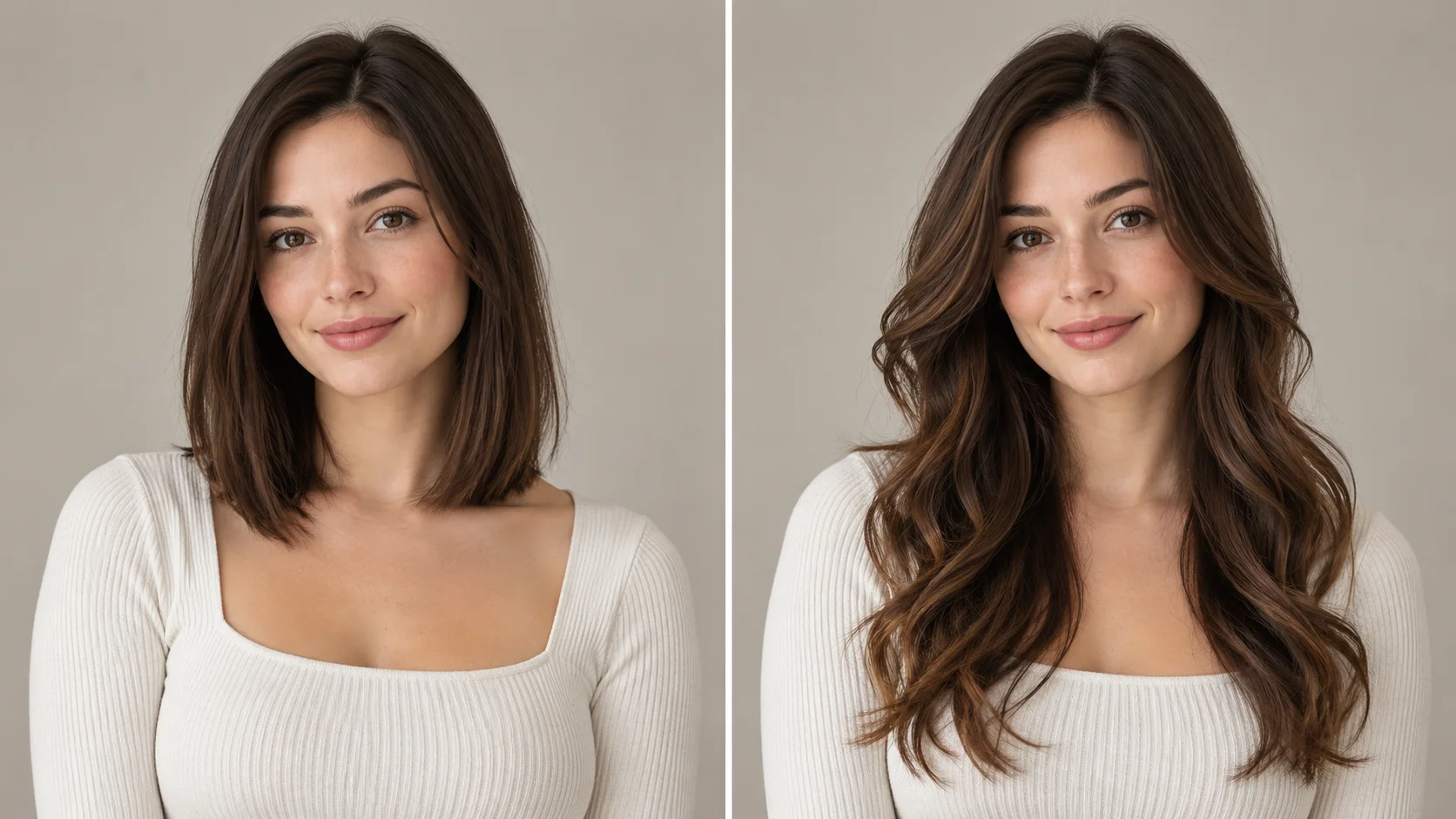
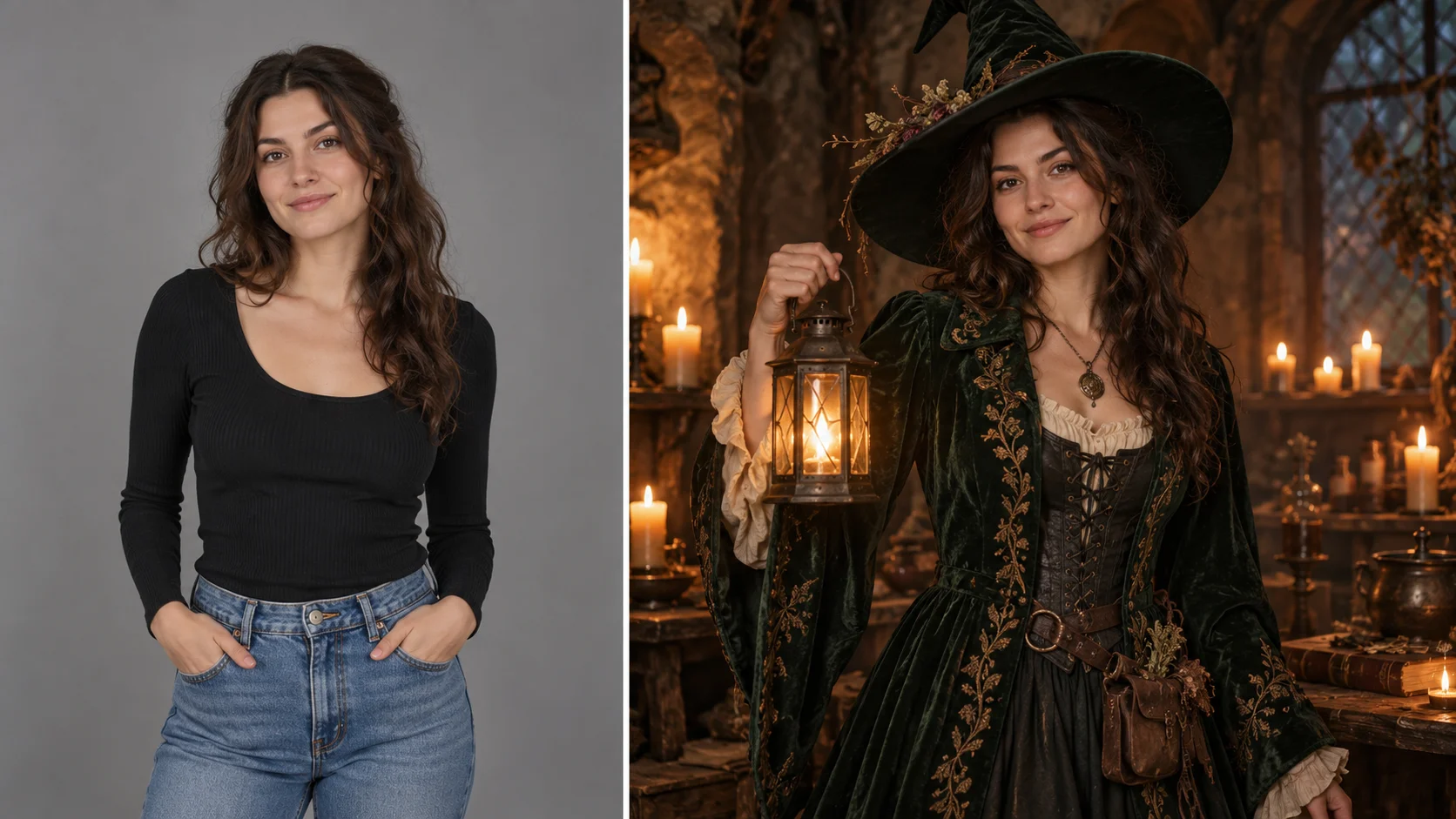
A full-length portrait and clear silhouette brief create a focused bridal styling concept.
History
Your first questions, answered
What will I create? Explore wedding-dress directions with a photograph you can recognize. HeyPix lets you describe a silhouette and fabric mood, then compare the visual balance before taking your preferred details into further planning.
What is the first step? Use Image to Image when your own photograph should guide the result. If you begin in Text to Image, describe the subject from scratch and leave reference uploads out of that request.
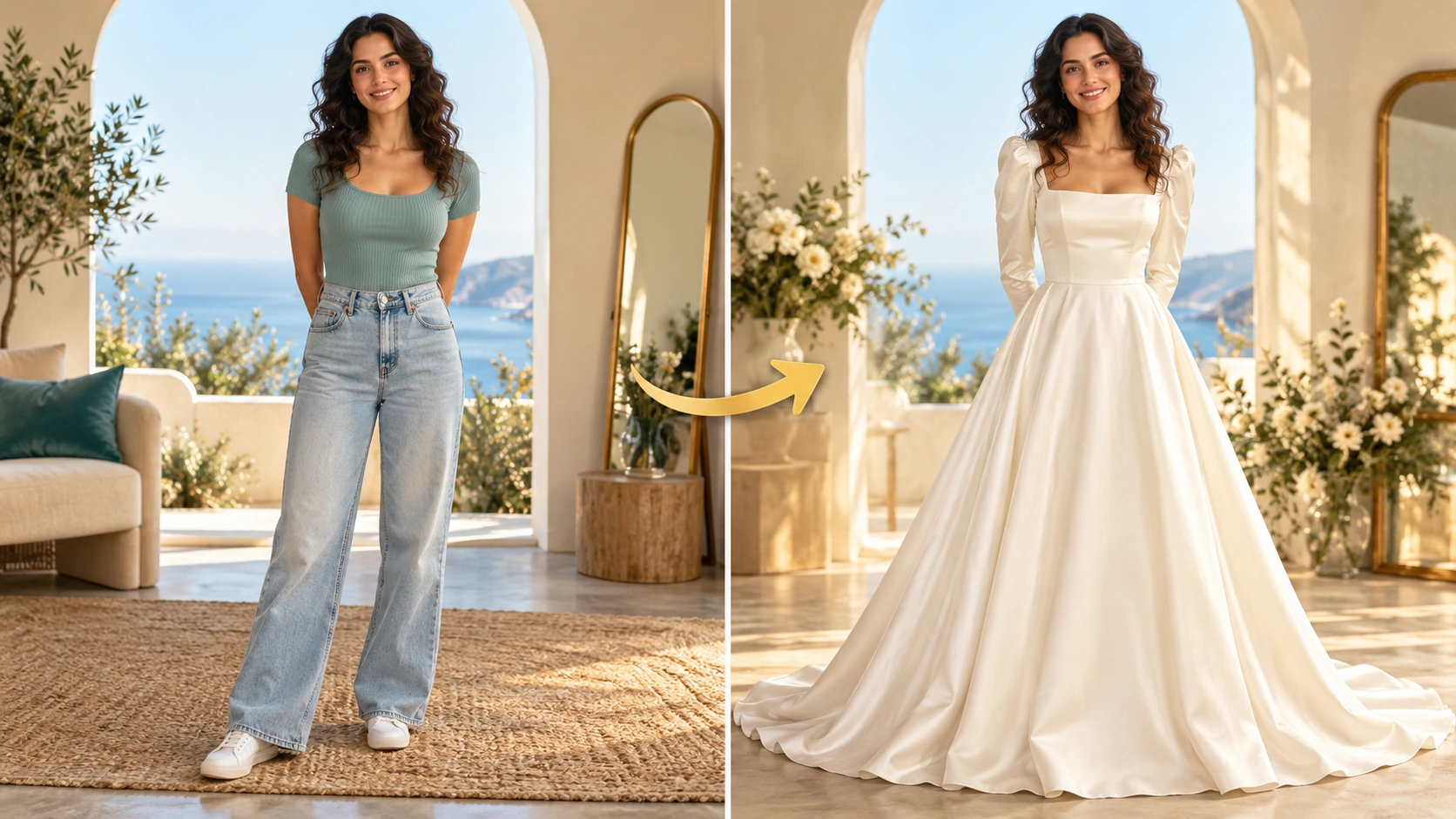
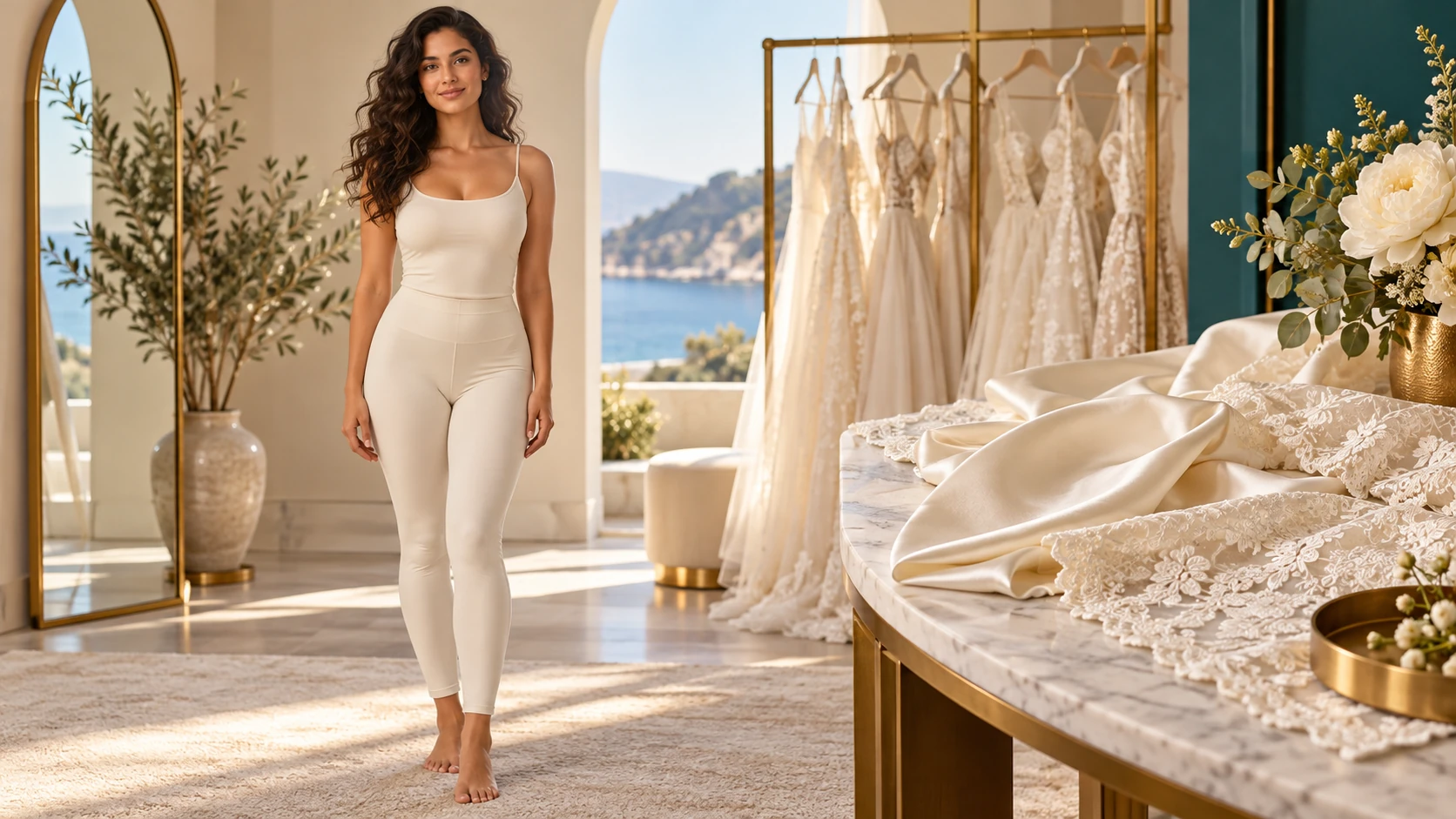
What makes a useful input? An unobstructed adult portrait showing the whole body is the clearest starting point. Give a long skirt room to fall, and keep the torso at a readable angle. Choose a photo with natural lighting rather than strong color filters.
Is there a free way to begin? Start by preparing the image and brief. Generation follows the credit quote shown for your selected model and settings; any free-credit eligibility or current promotion is shown by the account or checkout flow.
Where is the price shown? The generator calculates the current credit requirement from the selected model and settings. Review that value before submitting; the page heading is not a separate fixed-price offer.
How do I follow the wait? History shows the task’s current status after you submit. Completion depends on the active model, chosen output and queue; return to the existing task instead of repeatedly submitting the same idea.
Explore wedding-dress directions with a photograph you can recognize. HeyPix lets you describe a silhouette and fabric mood, then compare the visual balance before taking your preferred details into further planning. The generator keeps the image, description and available model settings together so you can build a focused first version.
A full-length portrait and clear silhouette brief create a focused bridal styling concept.
1
Upload a clear portrait
Choose an adult portrait with a visible head, shoulders and upper body. Even lighting helps. Save the original elsewhere. Decide what the image should keep, such as face and pose, and what the prompt may change, such as clothing. Prepare two or three sentences about the gown before you open the generator.
2
Write the direction and set the model
In the editable prompt, name the silhouette, fabric, neckline and location. For example: fitted bodice, soft tulle skirt, square neckline, quiet garden path. Adjust the available model controls to suit the portrait and scene. Keep the description consistent rather than stacking conflicting details, then read the prompt once more before generating.
3
Check the quote, generate, review History
The live credit quote appears before you commit. Sign in to your account, start the generation job and wait for it to finish. Open History to compare attempts and download what you need. Review proportions, fabric folds, neckline shape and background together. Note what to change, then run a revised prompt if needed.
What to look for in the image
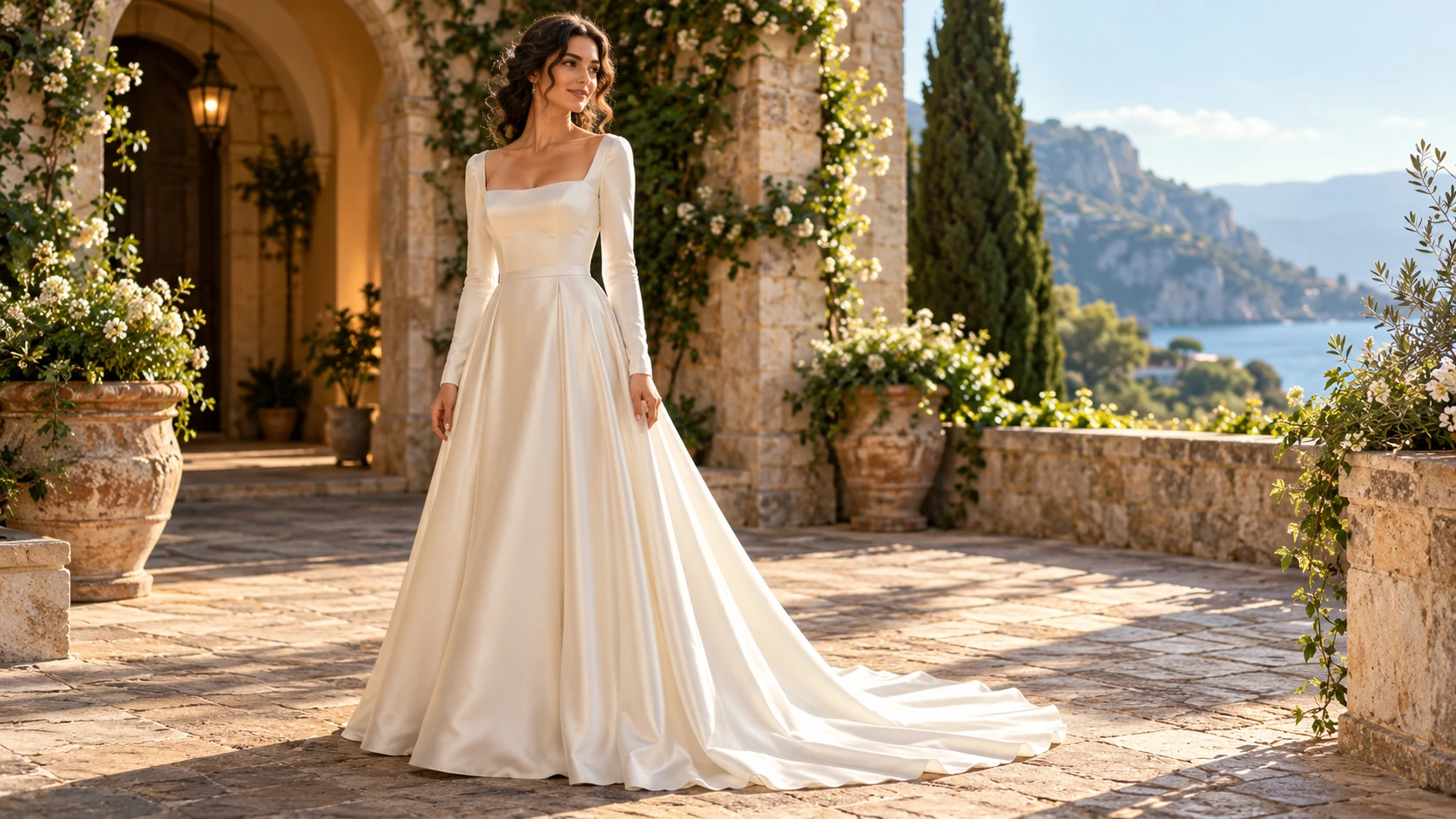
Look at neckline symmetry, sleeve-to-shoulder joins, waist placement and the way the hem meets the ground. Use the image to discuss a style, not to infer garment measurements. Keep facial identity, pose and a realistic relationship between body and garment in view while judging the change.
Where a first concept helps
Neckline, sleeve and skirt choices should read as one coherent gown.
Narrowing a silhouette before appointments
Bring two or three generated concepts to a first fitting appointment. Compare a fitted column against a fuller skirt, then discuss which shape felt closer to the plan. The images give everyone a shared starting point without claiming a real garment exists.
Testing a neckline against a portrait
Keep the same portrait and change only the neckline description. Compare square, portrait and off-shoulder versions side by side in History. Notice which line suits the face and hair in the reference before committing to a direction.
Matching a gown to a venue
Describe the ceremony location in the prompt, such as a garden lawn or a timber hall. See how fabric and skirt volume read against that setting. Share the concept with a planner to talk through practical questions like ground surface, weather and movement.
Before you generate and after
Show shoulders, waist and feet, with room for the planned skirt silhouette.
An unobstructed adult portrait showing the whole body is the clearest starting point. Give a long skirt room to fall, and keep the torso at a readable angle. Choose a photo with natural lighting rather than strong color filters.
Write the silhouette, fabric, neckline and location as separate details so one weak word does not blur the whole prompt.
Use an adult portrait you have permission to upload, and keep the original file outside the tool.
Compare attempts in History by one change at a time, and treat every image as a concept rather than a fit reference.
Turn the idea into a clear brief
Before generating, choose one visible change to judge. For ai wedding dress generator, explicitly retain facial identity, pose and a realistic relationship between body and garment. Keep the first brief focused so a second attempt can adjust the one detail that needs attention.
Use the person in this photo as the portrait reference. Style a flowing ivory gown with a softly fitted bodice, gentle off-shoulder neckline and light layered skirt. Keep the expression natural and the fabric folds believable.
Look at neckline symmetry, sleeve-to-shoulder joins, waist placement and the way the hem meets the ground. Use the image to discuss a style, not to infer garment measurements. Keep a useful version in History, then change one part of the brief rather than replacing the photo, style and settings at the same time.
Before you run another image
Treat the displayed quote as part of choosing your image, alongside the model and output settings. If you change a setting, read the updated credit requirement before submitting. Use the site’s Pricing page for available purchase options and check any free-credit offer in the account or checkout flow.
A task can spend time waiting and processing before its result appears in History. The model, output choices and current demand influence that wait. Open the existing task to check progress instead of assuming that a slow response requires a duplicate request. Review the result, keep the original reference, and make the next brief more specific if another version is useful.
First-run questions
What does the AI Wedding Dress Generator produce?
It produces an image of the adult person in your uploaded portrait dressed in a gown described in the prompt. The image is a concept for planning and discussion. It is not a size measurement, a fitting guarantee or an exact retail item.
What should the uploaded portrait show?
Use a clear adult portrait with the head, shoulders and upper body visible. Even lighting and a simple background help the model keep the person recognizable. Upload only a photo you have permission to use, and keep the original saved elsewhere.
How specific should the prompt be?
Name the silhouette, fabric, neckline and location in plain terms. A sentence like fitted bodice, satin skirt, square neckline, stone courtyard gives the generator clear direction. Avoid piling up contradictory details, and change one element at a time when comparing results.
Can I use the image to order a real dress?
No. The output is an imagined concept, not a garment specification. A dressmaker would still need measurements, fabric samples and a fitting process. Use the image to discuss ideas and direction, not as proof that a particular retail dress exists or will fit.
How do credits and login work?
The generator displays a live credit quote before you start a job. You sign in to your account to run generations and keep them in History.
What should I change for the next attempt?
Start from the same photo and pick one visible detail to improve. Look at neckline symmetry, sleeve-to-shoulder joins, waist placement and the way the hem meets the ground. Use the image to discuss a style, not to infer garment measurements. Adjust that detail in the brief, keeping the remaining settings steady so the comparison stays useful.
Start your first gown concept
Upload an adult portrait, describe the silhouette, fabric, neckline and location, then check the quote and generate.