A good portrait captures a personality. This chase gives it an unexpected role. Pick two faces, put one ahead of the red motorcycle, and let a familiar pair become the punchline. HeyPix uses a ready-set 15-second scene, so your creative decision starts with the cast.
What is this Crazy Frog AI video? It is a two-person casting effect built around a supplied 15-second pursuit. One portrait becomes the character riding out in front without a visible motorcycle; the other becomes the rider chasing on the red bike.
What do I upload? Add two separate, clear portraits with one person in each. Photo 1 is the leading character and Photo 2 is the pursuer. The chase video is already supplied, so you do not upload another source clip.
Can I start with free credits? Read the guide, choose your pair and prepare the direction before submitting. Check the account balance and any current offer for eligible credits; each generated clip uses the live quote shown in the workspace.
Where can I see the price? Choose the available settings and read the credit requirement beside the generation action. A changed format or resolution may change the quote. Pricing lists the site’s available purchase options.
When will the video arrive? After submitting, open History to follow the existing task. The active model, settings and queue affect the wait. The 15-second length describes the clip, not a promise about processing time.
What should I check first? Confirm both portrait previews and their role order, then watch the reference beside the generator. In the finished video, check each face during turns and wider shots before downloading or sharing.
From a camera roll to an unlikely escape
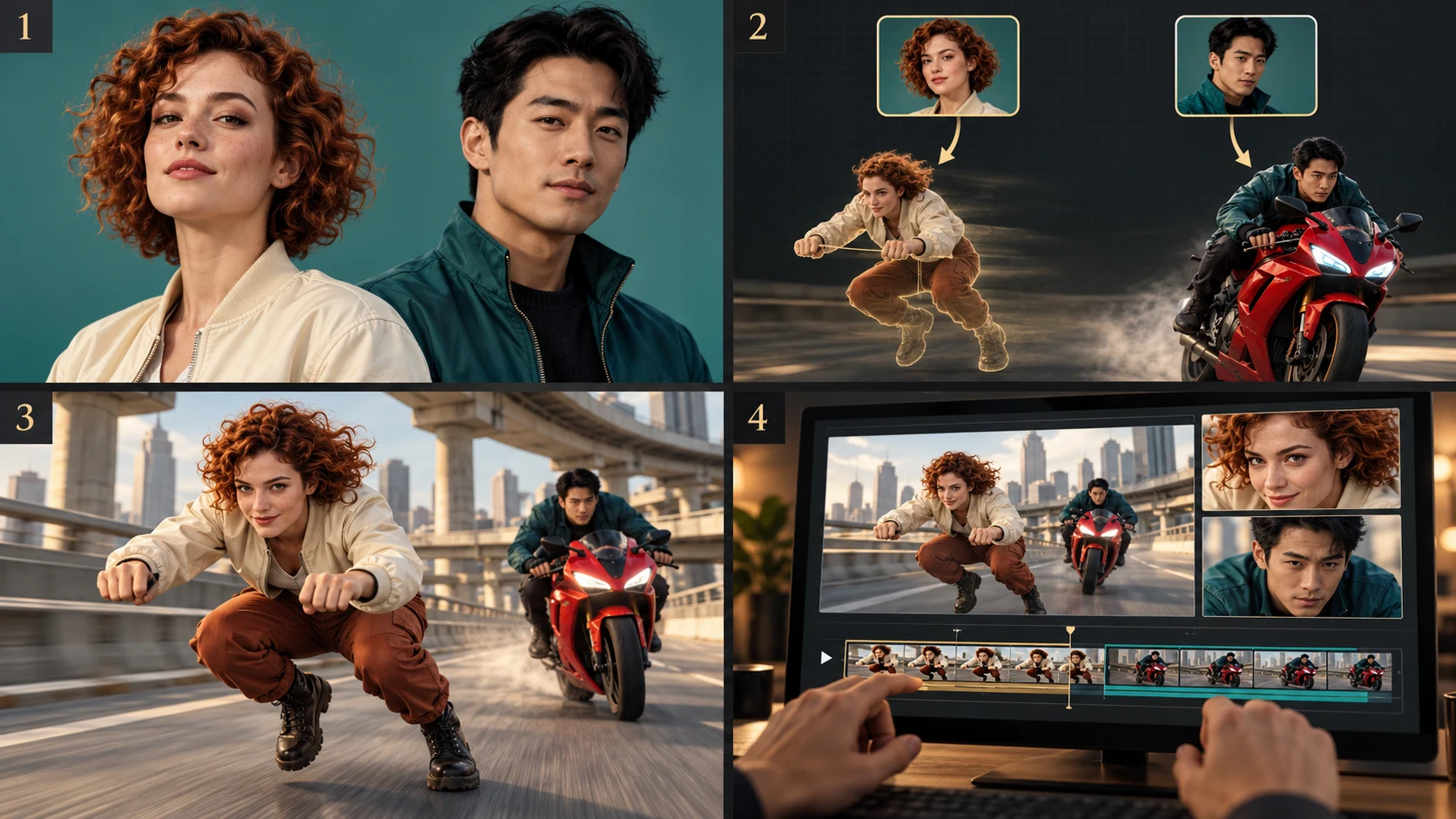
Choose two clear portraits, assign the leading and pursuing roles, then review both identities through the moving clip.
1. Find two faces worth casting
Look through your camera roll for portraits with one obvious subject. A relaxed expression is fine; the photo does not need to show a riding pose. Start with pictures where you can see the eyes, outline of the face and hairstyle without guessing.
2. Give each person a part
Place the escaping character in Photo 1 and the motorcyclist in Photo 2. Check the order before continuing. If the contrast would be funnier the other way around, exchange the slots with Swap roles rather than rewriting your direction.
3. Check the setup, then generate
The chase clip is supplied by the page. Add a brief note about your cast, open the available settings and inspect the current credit quote. Generation begins only when you use the generate action; selecting portraits does not start a video task.
4. Watch for continuity
Review the whole 15 seconds, especially a turn or a change in camera distance. Look for two distinct identities and the intended leader. A convincing opening frame is only one part of a useful result; inspect the action before downloading or sharing it.
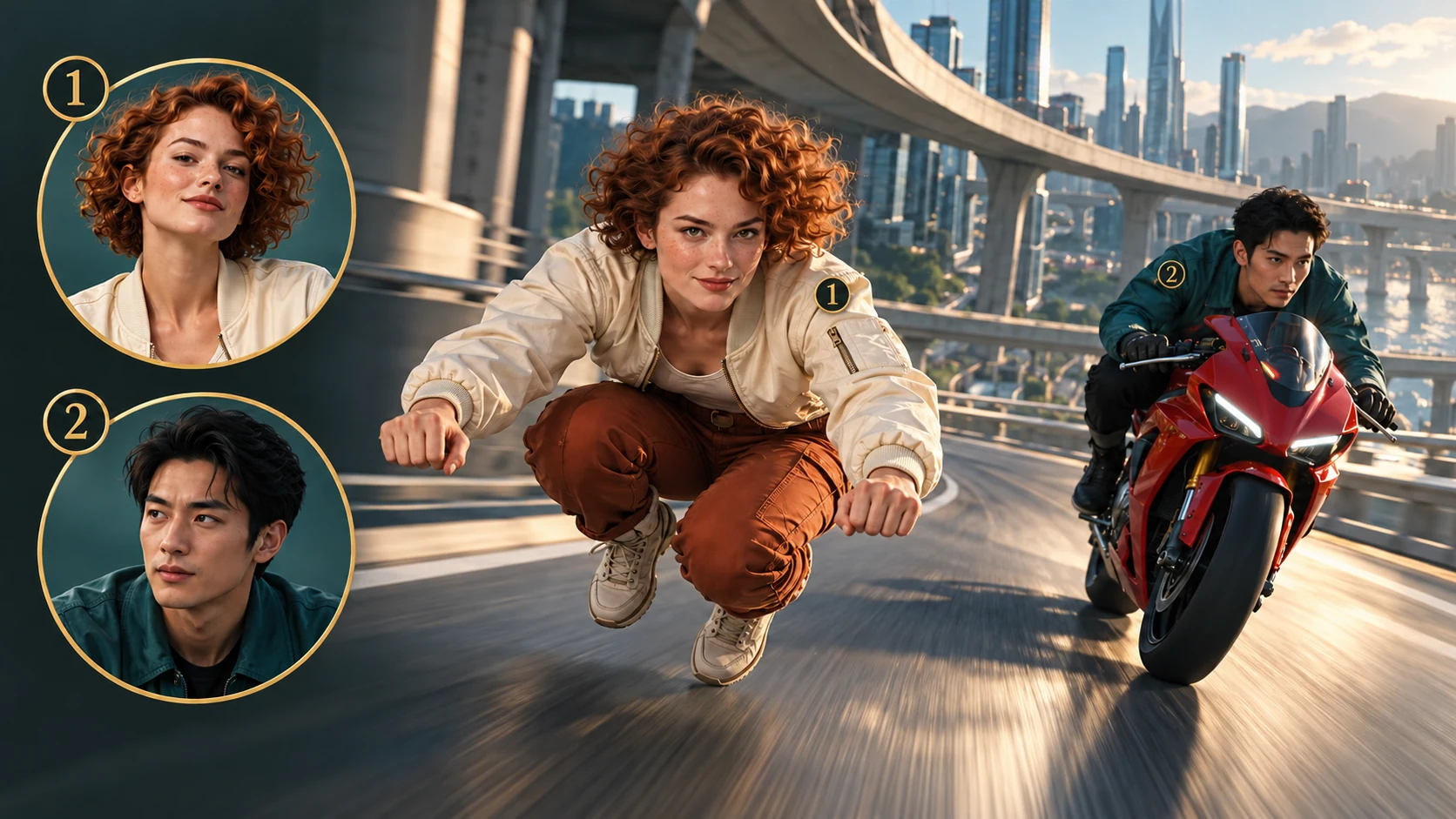
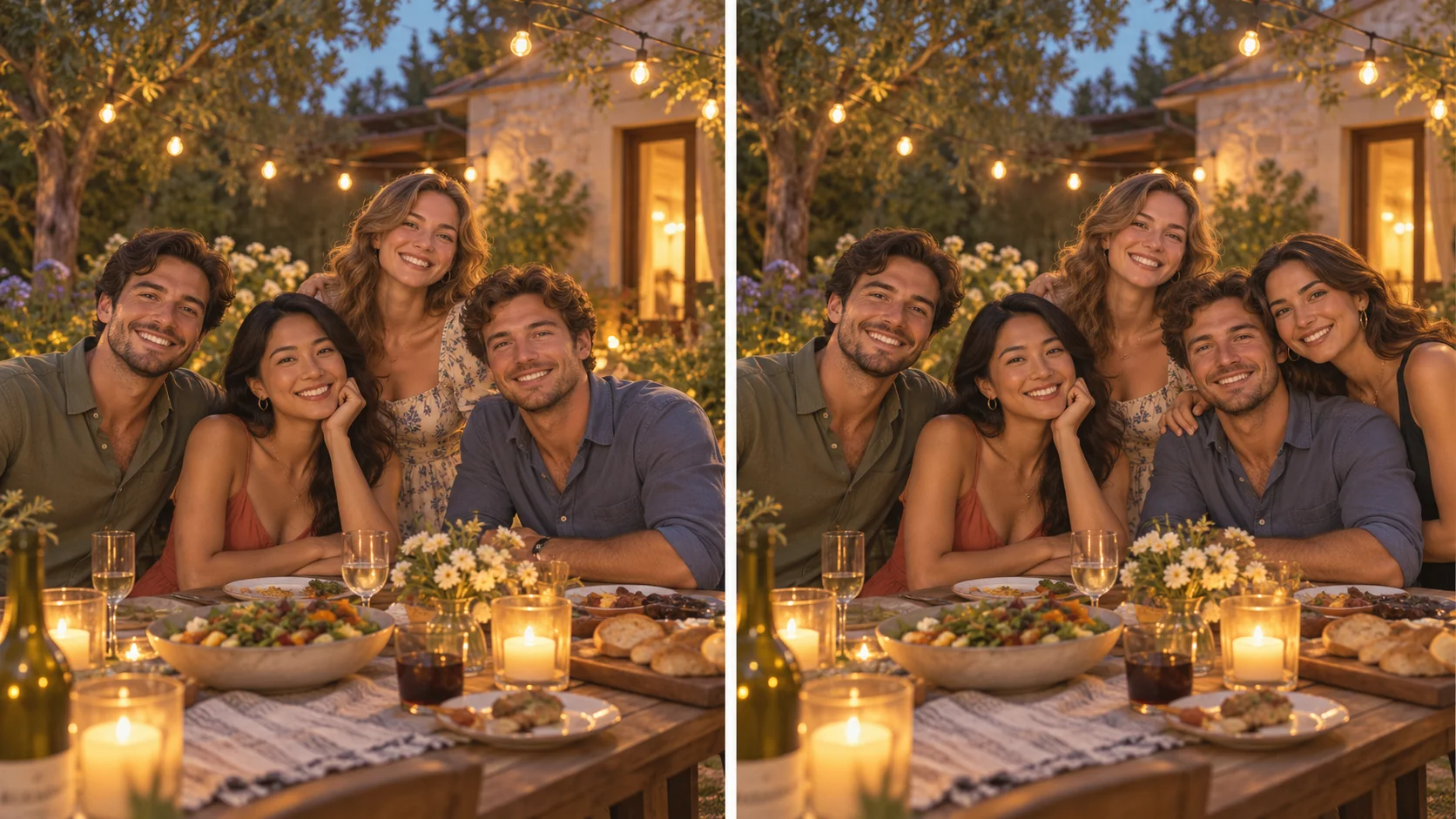
Two identities are the starting point
The two numbered portraits correspond to the character in front and the rider on the red motorcycle.
Choose the expression, keep the scene
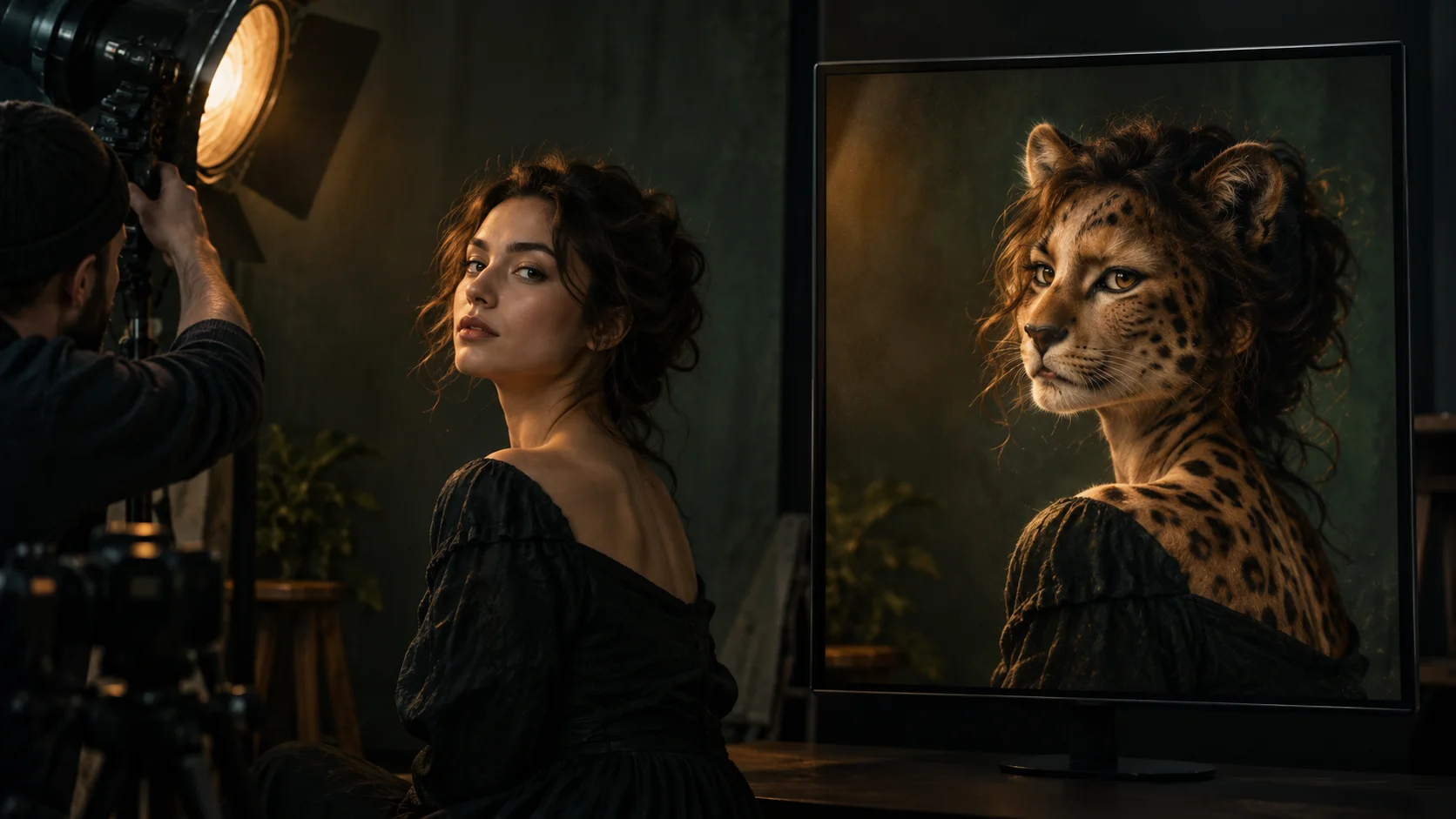
Your portraits supply identity while the reference supplies the pursuit. The unusual invisible-bike pose is already part of that setup. Spend your effort on a recognizable pairing instead of describing an entire highway sequence in the prompt.
Make the contrast easy to read
An easygoing friend can look unexpectedly determined; the meticulous planner can become the one trying to catch up. Two clearly different faces help the premise survive small character sizes and wider views. Keep the joke understandable without an explanatory caption.
Use direction sparingly
A short instruction about identity and role is a useful starting point. Long lists of costumes, scenery changes and extra characters can compete with the existing chase. Add detail because it serves the cast, then judge what actually appears in the returned clip.
Keep your decisions connected
The settings, displayed quote and task history belong to the same HeyPix workflow. Check the price again after changing an option, and open History to follow your submitted task and review its completed clip.
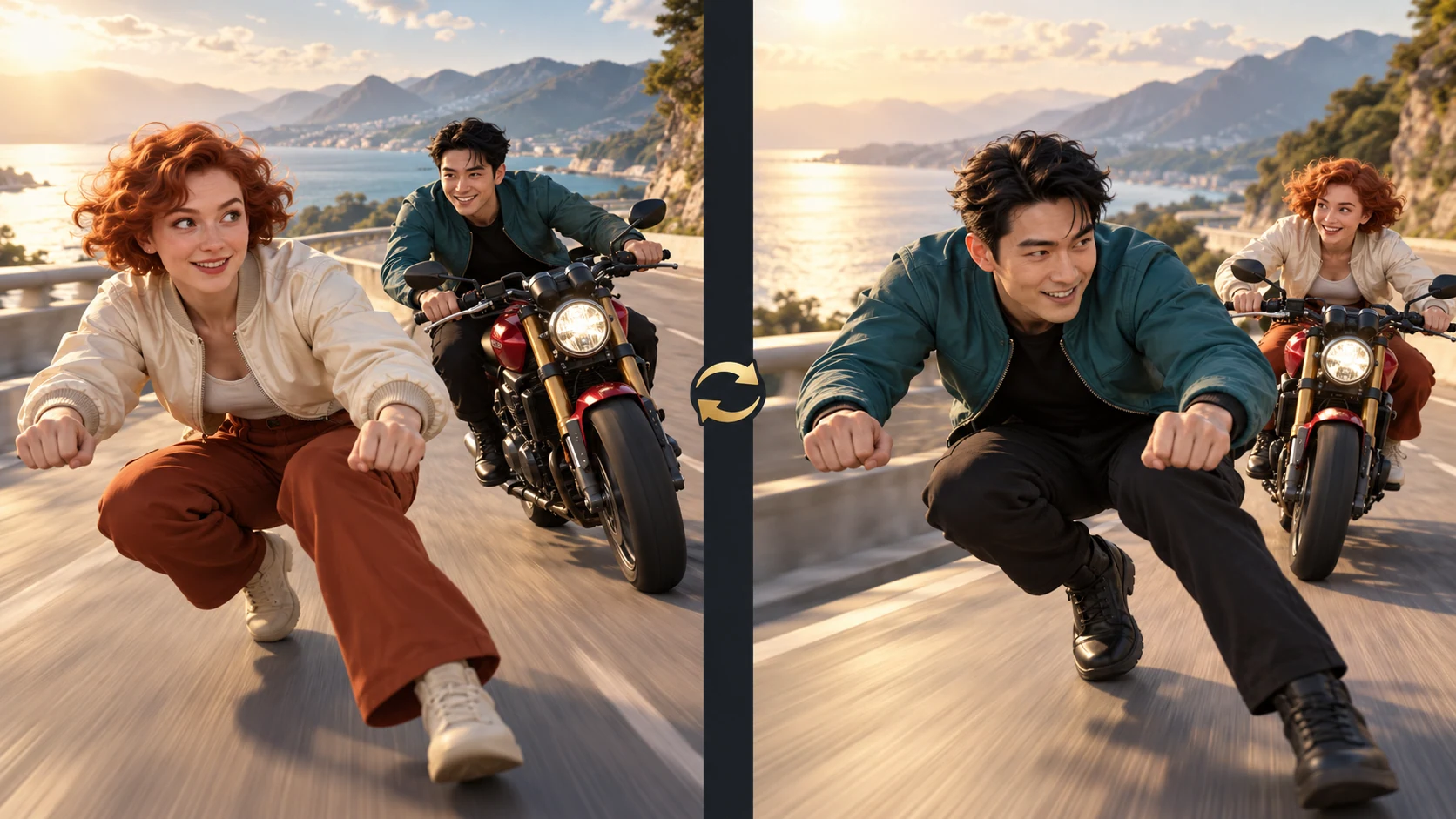
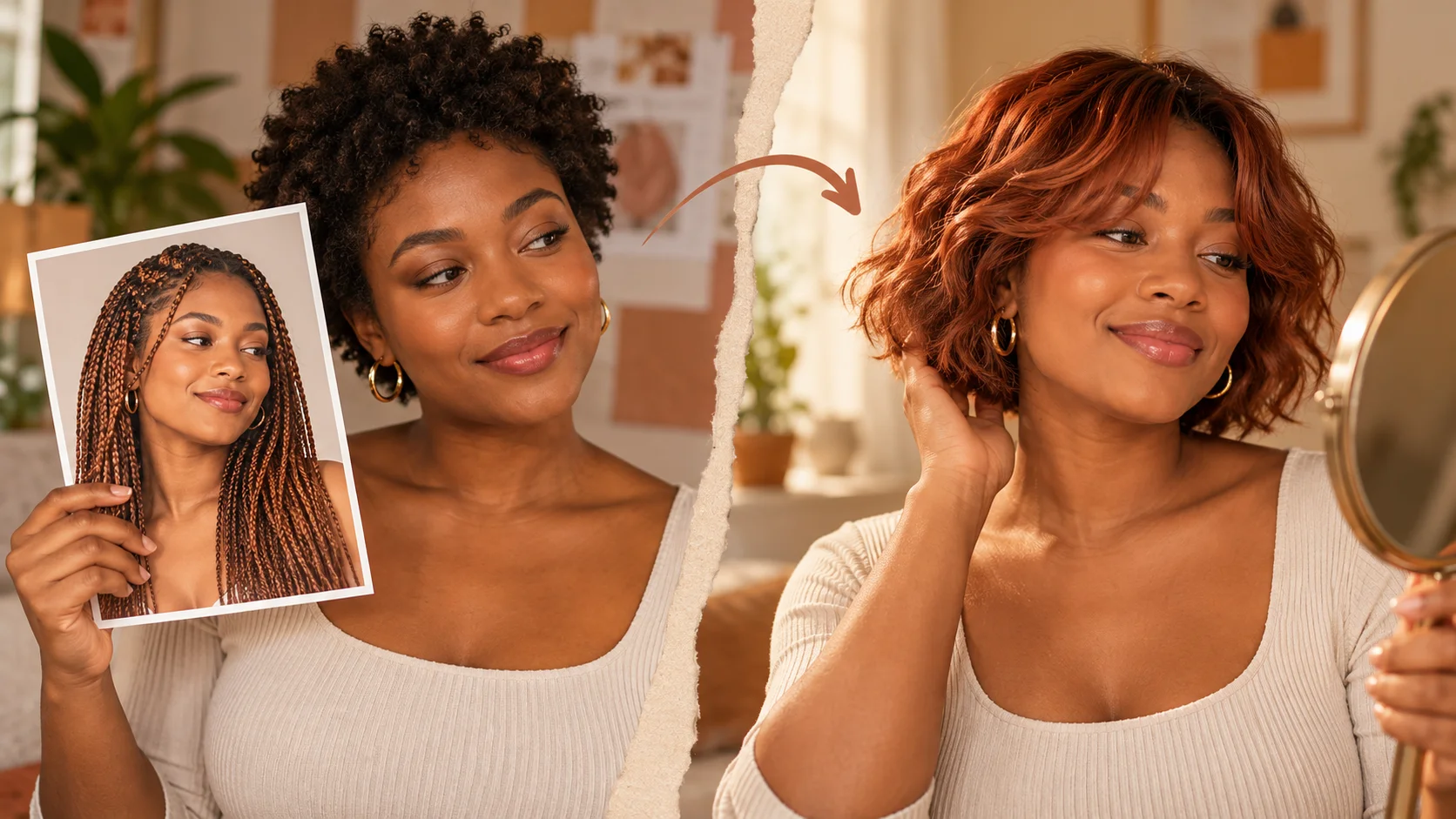
Change the casting, change the joke
The same pair can trade the leading and pursuing roles. Check the slot order before starting a new version.
Who would usually run the show?
Put that person in the opposite part. A tiny reversal of an everyday dynamic can make a familiar action format feel personal. The two-photo setup gives you a clear way to try it: change the slot order while leaving the rest of the brief similar.
Swapping the inputs prepares a different cast. It does not start a task or alter a completed video. A second generated version is a separate request with the quote shown before you submit it.
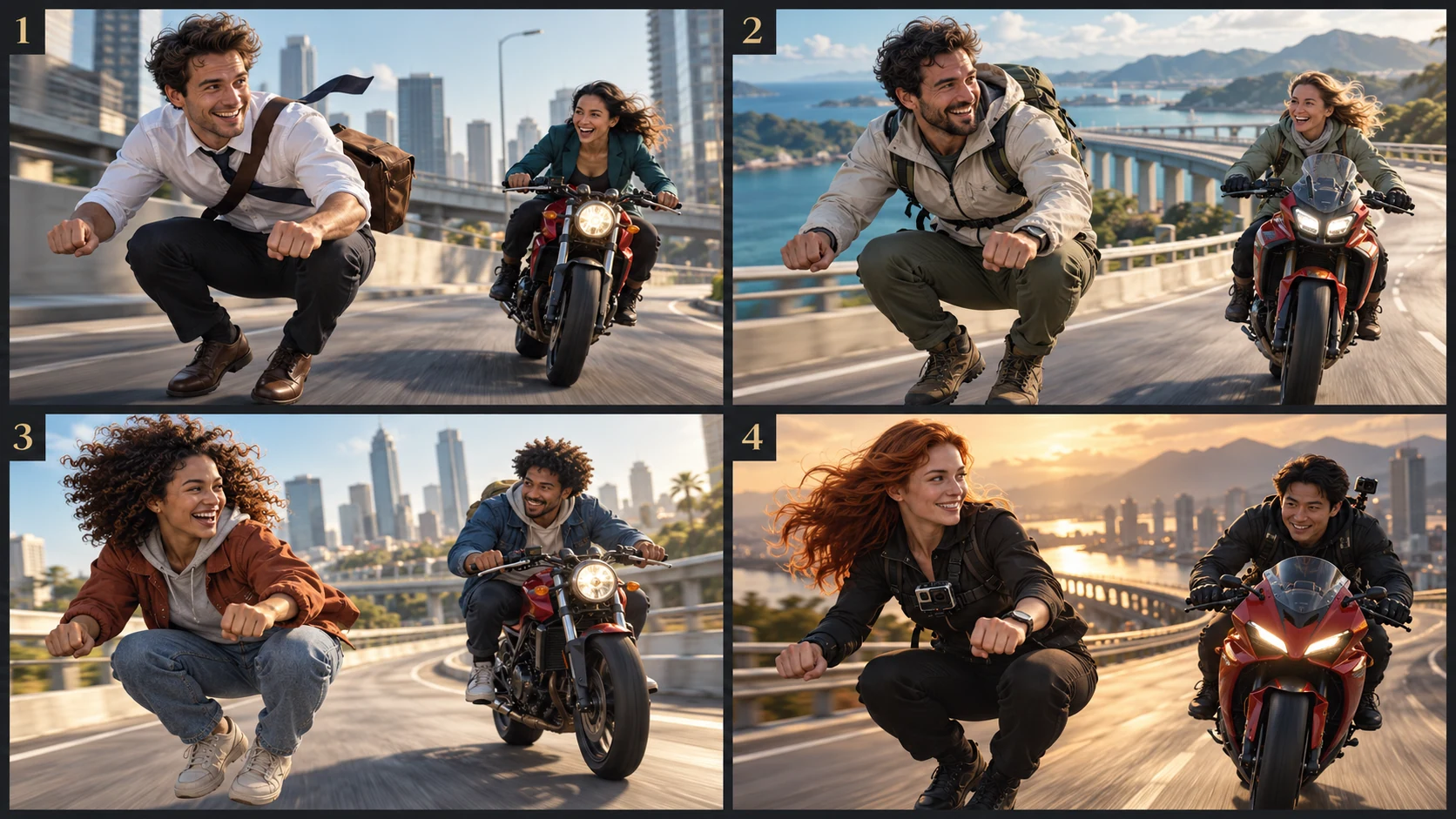
Four personal premises for the same chase: deadline, weekend escape, friendly rivalry and creator cameo.
1. The deadline is catching up
Cast a colleague as the escape artist and the project organizer as the determined pursuer. Let the relationship do the work: one clear contrast is more readable than filling the scene with office props. Share only photos you have permission to use.
2. The weekend escape plan
Use an outdoor buddy pairing for a lighthearted break-from-the-routine joke. Pick the person always suggesting one more trail as the leader, then cast the friend checking the time as the motorcyclist. The reference remains the chase setting.
3. A sibling score to settle
An ongoing, friendly rivalry can supply the premise without a new script. Decide who is getting the last laugh this time and use two distinct adult portraits. Review both identities before sending the clip to people who know the pair.
4. A creator cameo with a twist
Invite a collaborator into the second part of a short reaction post. Establish the pairing in your caption and let the movement carry the reveal. Check facial consistency and the full action sequence before including the clip in a finished edit.
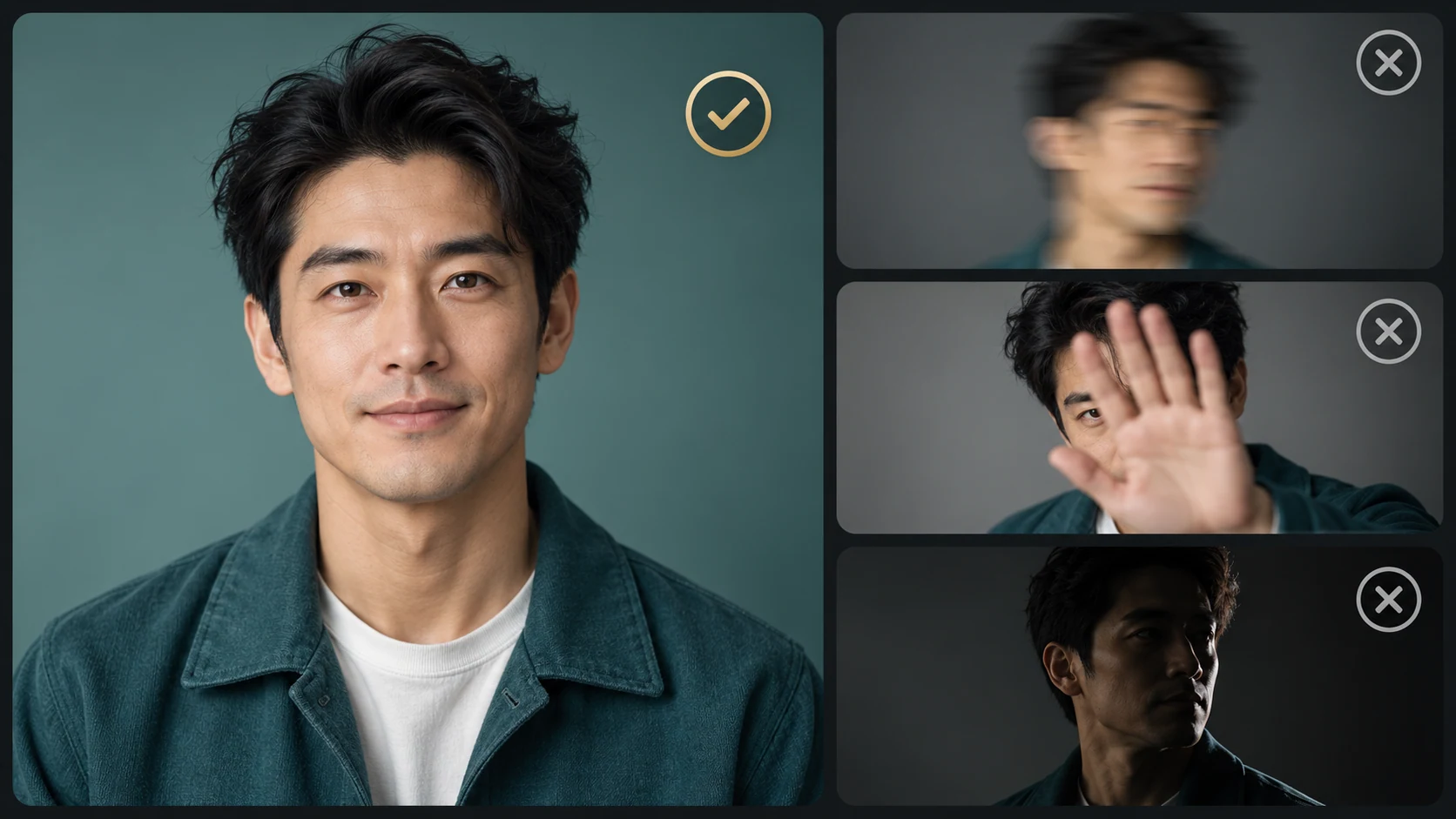
Start with a face the viewer can read
Choose a sharp, evenly lit face. Replace references affected by motion blur, obstruction or heavy shadow.
Use a photo that would make sense as a profile picture: one person, a defined face and enough light to recognize the features. A plain background can simplify the choice, but the person does not need to pose as the rider. Crop out unrelated people before uploading.
Compare the two portraits at a similar viewing size. If one is a sharp close-up and the other is a distant group shot, start by improving the weaker reference. Keep the face uncovered; tiny eyes behind reflections or a hand across the cheek give the model less useful identity detail.
After generation, check recognition in motion. If only one character looks weak, replace that portrait first and keep the other choices steady. This makes the next comparison easier to interpret, while every new generation still has its own cost.
Before you send your portraits into the chase
What does HeyPix use to make a Crazy Frog AI video?
This page combines two portrait references with a supplied chase clip. The configured workflow uses Seedance 2.0 to interpret the scene with your chosen cast. The result is a newly generated video, so faces, movement and small scene details need review.
Can I use an ordinary headshot instead of an action photo?
Yes. The portraits are identity references; the chase reference supplies the action. Choose visible facial features rather than trying to photograph someone in the invisible riding pose. Keep a single, recognizable subject in each input.
How do I put the right person on the red motorcycle?
Assign that portrait to Photo 2. Photo 1 is the leading character ahead of the motorcycle. Use Swap roles if the pair is in the wrong order, then check the two previews again before you start generation.
Is a source-video upload part of the preparation?
The source is already attached to this effect. You provide the character portraits and optional direction. Watch the reference preview to understand the motion; it is an input to the workflow, not a preview of the result for your photos.
Which parts of the output can I configure?
The video length for this effect is 15 seconds. Open the parameter control for currently available format, resolution and audio choices. Options and the displayed quote come from the effective model configuration; check them for each request.
How can I make the next version easier to compare?
Keep both original portraits and choose one detail to improve, such as the leading character’s recognition in a wide shot. Replace only that reference or adjust one sentence of direction. Keeping the remaining choices steady helps you judge the change in the next completed clip.
What should I change when a face loses its identity?
Review a close shot and a wider shot to identify which person is less recognizable. Try a sharper portrait with fewer obstructions for that slot. Changing one input at a time gives you a clearer comparison than replacing the cast and every setting together.
Does changing a portrait spend credits immediately?
Preparing references and swapping their order do not submit a video task. Review the live quote before generating. A new video request follows the existing HeyPix credit workflow; check History for status and review the returned result before making another request.
Have a pairing in mind?
Start with two portraits and one small idea about their relationship. Assign the parts, inspect the reference and check your settings. Your next Crazy Frog AI video begins with who you choose to put in front.