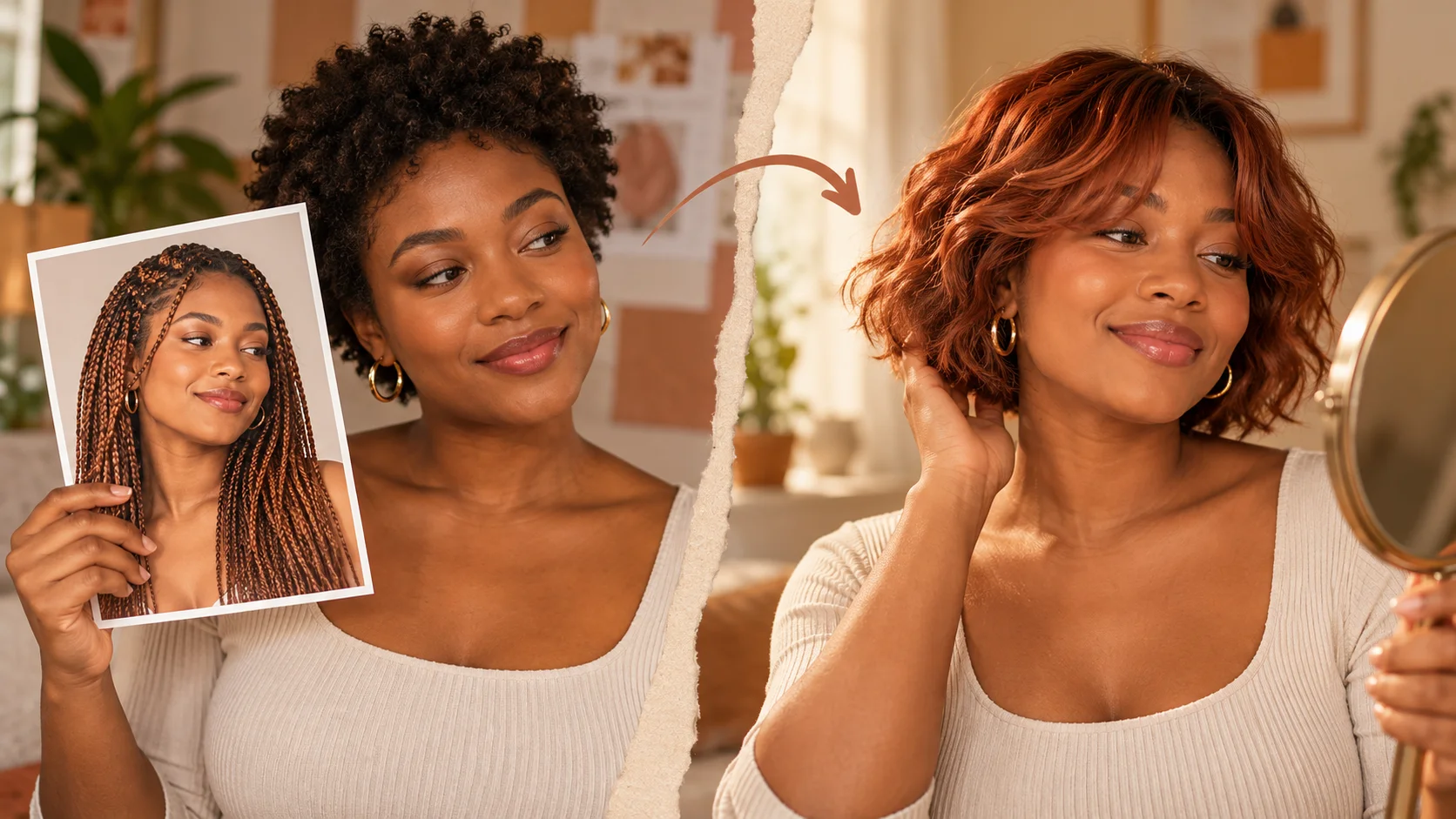
Is AI Hairstyle Online Free? Plan Your First Photo Preview
Build a hairstyle prompt from your photo
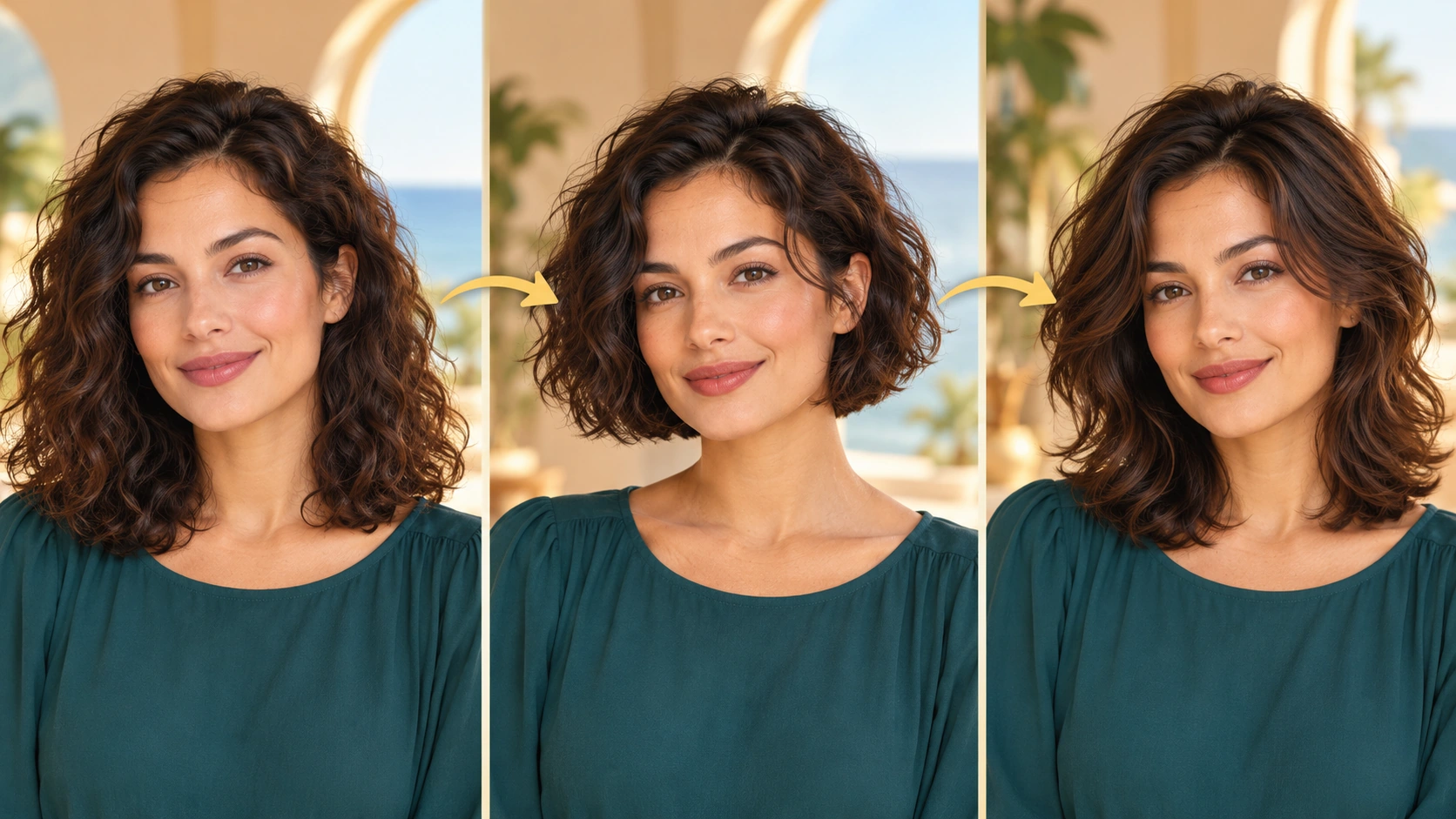
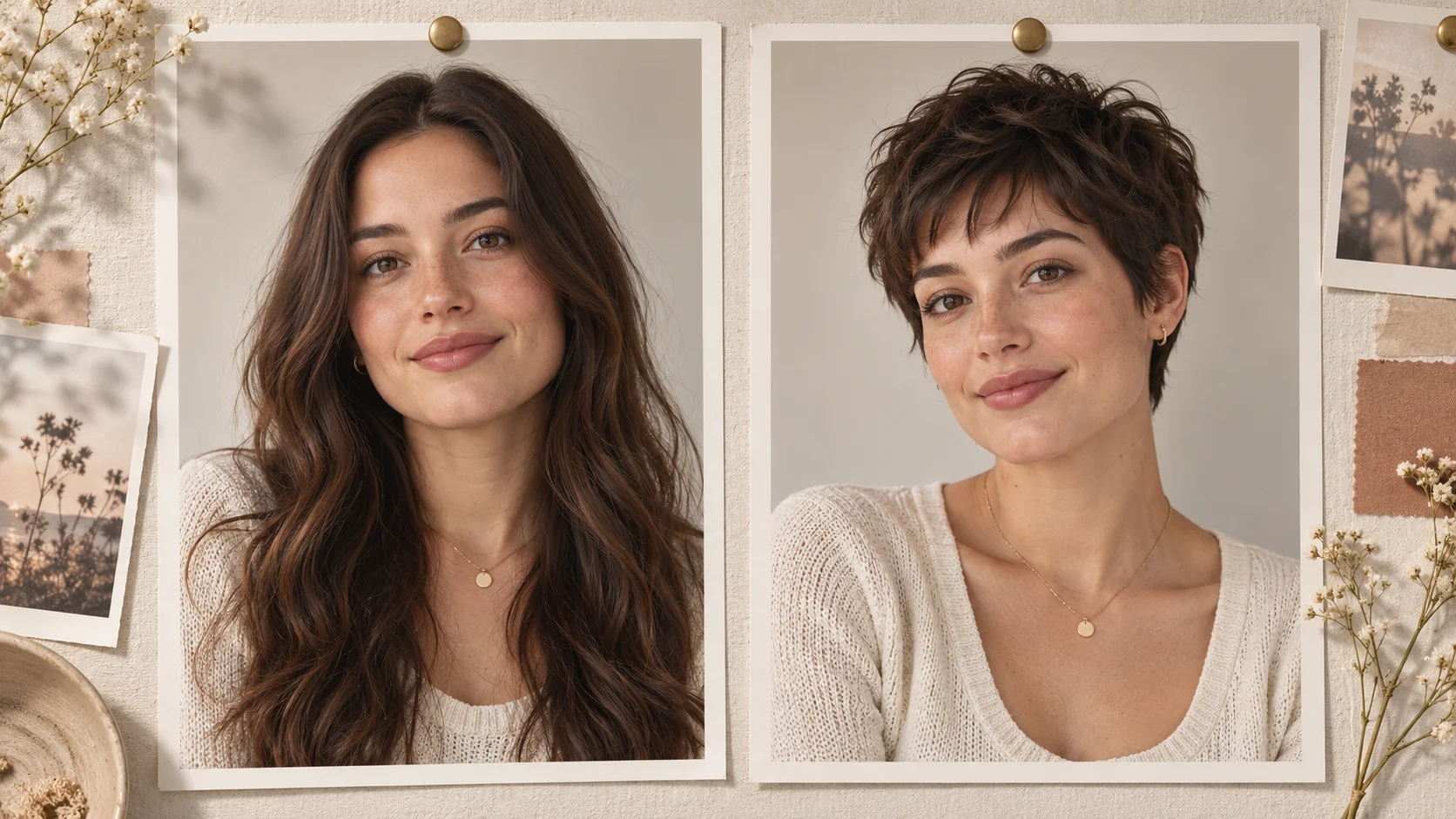
One stable portrait makes different hair silhouettes easier to compare.
History
Your first questions, answered
What will I create? A hairstyle idea becomes easier to discuss when you can see its outline beside your own portrait. On HeyPix, begin with one photo, name a specific cut and compare the returned shape before trying a different direction.
What is the first step? Use Image to Image when your own photograph should guide the result. If you begin in Text to Image, describe the subject from scratch and leave reference uploads out of that request.
What makes a useful input? Pick an eye-level photograph where the top of the head is not cropped. The face should be easy to see, and the background should separate from the hair. A plain shirt helps you judge length around the shoulders.
Is there a free way to begin? Start by preparing the image and brief. Generation follows the credit quote shown for your selected model and settings; any free-credit eligibility or current promotion is shown by the account or checkout flow.
Where is the price shown? The generator calculates the current credit requirement from the selected model and settings. Review that value before submitting; the page heading is not a separate fixed-price offer.
How do I follow the wait? History shows the task’s current status after you submit. Completion depends on the active model, chosen output and queue; return to the existing task instead of repeatedly submitting the same idea.
A hairstyle idea becomes easier to discuss when you can see its outline beside your own portrait. On HeyPix, begin with one photo, name a specific cut and compare the returned shape before trying a different direction. The generator keeps the image, description and available model settings together so you can build a focused first version.
One stable portrait makes different hair silhouettes easier to compare.
1
Upload your adult photo
Choose a clear, front-facing photo of yourself as an adult. Good light and an unblocked view of your current hair help the prompt stay readable. Avoid group shots, heavy filters and anything that hides the hairline. Save the image before you start so you are not hunting for the file mid-task.
2
Write the direction and set model controls
Use the editable prompt to name length, fringe, texture and color in plain words. Examples: chin-length bob, curtain fringe, loose waves, warm copper. Then adjust the model controls available in the generator. Keep the description specific but short. Vague prompts often return results that drift from what you pictured.
3
Check the quote, generate, review History
Before generating, read the live credit quote displayed for the current job. Confirm you are logged into the right account. Run the generation, then open History to compare results and review earlier attempts. Account rules and current pricing govern what you can run, so check those details in your account rather than assuming a default.
What to look for in the image
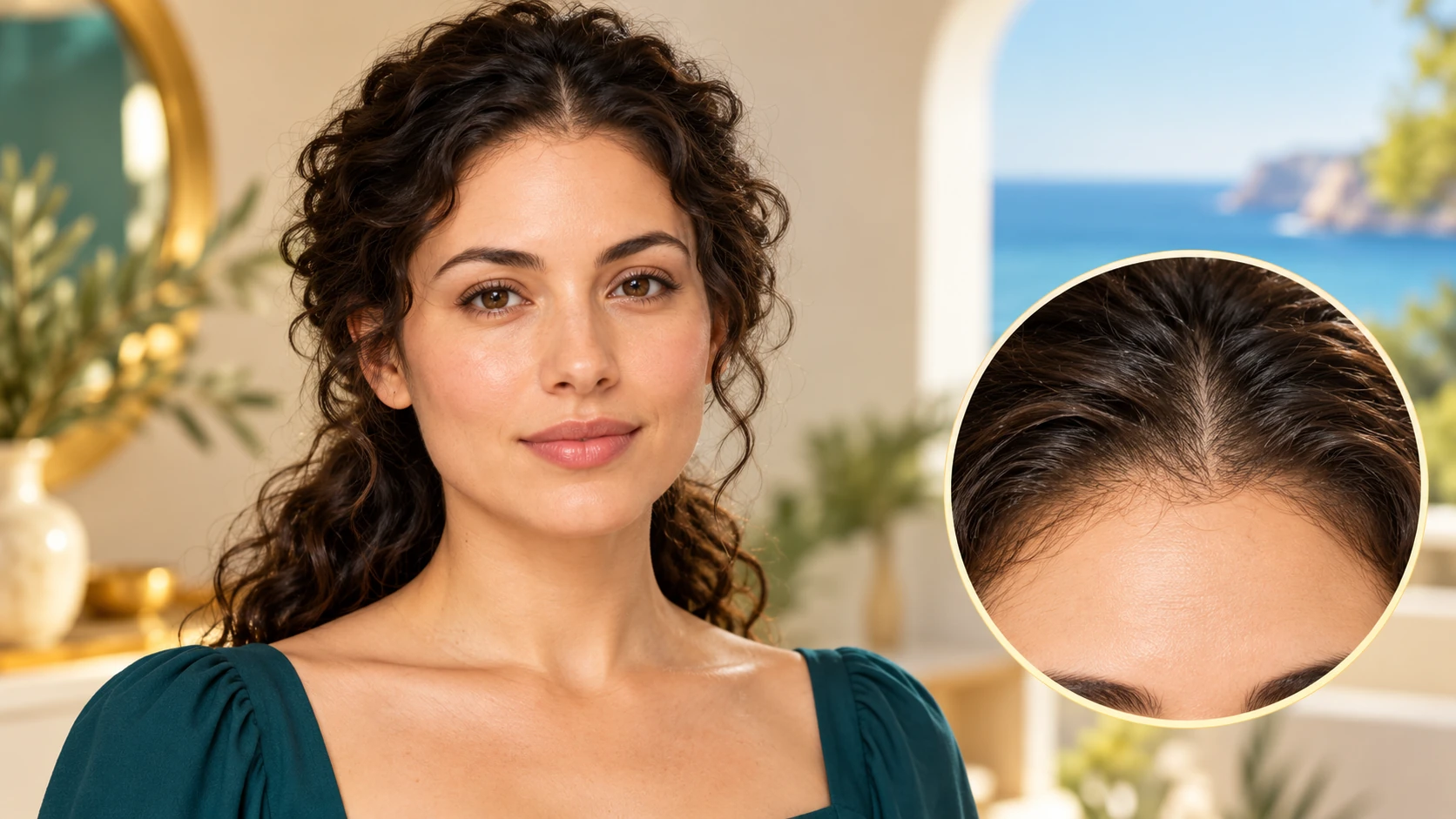
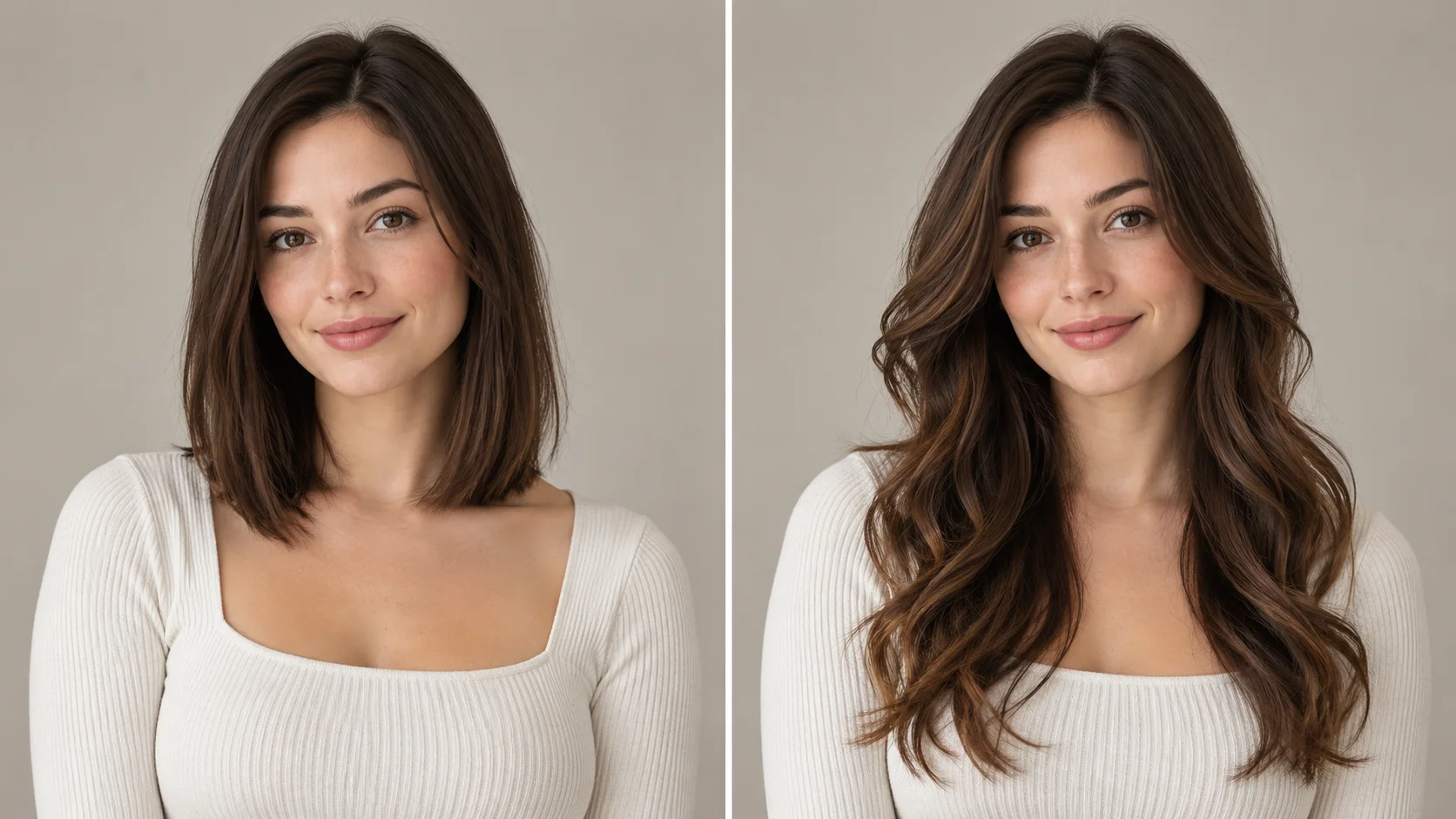
Look at the hairline, ear shape, part placement and shoulder overlap. A useful comparison changes the haircut without quietly changing the face. Keep facial features, hair color, expression, clothing and background in view while judging the change.
Where a hairstyle preview helps
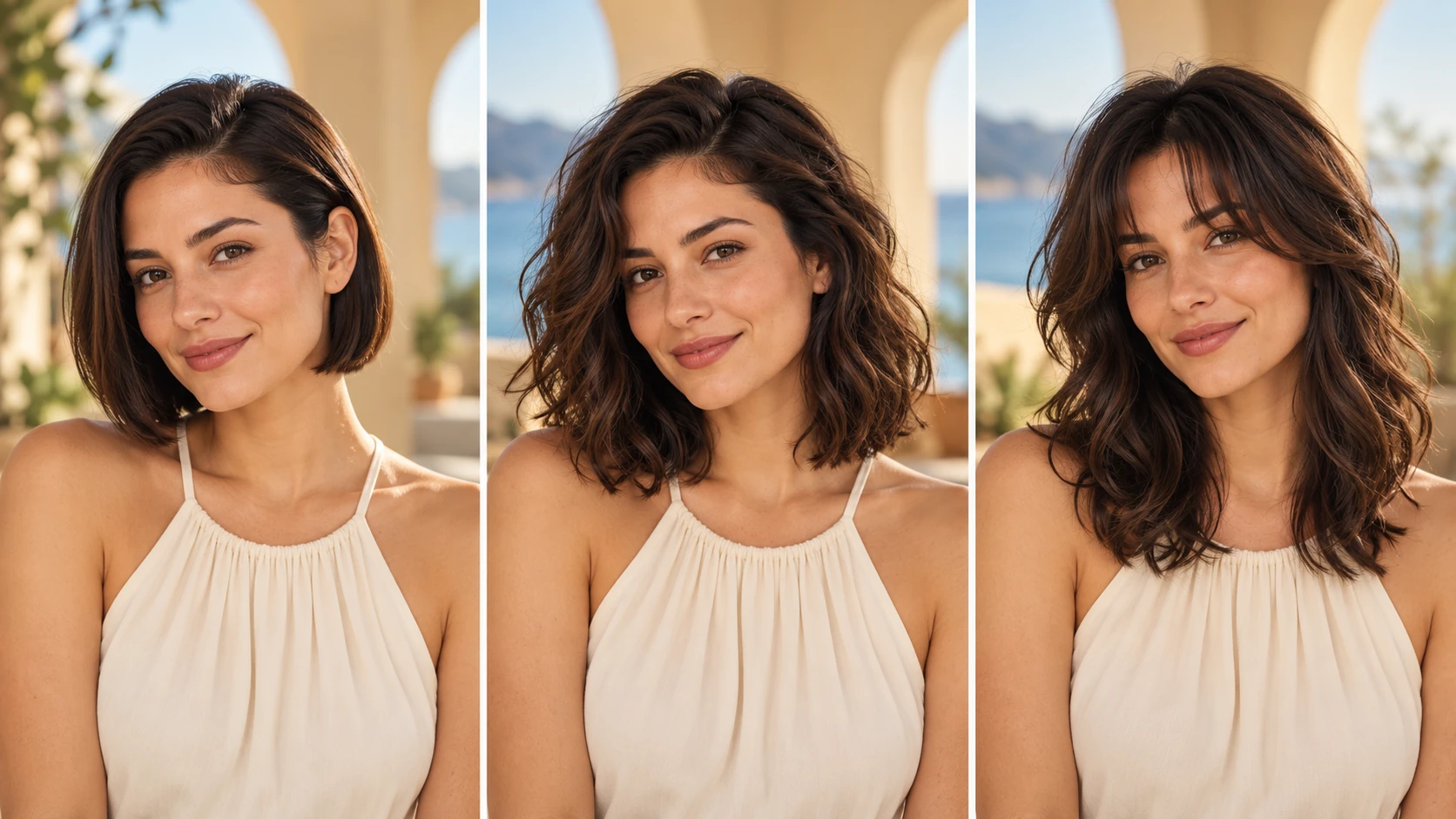
Compare shape and fringe while keeping the subject, color and light consistent.
Before a big chop
You are considering going from long to shoulder length but keep hesitating. Generate a few previews with different lengths and fringes, then bring the clearest result to your stylist as a conversation starter rather than a fixed instruction.
Testing a color shift
You want to try copper or cool ash without committing to dye. Describe the color in the prompt alongside your current length, and review the results to see whether the tone feels right against your features before booking a color appointment.
Preparing for an event
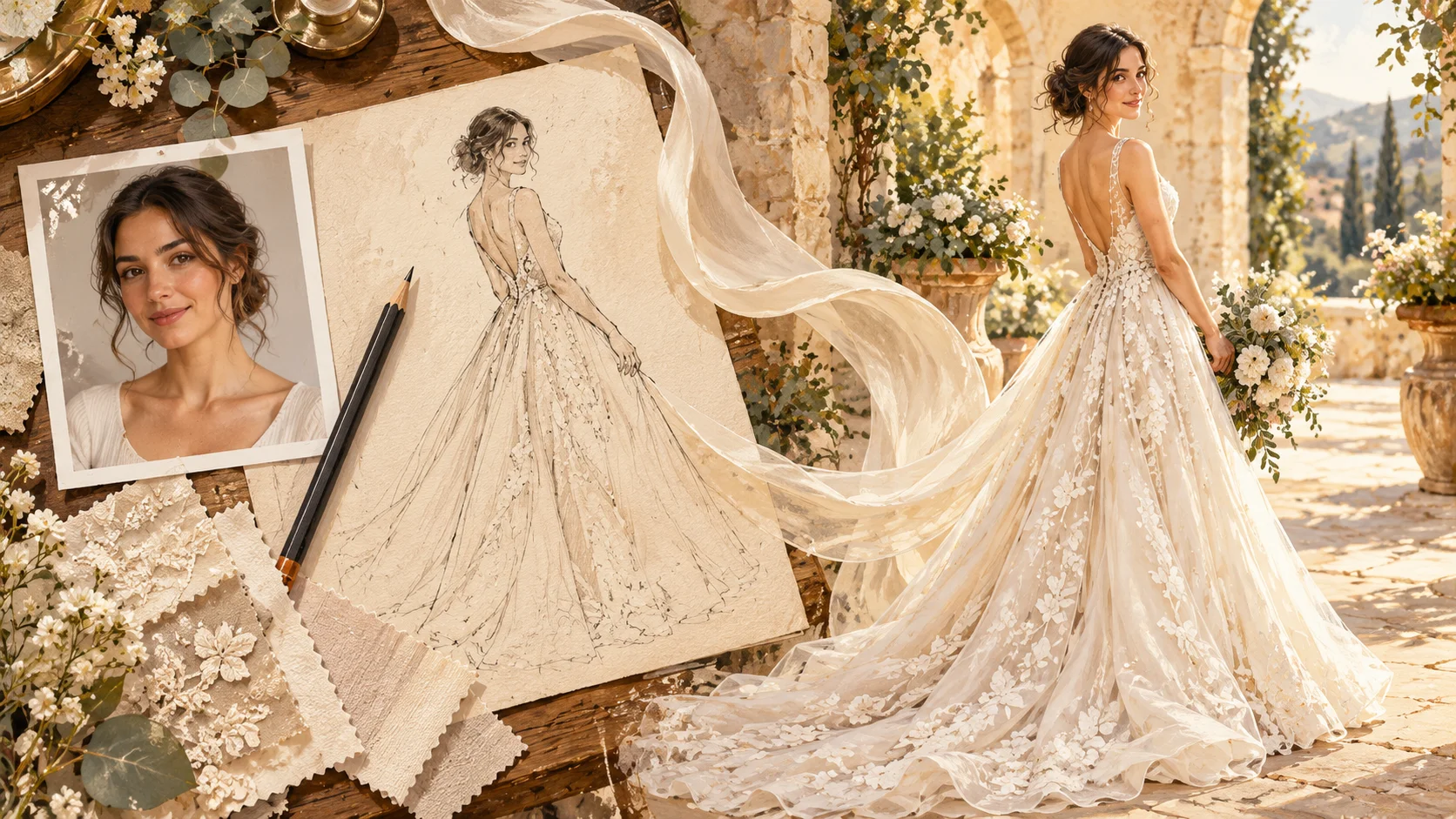
A wedding or interview is coming up and you want a change that photographs well. Use the preview to test a smoother texture or a side-swept fringe, then decide how much effort you want to put into styling on the day.
Get a cleaner first result
Keep the scalp, hairline, ears and shoulders inside the reference frame.
Pick an eye-level photograph where the top of the head is not cropped. The face should be easy to see, and the background should separate from the hair. A plain shirt helps you judge length around the shoulders.
Use a recent photo taken in daylight, with your hair down and your face fully visible.
Rewrite the prompt in plain words: length, fringe, texture, color, then stop adding detail.
Open History after each generation and note which prompt wording moved the result closer to your goal.
Turn the idea into a clear brief
Before generating, choose one visible change to judge. For ai hairstyle online free, explicitly retain facial features, hair color, expression, clothing and background. Keep the first brief focused so a second attempt can adjust the one detail that needs attention.
Use my portrait as the face reference. Try shoulder-length layers with a soft curtain fringe, keeping my expression, clothing and background. Retain the original hair color and show believable volume around the temples.
Look at the hairline, ear shape, part placement and shoulder overlap. A useful comparison changes the haircut without quietly changing the face. Keep a useful version in History, then change one part of the brief rather than replacing the photo, style and settings at the same time.
Before you run another image
Treat the displayed quote as part of choosing your image, alongside the model and output settings. If you change a setting, read the updated credit requirement before submitting. Use the site’s Pricing page for available purchase options and check any free-credit offer in the account or checkout flow.
A task can spend time waiting and processing before its result appears in History. The model, output choices and current demand influence that wait. Open the existing task to check progress instead of assuming that a slow response requires a duplicate request. Review the result, keep the original reference, and make the next brief more specific if another version is useful.
AI hairstyle preview questions
Can I preview a hairstyle on my own photo with HeyPix?
Yes. Upload an adult photo of yourself, describe the length, fringe, texture and color you want, and the generator builds a preview from that reference image. Results are illustrative, not a guarantee of how a cut or color will look in person.
What kind of photo works best for a hairstyle preview?
A front-facing adult photo with even light and your hair clearly visible. Avoid sunglasses, heavy beauty filters, hats and crowded backgrounds. A plain, recent photo gives the prompt a cleaner reference and makes it easier to judge fringe, length and color against your actual features.
How specific should my hairstyle prompt be?
Name the four things that matter most: length, fringe, texture and color. Add one or two clarifying details, such as face-framing layers or a middle part. Very long prompts tend to conflict with each other, so keep the description focused on the change you actually want.
Will the preview match what a stylist can do?
Not exactly. The generator produces an illustrative image, and real hair behaves differently depending on density, growth pattern and styling. Treat the preview as a direction to discuss, not a measured plan. A stylist can tell you what is achievable from your starting length and color.
Is HeyPix free, and do I need an account?
There is no promise of free generations or a free allowance on this page. The live credit quote shown in the generator, your account login and the current account rules govern each job. Check the quote before generating and review your account details for current terms.
What should I change for the next attempt?
Start from the same photo and pick one visible detail to improve. Look at the hairline, ear shape, part placement and shoulder overlap. A useful comparison changes the haircut without quietly changing the face. Adjust that detail in the brief, keeping the remaining settings steady so the comparison stays useful.
Run your first hairstyle preview
Upload an adult photo, describe length, fringe, texture and color in the prompt, check the live quote, then generate and compare results in History.