
South Park Characters: Choosing a Clear Crop for a Cartoon Avatar
Choose better cartoon avatar crops with 12 illustrated South Park character profiles, advice on hats and hair, and practical guidance for square and circular frames.

A good avatar crop preserves the detail that makes a person or character recognizable. With South Park characters, that detail is often a hat, hood, or hairstyle rather than the face itself. Cropping every picture to the same eye-to-chin area can produce a consistent layout while removing the most useful information. For a cartoon avatar of your own, try South Park Character Creator.
This gallery uses images from the South Park Public Library to examine portrait framing. The advice concerns visual clarity and original-avatar planning.
Decide what the avatar has to communicate
A name-and-face icon can use a tighter crop than a costume reference. A character introduction may need the shoulders or full body. A circular profile image needs extra space around features that sit at the corners of a square. Begin with the use case, then choose the crop that preserves the appropriate clues.
Stan Marsh
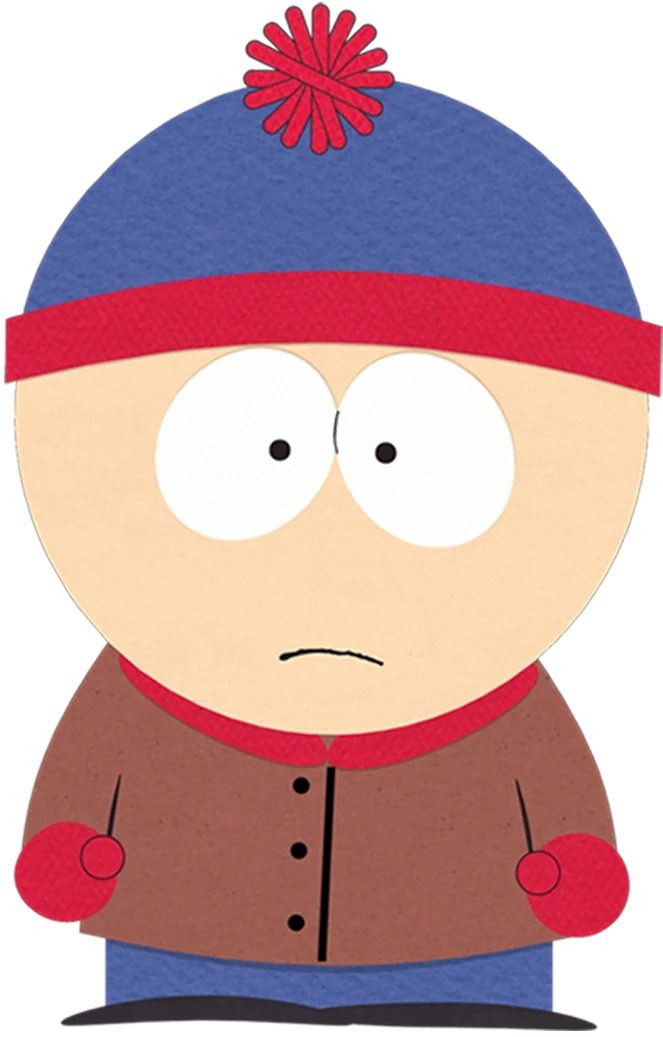
Stan's blue cap has a red pom-pom and band, while the red gloves sit lower on the figure. A portrait crop should retain the cap's complete upper shape. The gloves are useful in a larger reference, but a small icon can prioritize the hat without trying to show every clothing detail.
Kyle Broflovski
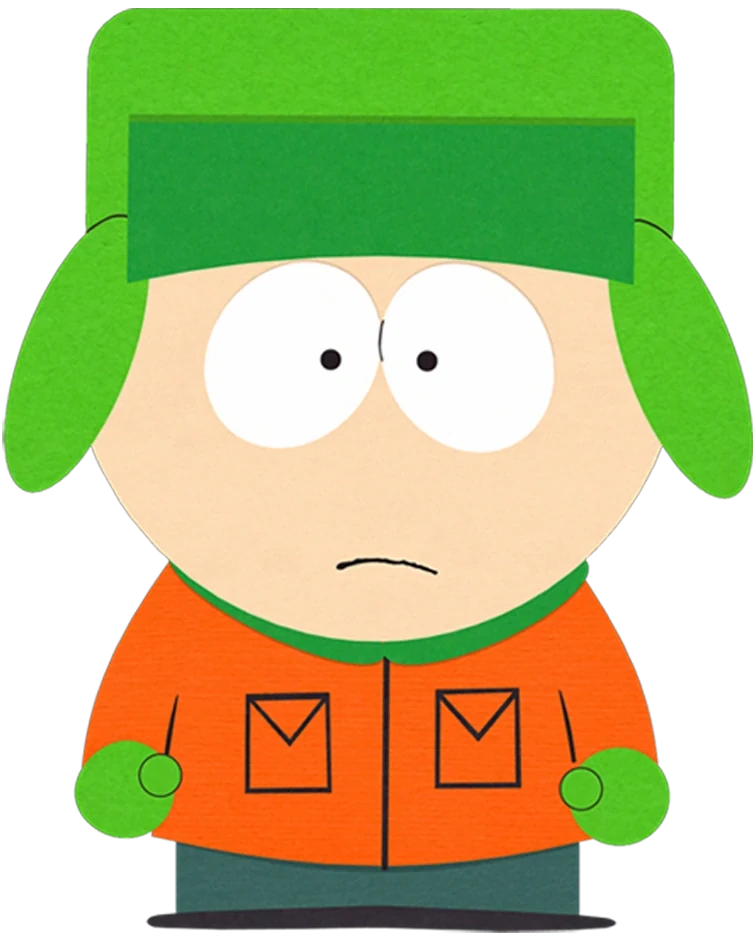
Kyle's earflaps extend outside the face's width, and the green hat contrasts with an orange coat. Leave side margins in a circular crop so those flaps do not disappear. A crop that preserves the face but trims the hat may be neat, yet less informative for character recognition.
Kenny McCormick
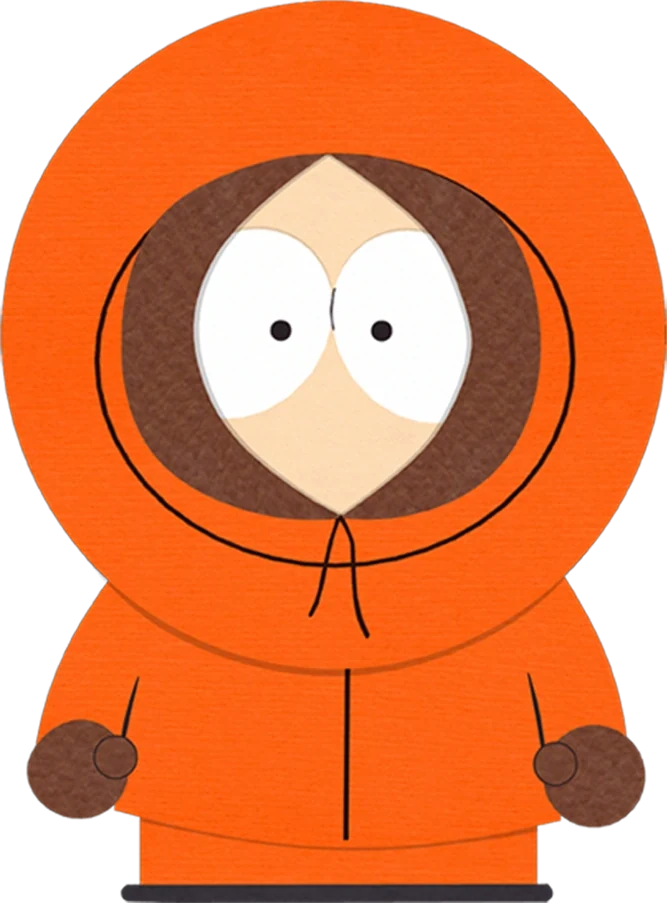
Kenny's orange hood forms a broad outer border around the dark face opening. Keep both layers visible when making a portrait. The eyes alone do not show how the outfit encloses the head; the hood is the main visual clue that turns a small crop into a recognizable character image.
Eric Cartman
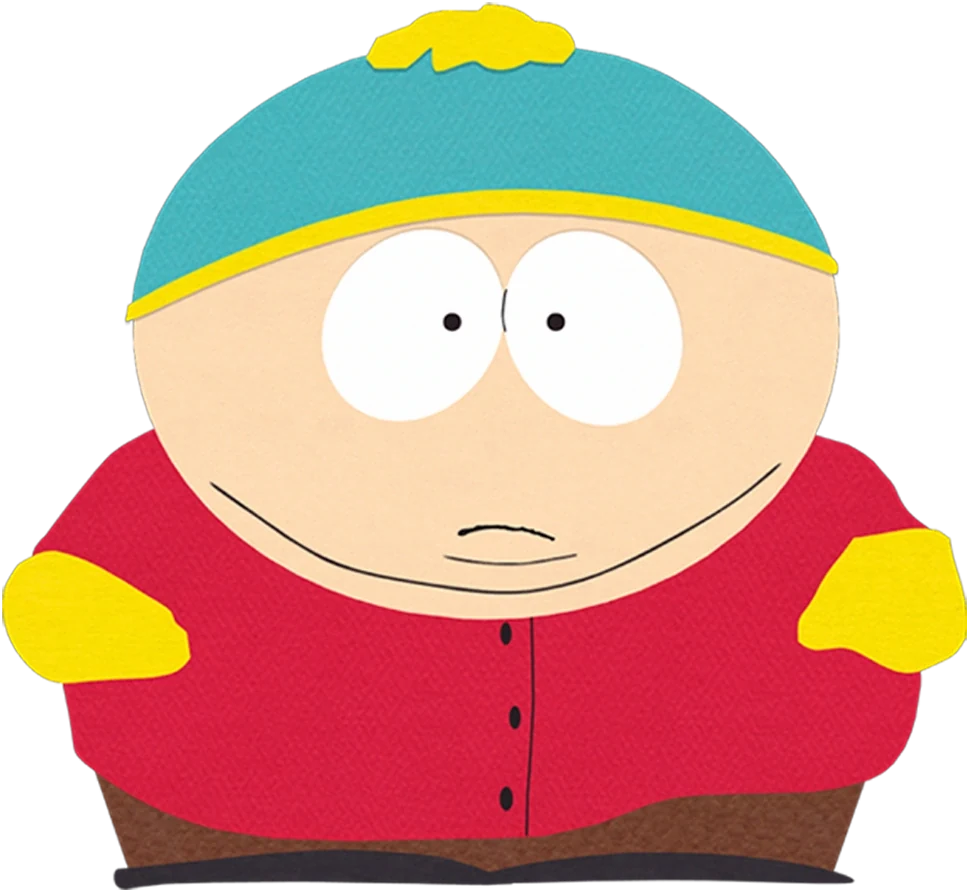
Cartman's turquoise cap with yellow trim provides a face-level identifier, while the broad red jacket explains the full figure. A small avatar cannot communicate all his body proportions. Choose a wider image if the post is about design, and a labeled head-and-shoulders crop if it is only an introduction.
Give hair enough space
Wendy Testaburger
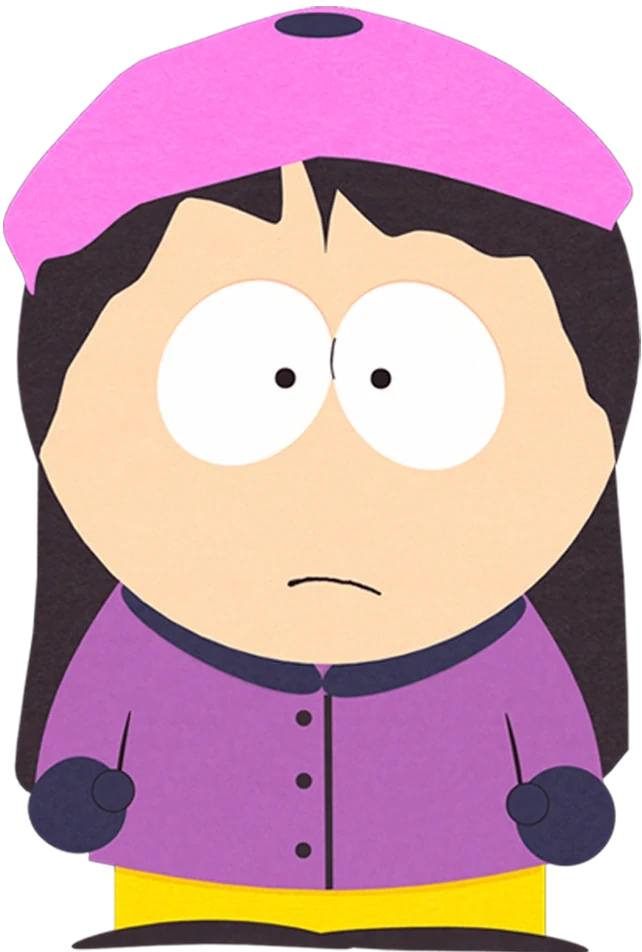
Wendy's pink beret sits above long dark hair extending beside the purple jacket. A tight portrait keeps the beret but may remove the hair's length. If that length matters to your explanation, include the shoulders and upper coat rather than treating the face as the only significant part.
Bebe Stevens
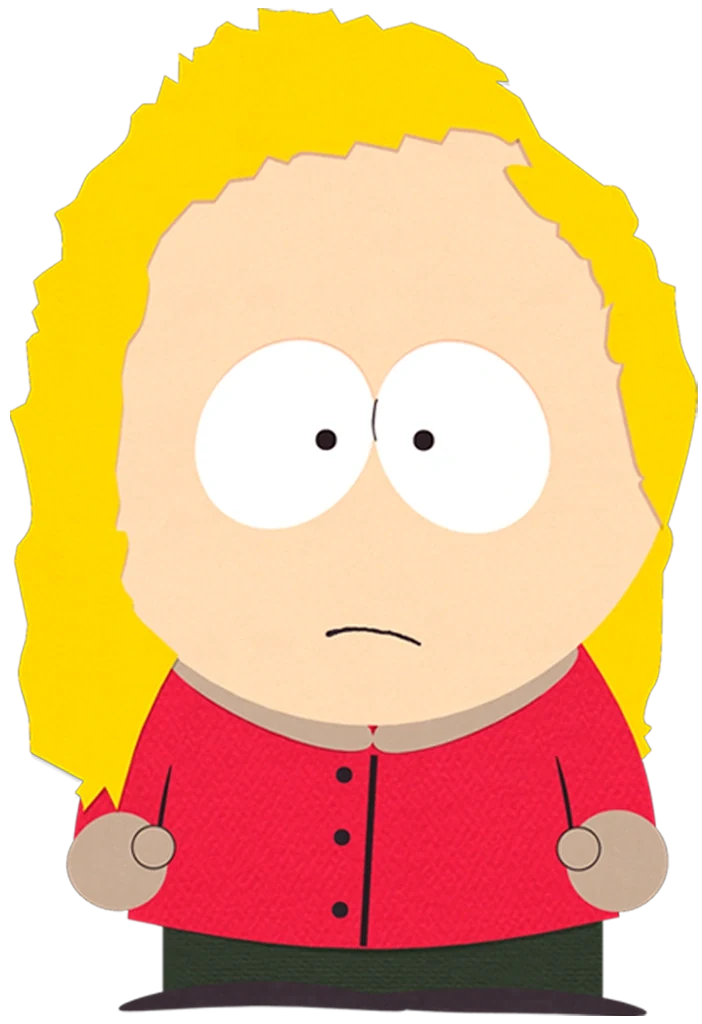
Bebe's blond hair forms a fuller frame around the head and shoulders. A circular crop can trim that volume at both sides. Leave breathing room around the outer edges, especially when comparing her with Wendy, because the difference in hair shape carries more information than a shared simplified face style.
Butters Stotch
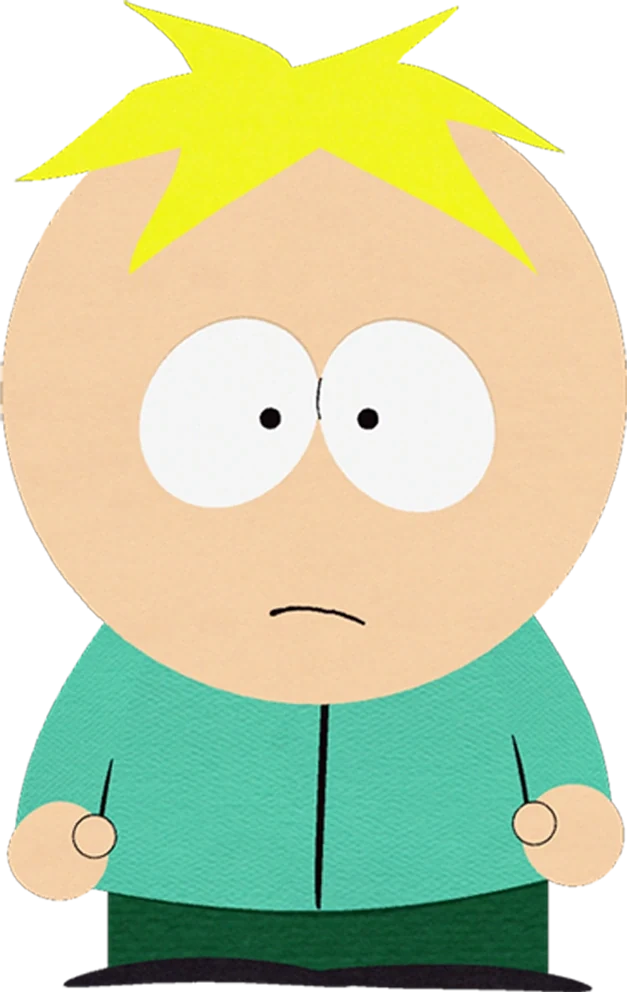
Butters' small blond tuft needs relatively little space above the head, while the turquoise shirt identifies the body below. Avoid enlarging the face simply to fill the same frame as Bebe's wider hair. Consistent presentation can mean similar eye position without demanding identical empty-space proportions.
Tweek Tweak
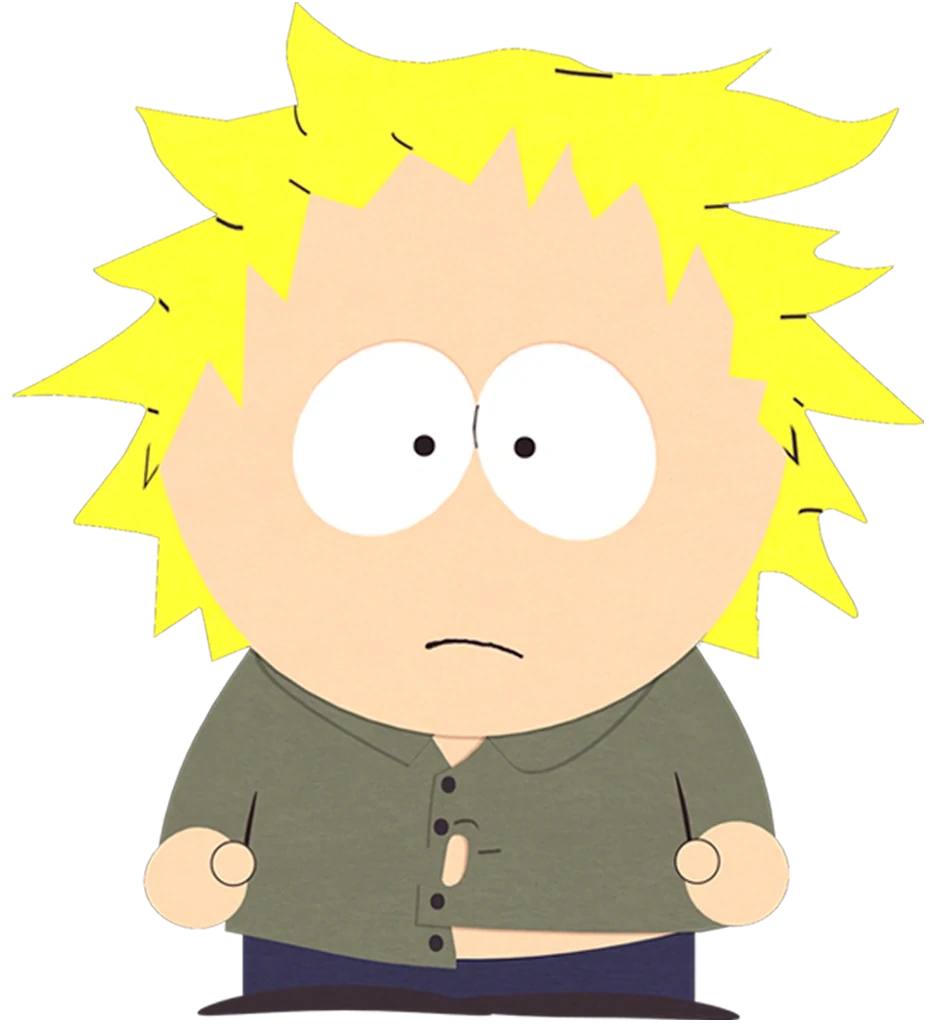
Tweek's blond hair reaches outward in several pointed directions. A close crop can remove the irregular edge that distinguishes it from Butters' tuft. Start with a larger frame, then reduce it only as far as you can while still keeping the hairstyle's full contour legible.
Keep the surrounding figure when it matters
Craig Tucker
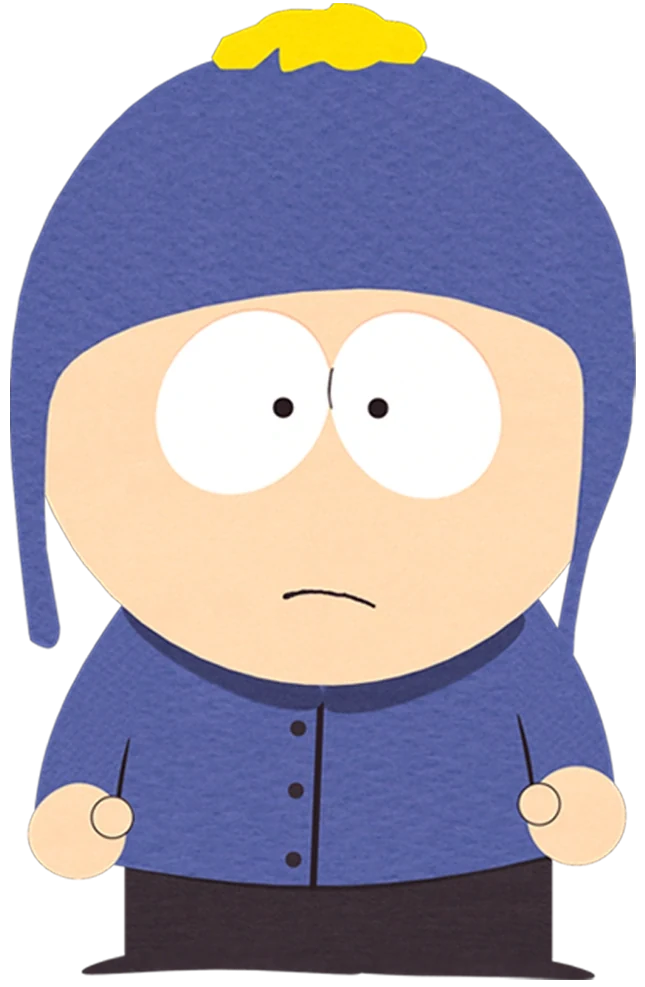
Craig's blue hat has earflaps and a yellow pom-pom, above a blue coat. In an icon, the pom-pom and flaps need different margins: one above, two beside. A square preview and circular preview may hide different features, so evaluate the actual shape in which the avatar will appear.
Tolkien Black
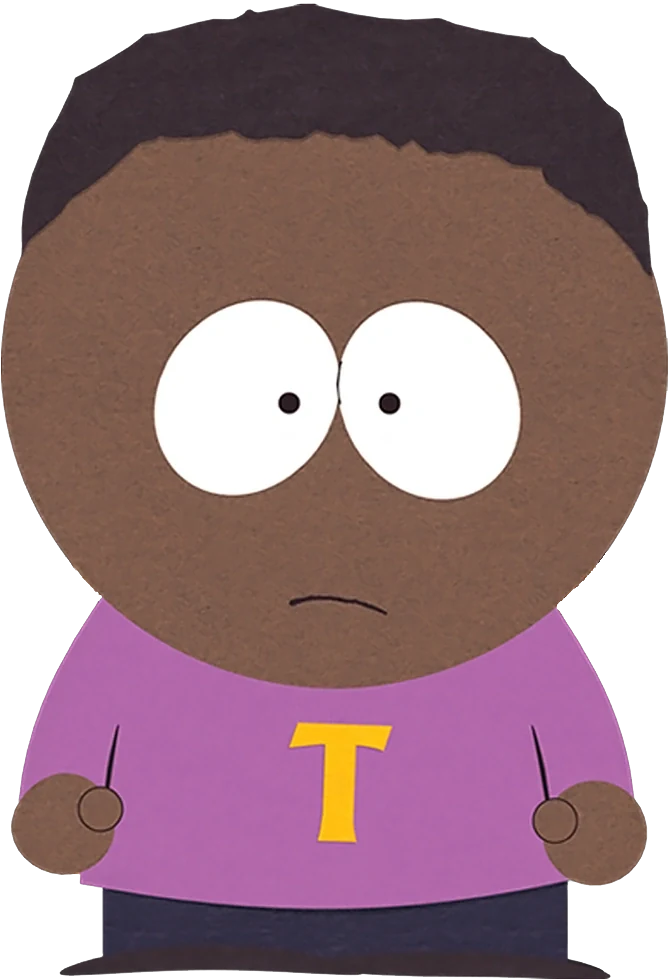
Tolkien's dark hair and purple shirt are strong portrait information; the yellow T is smaller. A face crop naturally loses the letter. That is acceptable for some uses, but a costume comparison needs more of the torso. Let the task decide whether the emblem belongs in the visible frame.
Ike Broflovski
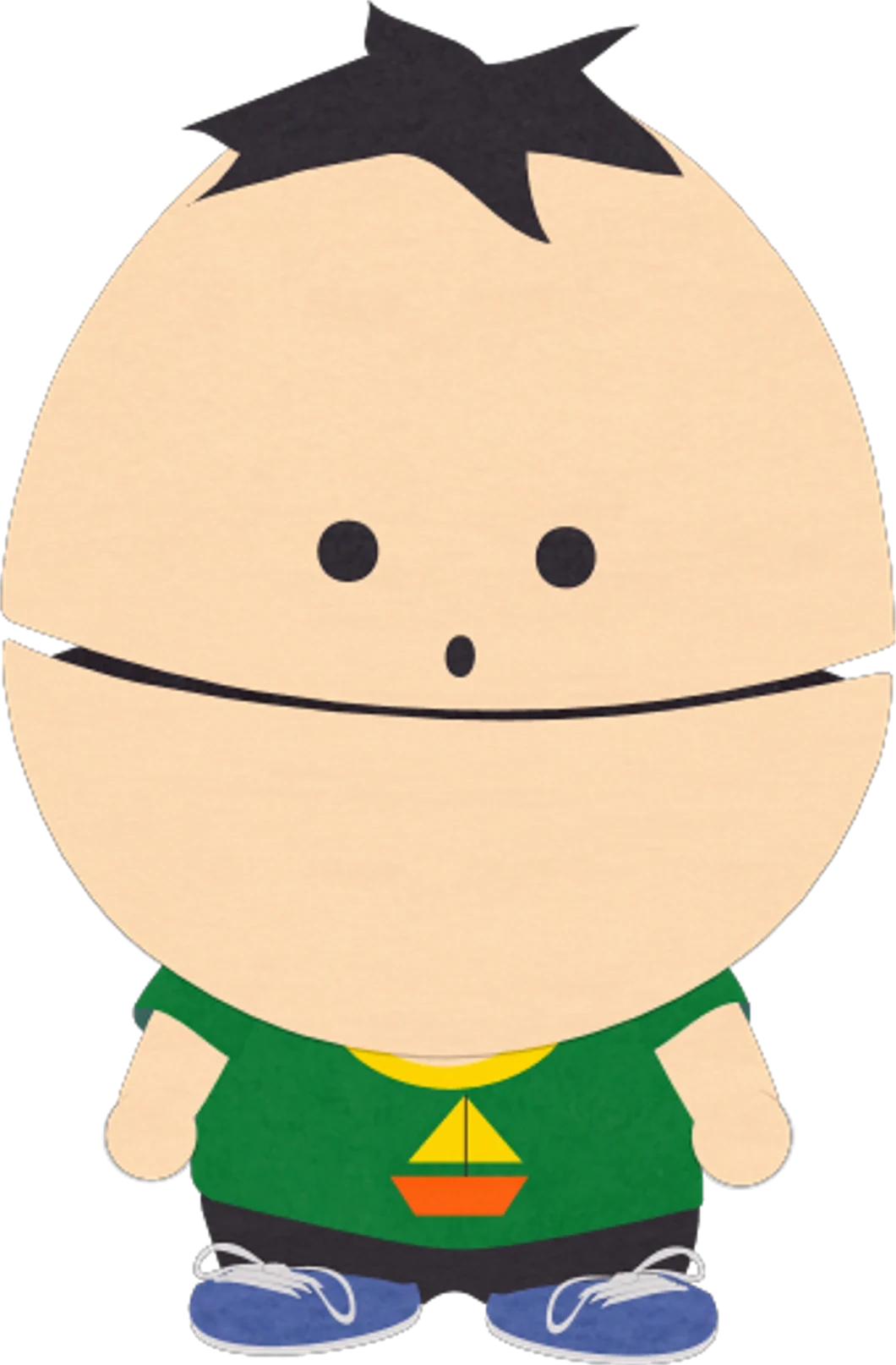
Ike's larger head relative to his small body gives this image a distinctive proportion. A head-only crop conceals that relationship. If your article discusses how characters differ, include the full figure; a profile icon serves a narrower purpose and should not stand in for complete design evidence.
Liane Cartman
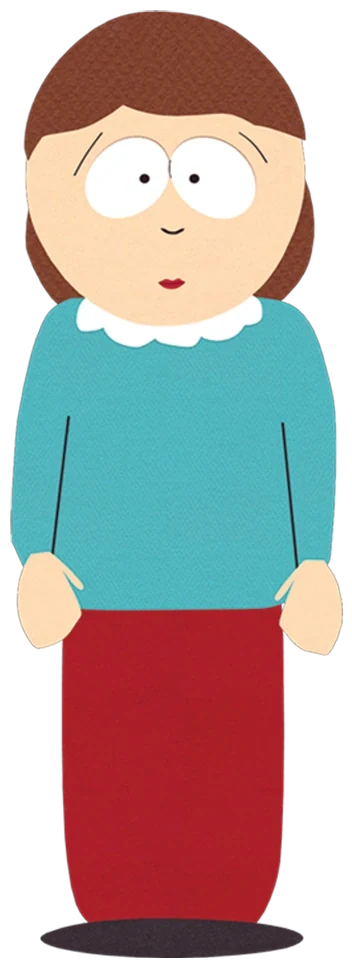
Liane's brown hair frames the face above a turquoise top with a white collar. The long red lower garment belongs to the full costume. A portrait crop can preserve the collar and hair, while a full-body reference is needed to compare the adult figure's vertical shape with the children.
Create an original avatar with a simple identity
Someone searching for a South Park character creator may want a playful version of themselves rather than a portrait of the cast. Choose a few personal anchors: a favorite hat, the shape of your hair, or glasses you regularly wear. Translate those into simple visible forms, then decide how much of the torso belongs in the crop.
For example, an original cartoon avatar could have shoulder-length auburn hair, round teal glasses, and a cream sweater. The glasses stay recognizable in a close view; the sweater adds context in a wider image. Inspect an actual output for the features you care about before judging minor decorative details.
A South Park character maker brief can specify flat shapes, round eyes, and a plain background, but it should also say where the image will be used. A profile icon, social card, and full-character sheet need different compositions. Asking for all three at once makes it harder to decide whether the result works.
Explore an original portrait idea from the homepage, or find other visual-reference discussions in the blog. Save the chosen crop with its purpose, so a later edit does not accidentally remove an important feature just to fill more of the frame. Choose the headwear or hairstyle that should remain visible in a tight crop when you try South Park Character Creator.
Compare square and circular previews
A square portrait and a circular avatar do not preserve the same corners. Preview the intended crop shape before finalizing the composition. Craig's pom-pom sits near the top, while Kyle's earflaps occupy the sides; a circle may trim both areas differently. A crop that looks comfortable as a square can therefore feel cramped after the corners are removed.
For an original avatar, keep the face and main identifying accessory inside the central area, with enough surrounding space to preserve their outlines. Do not enlarge the subject just to eliminate every margin. If the hairstyle is wide, accept a slightly smaller face so the hair remains visible. If the person wears a tall hat, leave room above it. The goal is a crop that feels intentional and readable in its final placement, rather than one that simply fills the largest possible portion of the preview.
Episode context needs a different kind of image
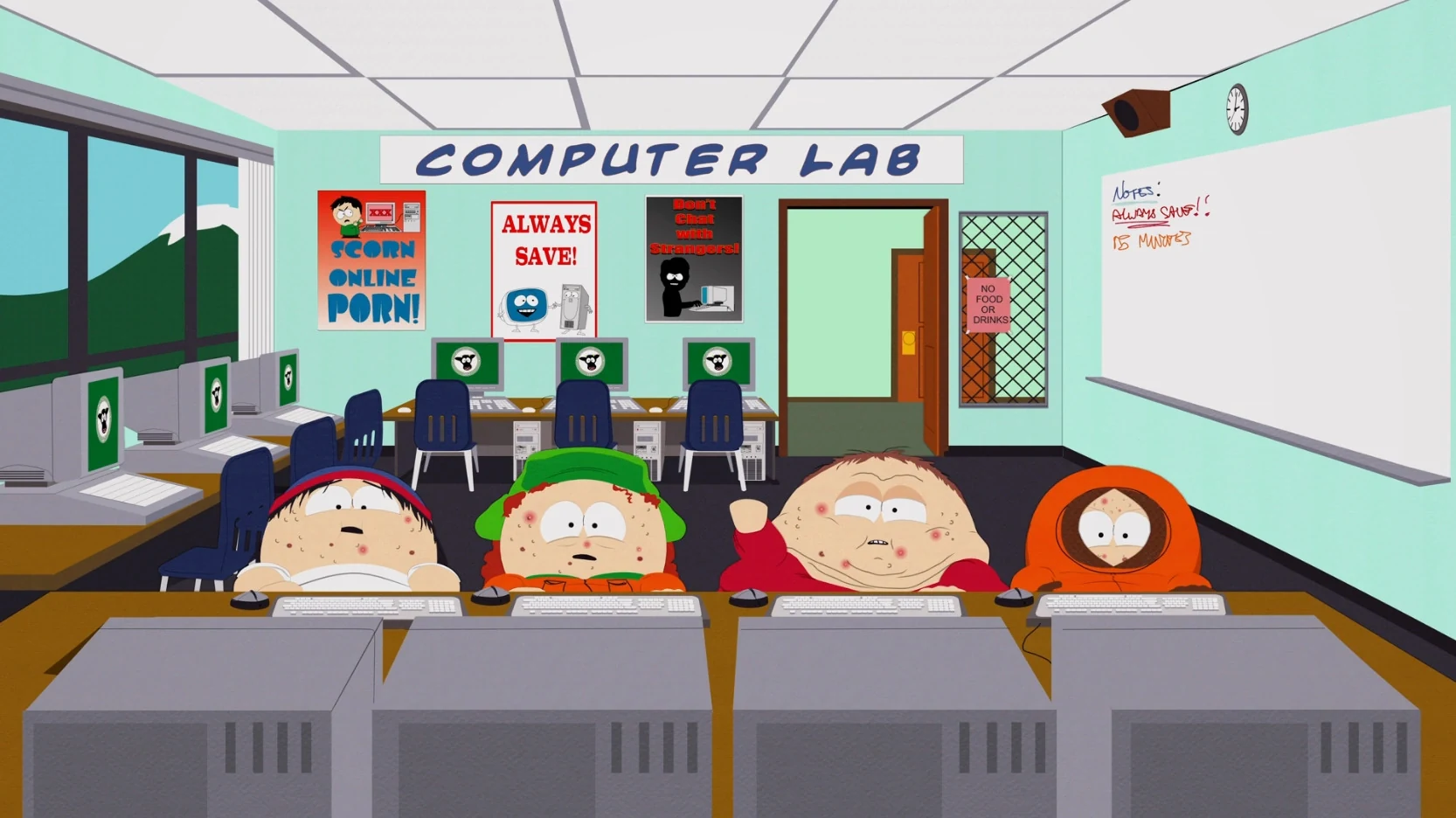
The South Park World of Warcraft connection comes from Make Love, Not Warcraft, where Cartman leads the boys' effort to defeat a powerful player who keeps killing their game characters. The episode gives their familiar identities a changed appearance and setting.
The computer-lab frame preserves the group context that a tight avatar crop would lose. Kyle's green hat and Kenny's orange hood remain recognizable; Stan keeps the blue-and-red cap. Cartman is in red without his usual cap. The computers and room explain why these versions appear together.
For a South Park maker project, decide whether the crop needs to show identity or episode context. A standard Cartman South Park portrait works for a named character card. This wider frame works for explaining a shared situation, and cropping away the surroundings would remove part of its purpose. To develop a cartoon avatar of your own, try South Park Character Creator.